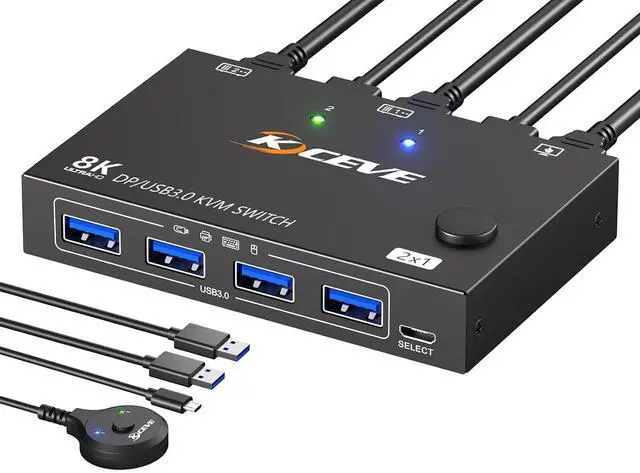
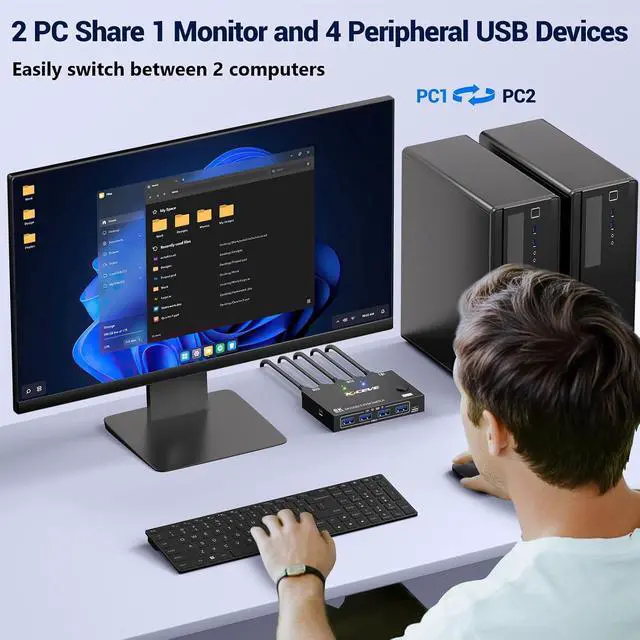
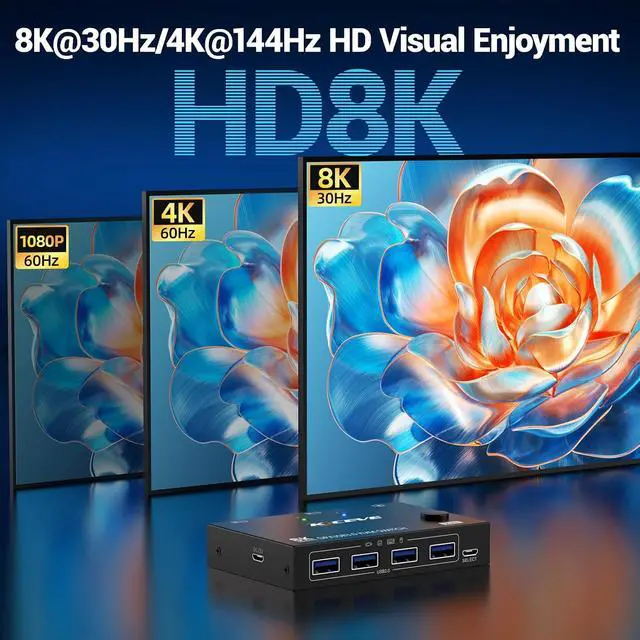
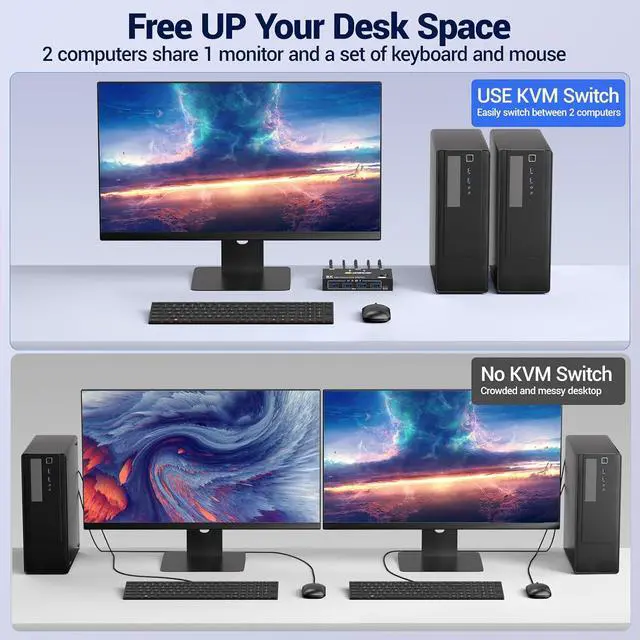
With this DP USB switch, you can switch between 2 desktops or laptops with just one click, sharing 1 monitor and 4 USB devices keyboard, mouse, printer, etc. No longer need to plug and unplug cables back and forth, saving space and improving office efficiency.
Support Multi Devices such as desktop, laptop, Mini box.
Driver-free for Windows, Mac OS, Linux and Chrome OS, simply plug and play.
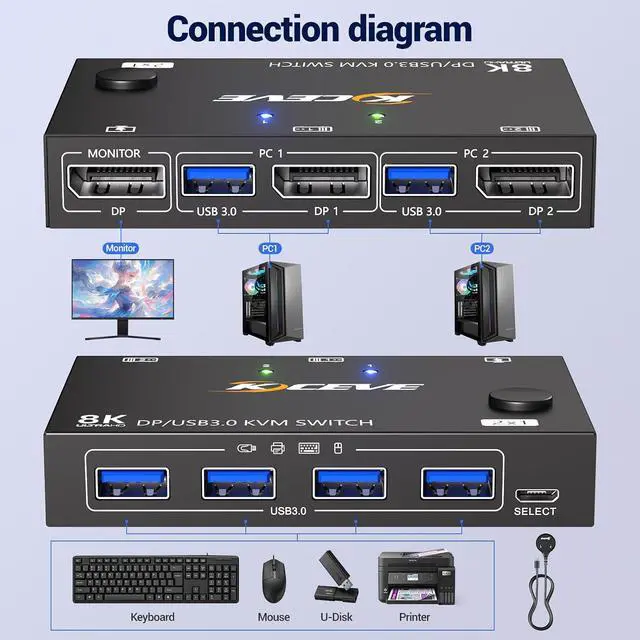
4 USB ports use for USB devices such as keyboard, mouse, printer, U Disk, etc
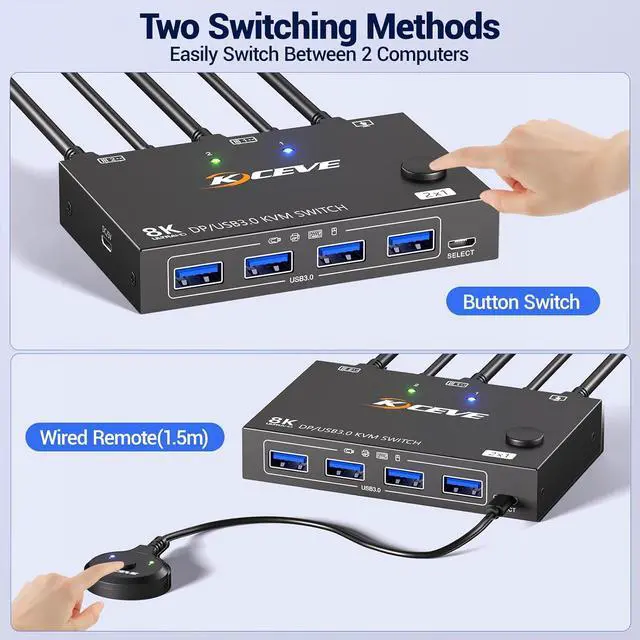
Two switching methods,quickly switch between two input sources with just one click.
18K Ultra HD25Gbps Ultra Fast
How to set up the Display port KVM switch?
1. Connect 1 DP and 1 USB cables between each PC and KVM switches;
2. Insert your keyboard, mouse, printer and USB drive into the front USB ports;
3. Press the switch button or use wired remote to select the computer you need.
My computer doesn't have an DP port, can I use this DP KVM switch?
This KVM switch supports mini DP to DP, USB C to DP,cables or converters. Note: Computers with only HDMI,DVI or VGA are not recommended to use this DP KVM switch.
This is a USB displayport switcher. Can I use DP or USB separately?
This switch is powered by USB cables, so you can use it as a 2 in 4 out USB switch, but when used as a 2 in 1 out DP switch, the DC/5V USB power cord needs to be connected.
Does the KVM switch support EDID emulation and hotkey switching?
No, it does not support EDID emulation, the window position will shift after switching, and it does not support hotkey switching, but it has a wired remote and switch button.
Does the KVM support wireless keyboard and mouse?
It supports wireless keyboard and mouse, you just need to insert the USB dongle into the front USB port.
Attention: Displayport cable is not included in the packaging.
MLEEDA 8K Displayport KVM Switch 1 Monitor 2 Computers How to set up the Display port KVM switch?
My computer doesn't have an DP port, can I use this DP KVM switch?
This is a USB displayport switcher. Can I use DP or USB separately?
Does the KVM switch support EDID emulation and hotkey switching?
Does the KVM support wireless keyboard and mouse?
1 year wa-rranty, lifetime technical service, free replacement within 12 months





 here!
here!