Your Browsing History
Meet Your Seller
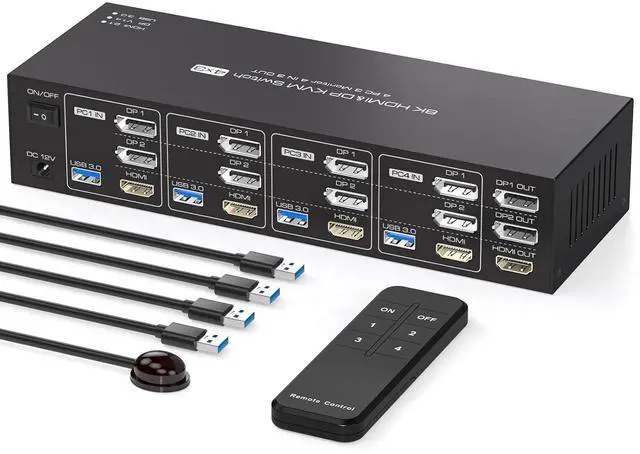
KVM Switch 3 Monitors 4 Computers 4K144Hz 2 Displayport HDMI Triple Monitor KVM for 4 PC Sharing 3 Screens and 4 USB 3.0 Port with Controller
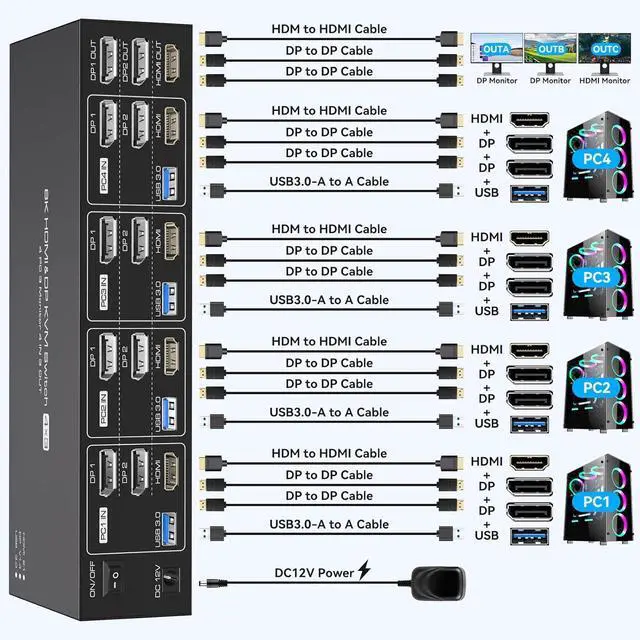
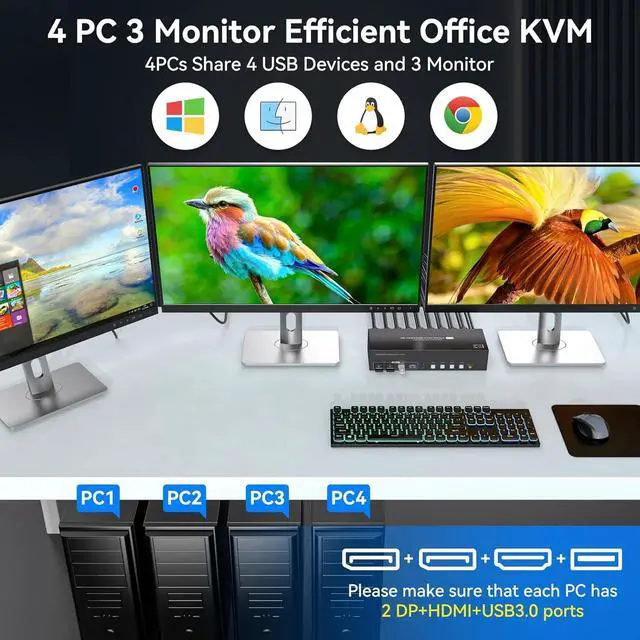
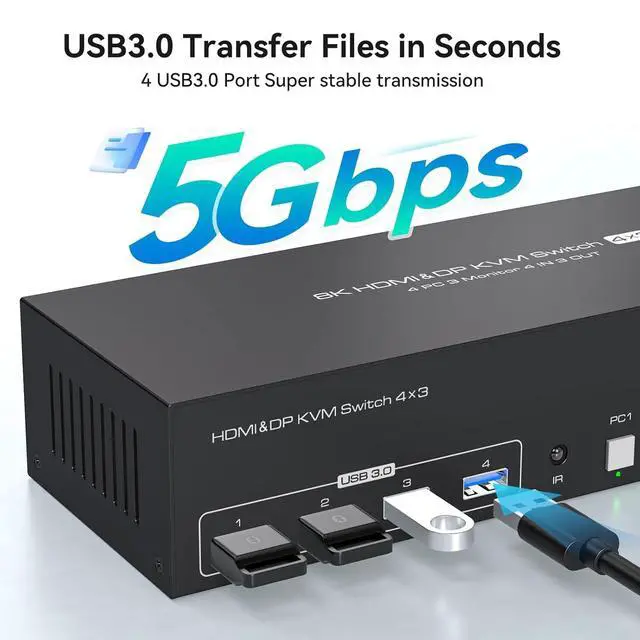
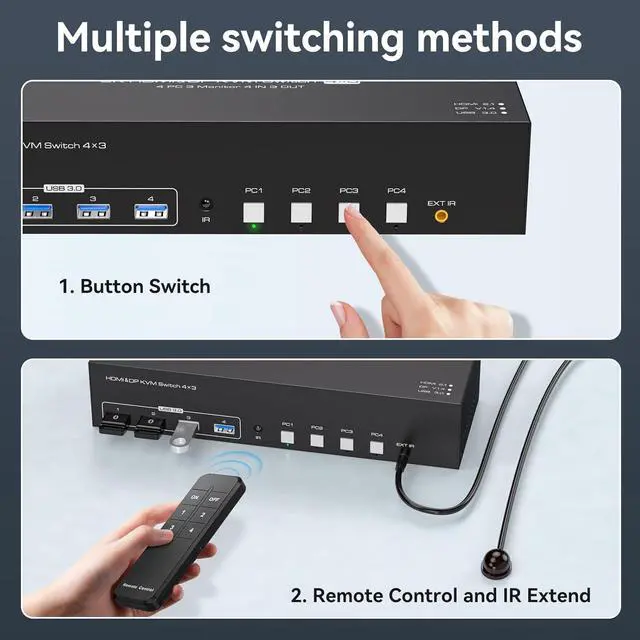
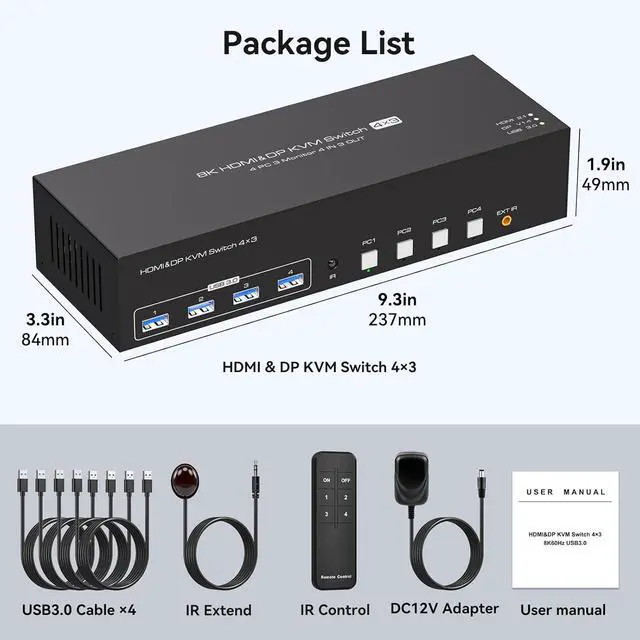
- HDMI + 2 DisplayPort KVM Switch for 4 PCs & 3 MonitorsThis KVM switch allows 4 computers to share 3 high-resolution monitors and 4 USB 3.0 peripherals, such as mice, keyboards, printers, USB drives, or game controllers.Note: Please ensure that each computer supports simultaneous output to three external displays and is equipped with 1x HDMI and 2x DP video ports for connection to the KVM switch
- Supports Copy & Extended ModesThis 4-port KVM switch supports both Extended and Mirror (Copy) modes. In Extended Mode, you can display three different screens to expand your workspace, while Mirror Mode displays three identical screens. You can easily toggle between modes by pressing "Windows Key + P"
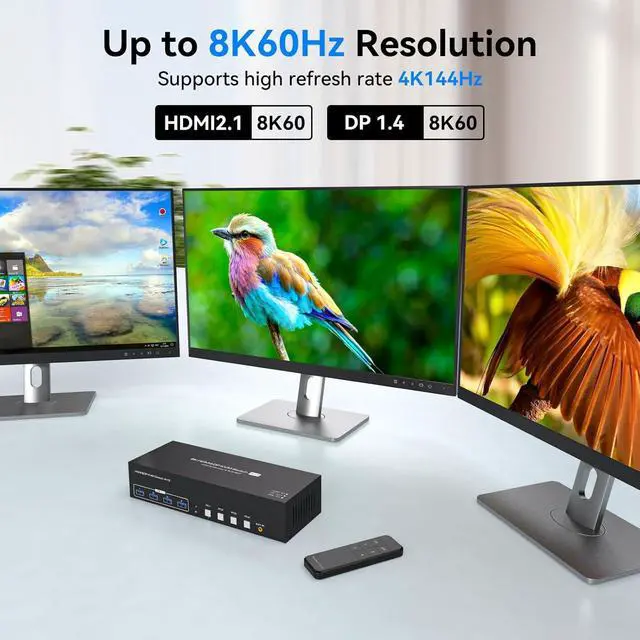
- DP 1.4 & HDMI 2.1 KVM SwitchSupporting both DP 1.4 and HDMI 2.1 standards, this switch delivers resolutions up to 8K@60Hz and 4K@144Hz. It is backward compatible with 4K@60Hz, 4K@30Hz, 1080P, 720P, and more. The Ultra HD resolution provides detailed, lifelike images with vibrant colors, im
+
+
Overview
Specs
Reviews
Any questions? Our AI beta will help you find out quickly.
Try me now
How to solve the problem of flickering or non-displaying screen?
Downgrade the monitor resolution to 4K60Hz or lower refresh rate if it works fine at 4K, it is recommended to replace the 3ft 4K120Hz/ 8K high refresh rate cable or high quality docking station/adapter cable (in order to output 8K resolution content)
How to solve the problem that one of the computers can't output the content?
First confirm: switch to which computer when the output is abnormal, try to exchange the position with other devices and cables that can display normally, to confirm the port abnormality or device problems.
How to solve the problem of USB device disconnection or USB data can not be shared?
Try swapping the ends of the USB cables/changing the USB ports of the PC/exchanging the input channels of the 4 PC/Or try a different mouse and keyboard. If you still can't solve the problem, please ask us for help in time.
kvm 4 PC share 3 monitors KVM switch does not work
How to solve the problem of flickering or non-displaying screen?
How to solve the problem that one of the computers can't output the content?
How to solve the problem of USB device disconnection or USB data can not be shared?

Downgrade the monitor resolution to 4K60Hz or lower refresh rate if it works fine at 4K, it is recommended to replace the 3ft 4K120Hz/ 8K high refresh rate cable or high quality docking station/adapter cable (in order to output 8K resolution content)
How to solve the problem that one of the computers can't output the content?
First confirm: switch to which computer when the output is abnormal, try to exchange the position with other devices and cables that can display normally, to confirm the port abnormality or device problems.
How to solve the problem of USB device disconnection or USB data can not be shared?
Try swapping the ends of the USB cables/changing the USB ports of the PC/exchanging the input channels of the 4 PC/Or try a different mouse and keyboard. If you still can't solve the problem, please ask us for help in time.
kvm 4 PC share 3 monitors KVM switch does not work
How to solve the problem of flickering or non-displaying screen?
How to solve the problem that one of the computers can't output the content?
How to solve the problem of USB device disconnection or USB data can not be shared?
Warranty & Returns
Warranty, Returns, And Additional Information
Warranty
- Please contact the Seller directly for warranty information. Warranty information may also be found on the Manufacturer's website.
- CONTACT
Return Policies
- Return for refund within: 30 days
- Return for replacement within: 30 days
- This item is covered by PrimeVolt’Shop Return Policy
Manufacturer Contact Info
- For a directory of all our manufacturers, please click below.
- Manufacturers Directory
LOADING...