Take a tax holiday. Take advantage of limited-time, tax-free savings on select products in certain states. Learn More>
  • $78.99
  • Free 30-day Returns
  • Price alert
    Shop it at NeweggBusiness.

    Meet Your Seller

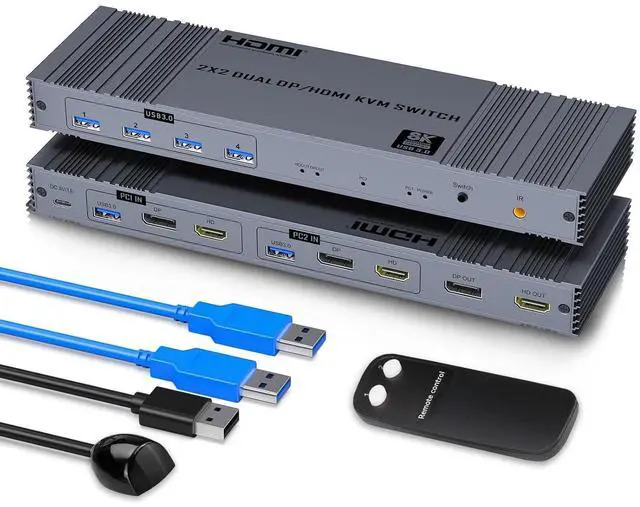
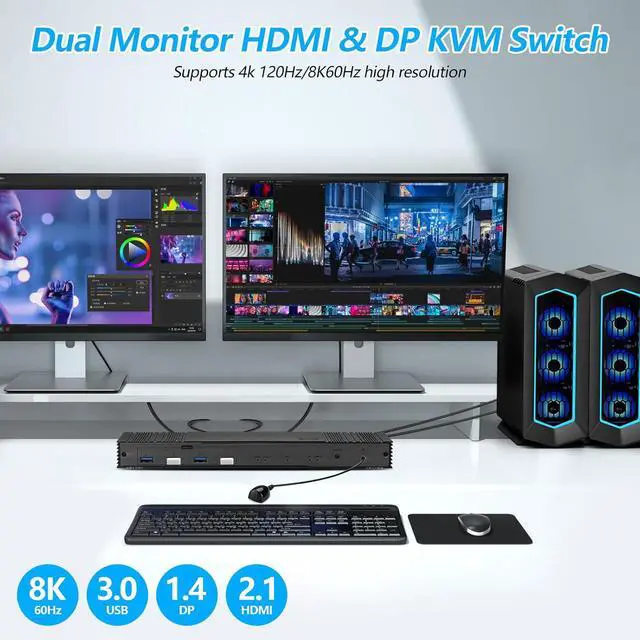
    8K@60Hz HDMI Displayport KVM Switch 2 Monitors 2 Computers KVM Switches Dual Monitor 2 Computers Share 2 Monitors and 4 USB 3.0 for Keyboard Mouse with IR Controller

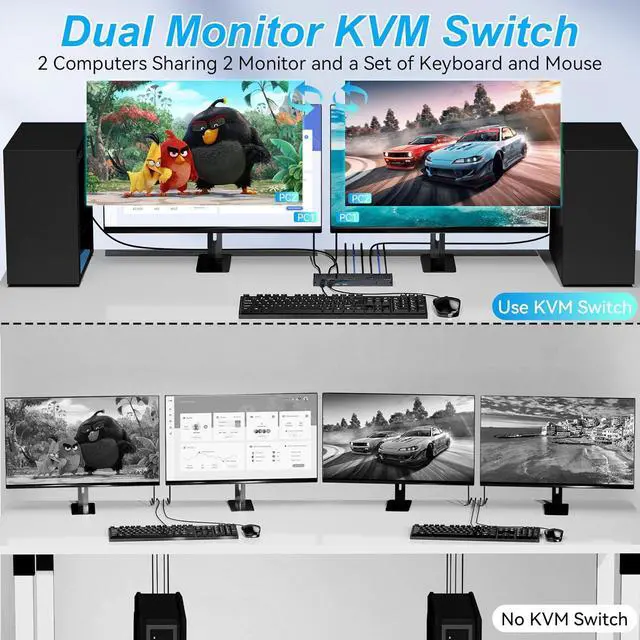
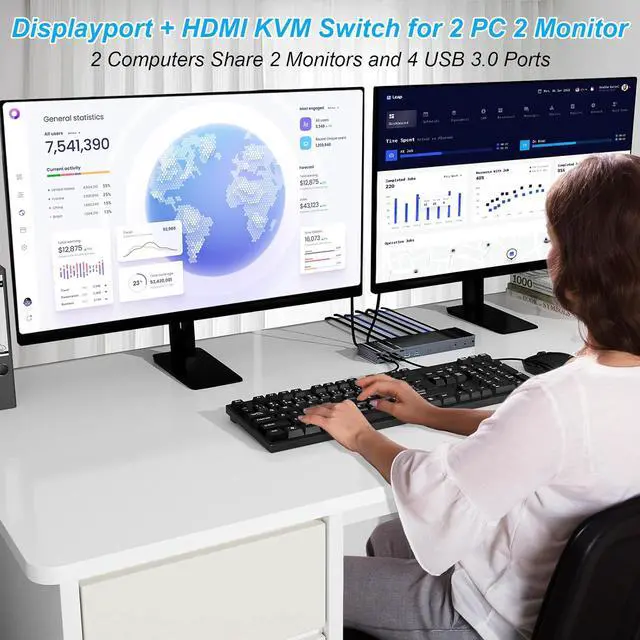
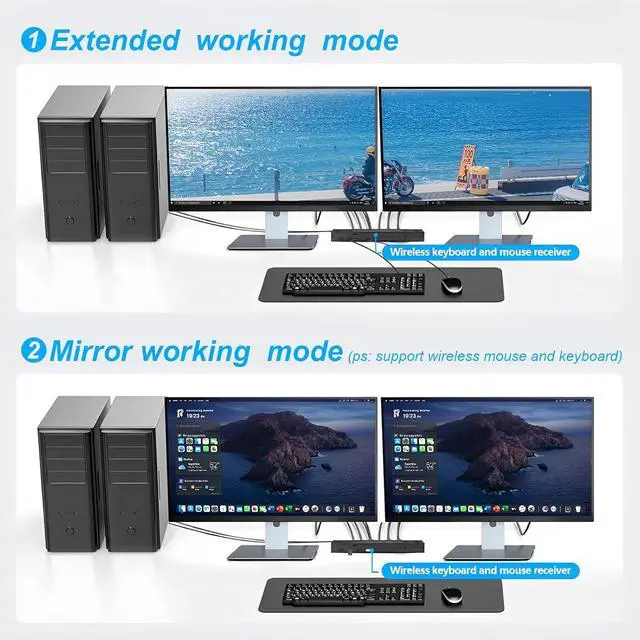
    • HDMI+DP KVM Switch: This 2 monitors 2 computer KVM switch allows you to effortlessly manage 2 computers with just one set of keyboard and mouse while simultaneously controlling 2 monitors. You can also choose expanded or copy mode between 2 monitors as required, with this functional dual monitor KVM switch, your working or gaming efficiency will be greatly enhanced, and bring you a more comfortable experience.
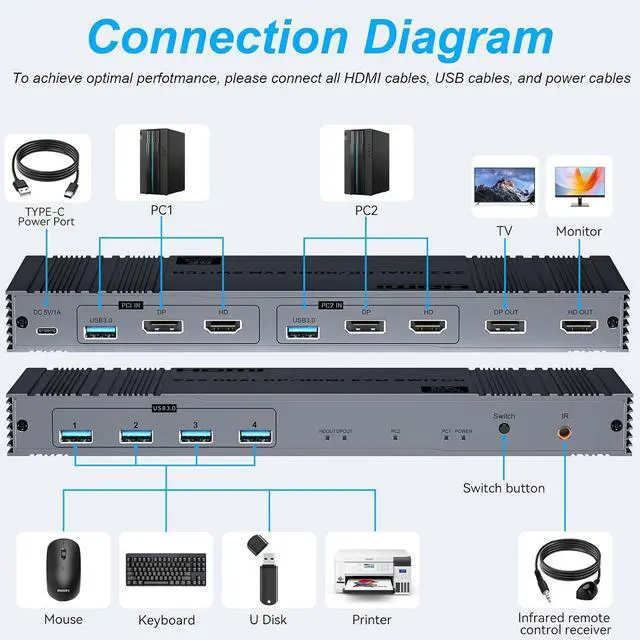
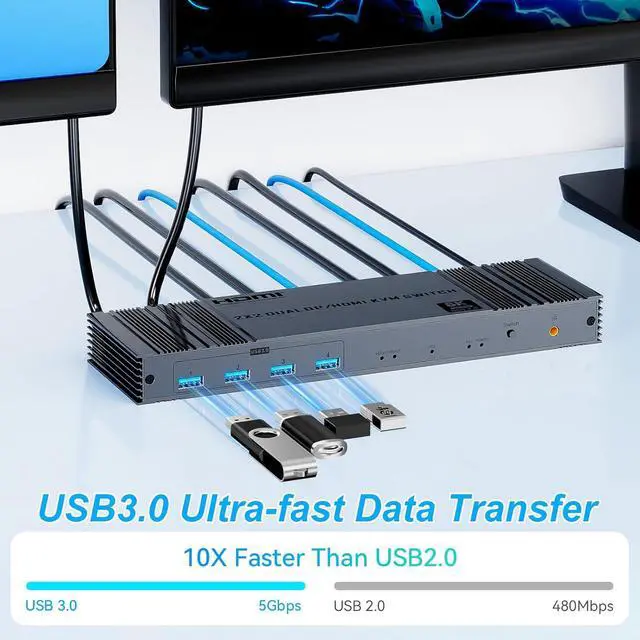
    • Fast Transfer: This KVM switch displayport is equipped with 4 USB3.0 ports and supports Super Speed USB 3.0 data transfer at up to 5Gbps.These displayport KVM switch can recognizes USB devices such as keyboards, mice, printers, scanners, etc.
    • Two Switching Methods: This KVM switch displayport supports one-touch switching and IR control.This dual monitors of the KVM switch are easy to install and plug-and-play. NOTE:No hotkey switching but wireless keyboard and mouse supported
    • 8K Ultra HD Resolution: This HDMI+DP kvm switch support for resolutions up to 8K (7680 x 4320)@ 60Hz
    +
    +
    Overview
    Specs
    Reviews
    avatar

    Any questions? Our AI beta will help you find out quickly.


    1Efficient Working2Conference3Entertainment


    Why can't I achieve a 8K 60Hz resolution?
    Please verify that your connected output devices support 8K 60Hz. If one of the two devices cannot reach this resolution, both will default to a lower setting. Therefore, set all output devices to 8K 60Hz for optimal performance.

    Does this KVM switch have a hotkey switching function?
    No, it does not have a hotkey switching function. However, it comes with an extended remote control that can extend up to 3-5 meter, allowing you to hide the KVM switch and still easily switch between computers.

    What if my computer has a USB-C port and no HDMI or DP port?
    You will need to use a USB-C to HDMI adapter. Similarly, for other non-Displayport , use appropriate adapters to convert to Displayport . Ensure that you use high-quality adapters to maintain compatibility.

    What devices and operating systems are compatible with this KVM switch?
    This KVM switch is compatible with a variety of input devices including PCs, laptops, and gaming consoles. It supports multiple operating systems such as Windows, Linux, and MacOS.

    Does this KVM switch require an external power supply?
    Yes, this KVM switch requires an external power supply to ensure stability. A USB-A to USB-C cable is included in the package for connecting to a power adapter, and the adapter itself is included.

    HDMI and Displayport KVM Switch 2 Monitors 2 Computers 8K HDMI & Displayport KVM 8K HDMI & Displayport KVM 8K HDMI & Displayport KVM Why can't I achieve a 8K 60Hz resolution?
    Does this KVM switch have a hotkey switching function?
    What if my computer has a USB-C port and no HDMI or DP port?
    What devices and operating systems are compatible with this KVM switch?
    Does this KVM switch require an external power supply?

    Warranty & Returns

    Warranty, Returns, And Additional Information

    Warranty

    • Please contact the Seller directly for warranty information. Warranty information may also be found on the Manufacturer's website.
    • CONTACT

    Return Policies

    Manufacturer Contact Info

    LOADING...