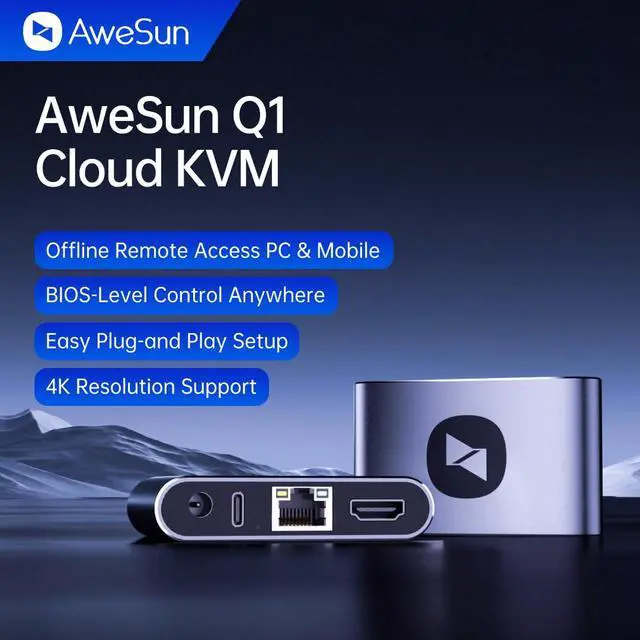
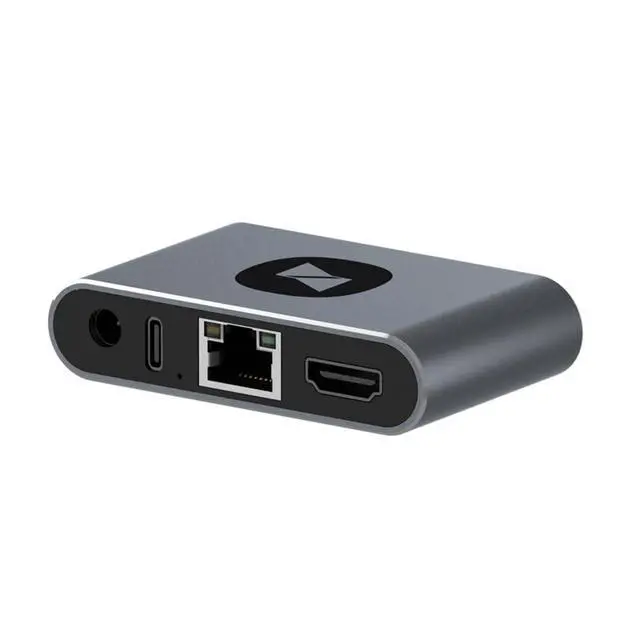
BIOS-level remote control with no software install. Replace IPKVM complexity with AweSun Cloud KVM Q1. No software installation required on the controlled device. No system restrictions. Just plug, bind, and control anywhere, anytime.
BIOS-level IPKVM access
No software or OS dependency
Offline Remote Access from mobile or PC
Plug-and-play setup with simple cable connections
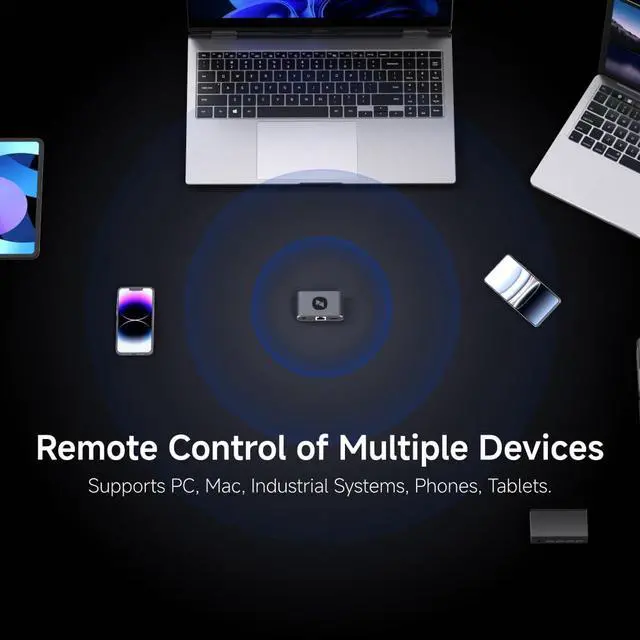
Supports PC, Mac, industrial systems, phones, tablets
Full Cloud Control Easy Device Management Manage multiple computers or servers from a single cloud dashboard. No matter where you are, access and operate your devices instantly.
No Drivers, No Fuss - Just Plug and Play
Forget about installation and compatibility issues. Q1 supports remote control of devices running Windows, macOS, Linux, iOS, and Android. No software installation required on the controlled device.
BIOS-Level Control - Even if the system crashes
Unlike standard remote tools, Q1 gives you full control from boot to desktop, including BIOS access. Remotely fix blue screens, reboot systems, and recover from crashes.
Extremely Compact Ultra-Compact Size, Saving Space
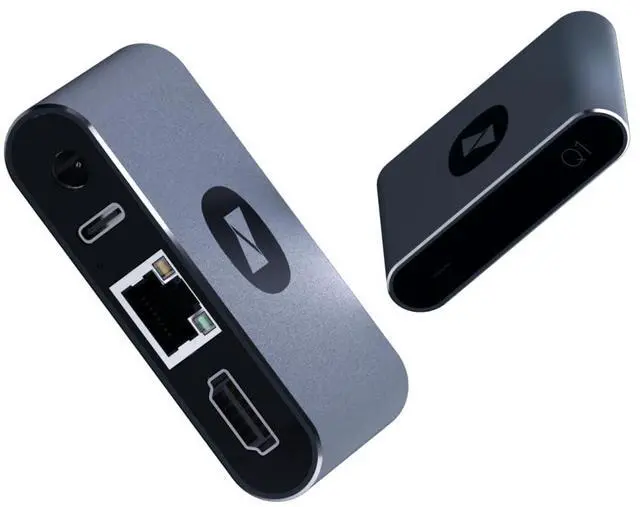
The Q1 is smaller than a credit card and can be seamlessly integrated into IT racks, workstations, or travel kit without bulky hardware.
Screen Off, Power On - Control Your Devices Effortlessly
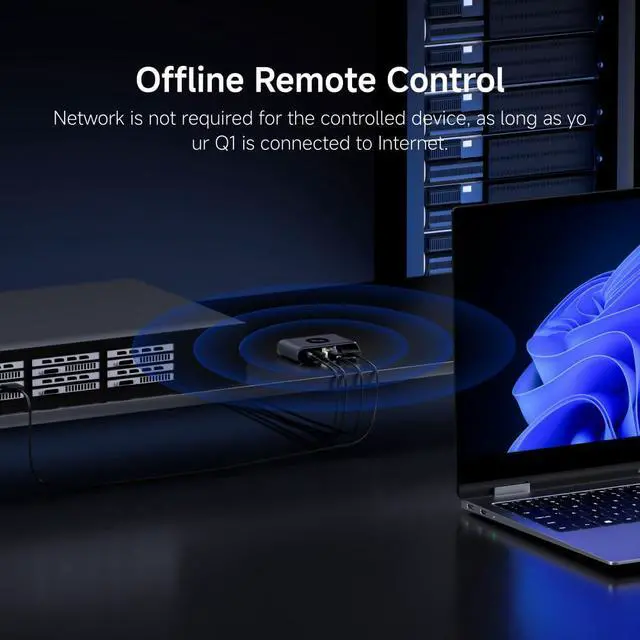
With broad compatibility, Q1 supports remote control of desktops, laptops, tablets, smartphones, servers, and NVRs even when the screen is off.
USB Remote Wake Instantly power on devices via remote USB signalideal for systems without built-in network wake support.
Wake-on-LAN (WOL) Trigger network-based wake commands to boot compatible PCs and servers, ensuring reliable access across various deployment environments.
Unlike standard remote tools, Q1 gives you full control from boot to desktop, including BIOS access. Remotely fix blue screens, reboot systems, and recover from crashes.
Q1 automatically recovers from system failures, keeping your devices accessible and minimizing downtime.
Manage multiple computers or servers from a single cloud dashboard. No matter where you are, access and operate your devices instantly.
Meet AweSun Q1: Compact, Powerful, and Hassle-Free Remote Control Why choose AweSun Q1? Dual Remote Startup Options for Q1 BIOS-Level Control - Even if the system crashes Watchdog Protection - Regardless of the Situation Full Cloud Control Easy Device Management





 here!
here!