• $90.99
  • Free 30-day Returns
  • Price alert
    Shop it at NeweggBusiness.

    Meet Your Seller

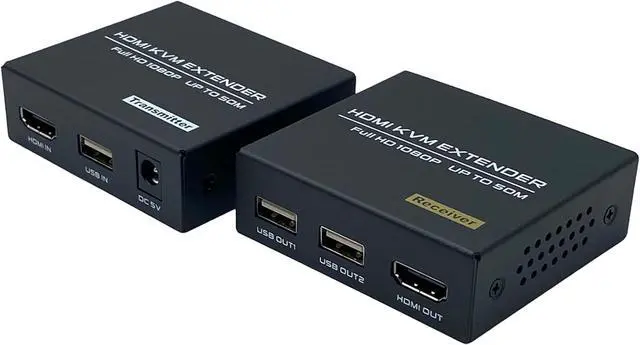
    HDMI KVM USB Extender, 1080P@60Hz HDMI Extender Over Cat5e/6 Transmit Video 50m(165ft) for Mouse and Keyboard Control Remote Signals, with Loop Out Function

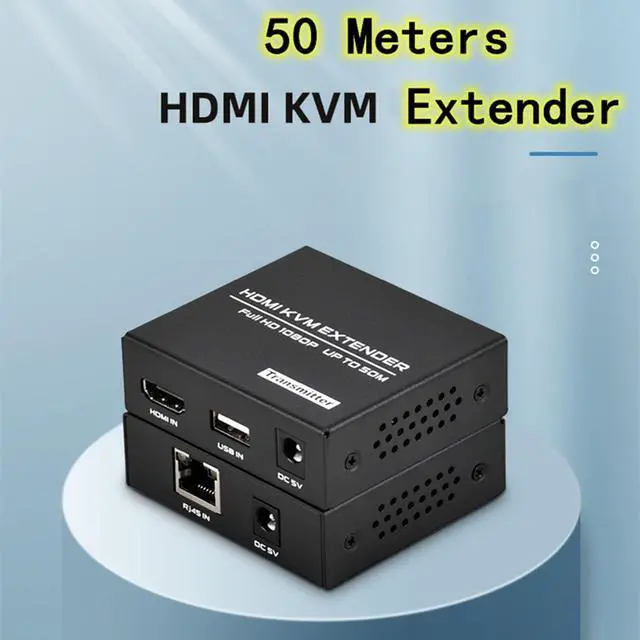
    • HDMI KVM 50m Extender - The HDMI KVM Extender can transmits HDMI signal up to 50m/165ft through a Cat5e/6 cable, no video loss with zero delay. Can be widely used in conference, financial securities, data control centers and other fields.
    • 1080P@60Hz Resolution - This HDMI Extender supports up to 1920*1080@60Hz resolution, which can provide you with a high-quality video viewing experience, and is compatible with lower resolution, such as 720P and 480P.
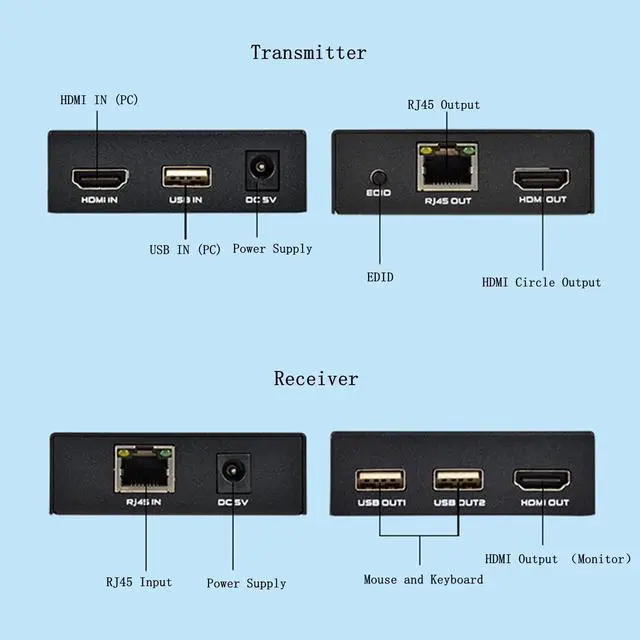
    • KVM Function - The Receiver(RX) has 2 USB output ports, you can use it to connect keyboard and mouse, and control the remote computer connected to the Transmitter(TX). Note: The USB output port does not support U disk.
    • Local Output Option - The Transmitter(TX) has a HDMI output port, can be used to connect a local monitor, allowing you to monitor the status of the remote display. It also has EDID function to match many kinds of display devices.
    • Compact Size - The HDMI USB Extender is made of sturdy metal material and has cooling hole
    +
    +
    Overview
    Specs
    Reviews
    avatar

    Any questions? Our AI beta will help you find out quickly.

    Transmits HDMI signal through a Cat5e/6 cable, allowing you to control a remote computer with the keyboard and mouse.
    Features:

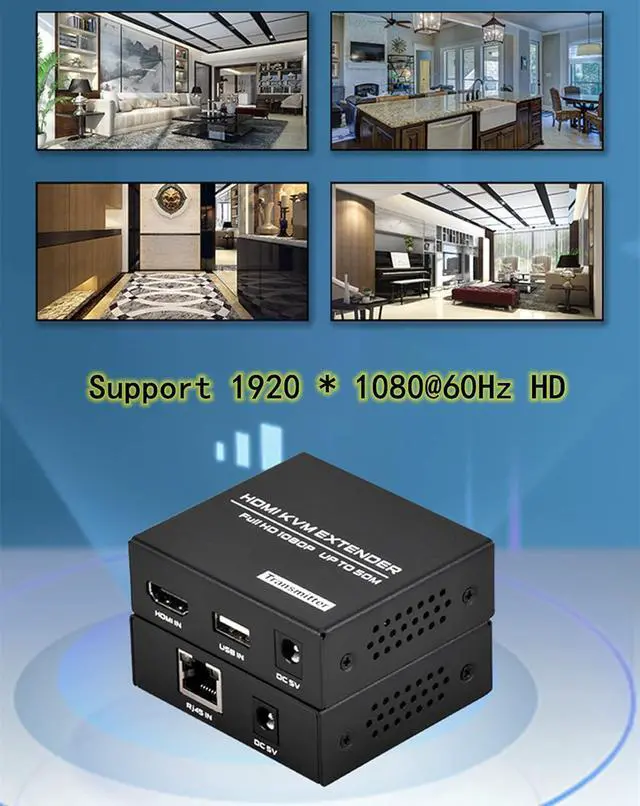
    Support the highest resolution: 1920*1080/60Hz
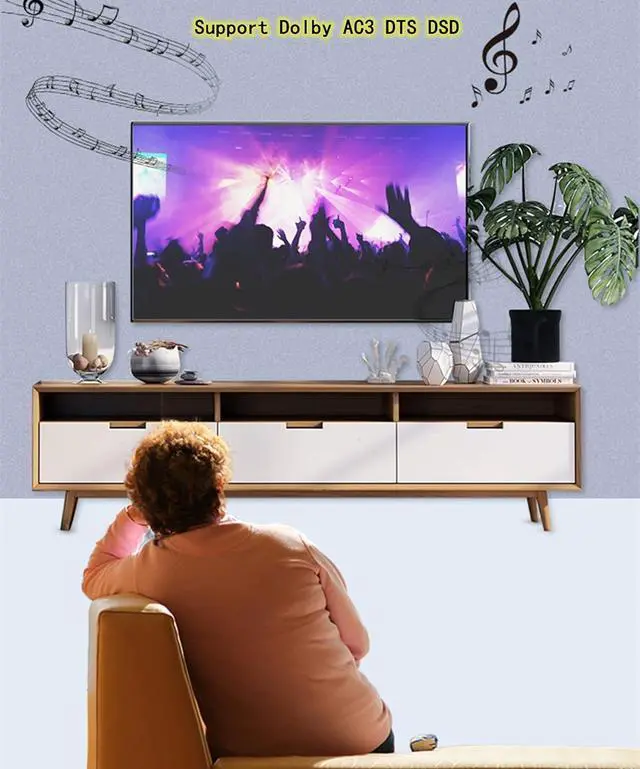
    Support Dolby AC3 DTS DSD
    HDMI input / output cable length: <5m(16ft)
    Network cable transmission distance: CAT6 network cable can support 50m(165ft) at most
    USB port: supports keyboard and mouse (does not support USB flash disk)
    Network cable selection: CAT5e / 6 / 7 cable
    Power supply: DC 5V
    HDMI cable: HDMI 1.3 (at 1080P@60Hz), within 10 ft.
    Ethernet cable: Cat6/7 within 50m/165ft, Cat5e within 40m/130ft, Cat5 within 30m/100ft.

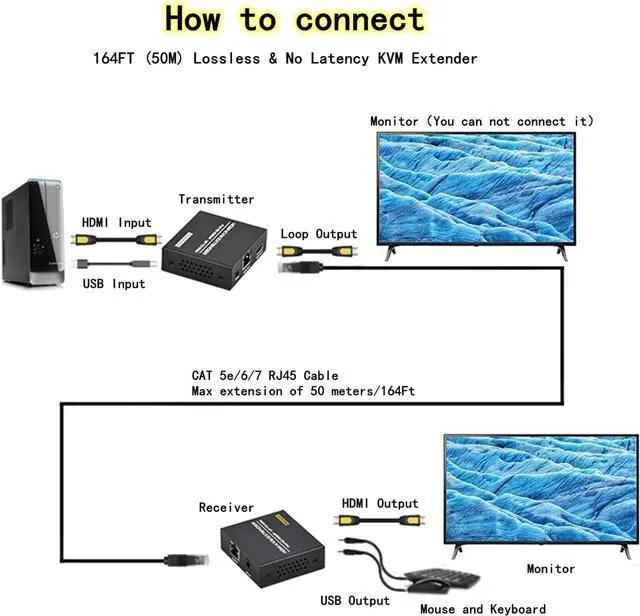
    Use an HDMI cable and an USB cable to connect your HDMI source device (PC, game console, Blu-ray player, media player) to the transmitter, the transmitter has a Loop Output, you can connect a local monitor as needed
    Use Ethernet CAT5e/6/7 to connect the transmitter to the receiver
    Use an HDMI cable to connect your TV/Monitor to the receiver
    Connect the mouse and keyboard to the receiver, the USB output port does not support U disk
    Power the transmitter and receiver

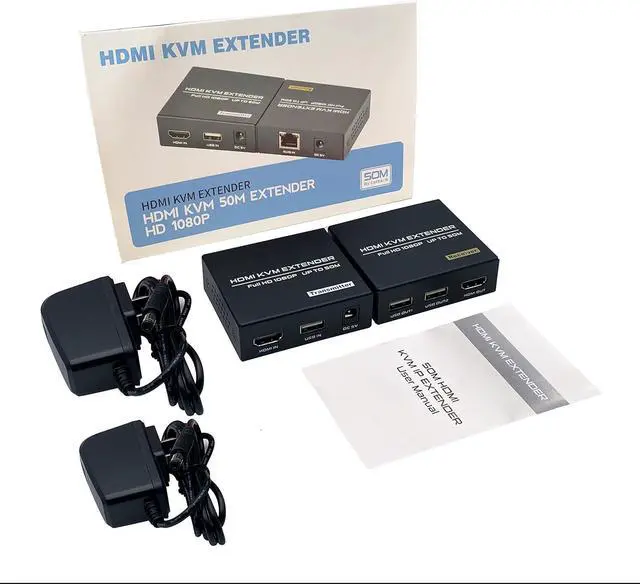
    Transmitter(TX) * 1
    Receiver(RX) * 1
    Power adapter * 2
    User manual * 1
    HDMI KVM 50m Extender Connection Instructions: Package Contents:

    Warranty & Returns

    Warranty, Returns, And Additional Information

    Warranty

    • Please contact the Seller directly for warranty information. Warranty information may also be found on the Manufacturer's website.
    • CONTACT

    Return Policies

    Manufacturer Contact Info

    LOADING...