1. Introduction
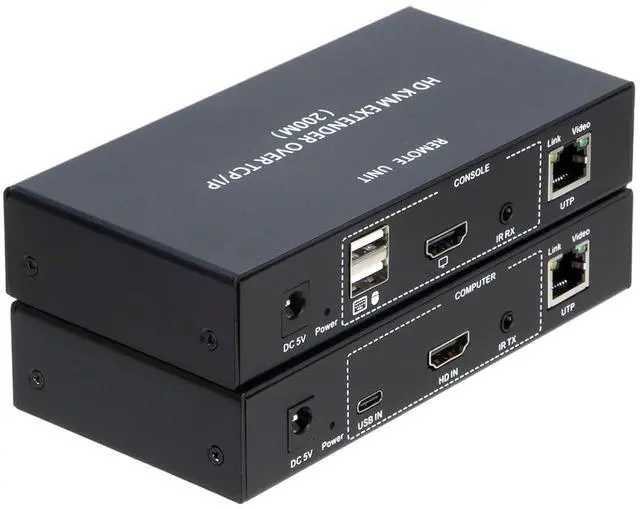
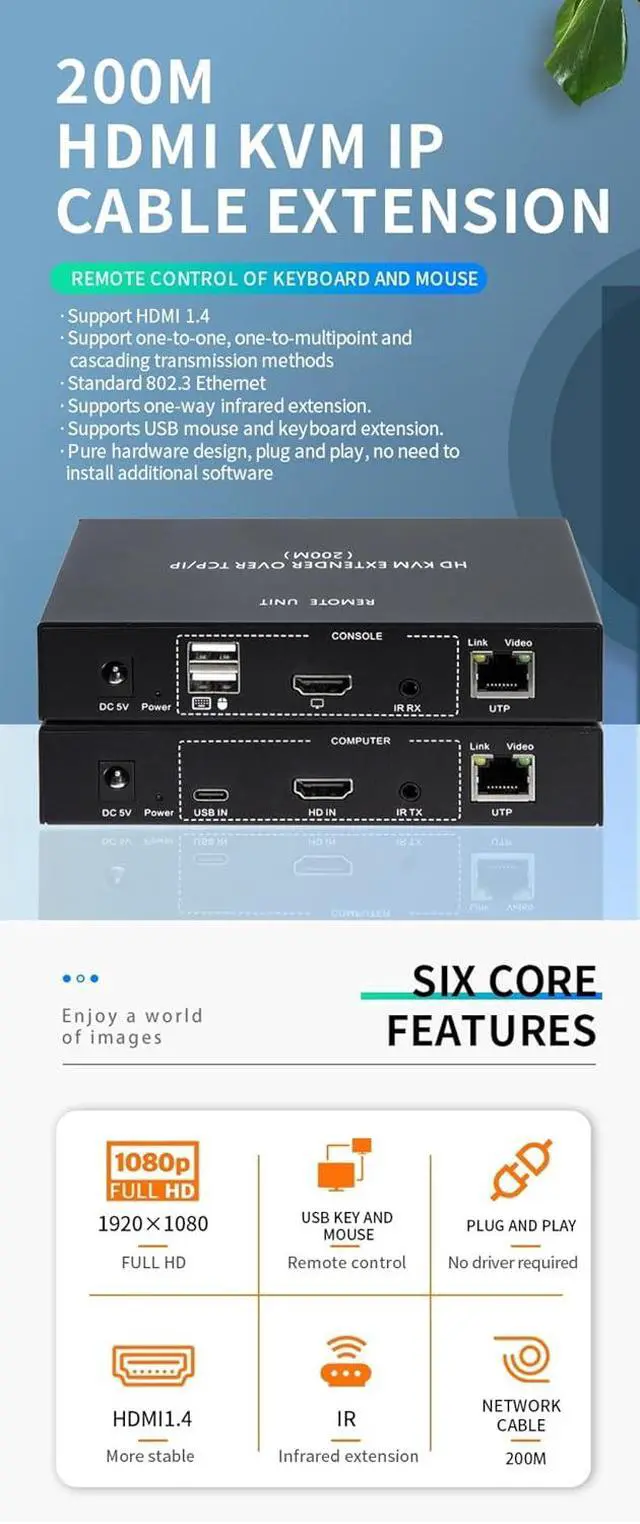
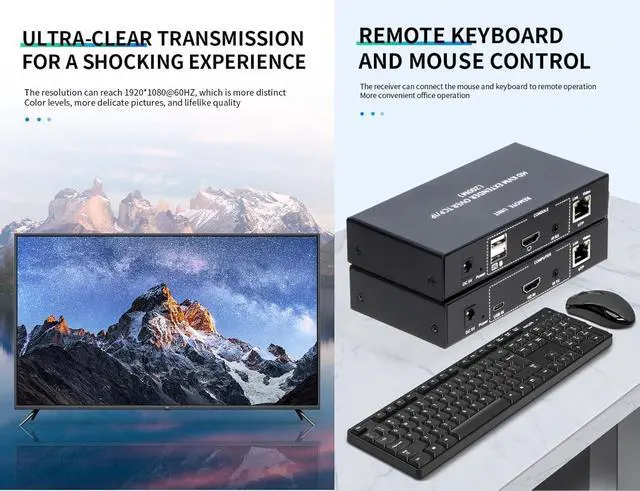
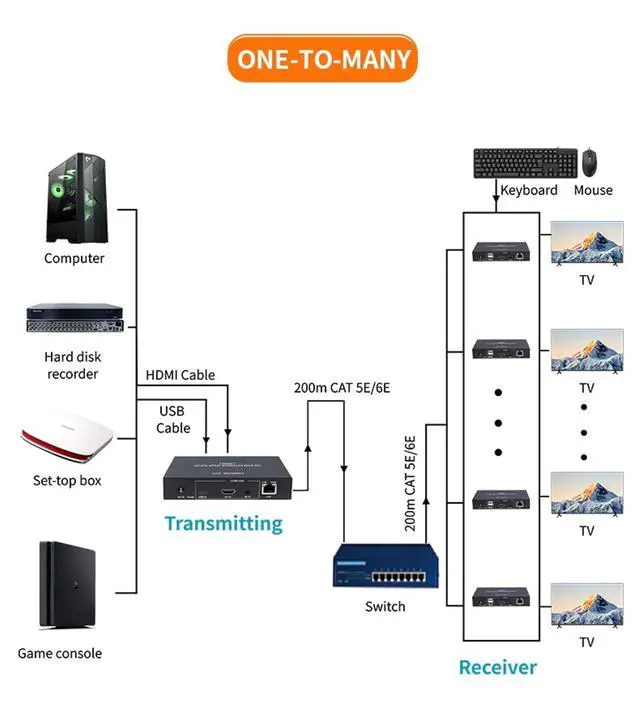
This extender uses a single CAT-5E/6 cable to extend high-definition TV signals and USB keyboard/mouse signals up to 200 metres, with a resolution of up to 1920x1080@60Hz. It not only breaks the distance limitations of HDMI cables but also offers greater flexibility and convenience in cabling thanks to the use of CAT-5E/6 cables. This HDMI extender uses an HDMI (High-Definition Multimedia Interface) connector. If an HDMI-to-DVI adapter is used, it also supports DVI (Digital Visual Interface) connectors, providing greater flexibility and more options for home theatre systems. It offers multiple solutions for home users, such as high-definition TV sales and demonstrations, set-top boxes, DVD players, projectors, and other devices, as well as applications in space and security fields, data control centres, information dissemination centres, conference rooms, schools, and corporate training environments.
2. Operating Steps
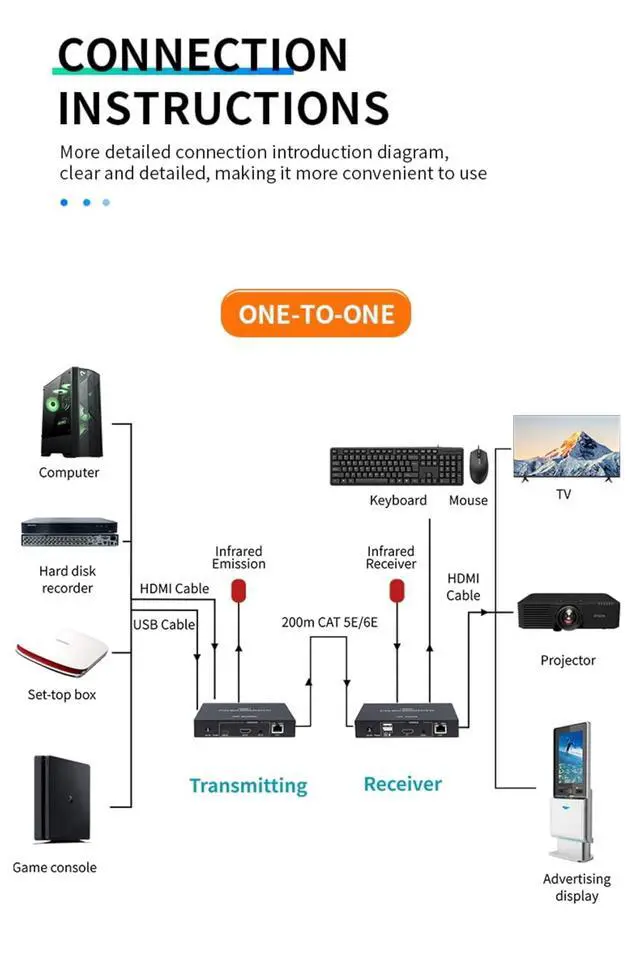
1) Connect the display device directly to the signal source player via an HDMI cable to check for signal output and normal display;
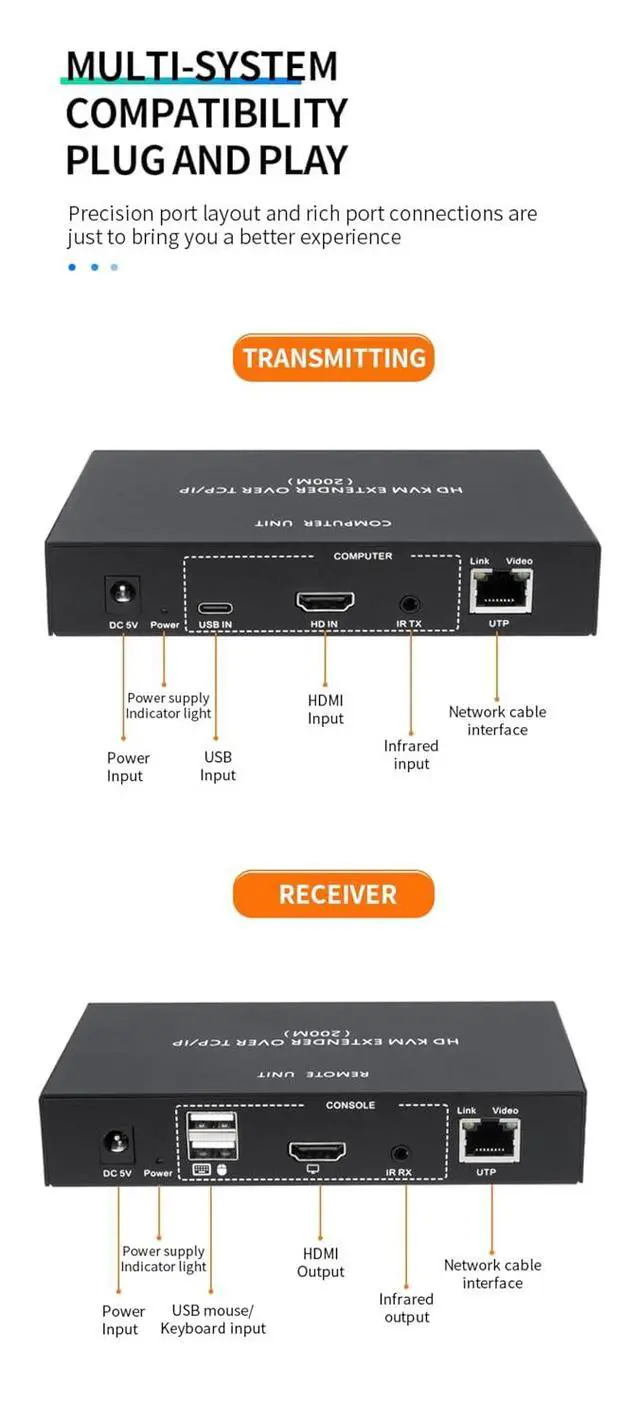
2) Connect the HDMI cable and USB Type-C to the sender's HDMI IN, USB IN, and host;
3) Connect the receiver and display device, as well as the sender and display device, using an HDMI cable;
4) Connect the mouse and keyboard to the USB ports on the receiver;
5) Connect the sender and receiver using a CAT-5E/6 cable;
Power on the sender and receiver;
3. Packaging Contents
1) One sender unit of the extender
2) One receiver unit of the extender
3) Two DC5V power adapters, used to power the receiver unit
4) One USB Type-C data cable, used to transmit keyboard and mouse data and power the sender unit
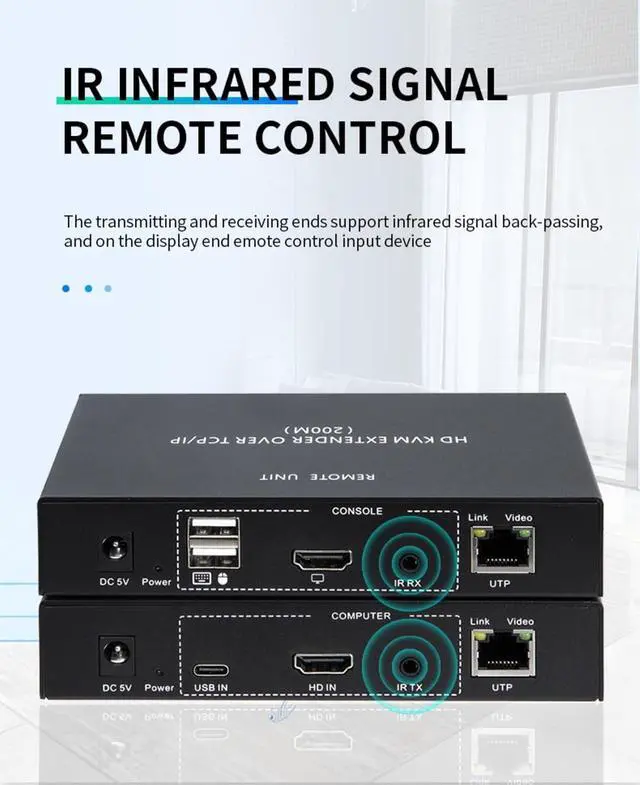
5) One infrared receiver cable and one infrared transmitter cable





 here!
here!