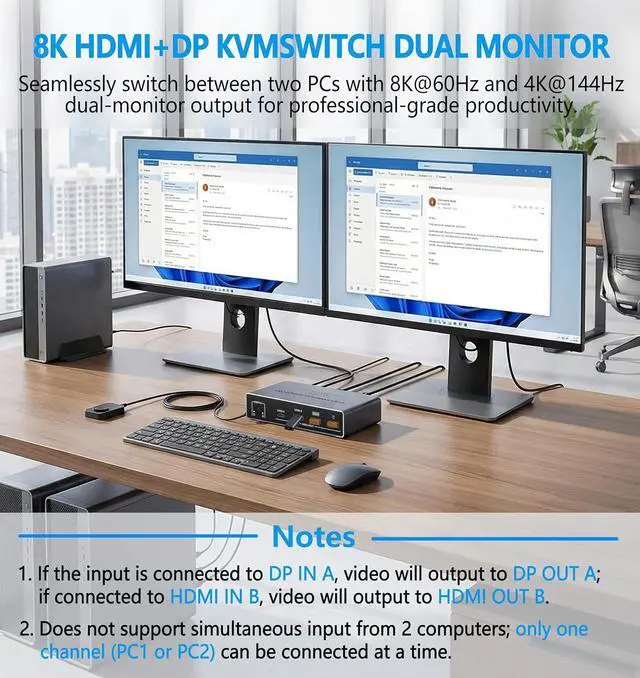
Only connect one computer at a time. This device does not let PC1 and PC2 work simultaneously.
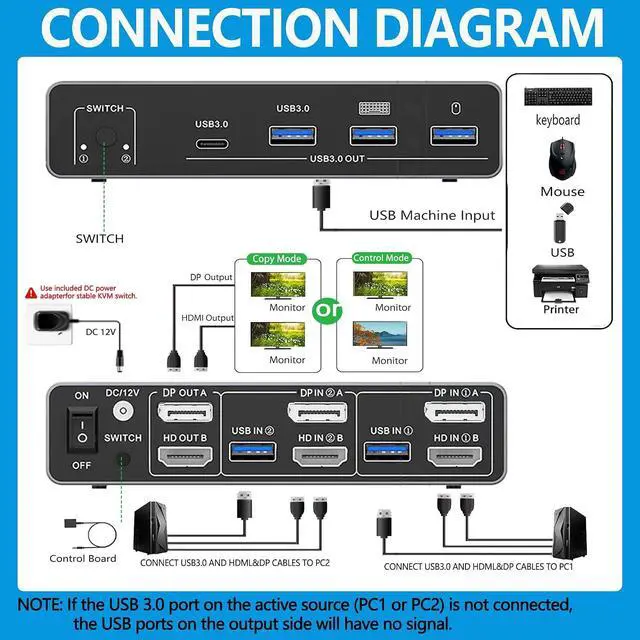
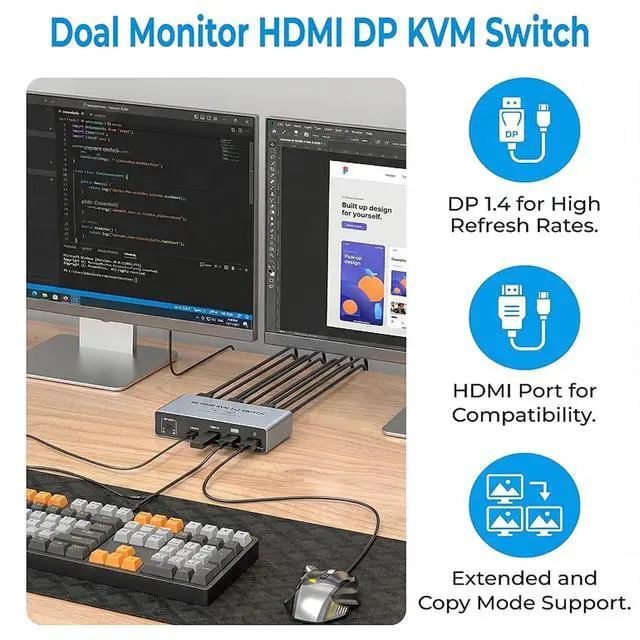
Plug into DP IN A picture goes to DP OUT A. Plug into HDMI IN B picture goes to HDMI OUT B.
Want both monitors to show the same computer? Then that computer must be connected to both DP IN A and HDMI IN B at the same time.
USB ports only work if the USB cable is connected. Make sure your computer's USB is plugged into the switch; otherwise, the USB ports on the switch won't work.
For best performance, always use the included power adapter. Do not rely on USB power alone.
Important for Mac users: Apple computers do not support extended desktop mode with this device.
A few seconds of black screen is normal. When you switch between the two computers, the monitors may go dark for a moment. That's expected.
For desktop PCs with HDMI/Displayport ports only. Laptops and tablets cannot be used.
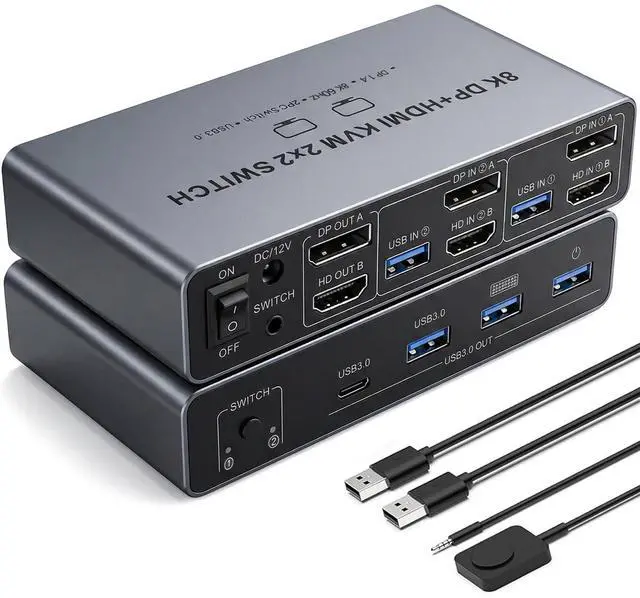
Dual Monitor KVM Switch: Seamlessly switch between 2 desktop computers or laptops while sharing two HD monitors and 4 USB 3.0 ports, including mouse, keyboard, printer, U disk, or gamepad.
HDMI2.1 + DP1.4 Support: Enjoy high-resolution displays up to 8K@60Hz and 4K@120Hz, with backward compatibility for 4K@60Hz, 1080P, and 720P. Automatically identifies and switches between different resolutions.
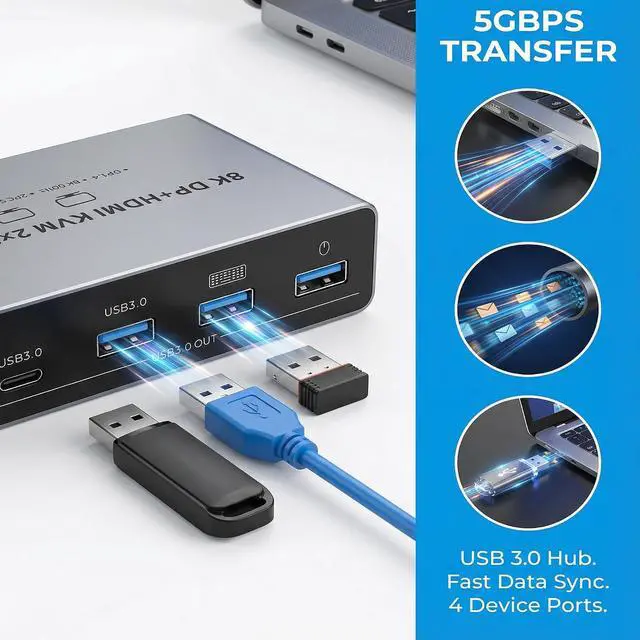
USB 3.0 Connectivity: Equipped with 4 USB 3.0 ports, providing up to 5Gbps transmission speed, which is 10 times faster than USB 2.0. Compatible with a wide range of USB peripherals, including USB 2.0 devices.
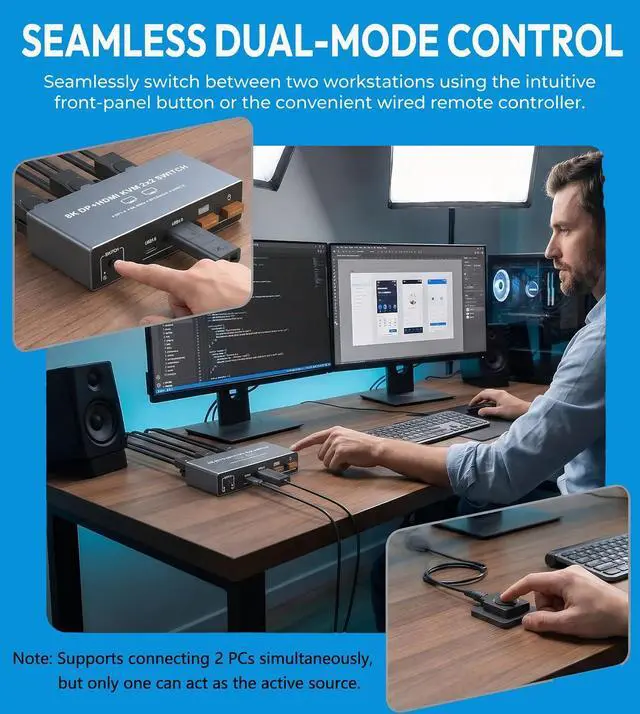
Easy Switching Methods: Plug and play, no software or drivers required. Switch between signal sources using the select button on the device or via a wired extension button for a tidier desktop setup.
Stable and Reliable Operation: Includes a 12V power adapter to ensure stable operation for USB devices.
Our KVM Switch is designed for professionals and power users who need to manage two monitors from a single desktop computer (laptops are not supported as the source).
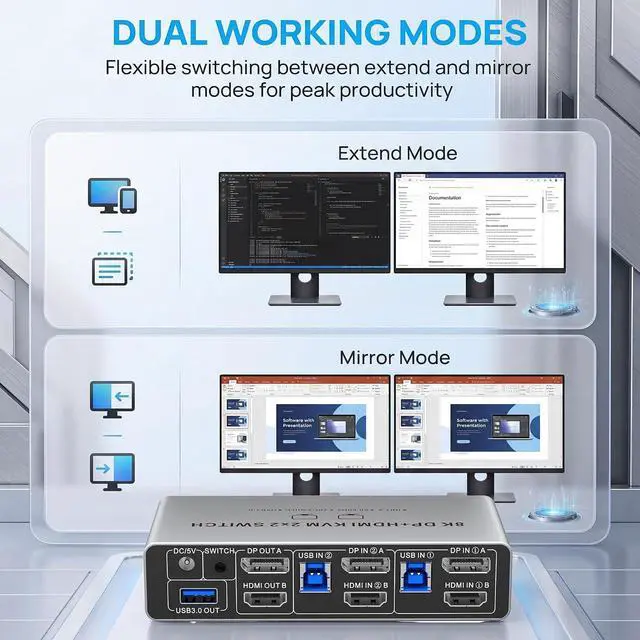
Creative professionals (designers, video editors, animators) use Extended Mode to spread timeline and preview windows across two screens, all from a powerful desktop PC.
Traders and financial analysts view multiple charts and data feeds on dual displays, with one keyboard and mouse controlling everything.
Programmers and IT pros write code on one monitor and test/debug on the other, without switching between devices.
Remote workers and home office users keep emails and documents on one screen, while running a virtual meeting or browser on the second screen.
Presenters and educators use Copy Mode to show the same content on two displays during training sessions or client demos.
Precautions of Our HDMI Displayport KVM Switcher KVM Switch 2 Monitors 2 Computers - Dual Monitor KVM Switch with HDMI2.1 + DP1.4, 4 USB 3.0 Ports, Easy Switching, and Stable Work





 here!
here!