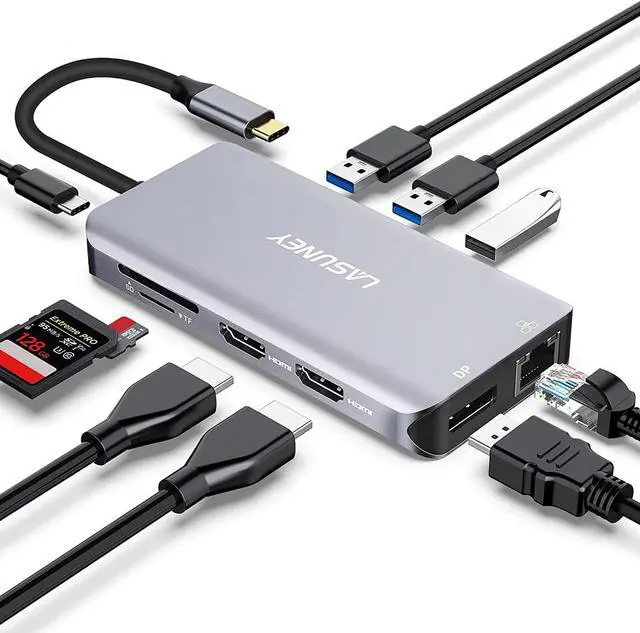
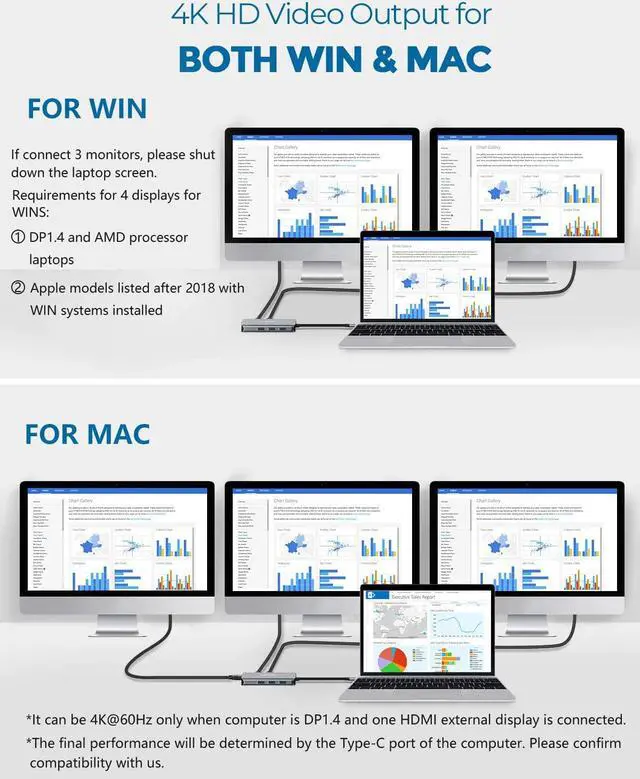
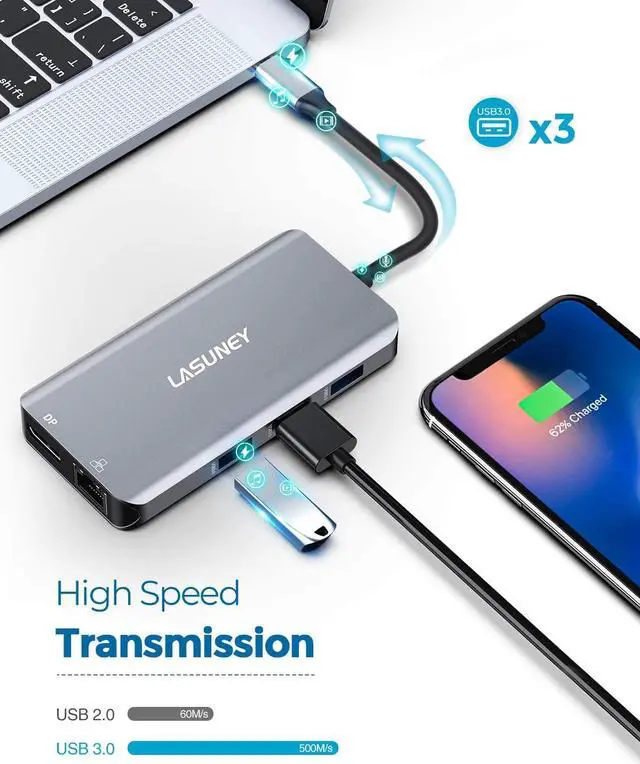
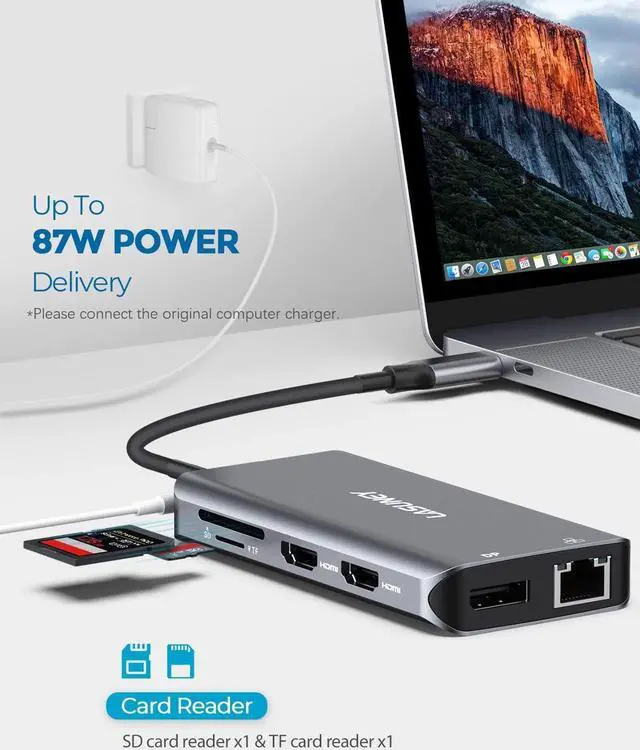
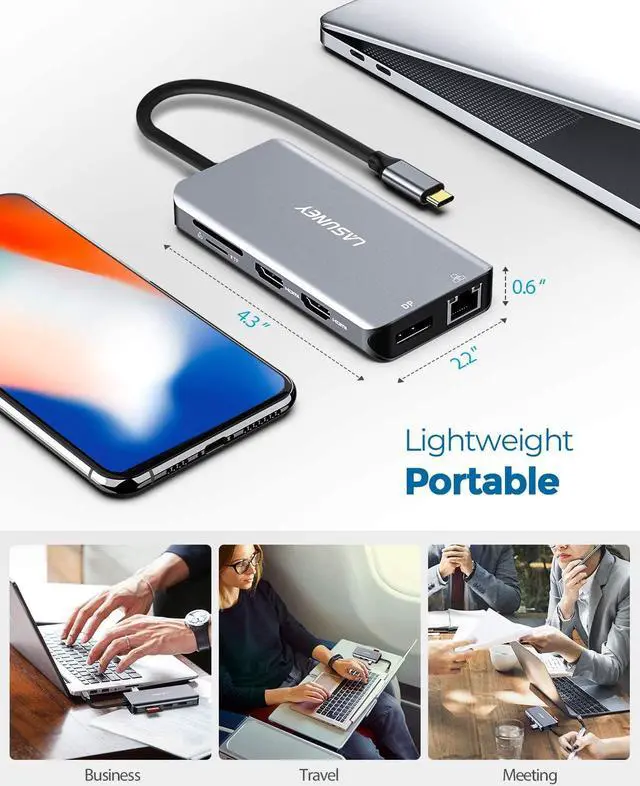
1Broad Compatibility2More Compatible Device3Incompatibility How do I know if my laptop can use this product?
Please check our 'ATTENTION' and 'BROAD COMPATIBILITY' section carefully, and make sure that your laptop's Type C port is fully functional, or you will not be able to use the product normally.
What's in the package?
A hub and a user manual.
Is the product equipped with a charger, charging cable, video cables or TF&SD card?
It doesn't come with a charging device or any other accessories, just a cable that connects the source device to the product.
Does this product need to be charged while working?
The product does not need to be charged, just plug and play. But please connect the original charger to your laptop directly or connect the 100W power supply to the dock's PD port(USB-c PD)if you are using many ports of the product.
Does this product could connect my other hub/dock/adapter and working properly?
We do not recommend connecting other hub/dock/adapter to our products, this may leads to complex lines and affect the current stable output.
12 In 1 USB C Docking
13 In 1 Type C Hub
15 In 1 Docking Station
15 In 1 USB C Docking
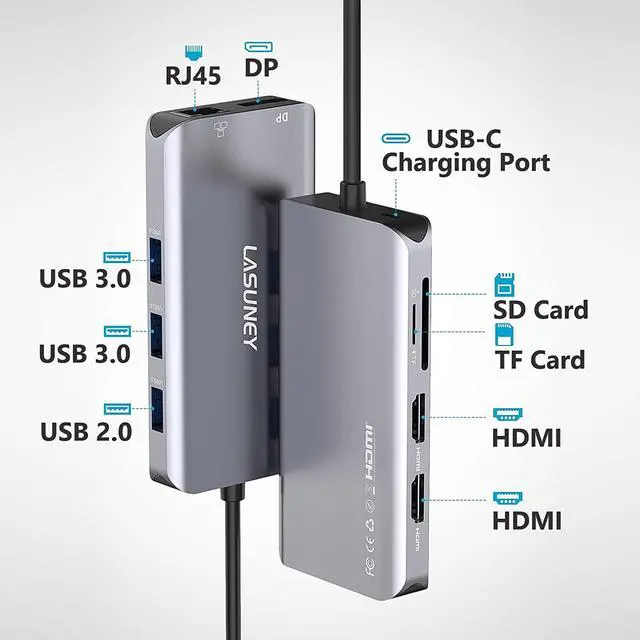
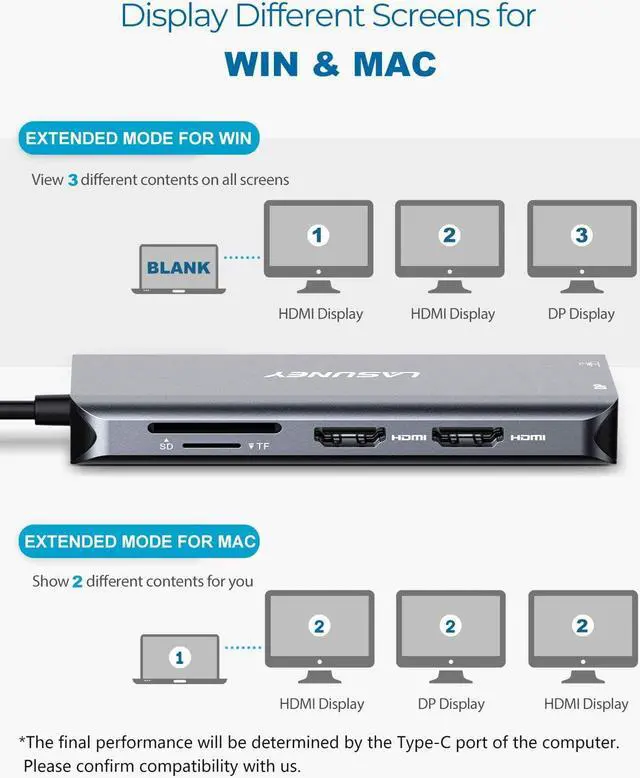
Customer Reviews 4.1 out of 5 stars2,1824.3 out of 5 stars4834.2 out of 5 stars1,4193.4 out of 5 stars179 Price $39.99$39.99 Max Quantity of Displays 3 3 3 4 4 Video Port 2x HDMI; 1x DP 2x HDMI; 1x VGA 2x HDMI; 1x DP 1x HDMI; 2x DP; 1x VGA 2x HDMI; 1x DP; 1x VGA Max Resolution Supported 4K@60Hz 4K@60Hz 4K@60Hz 4K@60Hz 4K@60Hz USB C Charging Port (PD3.0) 1 x 87W 1 x 87W 1 x 87W 1 x 87W 1 x 87W Quantity of USB Data Port 3 4 5 6 6 USB A Data Port 2x USB3.0; 1x USB2.0 2x USB3.0; 2x USB2.0 3x USB3.0; 2x USB2.0 2x USB3.1; 2x USB2.0; USB3.0 USB3.1; 2x USB3.0; 2x USB2.0 USB C Data Port - - - 1 (Gen 2,10Gb/s) 1 (Gen 2,10Gb/s) Ethernet Port SD / TF Slot Mic / Audio Port - See More How do I know if my laptop can use this product?
What's in the package?
Is the product equipped with a charger, charging cable, video cables or TF&SD card?
Does this product need to be charged while working?
Does this product could connect my other hub/dock/adapter and working properly?





 here!
here!