• $79.99
  • Free 30-day Returns
  • Ships from China.
    Price alert
    Shop it at NeweggBusiness.

    Meet Your Seller

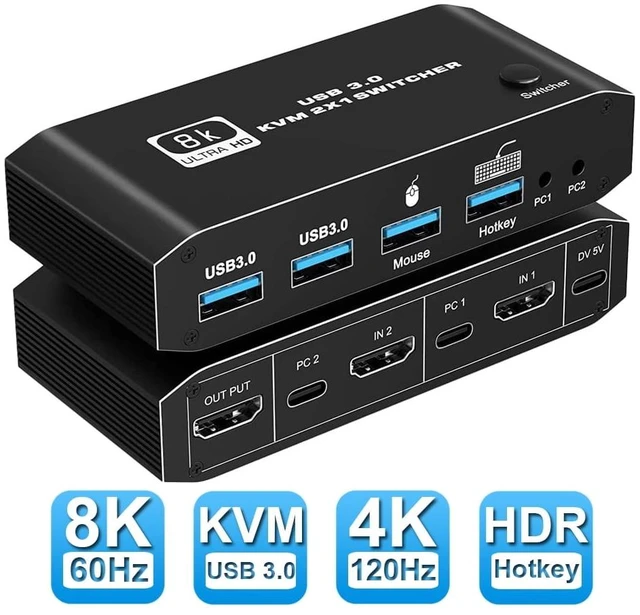
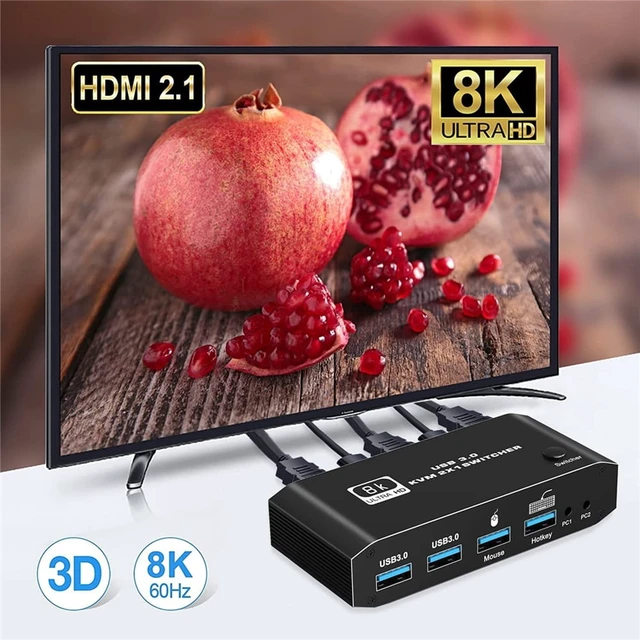
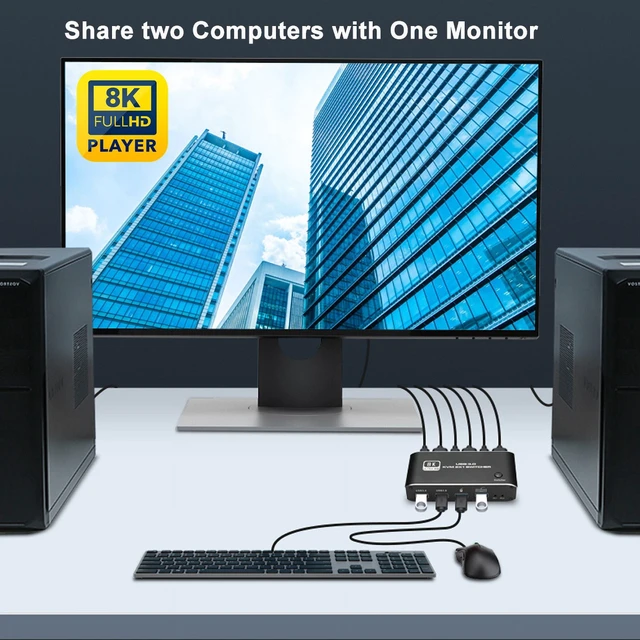
    HDMI KVM Switch, 8K USB Switch 2x1 HDMI2.1 Ports + 4X USB3.0 KVM Ports, Share 2 Computers one Monitor Switch,Supports 8K 60Hz,4K 120Hz,YUV 4:4:4, HDCP 2.3, HDR 10, Hotkey

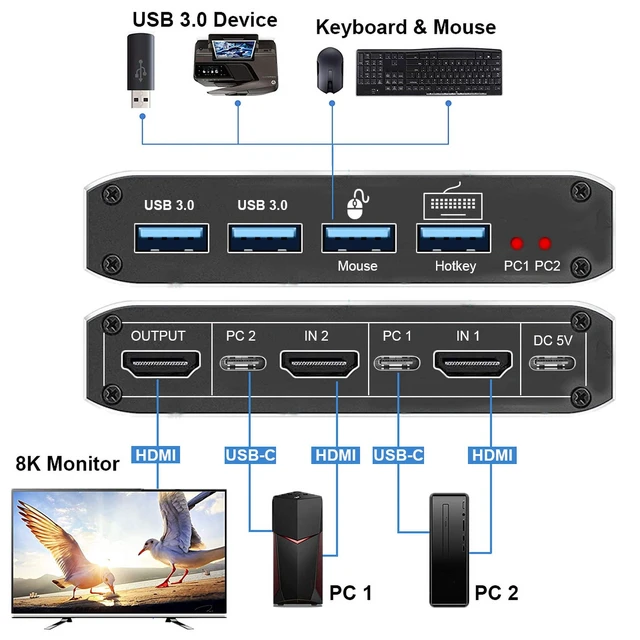
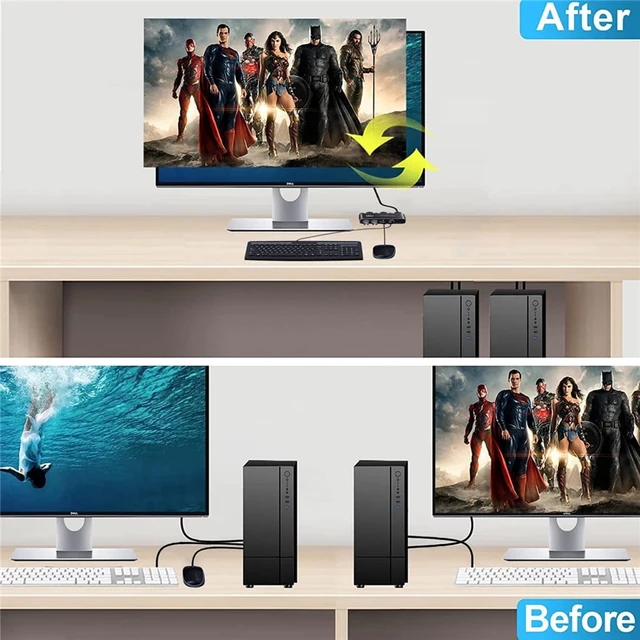
    • HDMI 2.1 KVM USB switch: KVM Switch allows control 2 computer with one set of controls (keyboard and mouse) and display screen. Realizes 2 in and 1 out free selection synchronous switching. You can centrally control and manage hosts laptop or game console without having to move from one workstation to another.; UHD 8K Visual Enjoyment: The kvm switch supports HDMI 2.1 and standard HDCP 2.3. Support max resolution up to 8K@60Hz, 4K@120Hz, also support 1080P@240Hz or lower resolution, makes image display more exquisite and realistic.; Plug and Play: Button switch signal source device, freely switch between 2 computers by pressing a button. Simple to install, plug and play, no driver is needed. Powered by USB C.; Wide Compatibility: HDMI kvm switch kit can compatible with all laptops with HDMI port and other devices. It has adaptive EDID, adapt to Windows, macOS, Linux, UNIX and other operating systems.
    +
    +
    Overview
    Specs
    Reviews

    Any questions? Ask CelesteSM will help you find out quickly.

    HDMI KVM Switch 8K 60Hz 4K 120Hz Switcher with Hotkey 2 laptop PC Share 1 Monitor 4 USB 3.0 for Mouse Keyboard Printer -
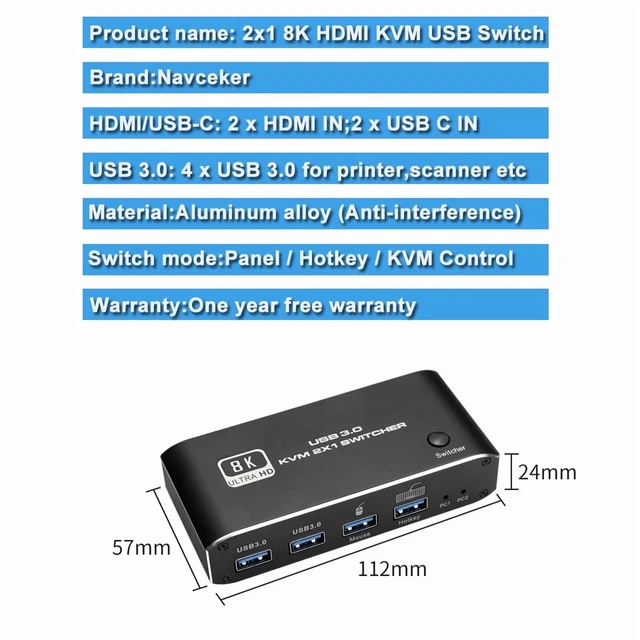
    Product Type: HDMI USB 3.0 KVM Switch (2 in 1 out) -
    Input Port: HDMI 2.1 x 2, USB-C x2, USB 3.0 x 4 -
    Output Port: 1 x HDMI 2.1 -
    Dimensions: 111.8 x 63.2 x 24.5 mm -
    Material: Aluminum Alloy shellanti-rust, anti-corrosion, anti-interference, fast transmission, surtace oxidation - Support HDMI 2.1 HDCP 2.3 -
    Resolution: Support 1080P/1080@240Hz, 3840x2160p, 4K/60Hz/120Hz, 8K@60Hz resolution, adaptive screen resolution -
    Support system: Windows XP, Windows78/10/11 and above, Apple MAC, Linux, Unix and other operating systems - Supports high current hard disk devices - two
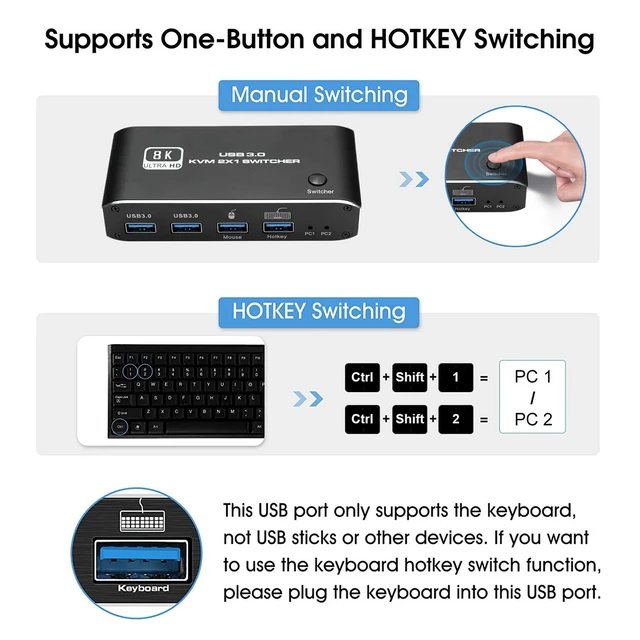
    Switching method: 1. Press the "Select" button on the KVM switch panel to switch between the two source devices; 2. use hotkey switch(Ctrl+Shift+ 1 / 2 to PC1 / PC2); - Highly integrated digital chip combination, plug and play

    Warranty & Returns

    Warranty, Returns, And Additional Information

    Warranty

    • Please contact the Seller directly for warranty information. Warranty information may also be found on the Manufacturer's website.
    • CONTACT

    Return Policies

    Manufacturer Contact Info

    LOADING...