

Your Browsing History
- Free 30-day Returns
$18.98
Ships from China.

Meet Your Seller

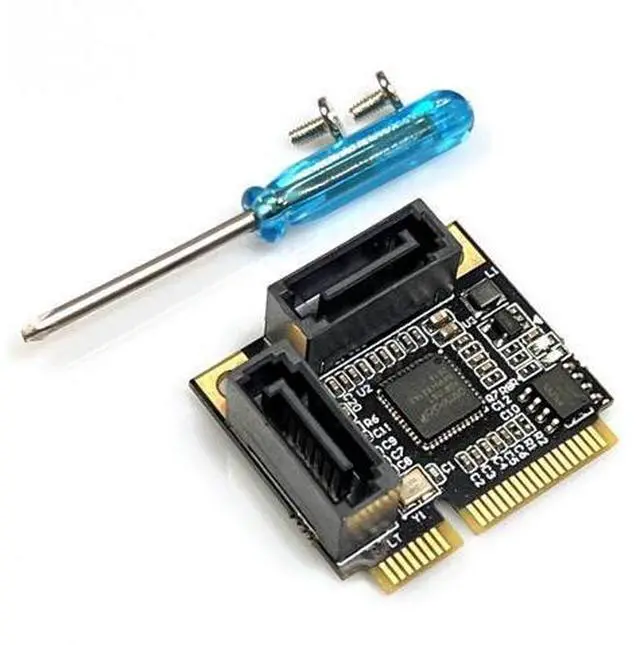
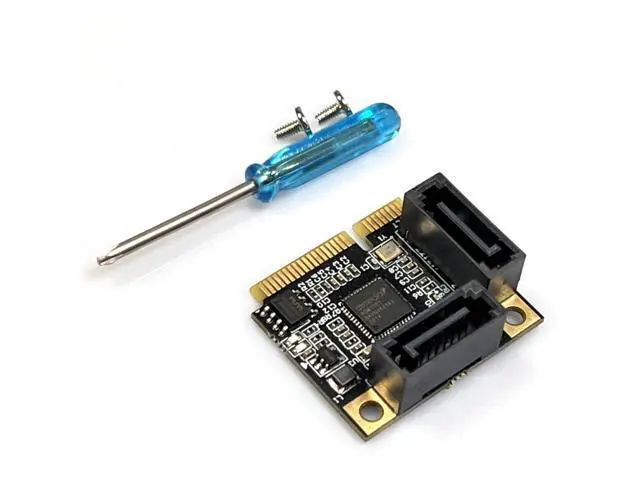
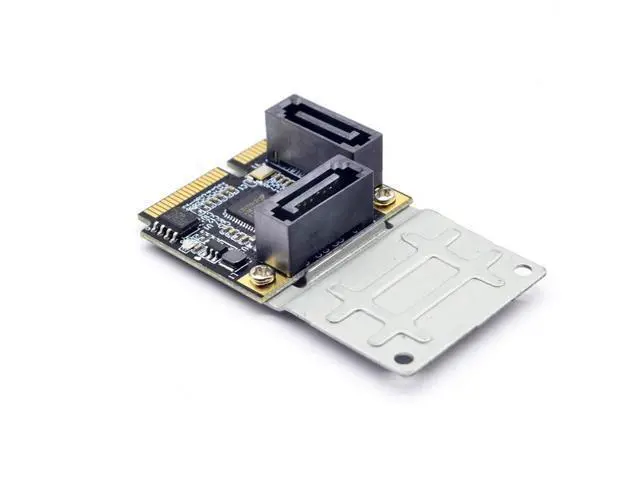
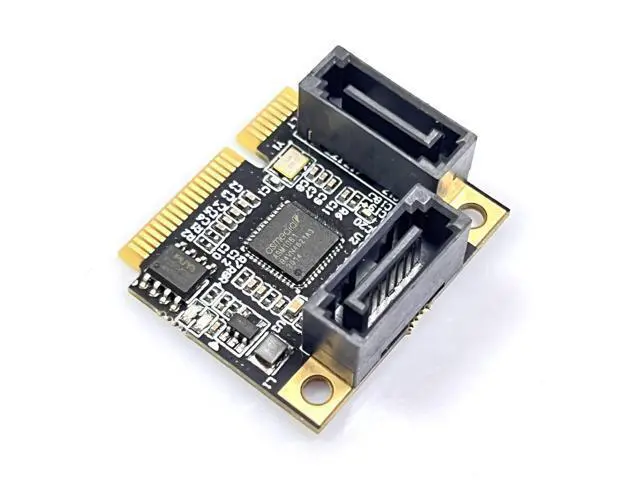


Mini PCIe to SATA 3.0 Expansion Card ASMedia ASM1061, HDD/SSD Adapter
Limited time offer, ends 10/07 By ProGear Haven
- Can be used as a system disk
- Supports SSD/CD-ROM
- Automatic AHCI
- modedoes not requireconfiguration.
- New original ASM1061 chip
- Compatible and stable in performance
- New original ASM1061 chip Compatible and stable in performance
+
+
Overview
Specs
Reviews

Any questions? Our AI mode will help you find out quickly.
Try me now
Important Notice: The speed is influenced by multiple factors: computer configuration, slot bandwidth, hard drive itself, platform environment, and the speed testing software. This store guarantees no specific speed can be achieved during actual use for all the expansion cards. If you want so-called high speed, simply replace the motherboard. 1. To achieve the best performance, use a SATA 3.0 data cable. 2. For PCI-E, a slot with version V 2.0 (GEN2) or above is required. If it is V 1.0 (GEN1), the speed will be between 140M - 200M. For PCI-E, whether it is X1 or X16, as long as it is version V 2.0, it can be directly inserted into the X16 slot. If there is an available X16 slot, just insert the X16 slot. For motherboards below H81, only the 16X is GEN2, while the 1X is GEN1. For high-speed performance, please insert it into the X16 graphics card slot. 3.
BIOS settings for the motherboard: The SATA mode should be changed to AHCI. Some motherboards, although their PCIE is version V 2.0, the BIOS default does not enable the high-speed transmission mode (i. e., (gen2 high speed mode) ), so it needs to be manually enabled.
Caution: Due to the shielding of the BIOS interface of Lenovo and Dell computers for third-party array cards, it may cause unpredictable compatibility issues. Please be cautious when placing orders for array cards if you are a user of Lenovo or Dell computers. Thank you for your cooperation!
BIOS settings for the motherboard: The SATA mode should be changed to AHCI. Some motherboards, although their PCIE is version V 2.0, the BIOS default does not enable the high-speed transmission mode (i. e., (gen2 high speed mode) ), so it needs to be manually enabled.
Caution: Due to the shielding of the BIOS interface of Lenovo and Dell computers for third-party array cards, it may cause unpredictable compatibility issues. Please be cautious when placing orders for array cards if you are a user of Lenovo or Dell computers. Thank you for your cooperation!
Warranty & Returns
Warranty, Returns, And Additional Information
Warranty
- Please contact the Seller directly for warranty information. Warranty information may also be found on the Manufacturer's website.
- CONTACT
Return Policies
- Return for refund within: 30 days
- Return for replacement within: 30 days
- This item is covered by ProGear Haven Return Policy
Manufacturer Contact Info
- For a directory of all our manufacturers, please click below.
- Manufacturers Directory
LOADING...