




 here!
I’m your shopping assistant for PC builds, upgrades, and everything tech.
Got questions? Ask away!
Start a conversation
here!
I’m your shopping assistant for PC builds, upgrades, and everything tech.
Got questions? Ask away!
Start a conversation



Any questions? Ask CelesteSM will help you find out quickly.
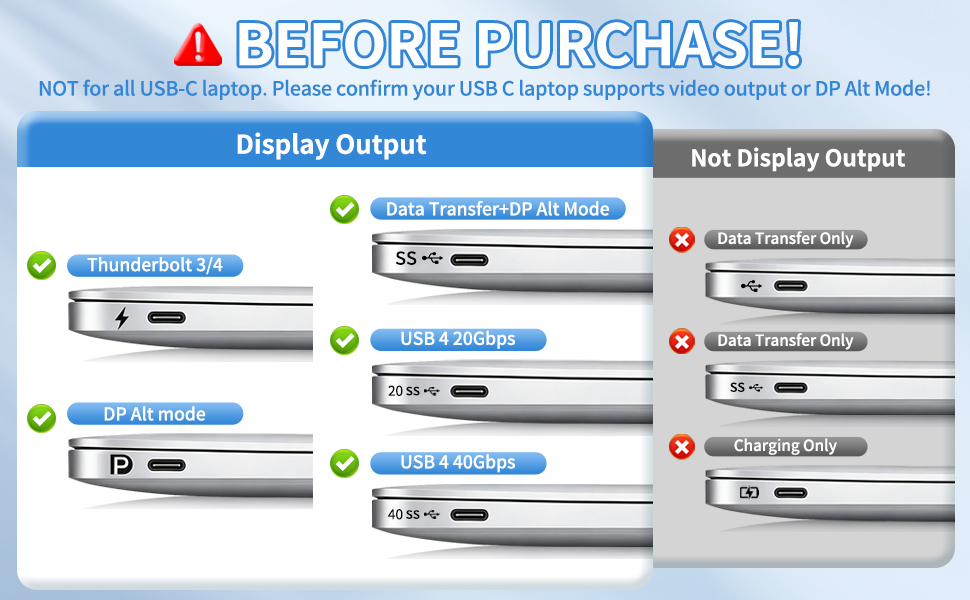
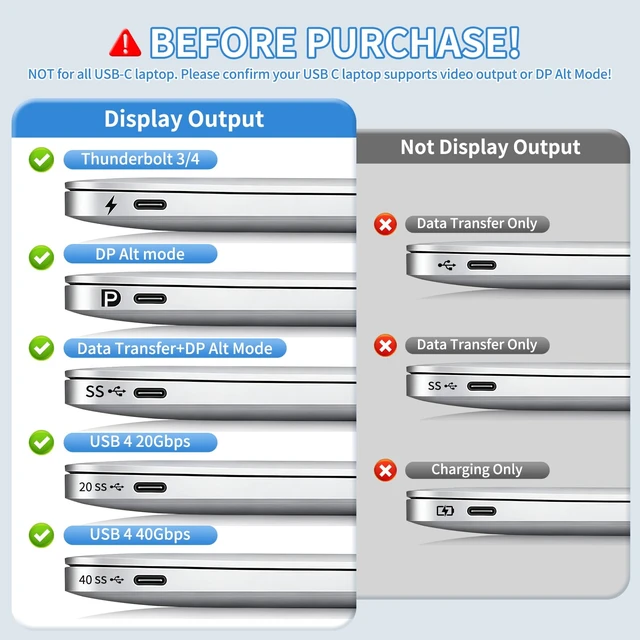
How to check the supported function of the USB C port on the laptop?
1.Inspect laptop's usbc port labels:
-- "D"(DisplayPort) symbol next to the USB C port = Supports video output.
--Thunderbolt symbol(Thunderbolt 3/4) next to the USB C port = Supports video output.
2.Confirm via your laptop's model:
--Search online using your laptop model number or consult the laptop's after-sales service.
3.Let us Assist You:
--Share your laptop model to us and we'll help you confirm the compatibility within 8 hours.
Attention:
1.Verify your device's USB-C port supports video output.
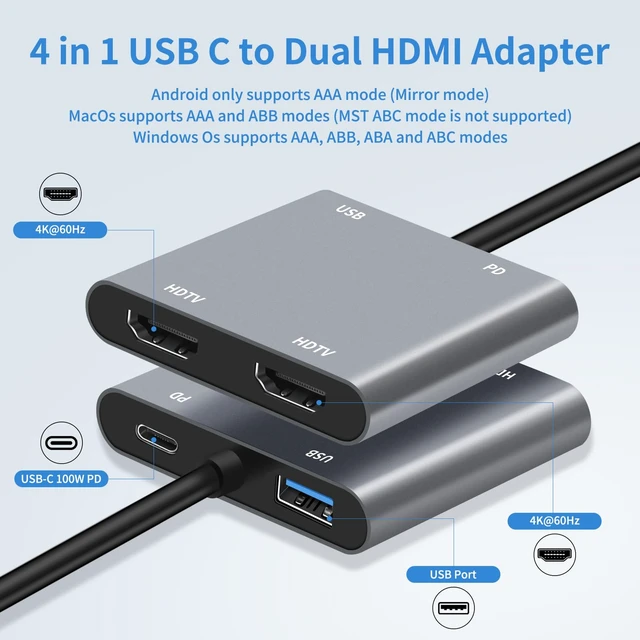
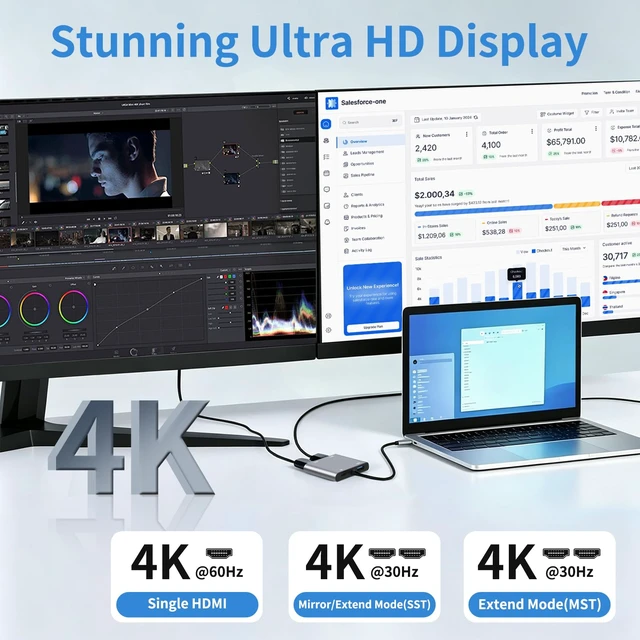
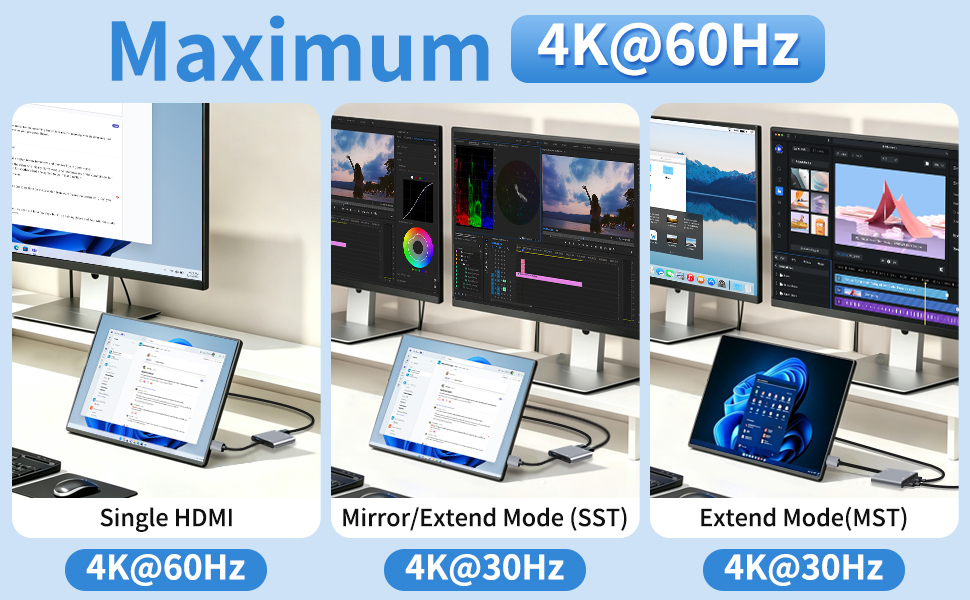
2.For 4K@60Hz, ensure your device is 4K@60Hz-compatible; output depends on the connected device.
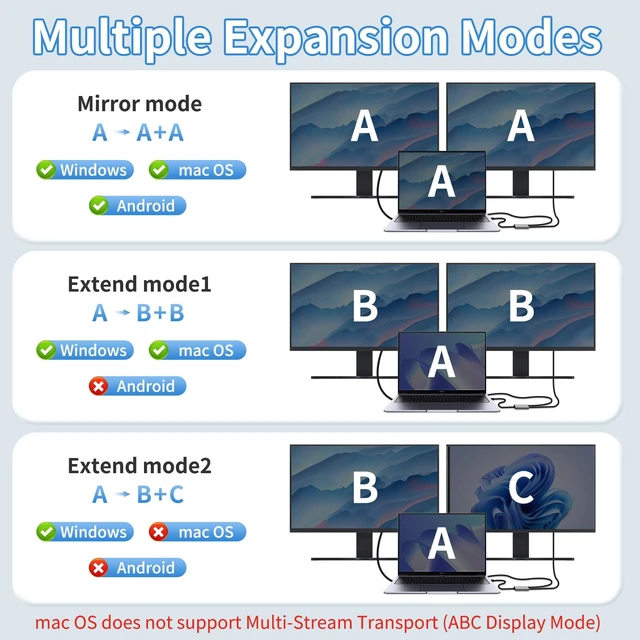
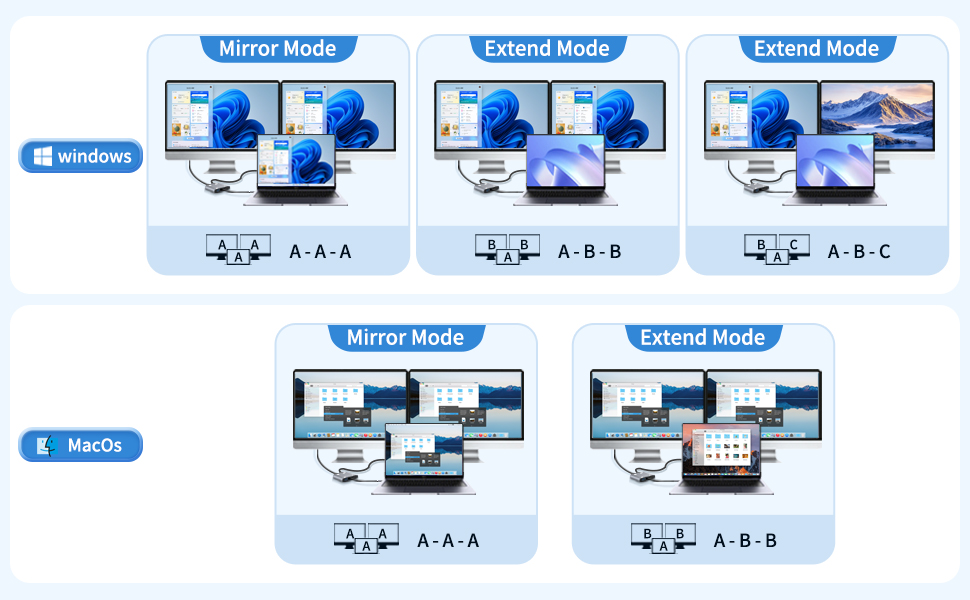
3.When connecting two monitors, the macOS device does not support MST mode, and both monitors can only display the same content.
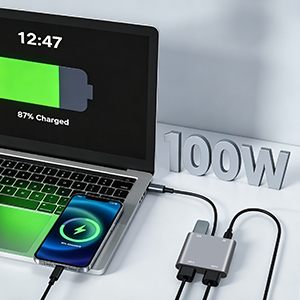
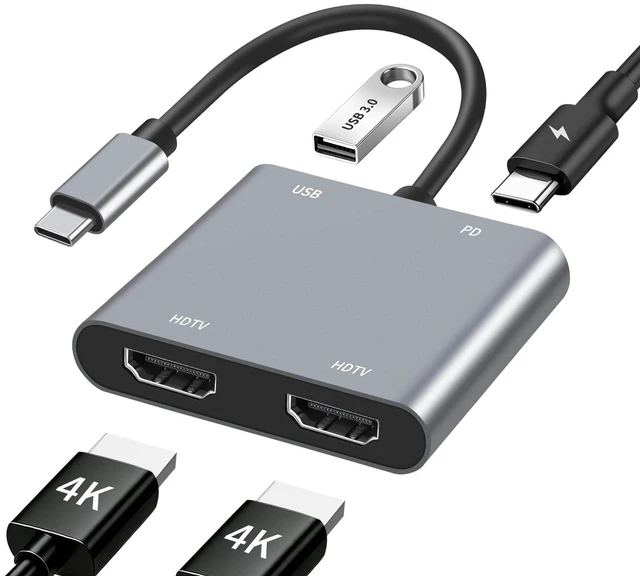
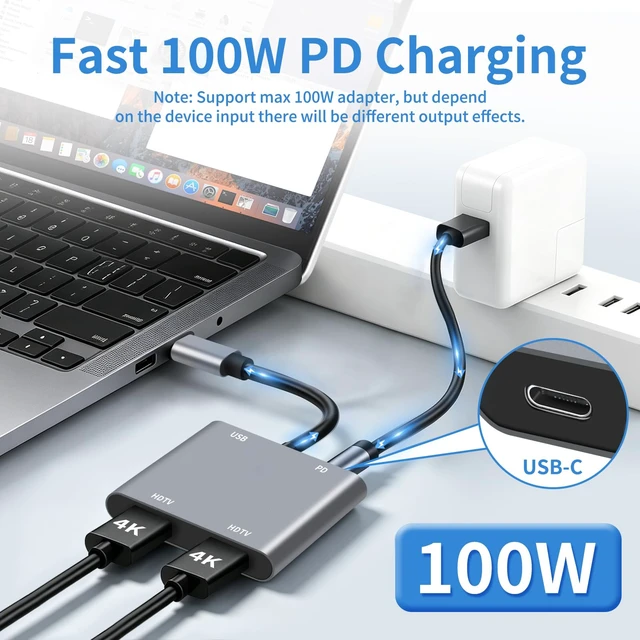
Supports up to 100W fast charging, dependent on your device's capabilities. Ideal for laptops, tablets, and other compatible devices
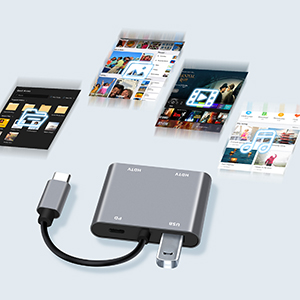
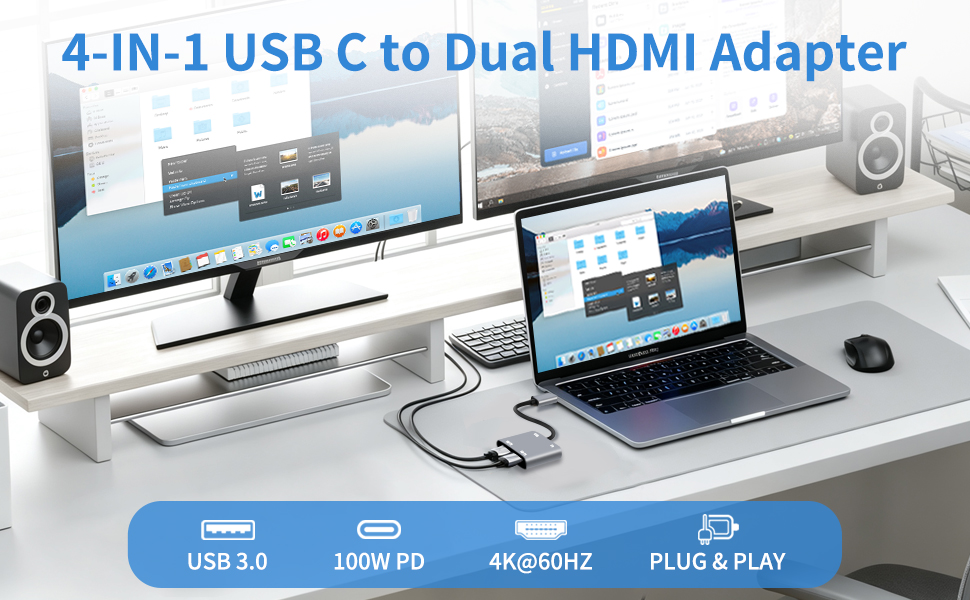
Our dual HDMI 4-in-1 usb c hub support transfer speed up to 5Gbps, faster and more stable
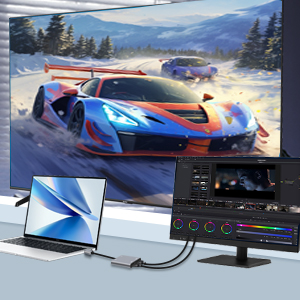
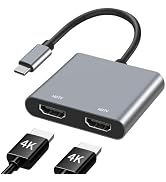
Dual monitor hdmi splitter with high configuration brings you a visual enjoyment
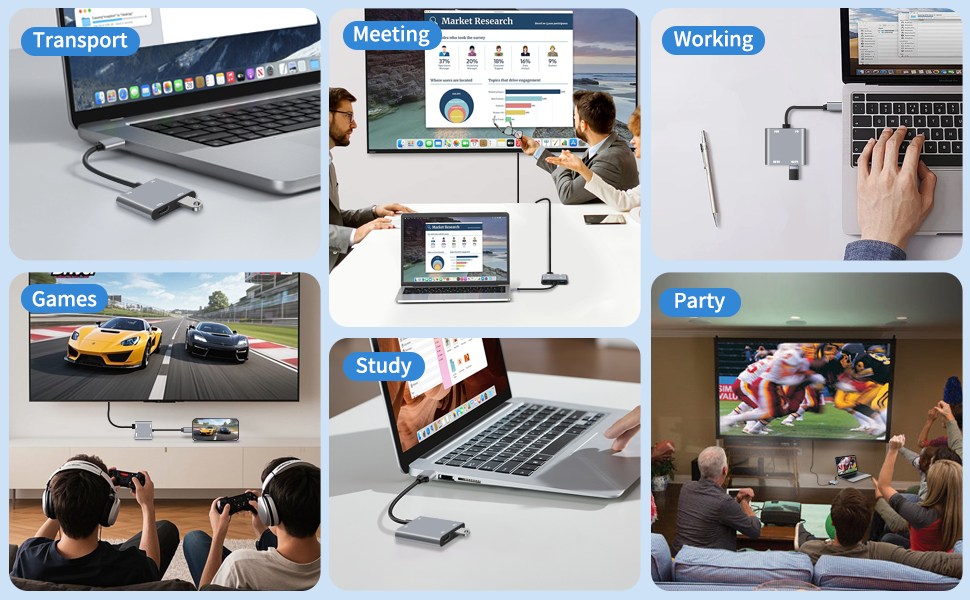

AYauGamA is a brand that dedicated to providing high-quality advanced electronic accessories, bulid a better life by science and technology.
We specialise in HD Video Accessories, Hub, Card Readers. We have steadily grown into a brand trusted by over 20 million users in over 60 countries.
Our story is about making the flow of information freer and digital life simpler!
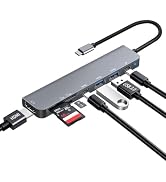
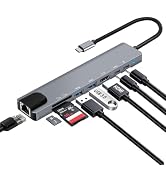
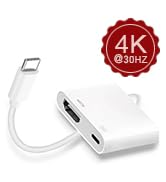
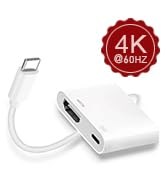

How to check the supported function of the USB C port on the laptop?
1.Inspect laptop's usbc port labels:
-- "D"(DisplayPort) symbol next to the USB C port = Supports video output.
--Thunderbolt symbol(Thunderbolt 3/4) next to the USB C port = Supports video output.
2.Confirm via your laptop's model:
--Search online using your laptop model number or consult the laptop's after-sales service.
3.Let us Assist You:
--Share your laptop model to us and we'll help you confirm the compatibility within 8 hours.
Attention:
1.Verify your device's USB-C port supports video output.
2.For 4K@60Hz, ensure your device is 4K@60Hz-compatible; output depends on the connected device.
3.When connecting two monitors, the macOS device does not support MST mode, and both monitors can only display the same content.
Supports up to 100W fast charging, dependent on your device's capabilities. Ideal for laptops, tablets, and other compatible devices
Our dual HDMI 4-in-1 usb c hub support transfer speed up to 5Gbps, faster and more stable
Dual monitor hdmi splitter with high configuration brings you a visual enjoyment
| For MacBook: | MacBook Pro intel 2016 or Above, MacBook Pro M1/M2/M3, MacBook Air intel 2018 or Above, MacBook Air M1/M2/M3 |
| For Samsung: | Chromebook Pro/Chromebook Plus, Notebook 9 13" Galaxy Book 12"/Galaxy Book 10.6, Galaxy Tab Pro S 12"/S5e/S6/S7 |
| For Microsoft: | Surface Pro 7/8/X, Laptop 3/4, Microsoft Surface Laptop 4, Surface Go 2/3, Book 2/3 |
| For Google: | Pixelbook 2023/2022/2021 |
| For DELL: | XPS 13/15/12, Latitude 7000 5000, XPS12 9250, Inspiron 7000 |
| For HP: | Spectre x360 Convertible, ZBook 14u G5/15 G3/G5/G6 |
| For Lenovo: | Thinkpad 15G2 IT/T470/T480/T490/T495/T570/T580/T590/T14/T15 |
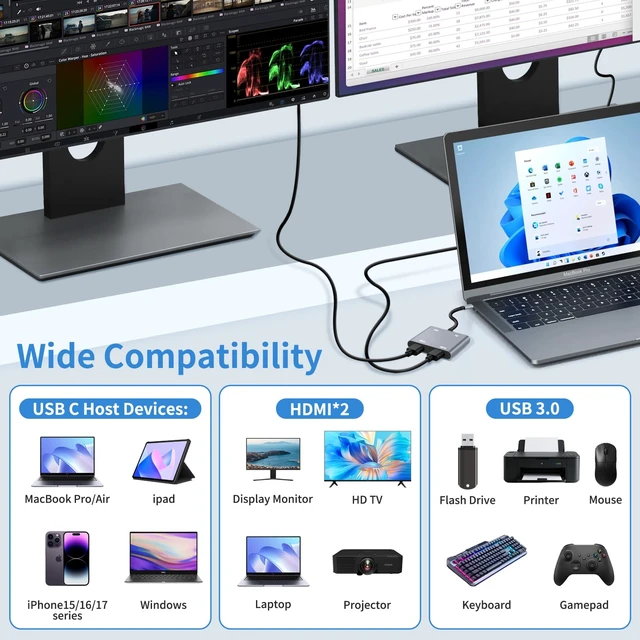
| Supported Systems: | Windows 11/10/8/7/Vista/XP, macOS X 10.6 or Later, Android, Chrome OS, iPadOS, SteamOS |
AYauGamA is a brand that dedicated to providing high-quality advanced electronic accessories, bulid a better life by science and technology.
We specialise in HD Video Accessories, Hub, Card Readers. We have steadily grown into a brand trusted by over 20 million users in over 60 countries.
Our story is about making the flow of information freer and digital life simpler!


