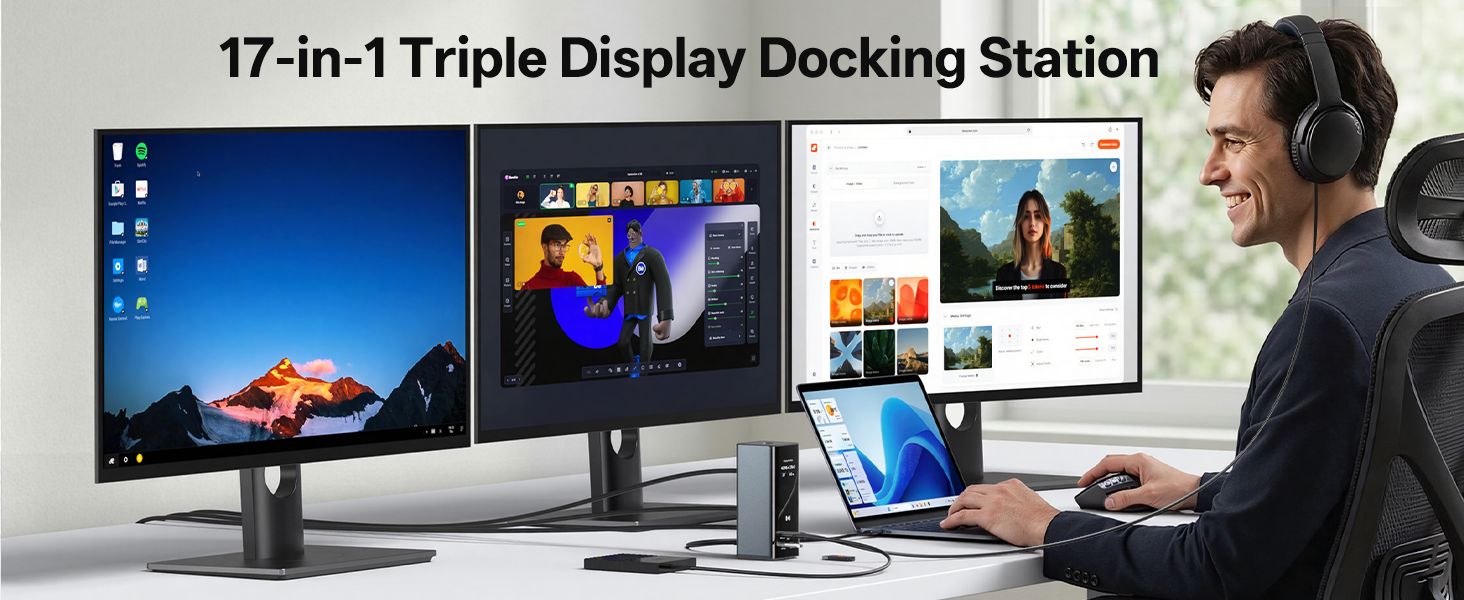
here!
I’m your shopping assistant for PC builds, upgrades, and everything tech.
Got questions? Ask away!
Start a conversation
here!
I’m your shopping assistant for PC builds, upgrades, and everything tech.
Got questions? Ask away!
Start a conversation



Any questions? Ask CelesteSM will help you find out quickly.
Does this docking station work with Mac?
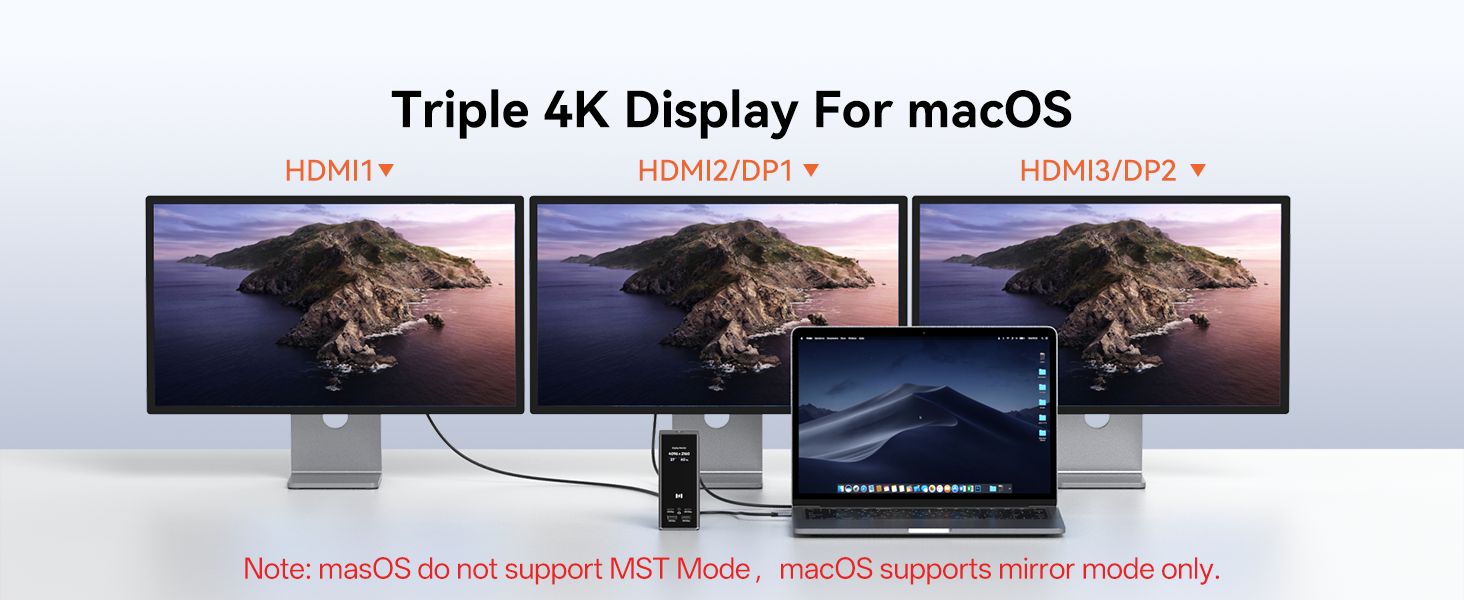
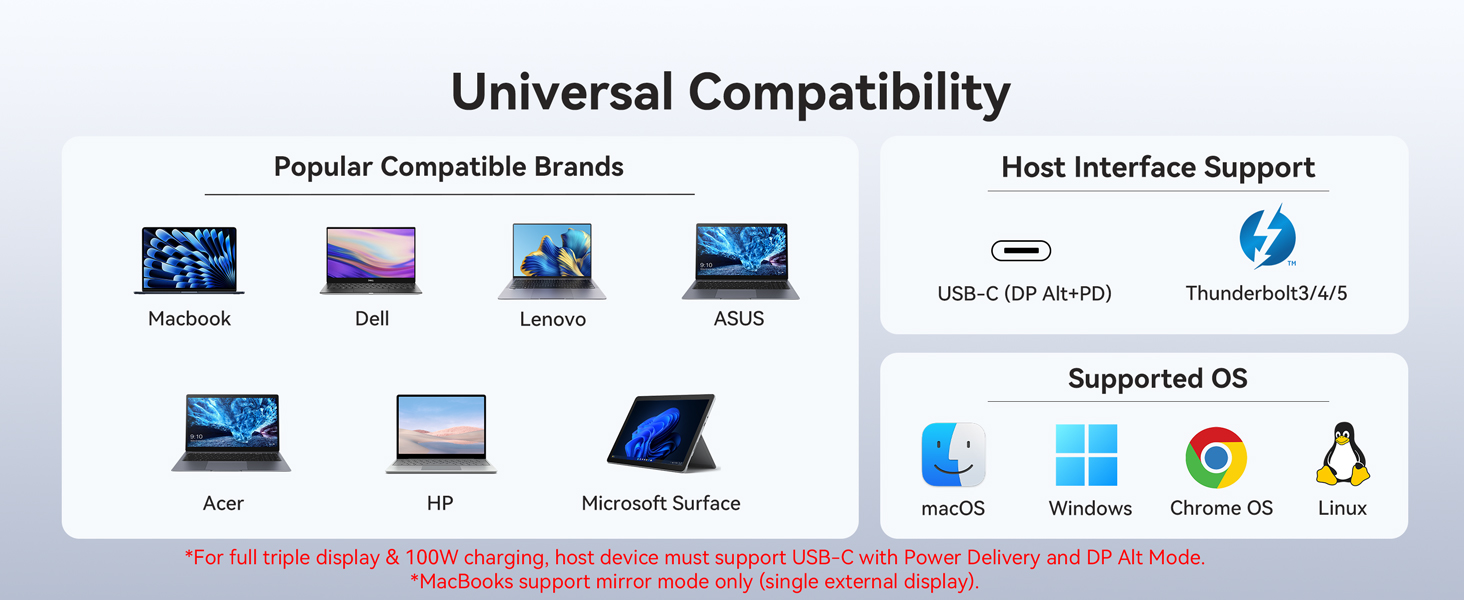
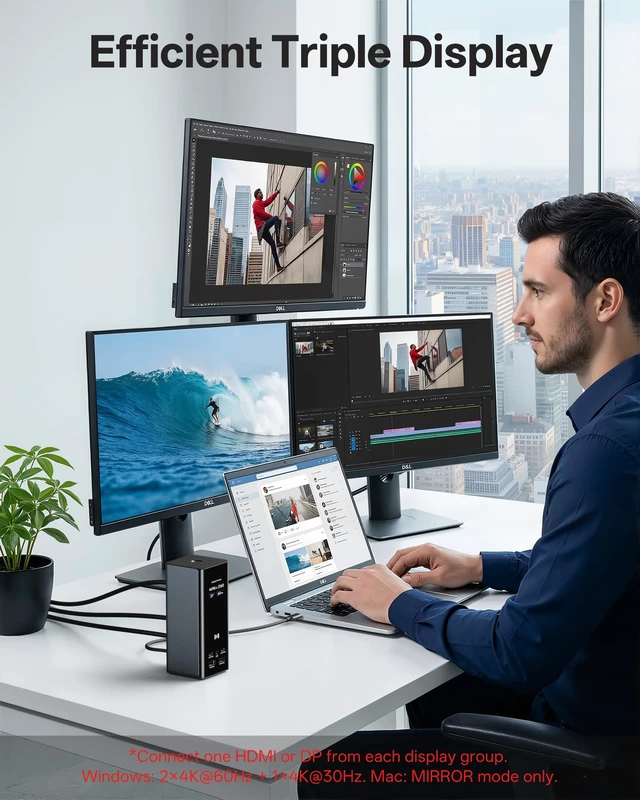
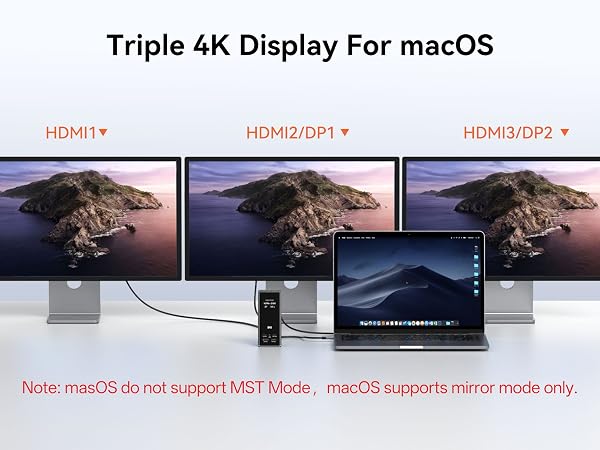
Yes, but MIRROR mode only. All external monitors show the same screen. 3 independent displays NOT supported on Mac due to Apple chip limitation. Use Windows for 3 displays.
How do I connect three monitors correctly?
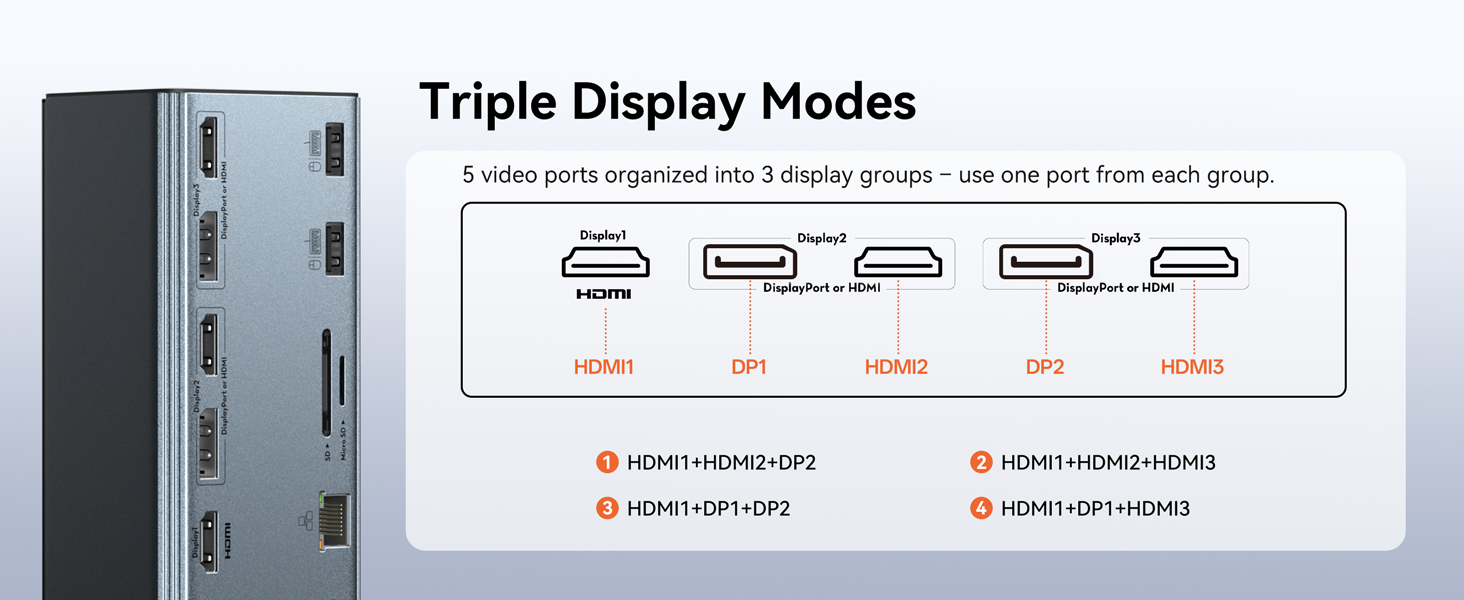
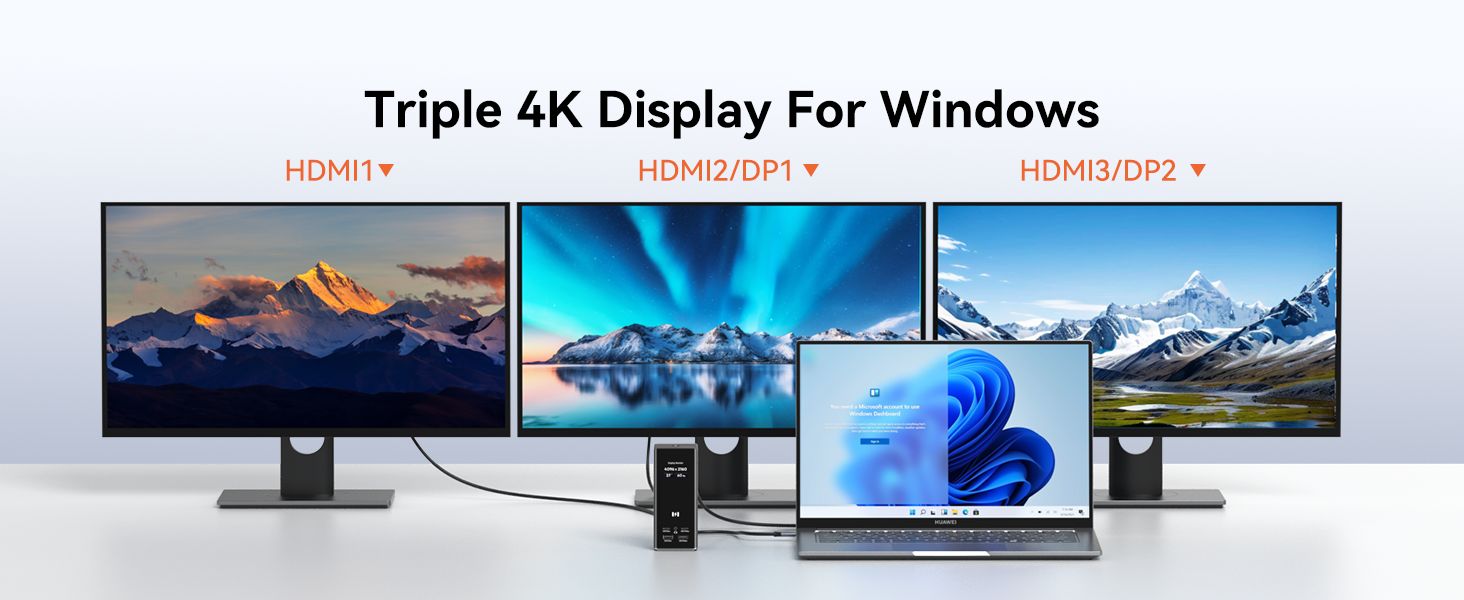
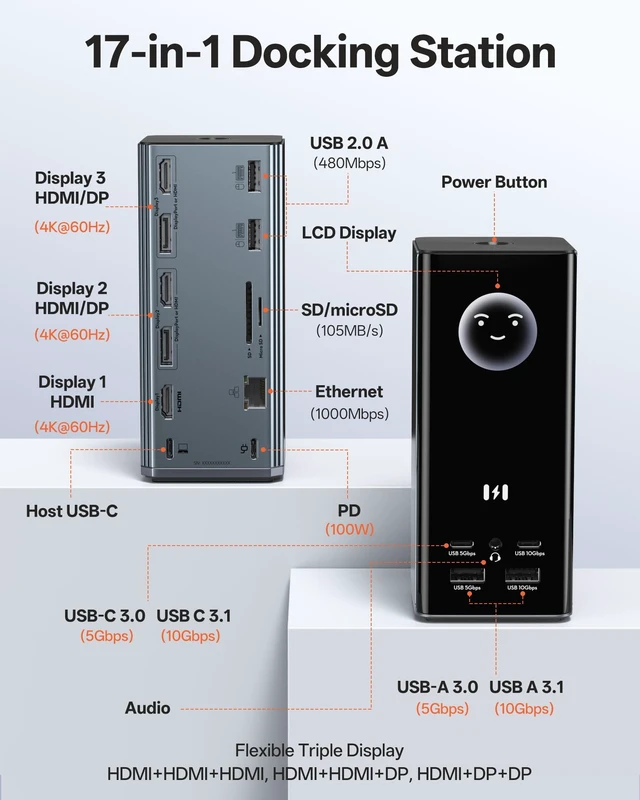
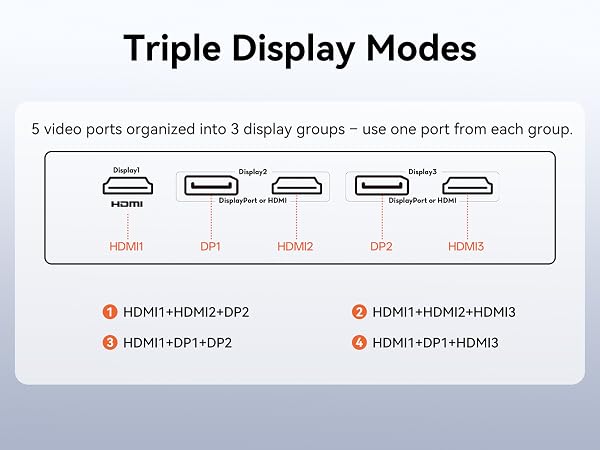
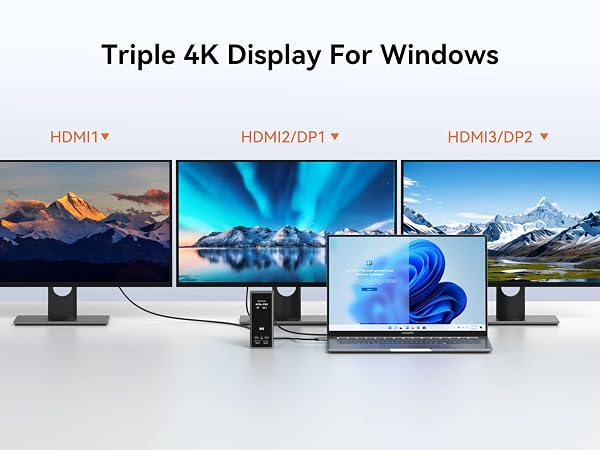
Use USB-C to laptop, then pick one combo: HDMI1+HDMI2+HDMI3, HDMI1+HDMI2+DP2, or HDMI1+DP1+HDMI3. First two: 4K@60Hz; third: 4K@30Hz. Mac: mirror only.
Can all three monitors run at 4K@60Hz?
No. First two ports run 4K@60Hz; third runs 4K@30Hz due to DP 1.4 bandwidth. Use one of these combos: HDMI1+HDMI2+HDMI3, HDMI1+HDMI2+DP2, or HDMI1+DP1+HDMI3.
Does the package include a power adapter?
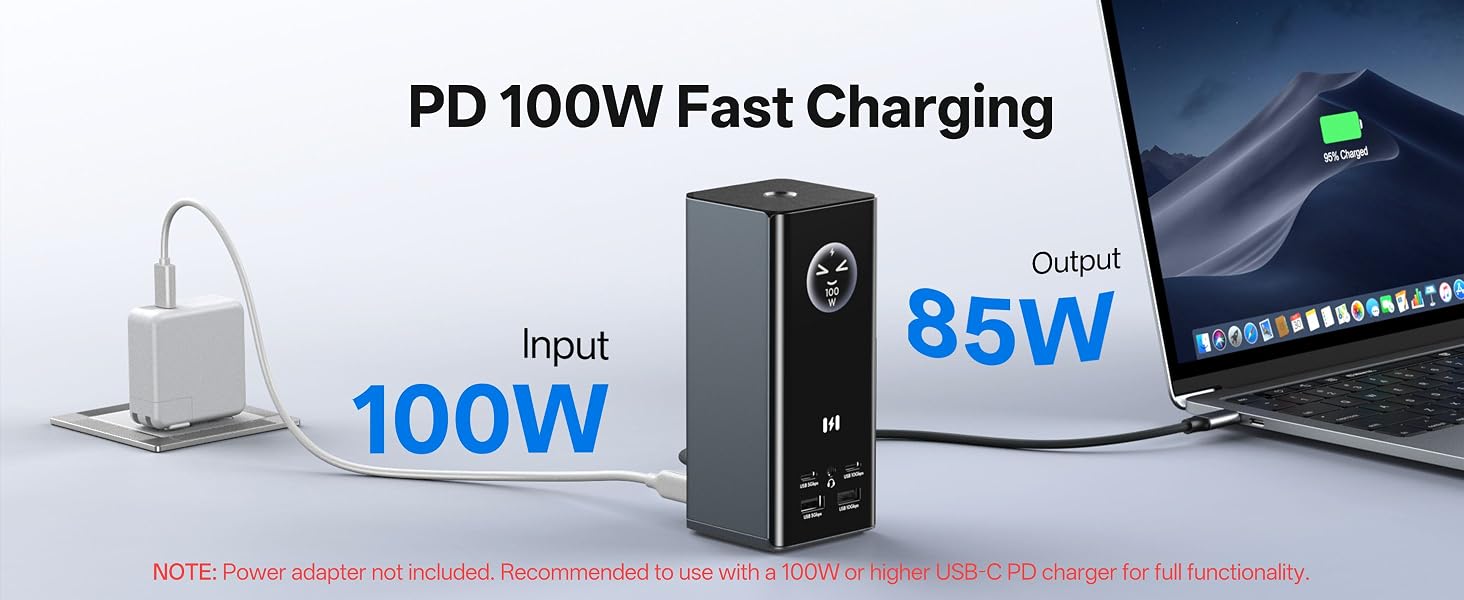
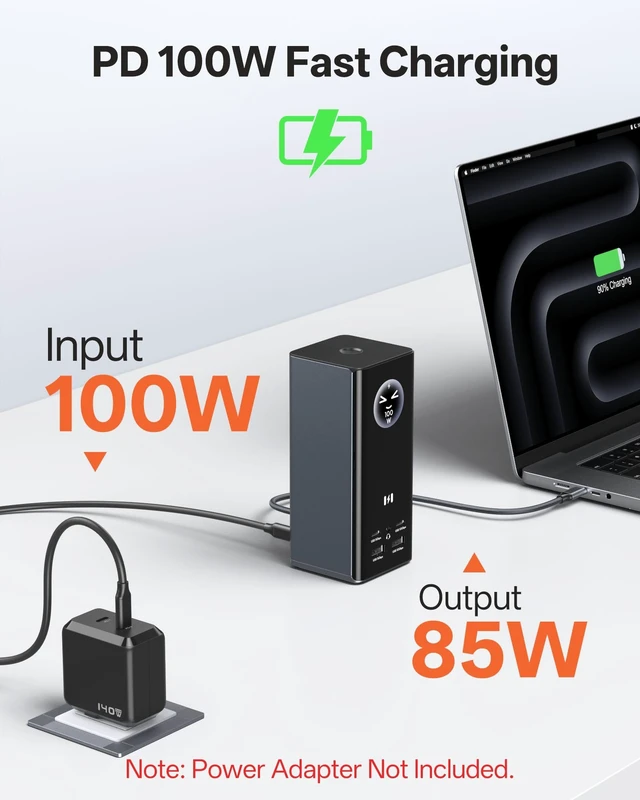
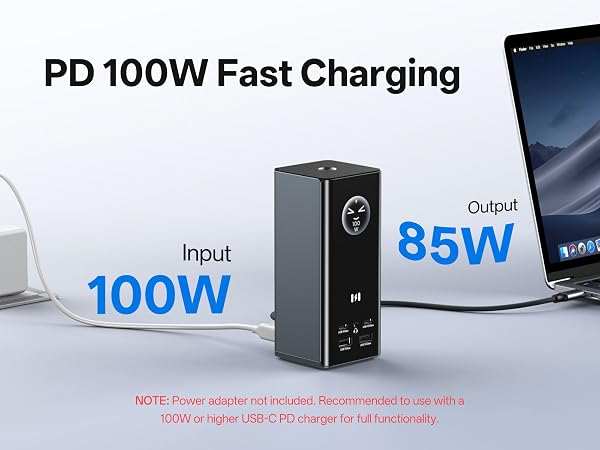
No. Only Selore laptop docking station and USB-C cable included. For 100W PD charging, you need the 87W+ USB-C PD adapter (not included). Without it, the video/data works, but the laptop won't charge.
How do I update the firmware or customize the smart display?
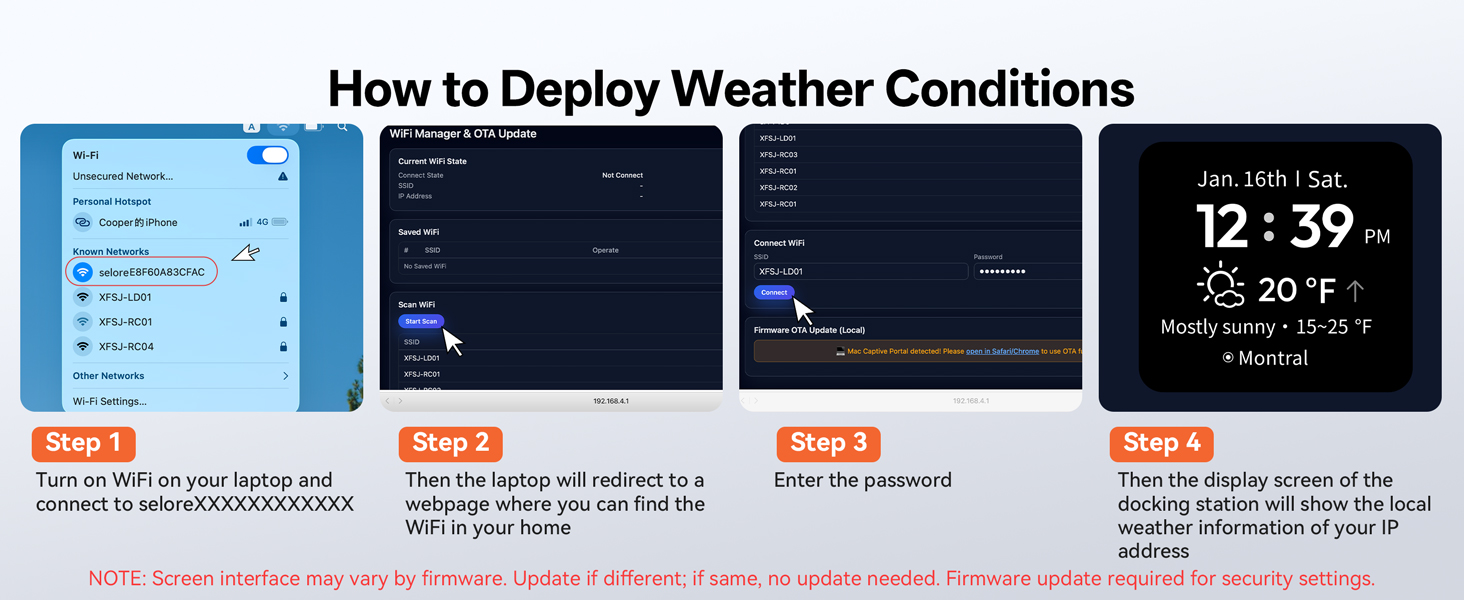
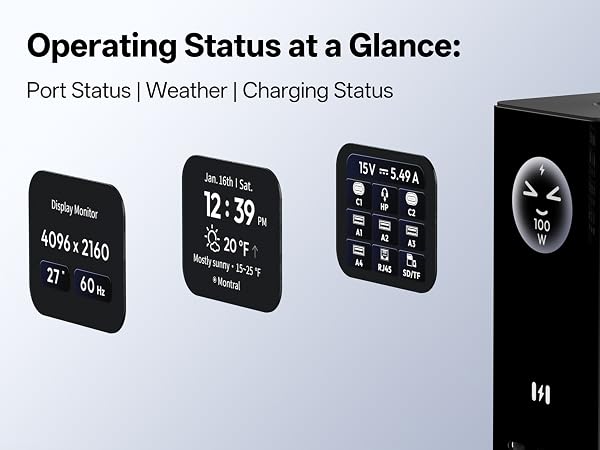
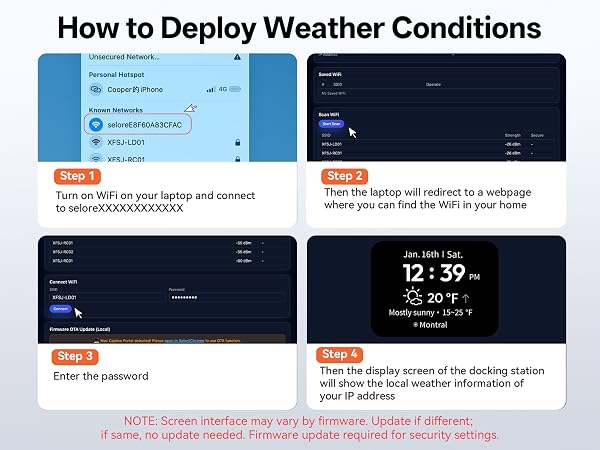
A firmware update is required to modify security settings. Visit our website or contact support for the latest firmware and step-by-step instructions. Weather syncs automatically via Wi-Fi.
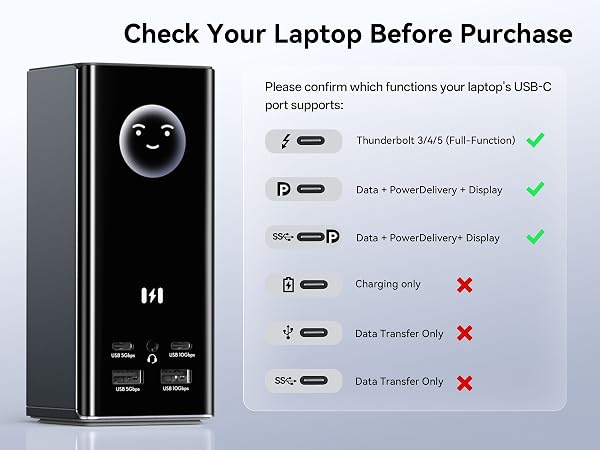
Does this docking station work with Mac?
Yes, but MIRROR mode only. All external monitors show the same screen. 3 independent displays NOT supported on Mac due to Apple chip limitation. Use Windows for 3 displays.
How do I connect three monitors correctly?
Use USB-C to laptop, then pick one combo: HDMI1+HDMI2+HDMI3, HDMI1+HDMI2+DP2, or HDMI1+DP1+HDMI3. First two: 4K@60Hz; third: 4K@30Hz. Mac: mirror only.
Can all three monitors run at 4K@60Hz?
No. First two ports run 4K@60Hz; third runs 4K@30Hz due to DP 1.4 bandwidth. Use one of these combos: HDMI1+HDMI2+HDMI3, HDMI1+HDMI2+DP2, or HDMI1+DP1+HDMI3.
Does the package include a power adapter?
No. Only Selore laptop docking station and USB-C cable included. For 100W PD charging, you need the 87W+ USB-C PD adapter (not included). Without it, the video/data works, but the laptop won't charge.
How do I update the firmware or customize the smart display?
A firmware update is required to modify security settings. Visit our website or contact support for the latest firmware and step-by-step instructions. Weather syncs automatically via Wi-Fi.



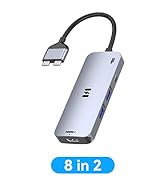


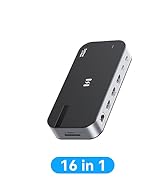
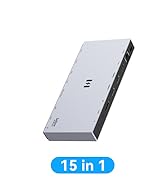
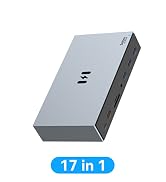

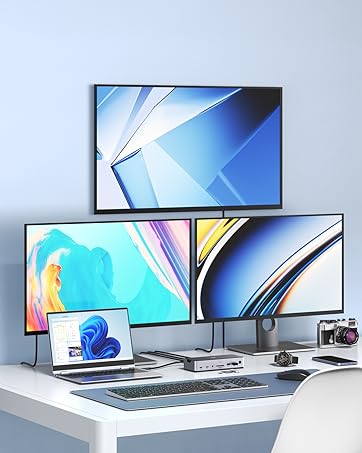
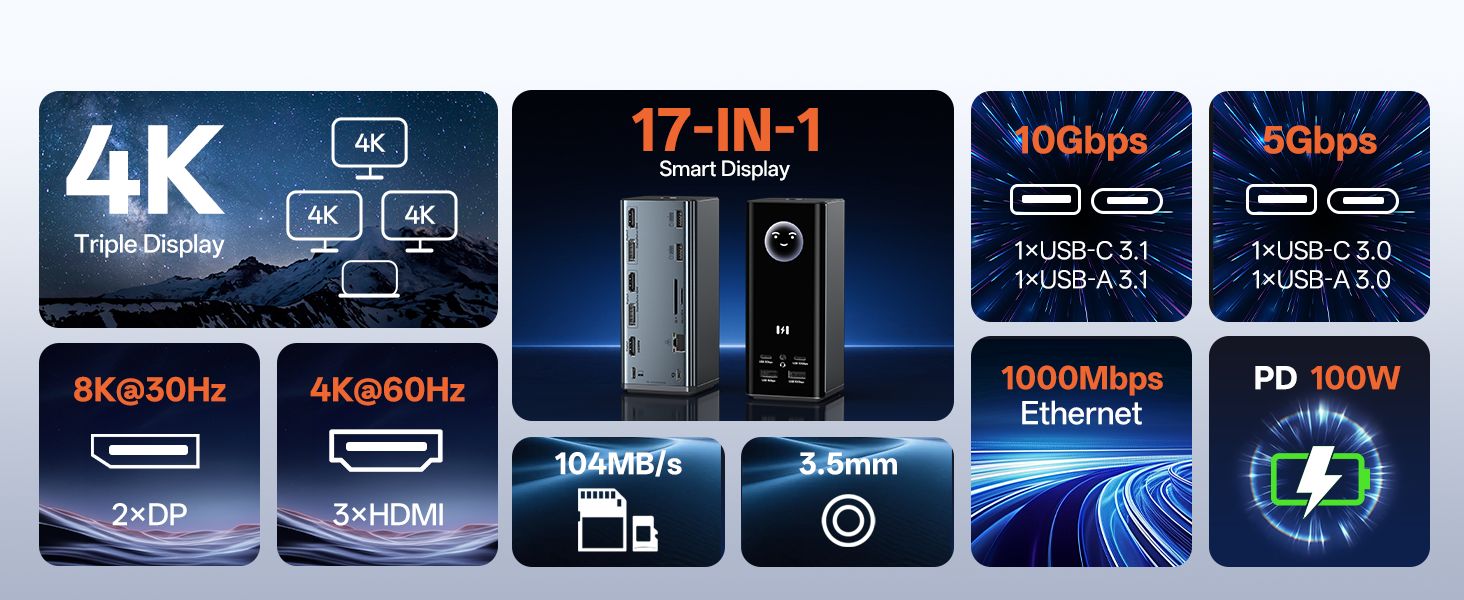
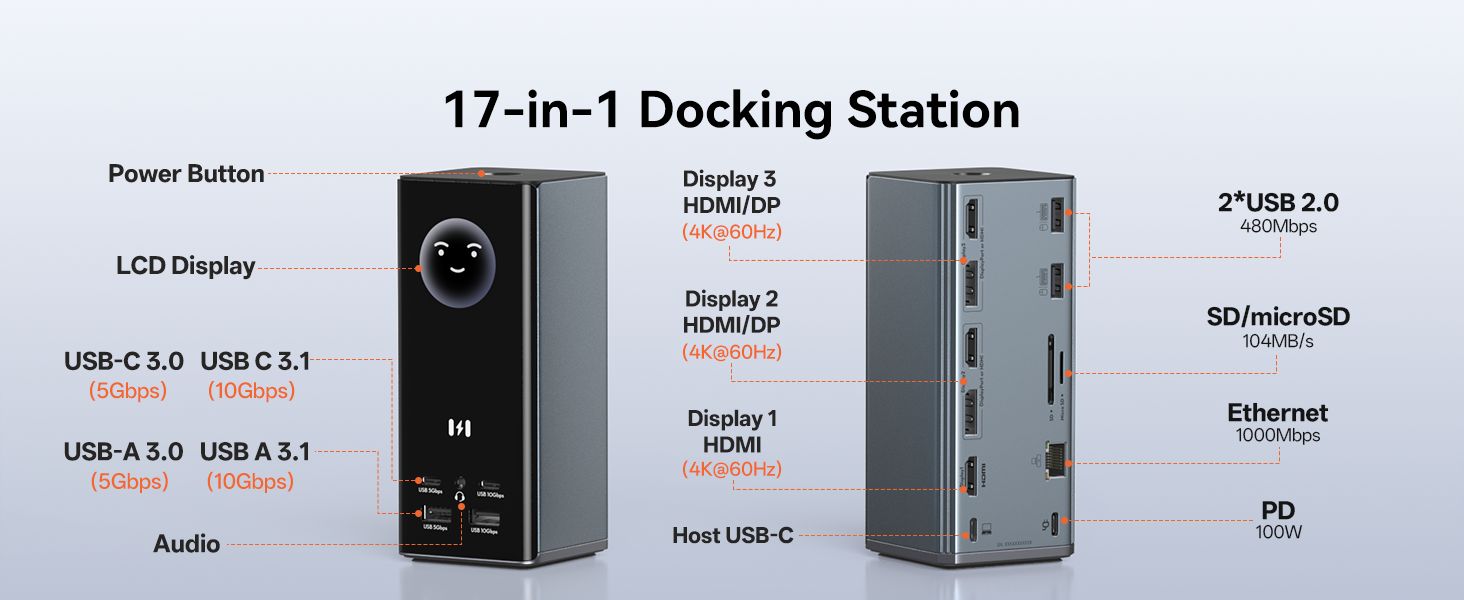
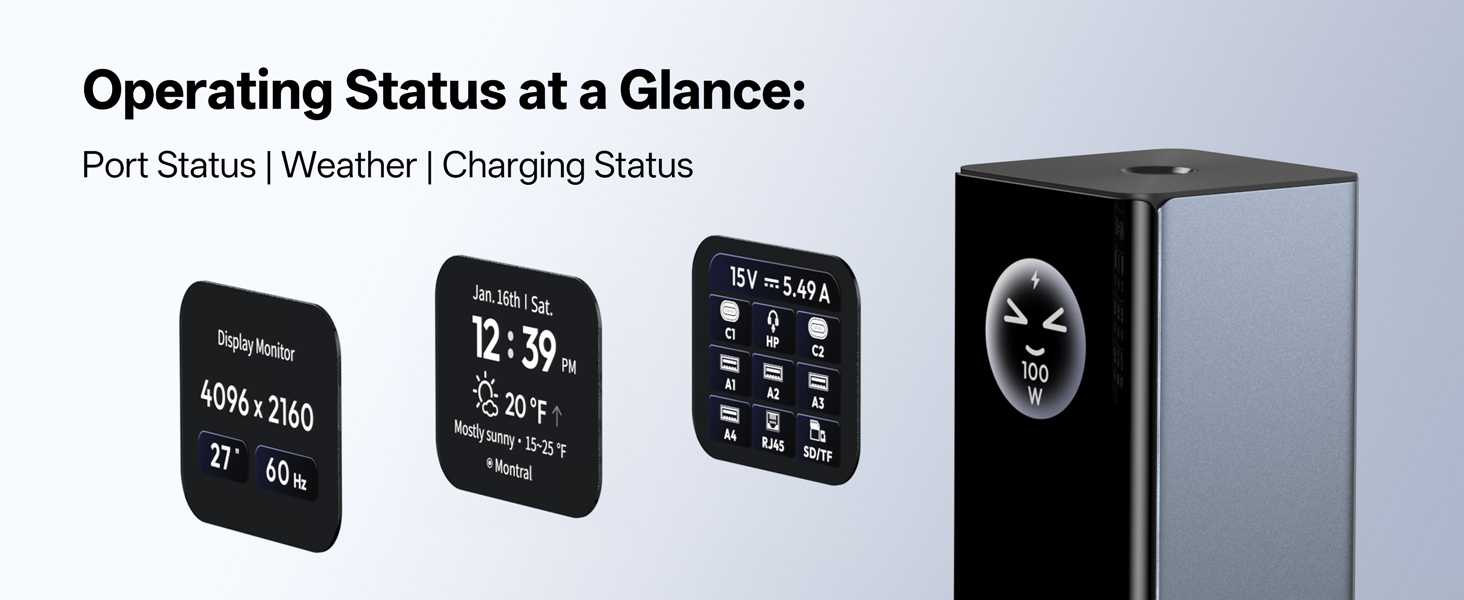
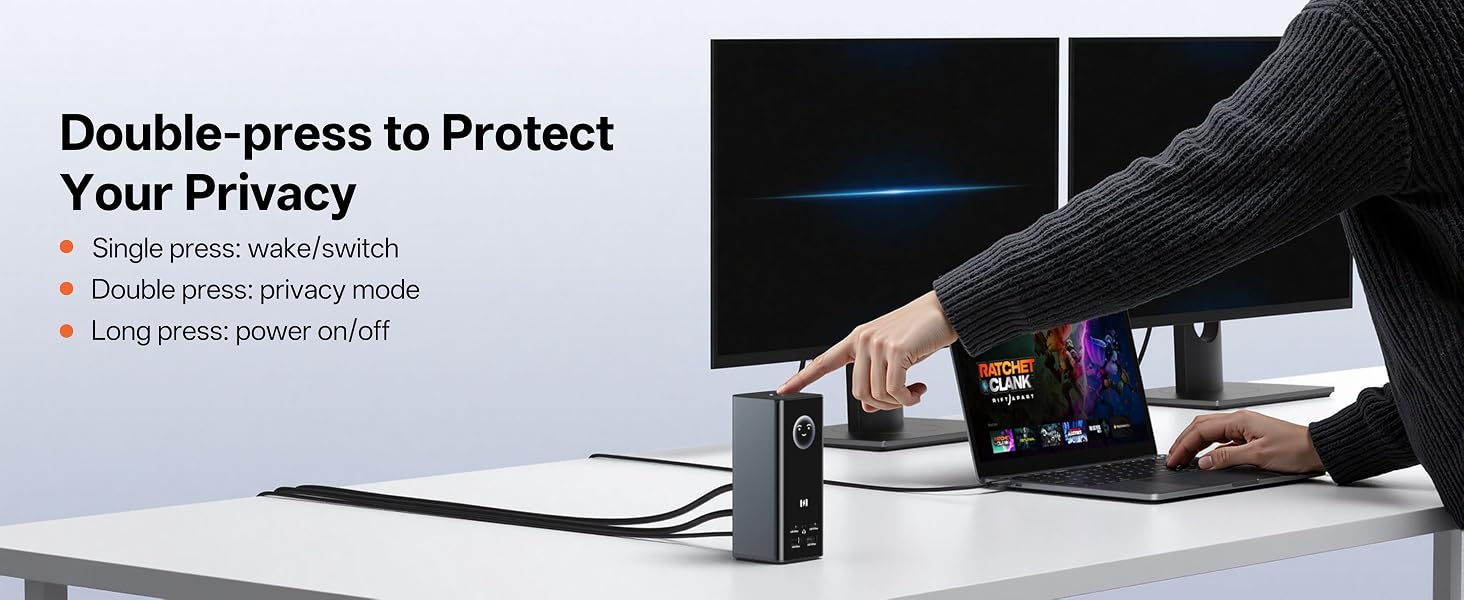
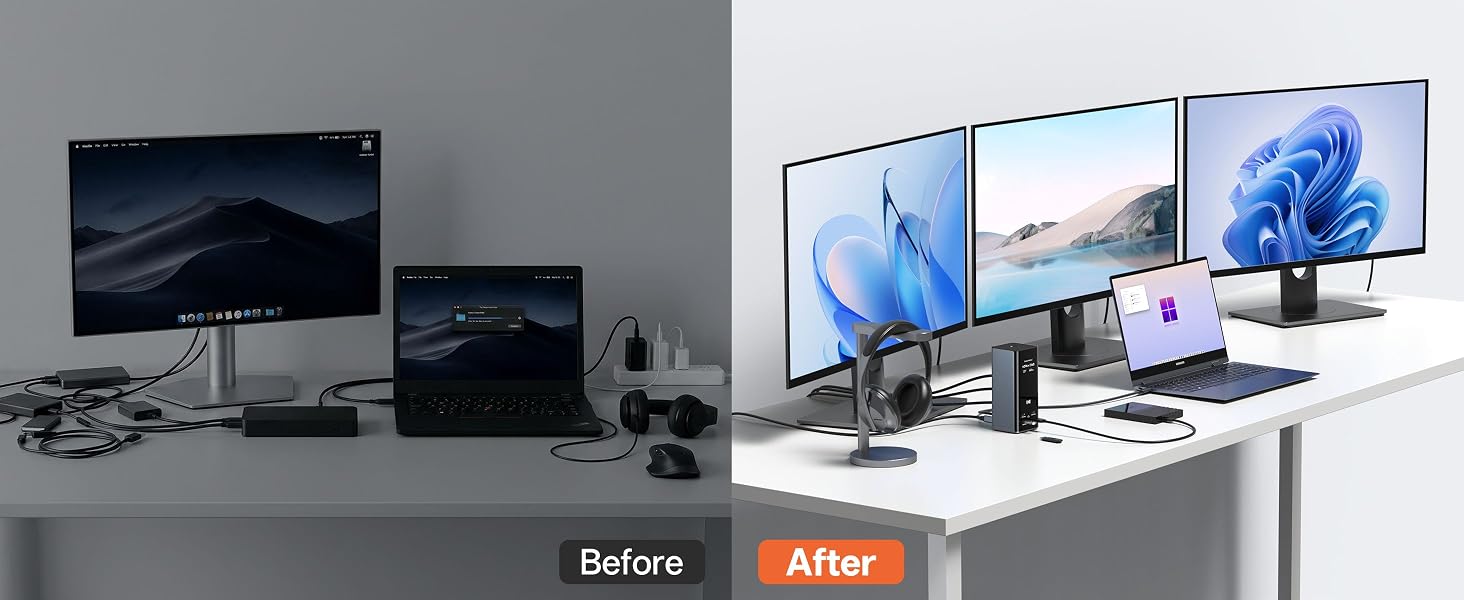
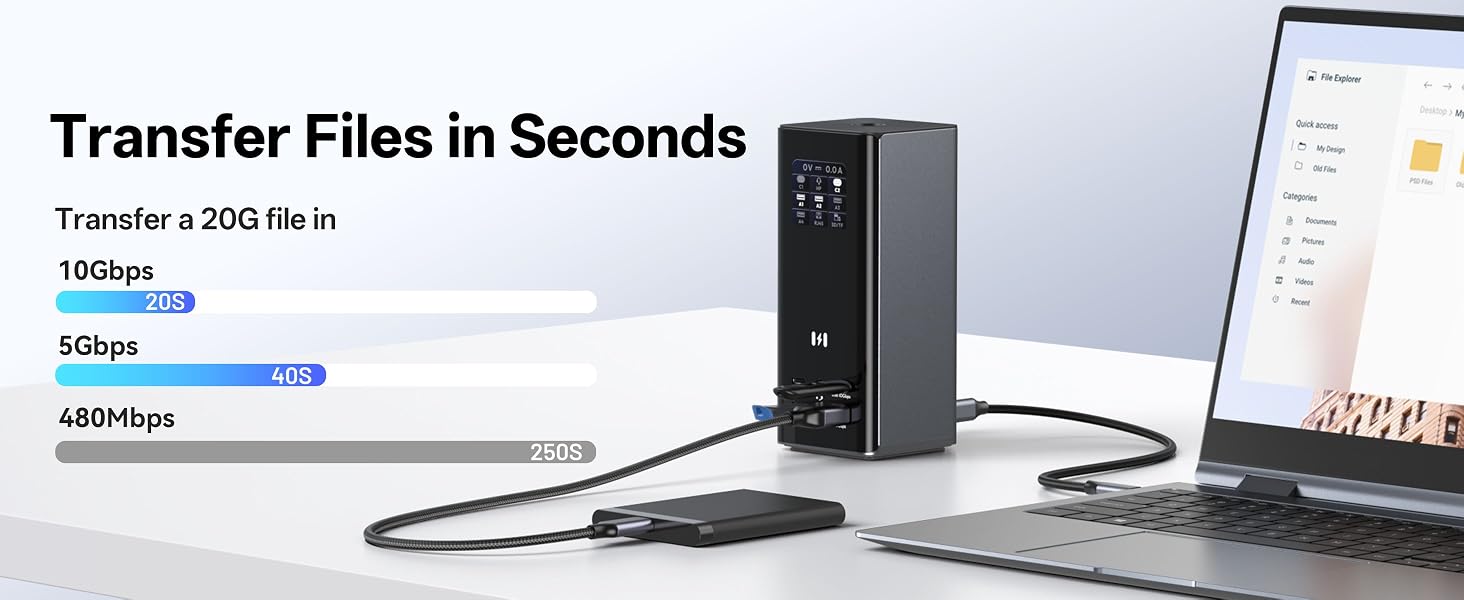
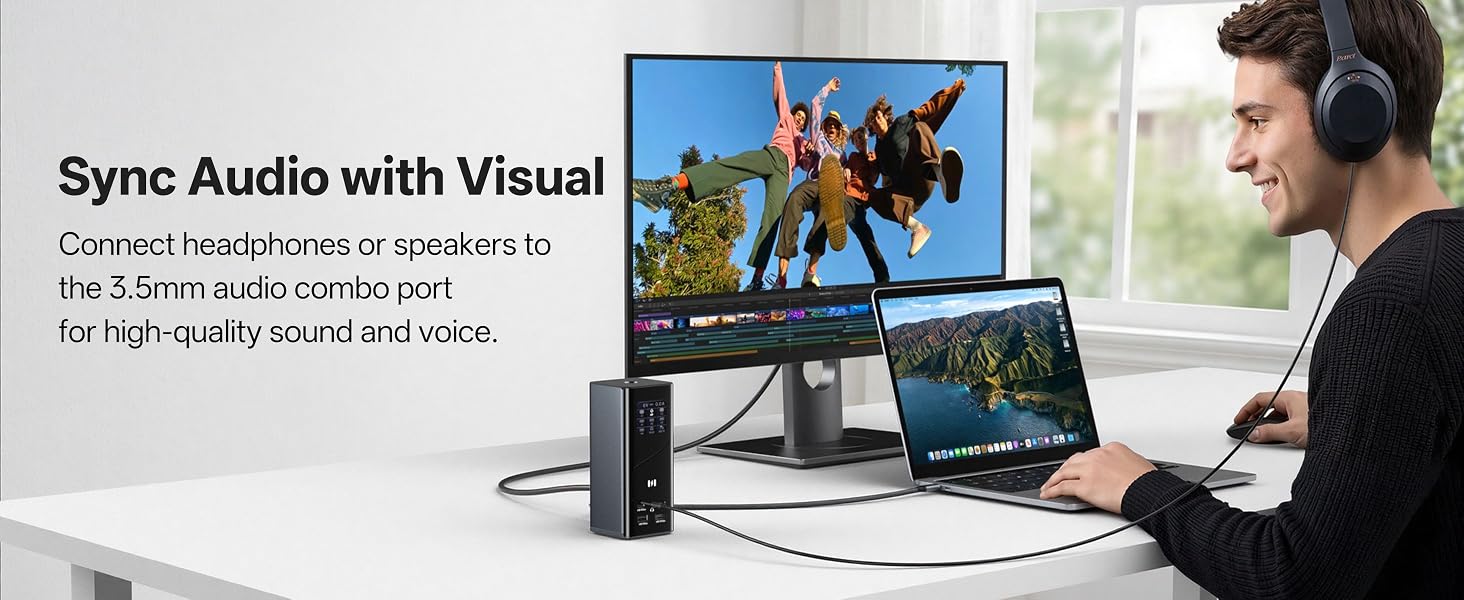
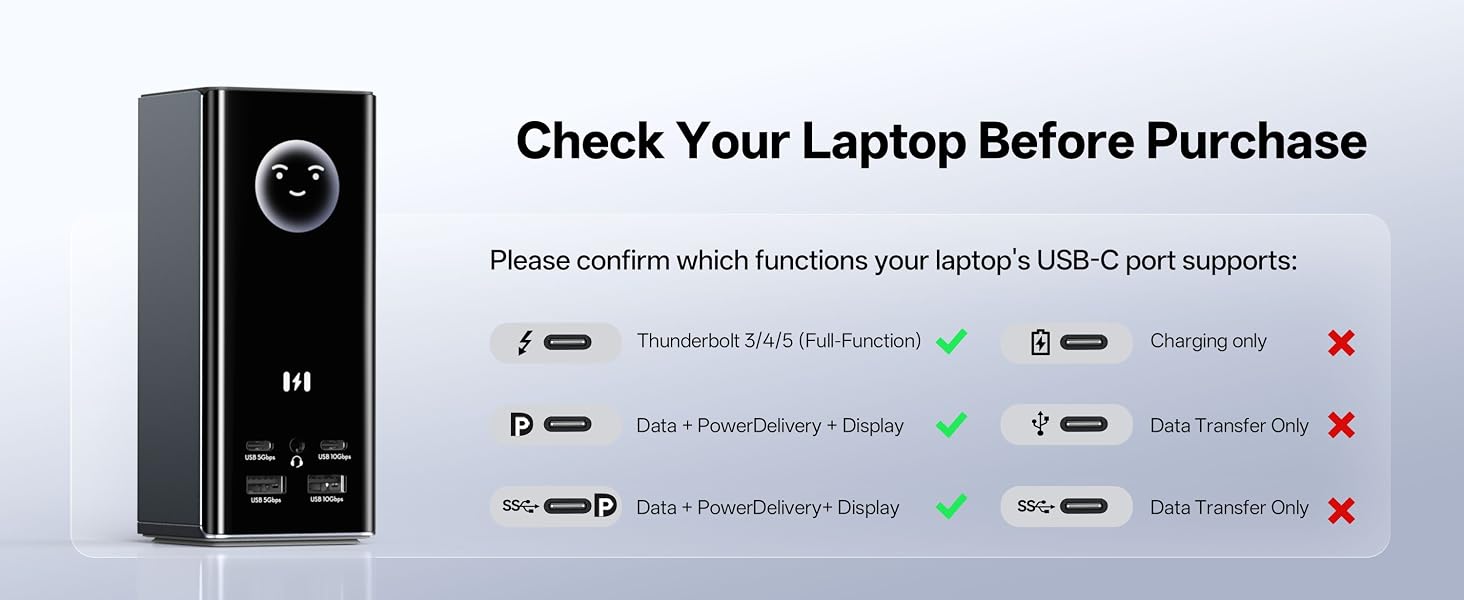
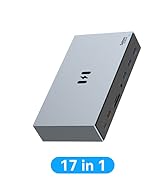
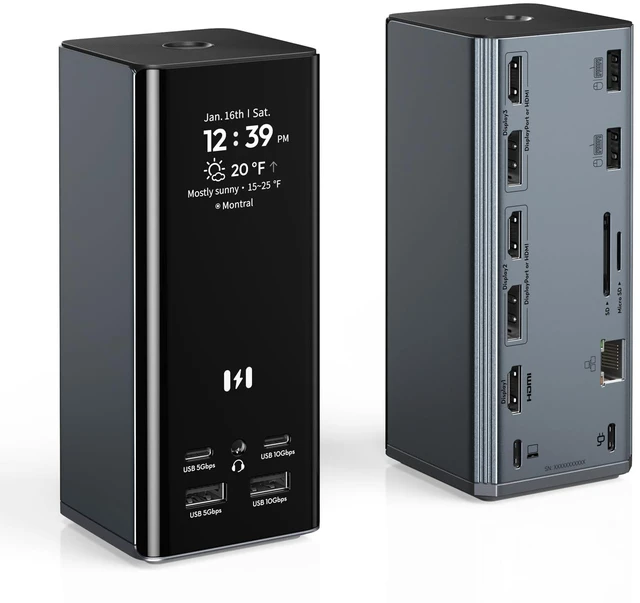
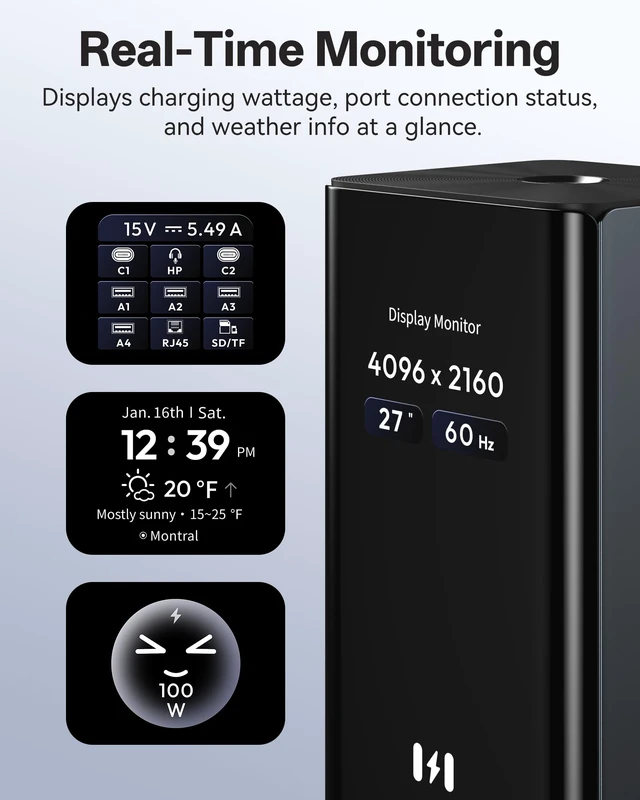
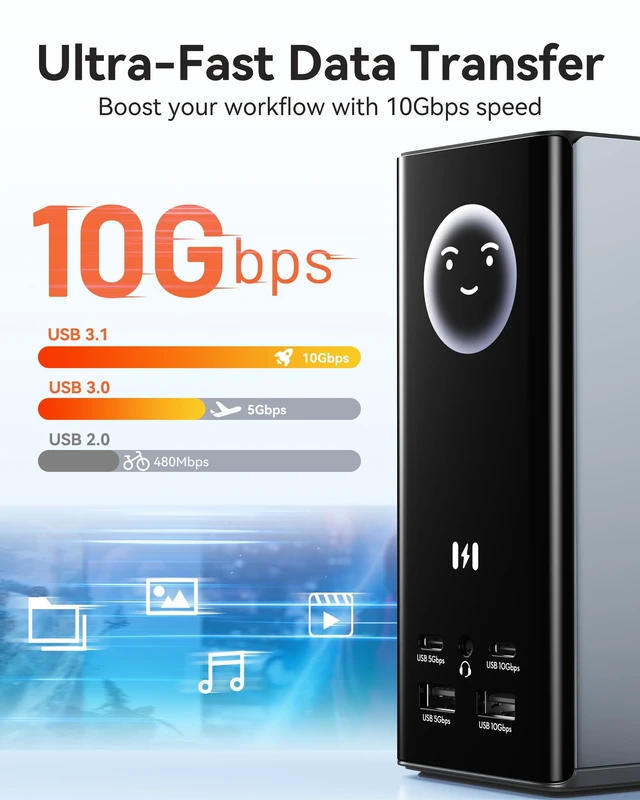
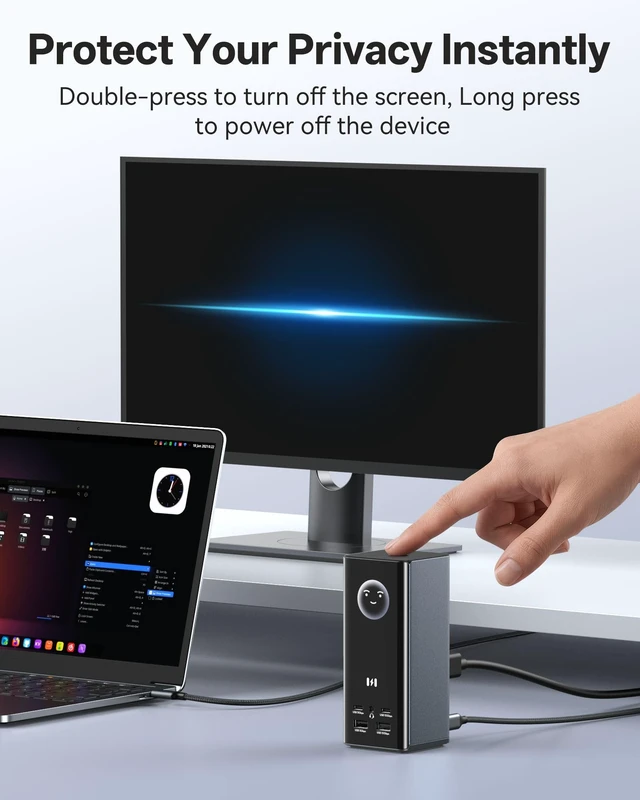
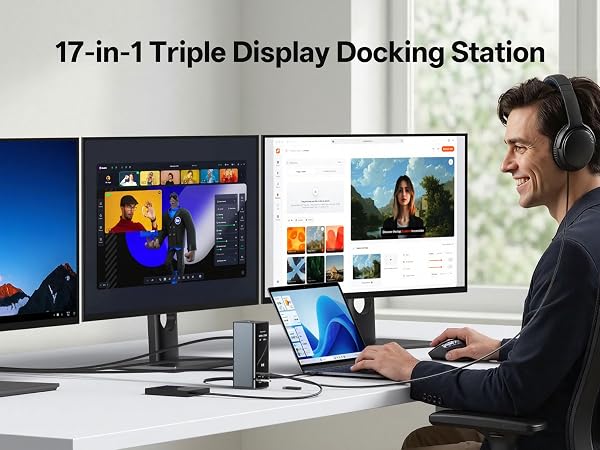
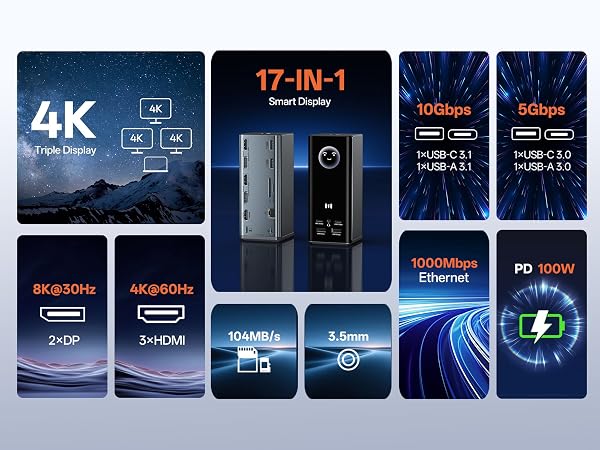
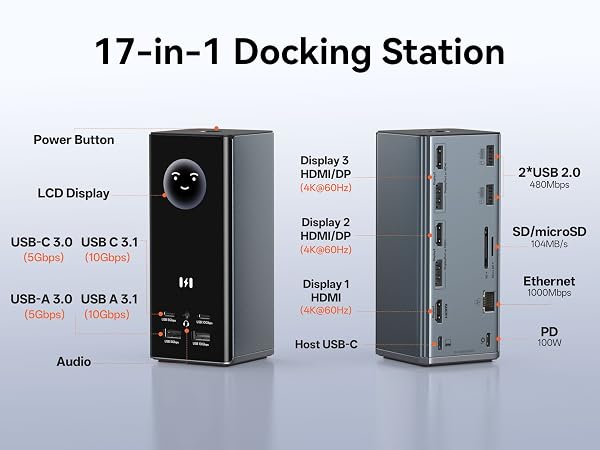
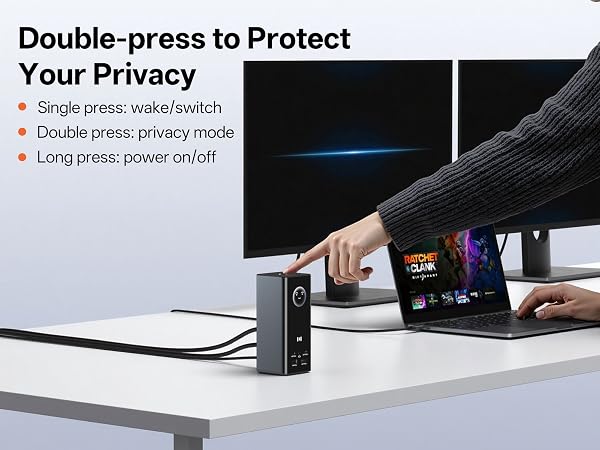
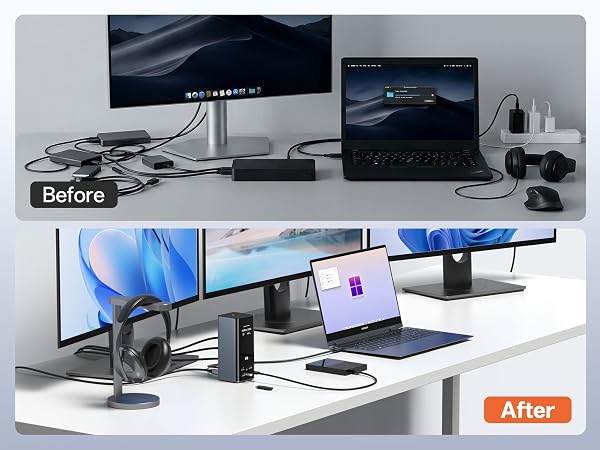
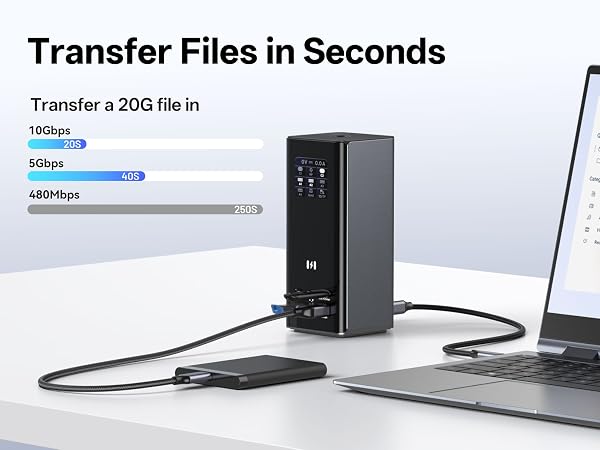
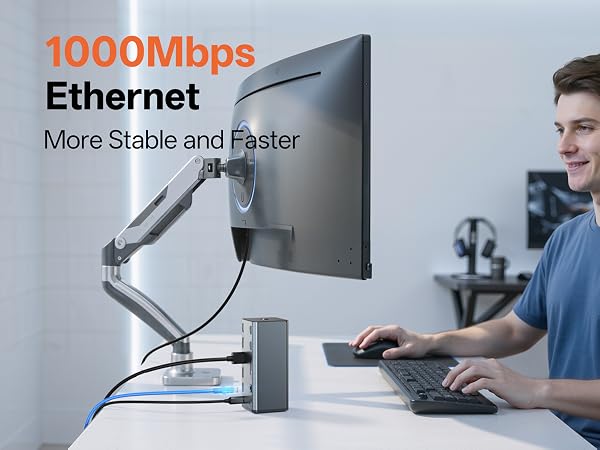
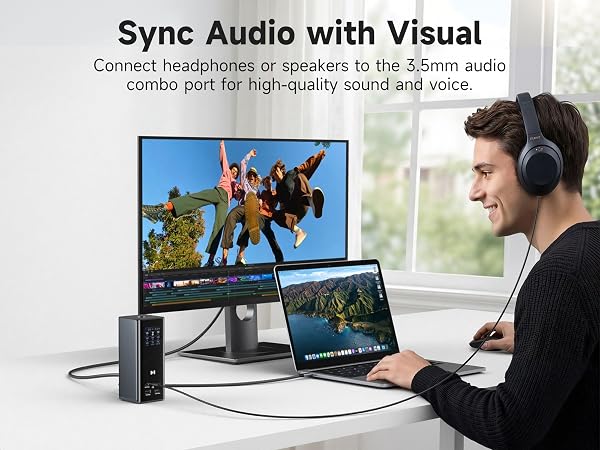
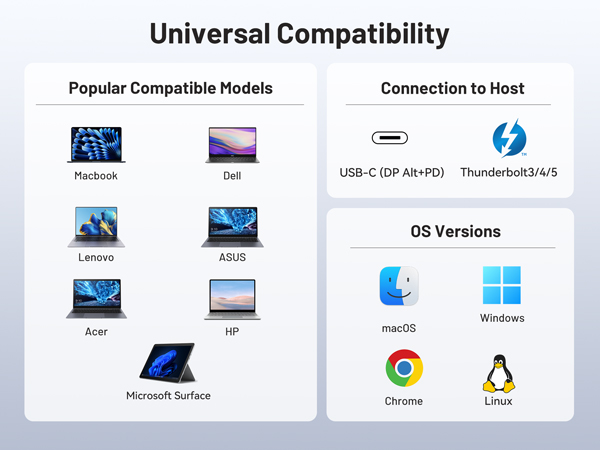
Product Description Does this work with MacBooks or just Windows? Yes, the Selore 17-in-1 Smart Hub works seamlessly with both MacBooks and Windows laptops. For Windows systemsincluding Dell XPS, HP Spectre, Lenovo ThinkPad, Asus ZenBook, Acer Swift, and Microsoft Surfaceit supports triple independent 4K@60Hz displays via any combination of its 3×HDMI and 2×DisplayPort ports using Windows MST (Multi-Stream Transport). For MacBooks running macOS, including MacBook Pro (M1/M2/M3), MacBook Air, and Mac mini, the dock supports mirror mode or single extended display onlyideal for users who need a clean dual-screen setup with their Apple devices. Can it support three 4K displays at once? Absolutely. When connected to a Windows laptop with USB-C or Thunderbolt supportsuch as Dell Precision, HP EliteBook, Lenovo Legion, or Asus ROGthis triple monitor docking station delivers three independent 4K@60Hz displays simultaneously. With 5 video ports (3×HDMI + 2×DisplayPort), you have complete flexibility: HDMI+HDMI+HDMI, HDMI+HDMI+DP, or HDMI+DP+DP. Whether you're using it as a docking station dual monitor setup or a full docking station 3 monitors configuration, it handles it all. Is a power adapter included with this? The docking station comes with a USB-C host cable and user manual. Note: Power adapter is not included. To achieve 100W PD fast charging, you'll need a 100W or higher PD charger (sold separately). The dock supports up to 100W power input, delivering approximately 85W passthrough charging to your laptopeven under full load with three displays running. Why you might like this Because its more than a docking stationits your desktop command center. Smart Display with Weather Glance at your desk and instantly see time, local weather, charging wattage, and port statuswithout unlocking your phone or waking your laptop. Powered by builtin WiFi, it syncs weather data automatically. 17-in-1 Expansion One cable connects everything: 3×HDMI, 2×DisplayPort, 10Gbps USB-A/C, Gigabit Ethernet, SD/microSD slots, 3.5mm audio, and 100W PD charging. Privacy at a Touch Doublepress the power button to instantly turn off all external monitorsideal for stepping away from your desk. The silicone suction base keeps the dock rocksolid. 10Gbps Data Transfer Move a 20GB file in about 20 seconds. Perfect for creative professionals and power users. Universal Compatibility Works with Dell XPS/Precision, HP Spectre/EliteBook, Lenovo ThinkPad/Legion, Asus ZenBook/ROG, Acer Swift, Microsoft Surface, and Apple MacBook Pro/MacBook Air (macOS supports mirror or single extended display). Compare with similar Unlike traditional USB-C hubs, the Selore 17-in-1 Smart Hub stands out with features you wont find in most docks. Its one of the few docking stations with a builtin LCD smart display that shows realtime weather, charging wattage, and port statusall powered by an integrated WiFi module for automatic weather sync. Most standard USB-C docking stations offer only 2 video ports, limiting you to dual displays at best. This triple monitor docking station gives you 5 video ports (3×HDMI + 2×DisplayPort), allowing true triple 4K@60Hz expansion on Windows laptops like Dell, HP, Lenovo, and Asus. Data speed matters too. While many docks cap at 5Gbps, this multi-monitor laptop dock delivers 10Gbps USB-A and USB-C ports, so you can transfer large files in secondsideal for video editors and photographers working with SD/microSD cards. Priva