here!
I’m your shopping assistant for PC builds, upgrades, and everything tech.
Got questions? Ask away!
Start a conversation
here!
I’m your shopping assistant for PC builds, upgrades, and everything tech.
Got questions? Ask away!
Start a conversationShipped by LeWoCheng Global Shop

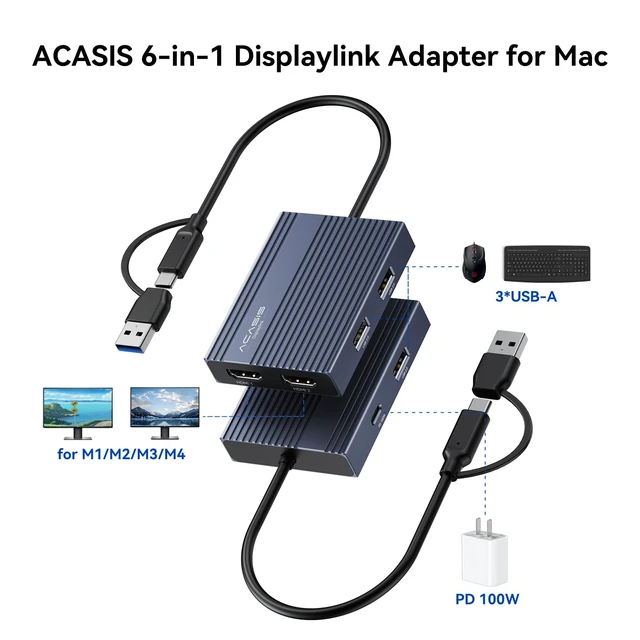
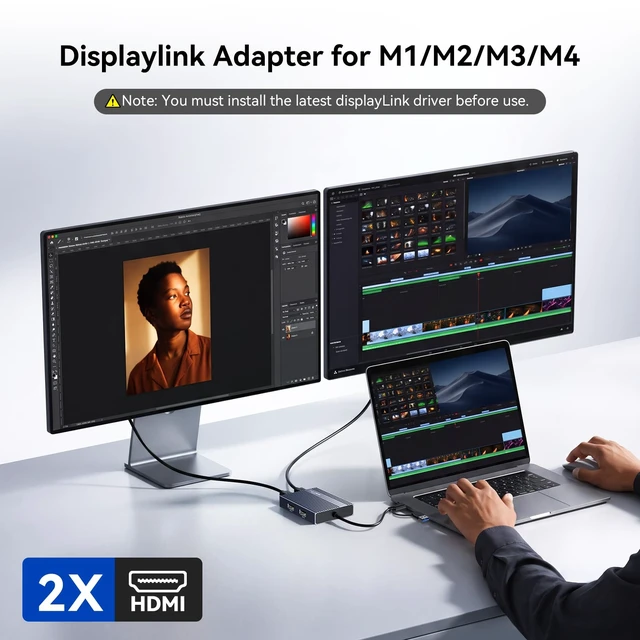
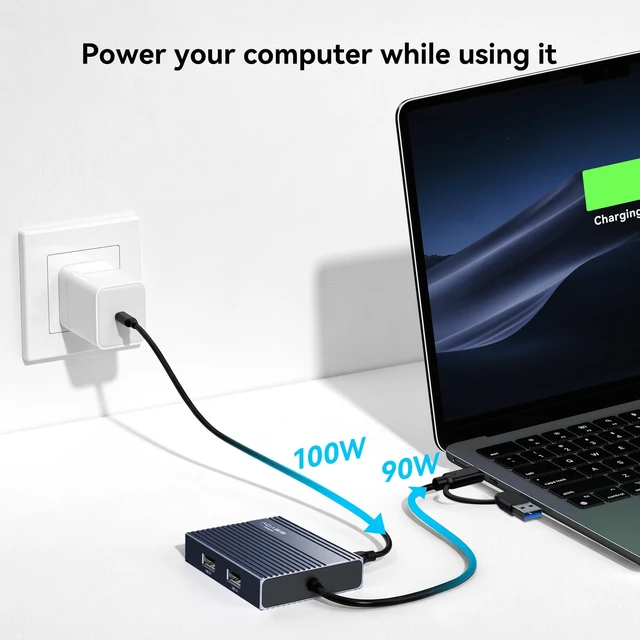
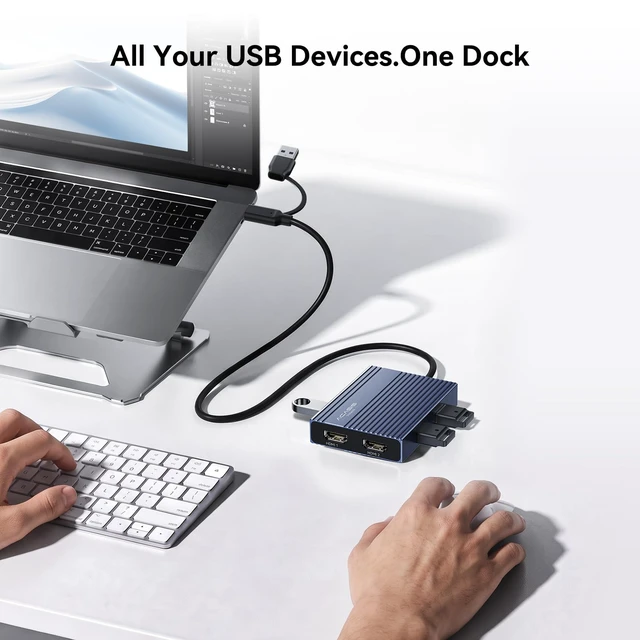




Any questions? Ask CelesteSM will help you find out quickly.
Q: Why does my system ask for permission to record my screen?
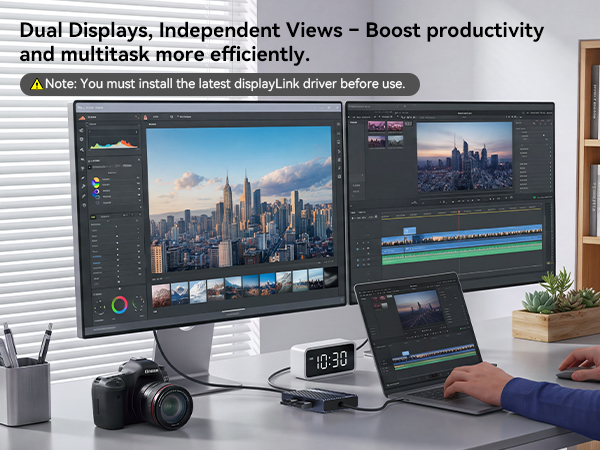
A: This is a standard security prompt for DisplayLink. The permission is required because the technology transmits video signals via USB. It needs to capture your screen content to display it on the external monitor.
Q: If the monitor is not displaying after installing DisplayLink software, please follow these steps:
A: 1.Try using another HDMI port on the dock.
2.Try using a different HDMI cable.
3.Test with another monitor.
If the issue persists, please contact our support team.
Q: Is this adapter compatible with Linux?
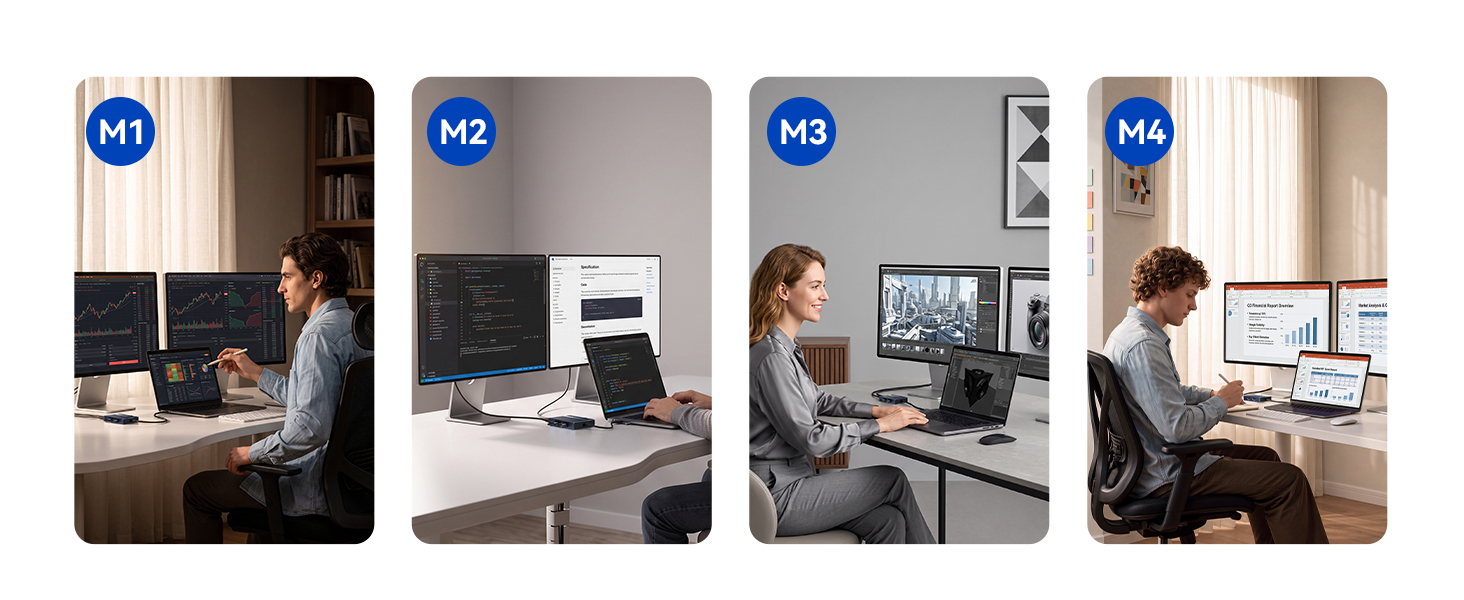
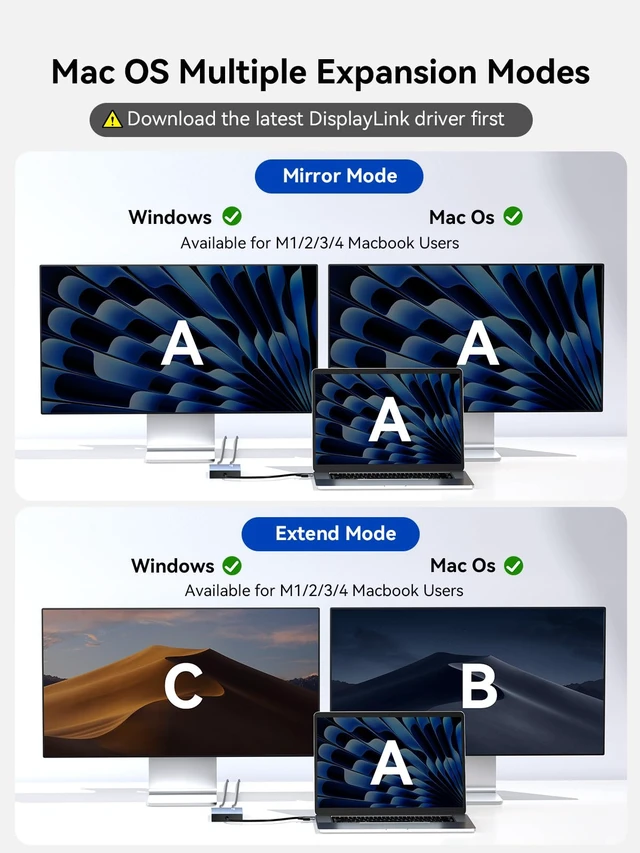
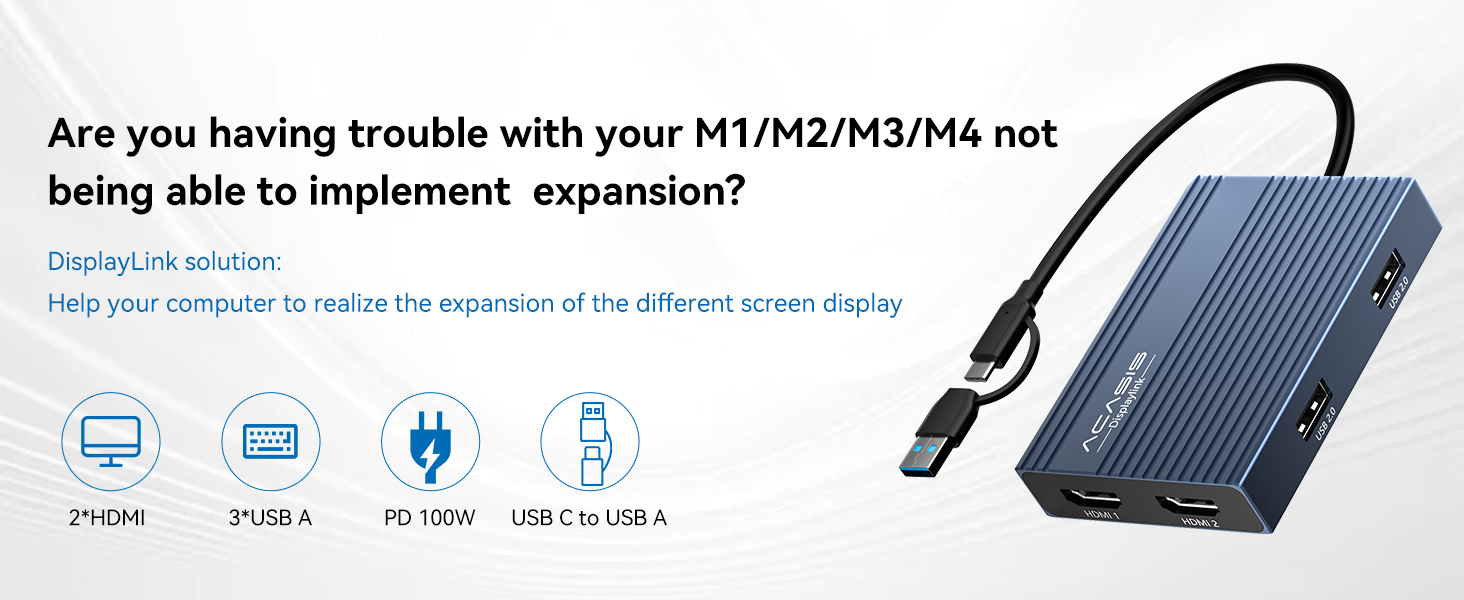
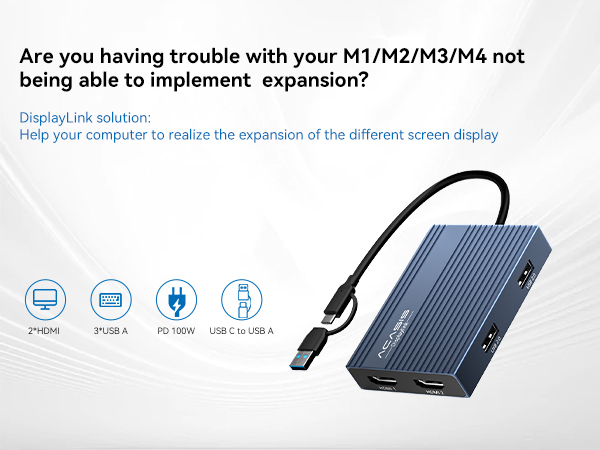
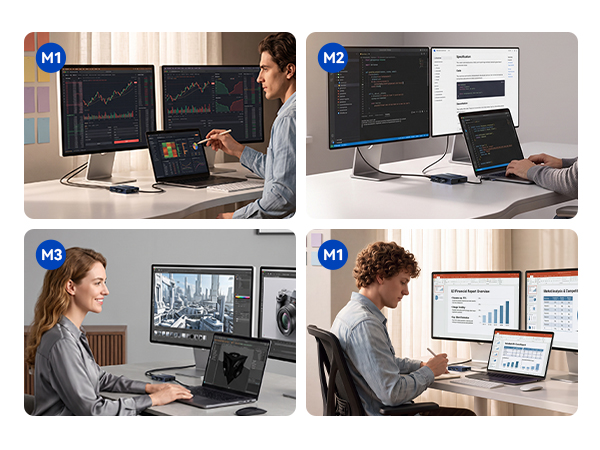
A: Linux support is limited, so smooth performance isn't guaranteed on most systems. This adapter is best for M1/M2/M3/M4 Mac users — reliable multi-display output with just the DisplayLink driver. Tell us your device and we'll confirm.
Q: Does it require any software?
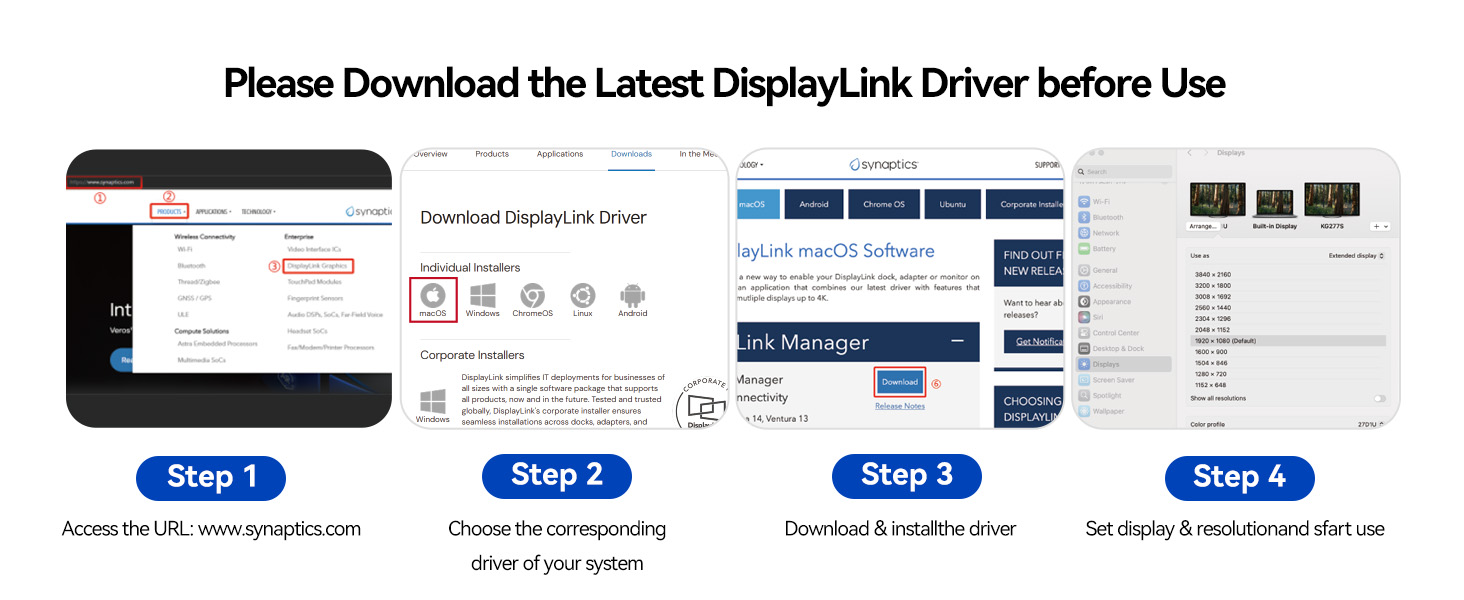
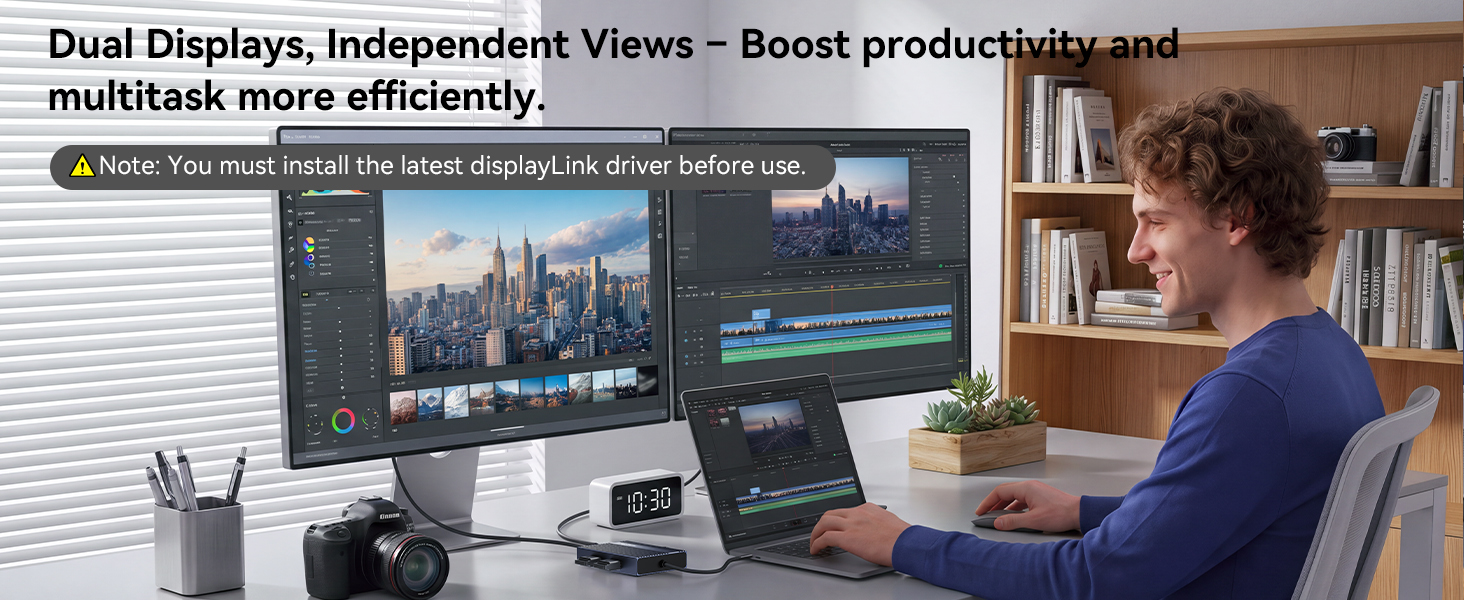
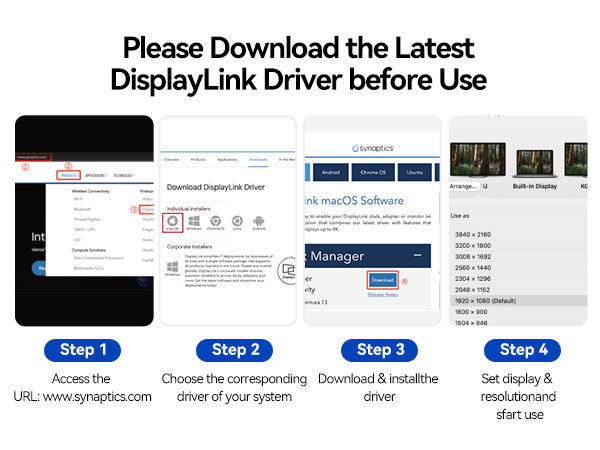
A: Yes, this adapter requires the DisplayLink driver to work. Install the latest driver from the official DisplayLink website on your Windows PC or Mac. Once installed, your display is detected automatically. If you run into issues, we'll help.
 USB C DisplayLink Adapter | 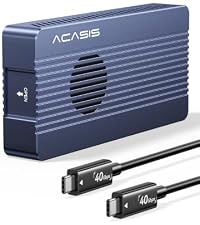 40Gbps NVMe Enclosure | 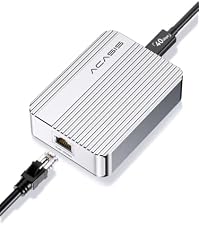 10Gb Ethernet Adapter | 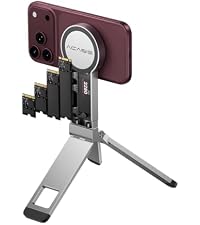 Magnetic SSD Enclosure | |
|---|---|---|---|---|
Customer Reviews | — | — | — | — |
Price | — | — | — | — |
Key Features | Dual Displays | Up to 8TB Capacity Storage | 10Gbps Ethernet | Up to 8TB Capacity Storage |
USB Interface | USB-C | USB4 | USB4 | USB-C |
Compatible Devices | MacBook ?Mac mini | MacBook ?Mac mini | MacBook ?Mac mini | Iphone15/161/17/18 |
color | Gray | Gray | Sliver | Sliver |
Aluminum alloy | ? | ? | ? | ? |
Technical Support | ? | ? | ? | ? |
Q: Why does my system ask for permission to record my screen?
A: This is a standard security prompt for DisplayLink. The permission is required because the technology transmits video signals via USB. It needs to capture your screen content to display it on the external monitor.
Q: If the monitor is not displaying after installing DisplayLink software, please follow these steps:
A: 1.Try using another HDMI port on the dock.
2.Try using a different HDMI cable.
3.Test with another monitor.
If the issue persists, please contact our support team.
Q: Is this adapter compatible with Linux?
A: Linux support is limited, so smooth performance isn't guaranteed on most systems. This adapter is best for M1/M2/M3/M4 Mac users — reliable multi-display output with just the DisplayLink driver. Tell us your device and we'll confirm.
Q: Does it require any software?
A: Yes, this adapter requires the DisplayLink driver to work. Install the latest driver from the official DisplayLink website on your Windows PC or Mac. Once installed, your display is detected automatically. If you run into issues, we'll help.
USB C DisplayLink Adapter | 40Gbps NVMe Enclosure | 10Gb Ethernet Adapter | Magnetic SSD Enclosure |
|---|---|---|---|
| Customer Reviews | |||
| — | — | — | — |
| Price | |||
| — | — | — | — |
| Key Features | |||
| Dual Displays | Up to 8TB Capacity Storage | 10Gbps Ethernet | Up to 8TB Capacity Storage |
| USB Interface | |||
| USB-C | USB4 | USB4 | USB-C |
| Compatible Devices | |||
| MacBook ?Mac mini | MacBook ?Mac mini | MacBook ?Mac mini | Iphone15/161/17/18 |
| color | |||
| Gray | Gray | Sliver | Sliver |
| Aluminum alloy | |||
| ? | ? | ? | ? |
| Technical Support | |||
| ? | ? | ? | ? |