




 here!
I’m your shopping assistant for PC builds, upgrades, and everything tech.
Got questions? Ask away!
Start a conversation
here!
I’m your shopping assistant for PC builds, upgrades, and everything tech.
Got questions? Ask away!
Start a conversation




Any questions? Ask CelesteSM will help you find out quickly.


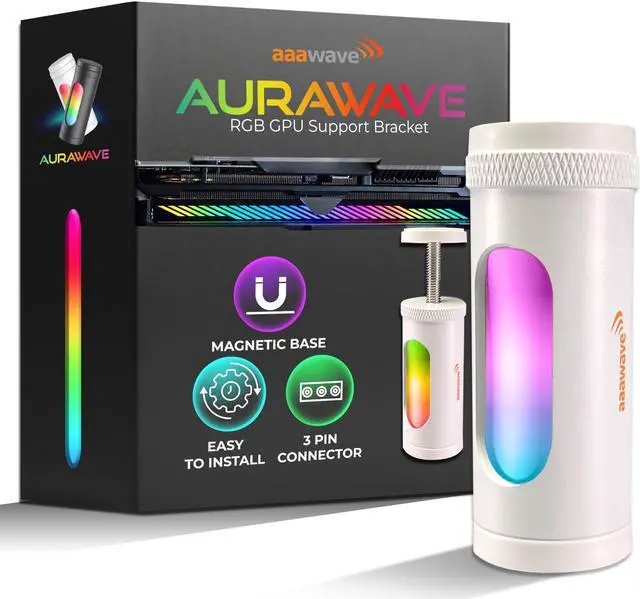
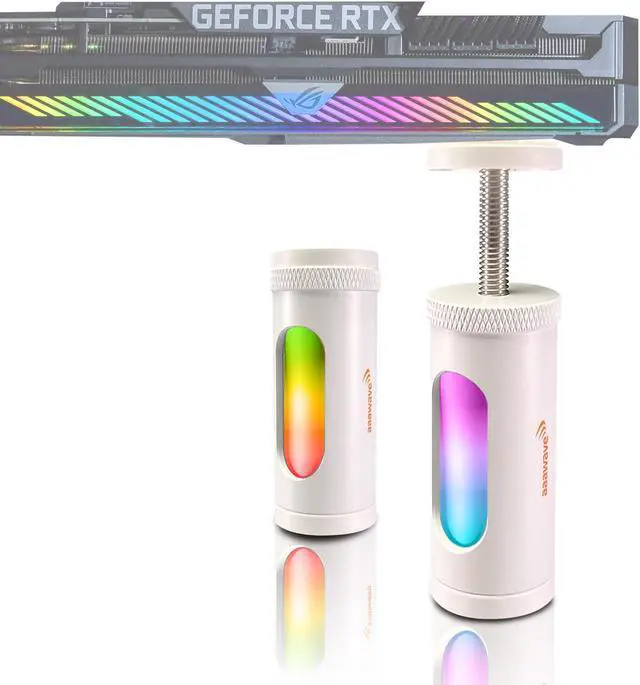
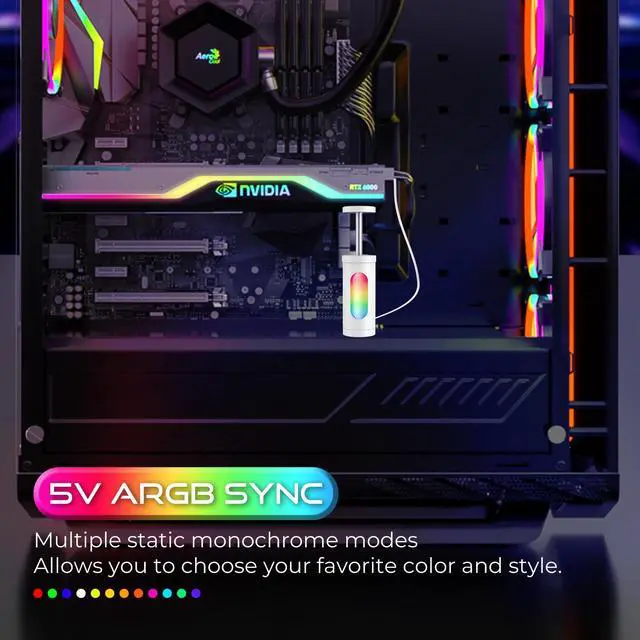
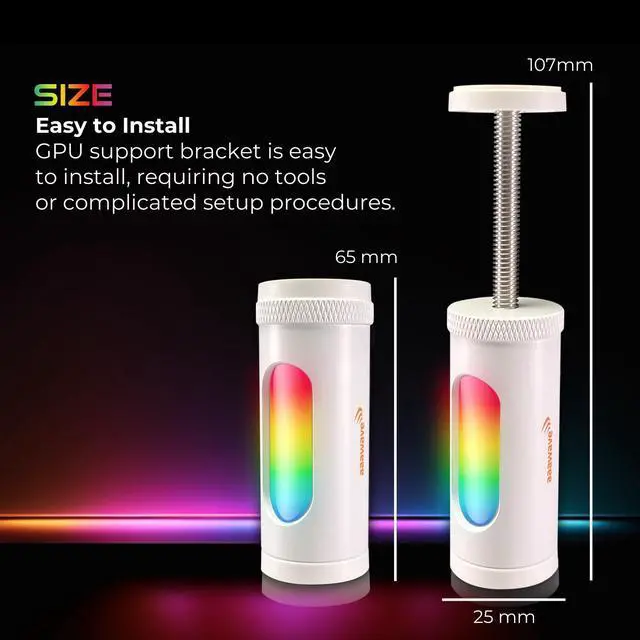
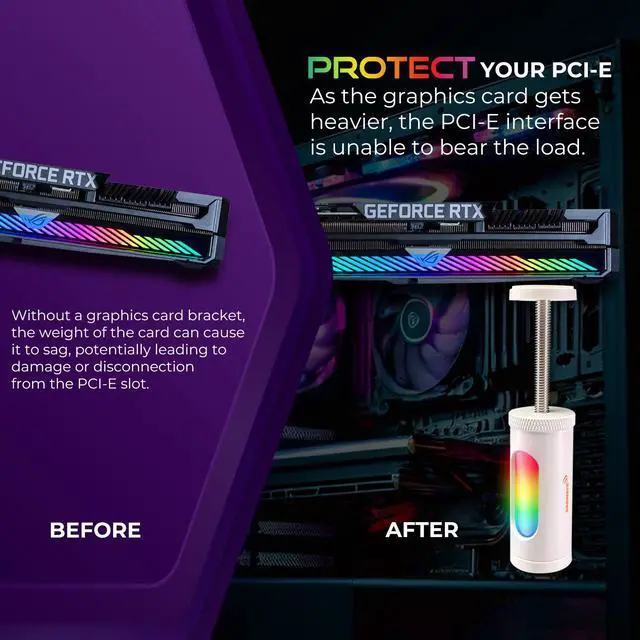
The AAAwave AURAWAVE is an adjustable, magnet-base GPU support bracket for PC builders who want to help prevent graphics-card sag while adding synchronized ARGB lighting; it adjusts from 67 to 110 mm and connects to 5V 3-pin ARGB.
| Attribute | Value |
|---|---|
| Best For | Supporting and stabilizing a graphics card inside a PC case to help prevent sagging |
| Fit And Mounting | Internal-mount GPU support bracket with adjustable height from 67–110 mm |
| Physical Details | White, painted finish; listed dimensions are 8 × 6 × 2 inches and item weight is 0.15 lb |
| Package Details | One unit; package dimensions are 3.2004 × 6.1976 × 9.0932 cm and package weight is 0.068 kg |
| Model Identifiers | AAAwave, model 0810094904616 |
Q: AAAwave AURAWAVE vs a basic non-RGB GPU support stand: which should I choose?
A: Choose the AURAWAVE if you want GPU support plus 5V 3-pin ARGB lighting. Its height adjusts from 67mm to 110mm, and its magnetic base and ARGB daisy-chain connector suit a build where placement and synchronized lighting matter. A basic non-RGB stand is the simpler choice when lighting coordination is not a priority.
Q: AAAwave AURAWAVE vs a screw-mounted RGB GPU brace: which offers more flexible placement?
A: Choose the AURAWAVE if you prefer a standalone support post with a magnetic base and adjustable 67–110mm height. Its ARGB connector and daisy-chain design also let it join compatible lighting setups. A screw-mounted brace is an alternative for builders who prefer a support attached at the case’s expansion-slot area.
Q: AAAwave AURAWAVE vs a fixed-height GPU support: which is easier to fit to my build?
A: Choose the AURAWAVE when you want to set the support height to match the space beneath your graphics card. Its adjustment range is 67mm to 110mm, and the magnetic base helps position it on a suitable case surface. It also adds 5V 3-pin ARGB lighting for compatible builds.
Q: Do I need a GPU support bracket?
A: It is optional. Consider this bracket if your graphics card sags or you want extra support underneath it; if the card is already level and adequately supported, you may not need one. The bracket adjusts from 67 mm to 110 mm.
Q: How can I tell if this GPU support bracket will fit my PC case?
A: Measure the space from the case floor to the underside of the graphics card where the support will sit. The required height must be within this bracket’s 67–110 mm adjustment range, with enough room to avoid fans, cables, and other components.
Q: Does the ARGB lighting work with any motherboard?
A: The bracket uses a 5V 3-pin ARGB connector, so it requires a compatible 5V 3-pin ARGB connection or controller. Check the motherboard or controller header before connecting it; do not connect it to a 12V 4-pin RGB header.
Q: Will the magnetic base stay in place, and is installation difficult?
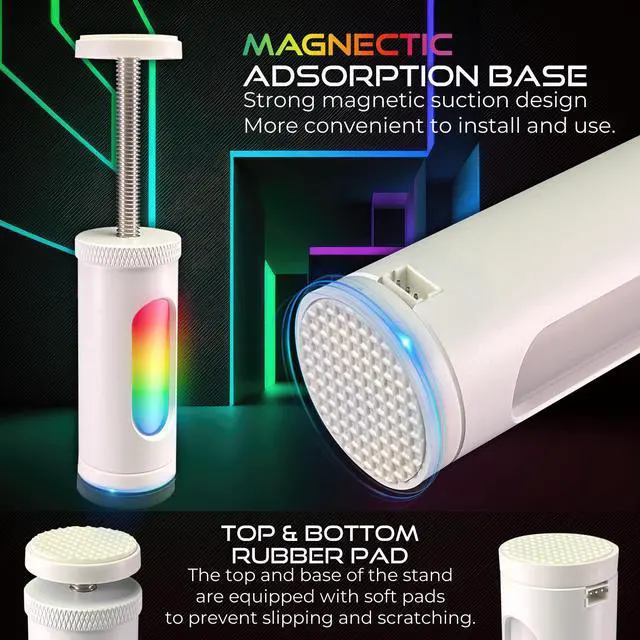
A: The bracket has a hidden magnet base and rubber cushioning and is described as easy to install. Its hold depends on the case surface and placement, so position it on a suitable stable surface and confirm it does not obstruct fans or cables.


