Price alert
Shop it at NeweggBusiness.

Meet Your Seller

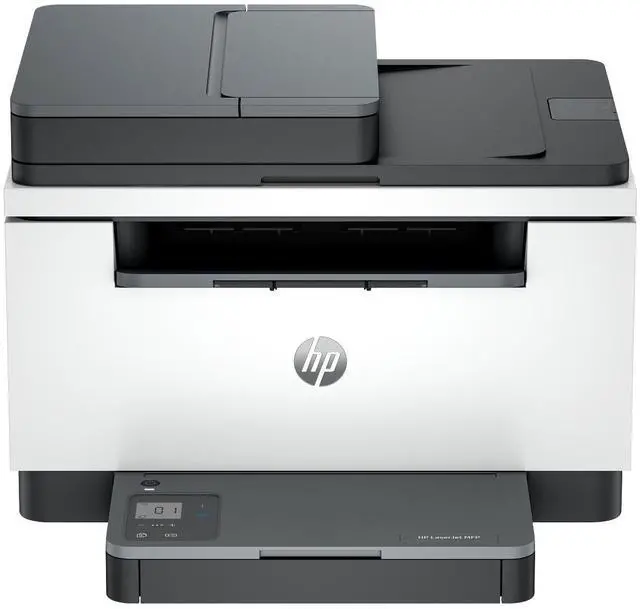
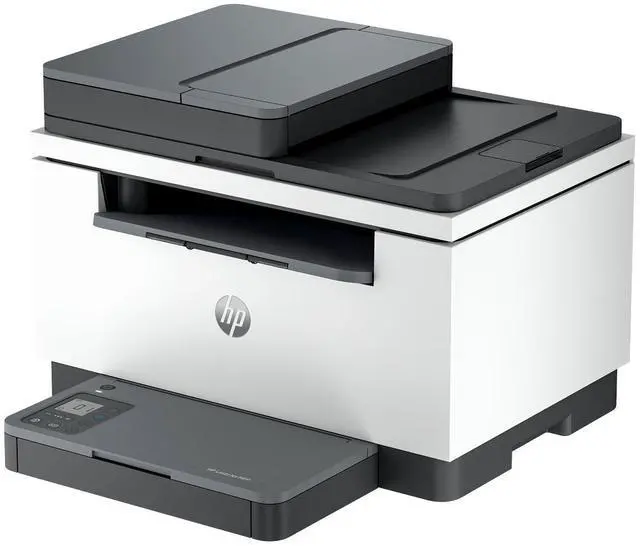
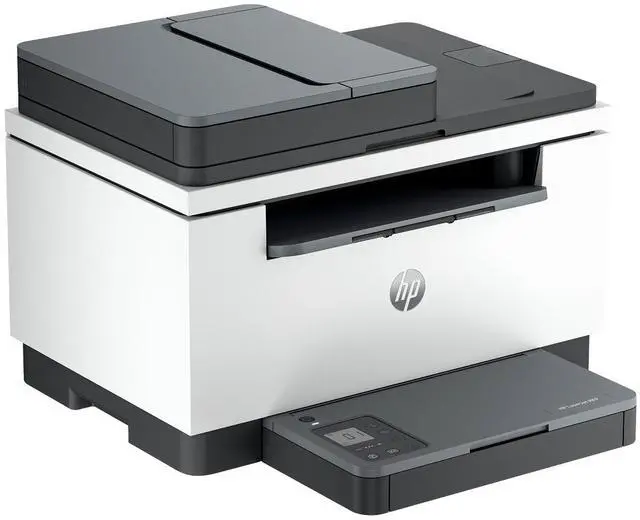
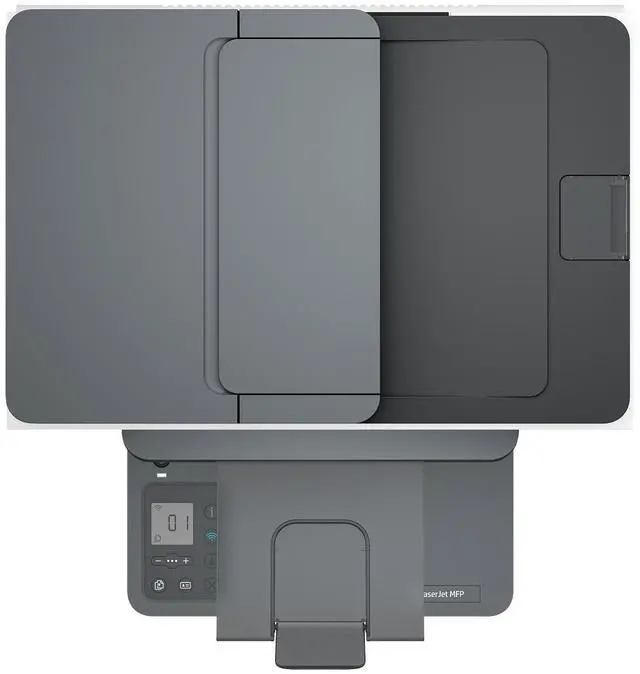
HP LaserJet MFP M235sdw Laser Printer, Black And White Mobile Print, Copy, Scan

  • HP LaserJet MFP M235sdw Printer
+
+
Overview
Specs
Reviews

Any questions? Ask CelesteSM will help you find out quickly.

OverviewIncrease productivity with this high-performance black-and-white printer in an award-winning compact design. Experience the fastest two-sided printing in class with copying and scanning, reliable Wi-Fi with self-reset, and a 40-page automatic document feeder, plus simplified setup and time-saving features on the HP app. HP Personal Laser Multifunction Printers are designed for individuals or small workteams who need affordable, reliable multifunction performance in a compact and easy-to-use desktop device. This printer is intended to work only with cartridges that have a new or reused HP chip, and it uses dynamic security measures to block cartridges using a non-HP chip.

Periodic firmware updates will maintain the effectiveness of these measures and block cartridges that previously worked. A reused HP chip enables the use of reused, remanufactured, and refilled cartridges.
More at:
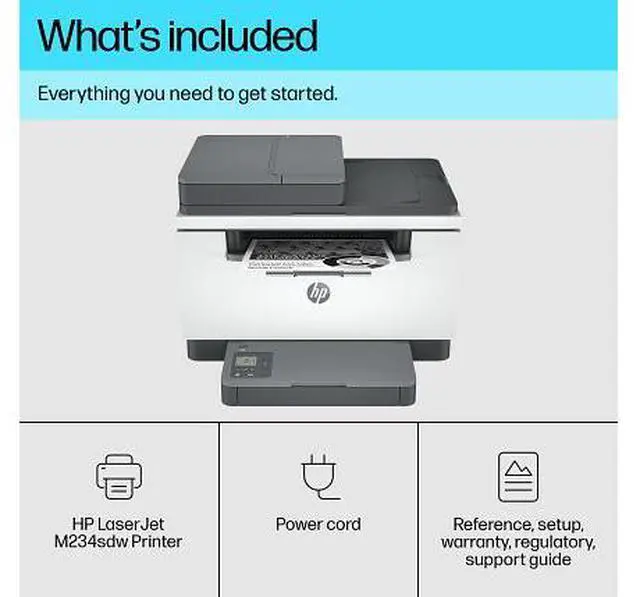
http: //www. hp. com/learn/dsFeaturesBuilt for fast and reliable printingDeliver multipage documents in a flash with the fastest two-sided printing in class. Stay productive from anywhereGet high-quality scanning and printing from your phone, plus time-saving features with the easiest-to-use HP app. Easy to set up, easy to useGet started fast with easy setup guidance from the HP app. Quickly setup and get back to business. Compact and energy efficient designSave space without sacrificing performance with an award-winning, compact design. Minimum system requirementsMicrosoft Windows 11, 10: 32-bit or 64-bit; 2 GB available hard disk space; Internet connection; Microsoft Internet Explorer. What's in the box? HP LaserJet MFP M235sdw; Preinstalled HP Black Original LaserJet Toner Cartridge; Power Cord; Reference Guide; Setup Poster; Regulatory FlyerDisclaimers Internet access required and must be purchased separately. Wireless operations are compatible with 2.4 GHz and 5.0 GHz operations only. Supports both 5.0 GHz and 2.4 GHz using up to 12 non-overlapping channels vs. only 3 non-overlapping channels for 2.4 GHz only. Supports 5.0 GHz band (up to 150 mbps) v. 2.4 GHz band (up to 72.2 mbps).
Learn more at:
https: //www. hp. com/go/mobileprinting Requires HP app download available at https: //www. hp. com/go/mobileprinting. Certain features are available in English language only, and may vary by printer model/country, and between desktop/mobile applications. HP reserves the right to introduce charges for use of functionality facilitated by the HP app. Internet access required and may not be available in all countries. HP account required for full functionality. Fax capabilities are for sending a fax only. List of supported operating systems available in app stores.
See details at https: //www. hpsmart. com Based on internal HP testing.
Average timing estimate based on: 1) downloaded HP app on mobile or desktop device, 2) setting up Shortcut, 3) scanning jobs which have more than 2-3 tasks associated with them (scan to email, save and rename, store to cloud, etc. ). Average timing savings comparison based on using printer and desktop scan software to complete similar scanning tasks. Requires the HP app download and supported HP printer. For details on local printing requirements see https: //www. hp.
com/go/mobileprinting https: //www. red-dot. org/project/hp-laserjet-printer-series-52406 Compared to OEM printing apps for the majority of top-selling, network-capable inkjet/laser printers and all-in-ones for the home and office, priced $450 USD. Printers selected by market share as reported by IDC Quarterly Hardcopy Peripherals Tracker Final Historical CYQ1
2023. Claim based on research of printer manufacturer's print apps and Keypoint Intelligence hands-on testing and study commissioned by HP, July
2023. For details, please
see:
https: //www. keypointintelligence. com/HPSmartapp

Warranty & Returns

Warranty, Returns, And Additional Information

Warranty

  • Please contact the Seller directly for warranty information. Warranty information may also be found on the Manufacturer's website.
  • Read full details
  • CONTACT

Return Policies

Manufacturer Contact Info

LOADING...

The HP LaserJet MFP M235sdw is a black-and-white laser multifunction printer for home offices and small workgroups that need printing, copying, and scanning, with print speeds up to 30 pages per minute.

Recommended For

  • Home-office workers who mainly print contracts, invoices, forms, and other black-and-white documents and want quick text printing, copying, scanning, and automatic two-sided printing.
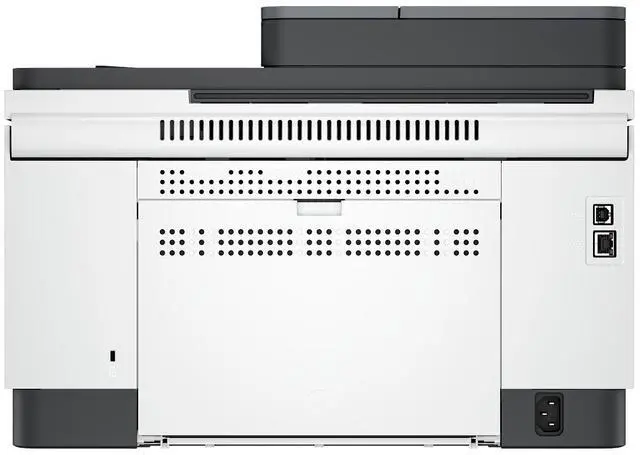
  • Small workgroups that need a shared monochrome printer with Wi-Fi, Ethernet, or USB connectivity for everyday document printing and occasional scanning or copying.
  • People who regularly digitize or copy short stacks of single-sided paperwork and want an automatic document feeder instead of placing each page on the scanner glass.
  • Students and households that print mostly black-and-white assignments, forms, and study materials and value automatic duplex printing over color output.

Real-World Use Scenarios

  • In a home office, print invoices, forms, shipping labels, and other text-heavy documents from a computer or phone; black-and-white laser output keeps everyday paperwork clear, while wireless printing avoids needing a direct USB connection.
  • When preparing a double-sided handout or contract, print both sides automatically to reduce paper use; the printer handles duplex printing, but scanning or copying two-sided originals through the feeder requires turning the pages over manually.
  • For a small stack of single-sided receipts, forms, or correspondence, load pages into the automatic document feeder to scan or copy them in sequence rather than placing each sheet on the glass; double-sided originals need manual handling.
  • In a small office or shared household, make quick copies of paperwork or scan documents for digital filing; the combined print, copy, and scan functions cover routine document tasks without needing separate devices.
  • For recurring batches of reports or school and business paperwork, print black-and-white pages at a steady pace; it is suited to text-focused work, while color documents and photo printing are outside its monochrome capability.