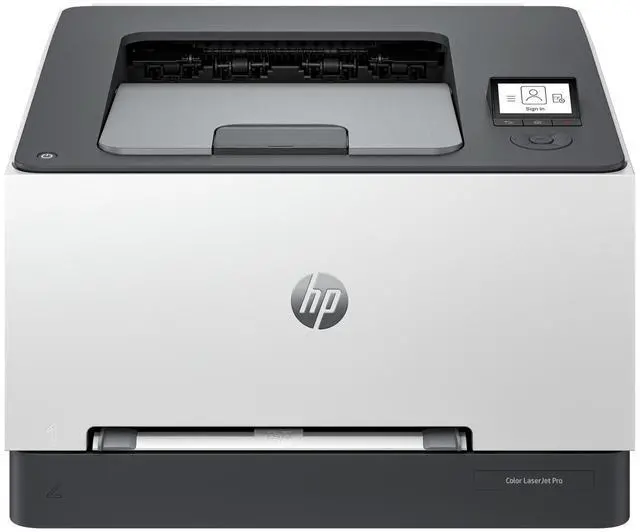
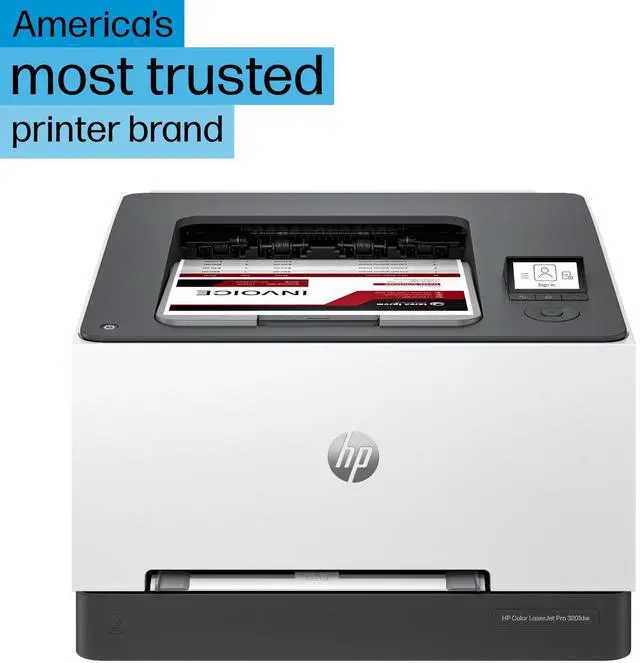
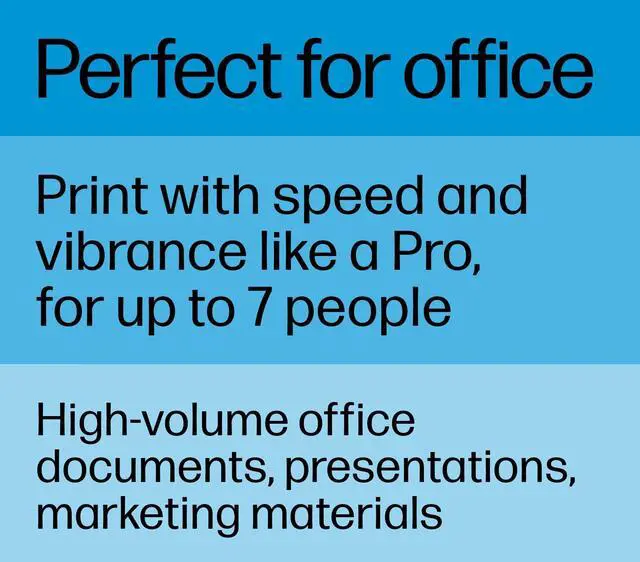
OverviewDesigned for business work teams that need professional performance with fast, high-quality two-sided color printing, laser productivity, and award-winning reliability in a space-saving design. HP Personal Laser Multifunction Printers are designed for individuals or small workteams who need affordable, reliable multifunction performance in a compact and easy-to-use desktop device. Save on quality, refurbished products. The HP collection of Certified Refurbished products are thoroughly tested to meet the same functional standards as comparable new products. HPs refurbished products are put through a series of mechanical and electrical stress tests, complete software re-installation, a final inspection, and then thoroughly cleaned, sanitized and packaged in new boxes with the same supplies as new version printers.
Refurbished Print products are covered by a same as new HP limited warranty and offer optional HP Care Pack Services. Most often, refurbished products are indistinguishable from their comparable new counterparts, though some may have cosmetic blemishes or scratches. Dynamic security enabled printer. Contains technology that may prevent cartridges with non-HP chips or circuitry from working now or in the future.
More at:
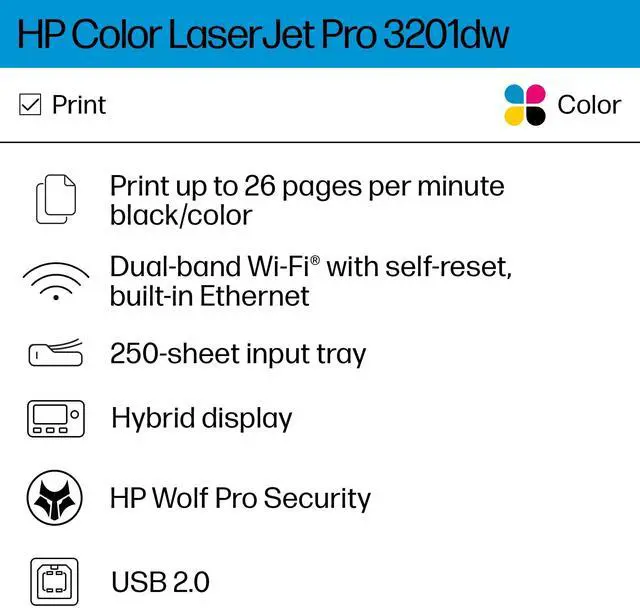
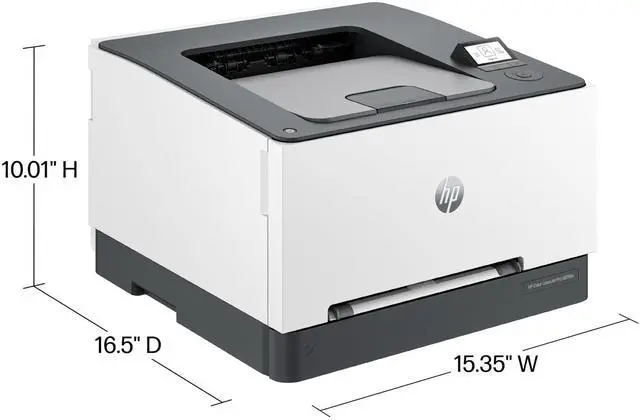
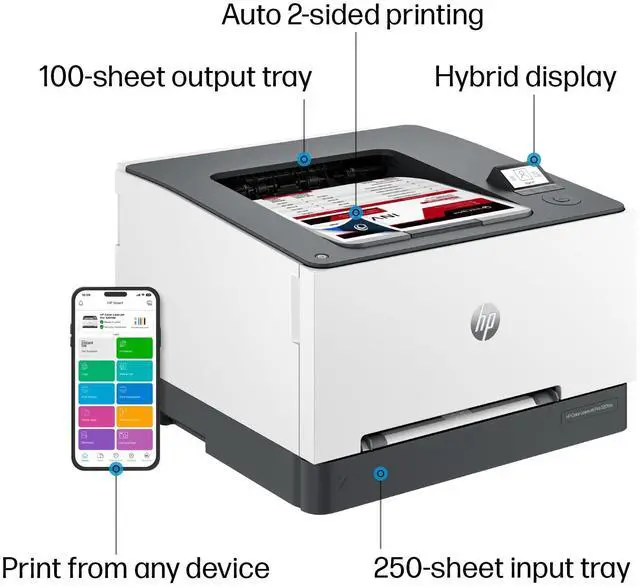
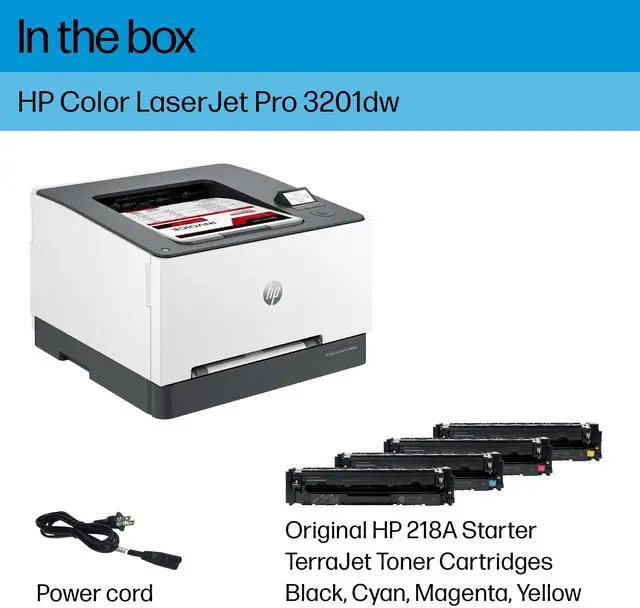
http: //www. hp. com/learn/dsFeaturesProfessional color and speed Experience high-speed, automatic, two-sided color printing up to 26 pages per minute (Letter) / 25 pages per minute (A4). Peace-of-mind with award-winning reliabilityPerformance you can count on page after page with award-winning reliability. Pro level security to help protect your businessSafeguard your business with proactive, embedded security ready out of the box and tamper-resistant toner. Compact and energy efficient designDesigned in a compact size with energy saving auto-on/auto-off technology to optimize printer energy use. Minimum system requirementsMicrosoft® Windows® 11, 10: 32 -bit or 64-bit, 2 GB available hard disk space, Internet connectionWhat's in the box? HP Color LaserJet Pro 3201dw Printer; Power cord; Toner cartridge; User Guide, FlyersDisclaimers Measured using ISO/IEC 24734 and excludes first set of test documents. For more information, see
https: //www. hp. com/go/printerclaims. Exact speed varies depending on the system configuration, software application, driver, and document complexity. Internet access required and must be purchased separately. Wireless operations are compatible with 2.4 GHz and 5.0 GHz operations only. Supports both 5.0 GHz and 2.4 GHz using up to 12 non-overlapping channels vs. only 3 non-overlapping channels for 2.4 GHz only. Supports 5.0 GHz band (up to 150 mbps) v. 2.4 GHz band (up to 72.2 mbps).
Learn more at: www. hp. com/hp-app HP Web Jetadmin is available for download at no additional charge at https: //www. hp. com/go/webjetadmin HP calculations based on normalized Energy Star® TEC data of HP LaserJet Pro and Enterprise series with HP TerraJet Cartridges compared to predecessors.
See https: //www. hp. com/TerraJet/energysaving Standard print mode for HP Color LaserJet Pro series with HP TerraJet Toner Cartridges compared to predecessors.
See https: //www. hp.
com/TerraJet/colors Recycling: Program availability varies. Original HP cartridge return and recycling is currently available in more than 60 countries, territories and regions in Asia, Africa, Europe, and North and South America through the HP Planet Partners program. For details, see
https: //www. hp. com/recycle HP Security Manager must be purchased separately. For details, see
https: //www. hp. com/go/securitymanager




 here!