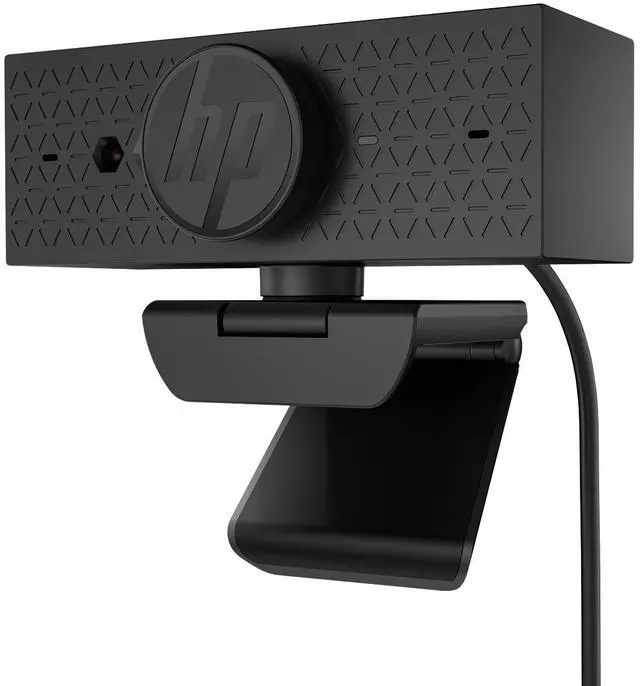
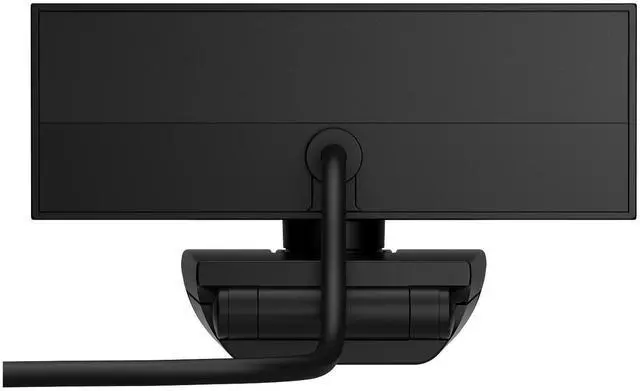
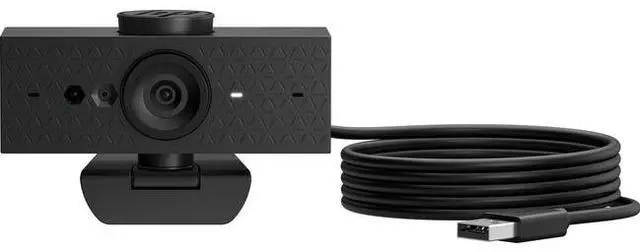
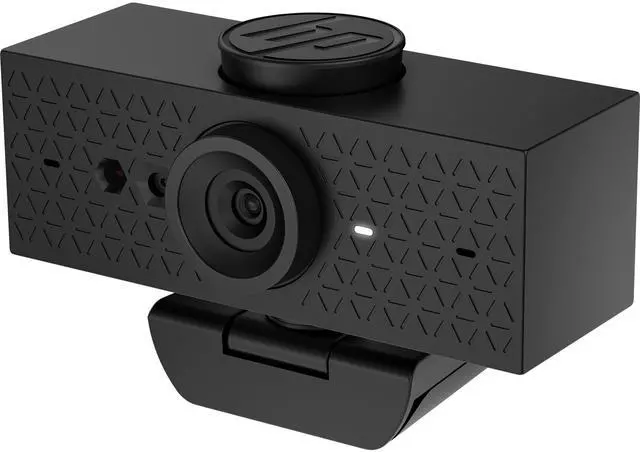
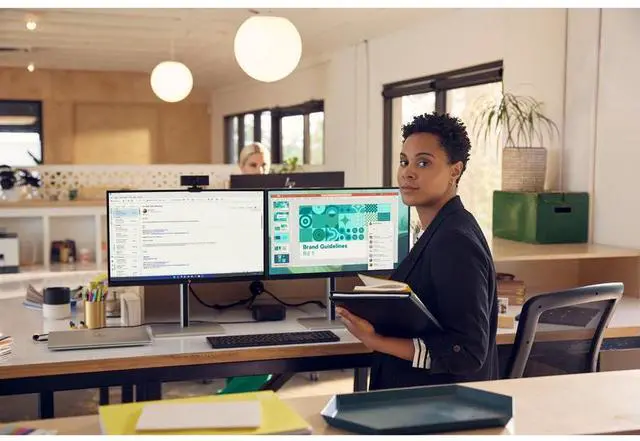
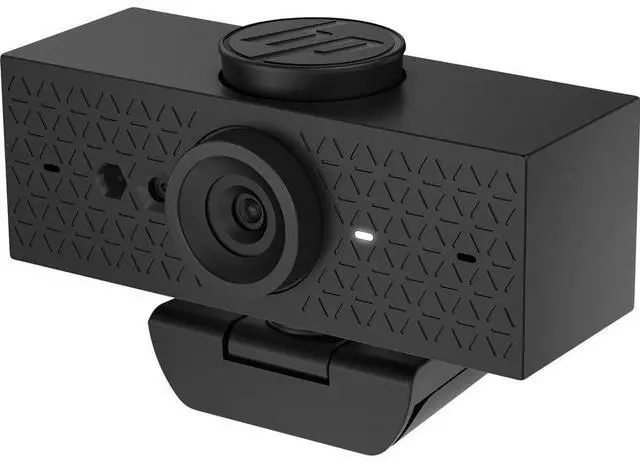
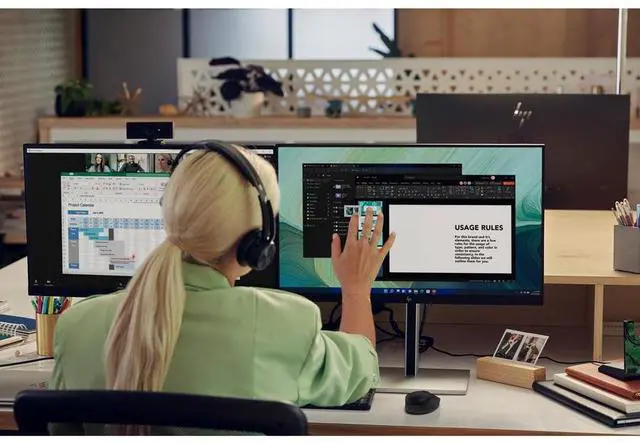
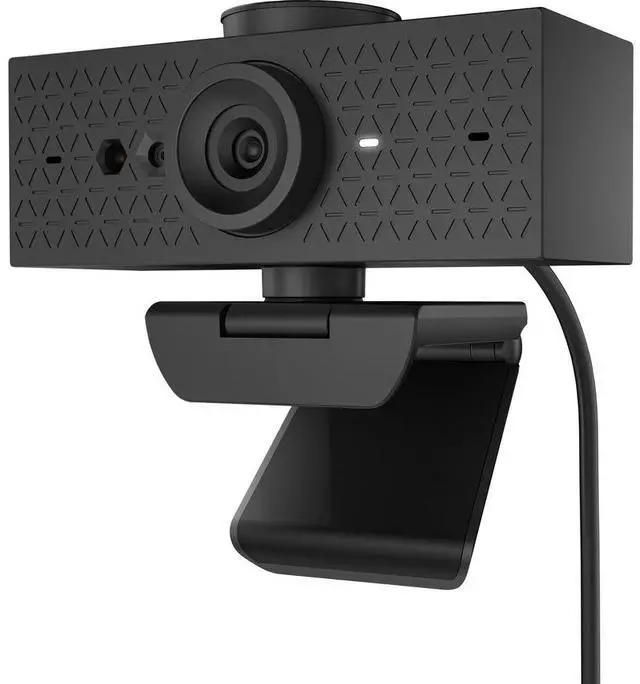
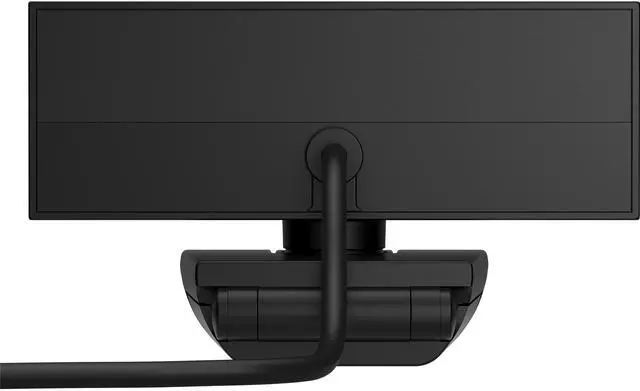
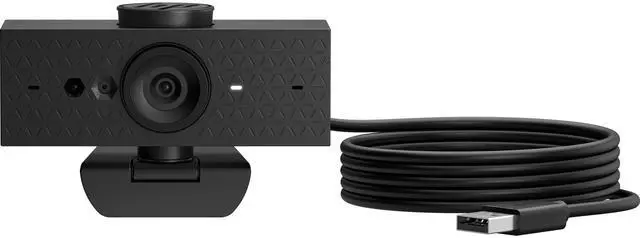
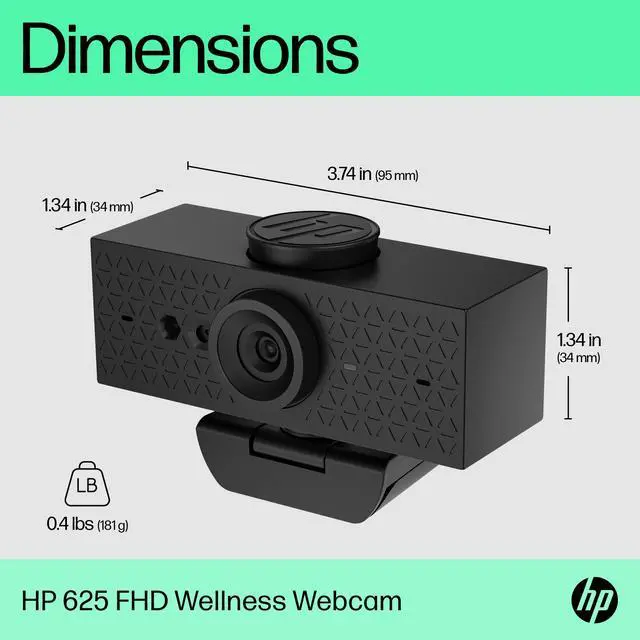
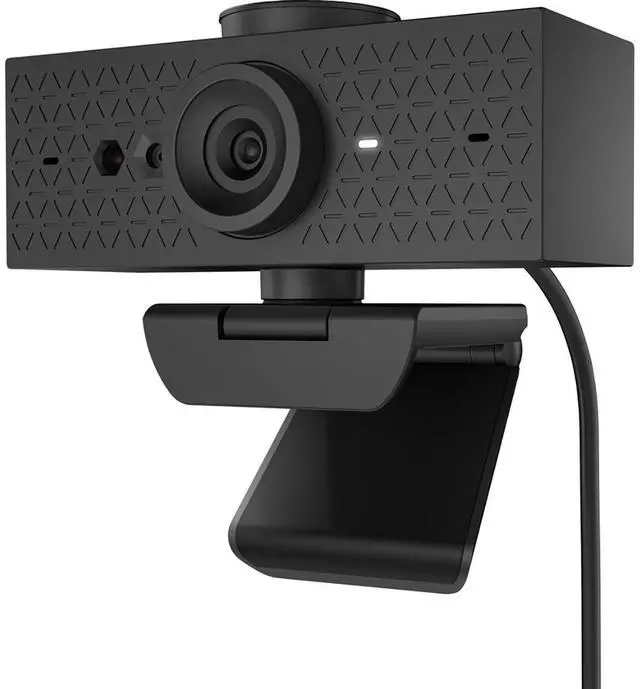
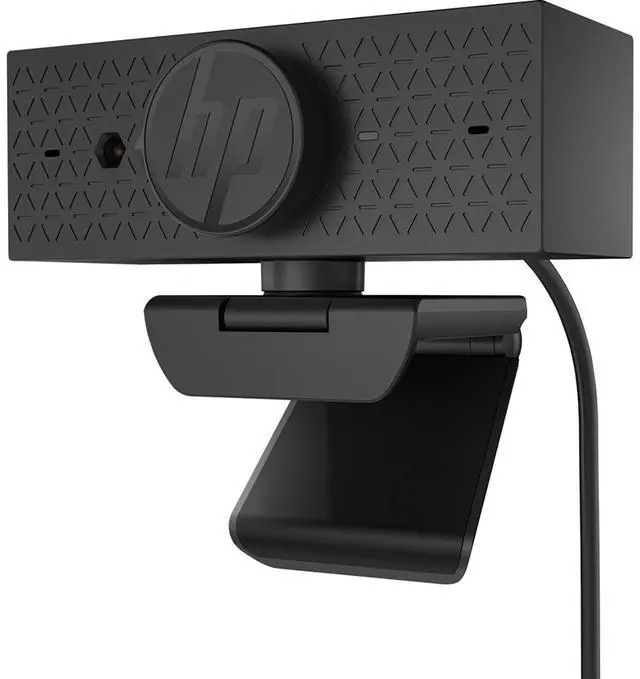
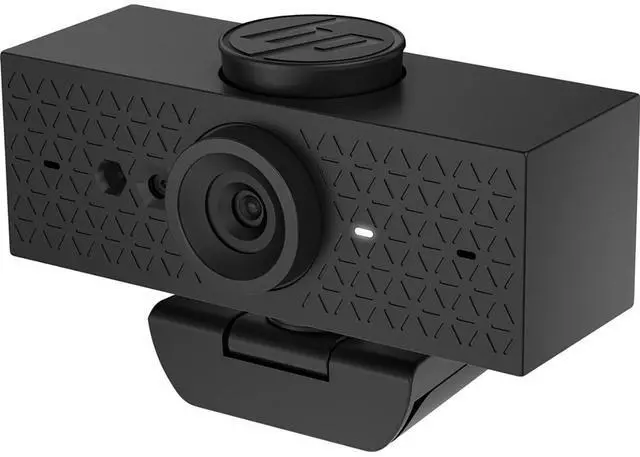
The HP 625 (6Y7L1AAABL) is a 4-megapixel USB Type-A webcam with frame rates up to 60 fps, suited to remote workers and students who want a dedicated camera for video calls and online meetings.
Recommended For
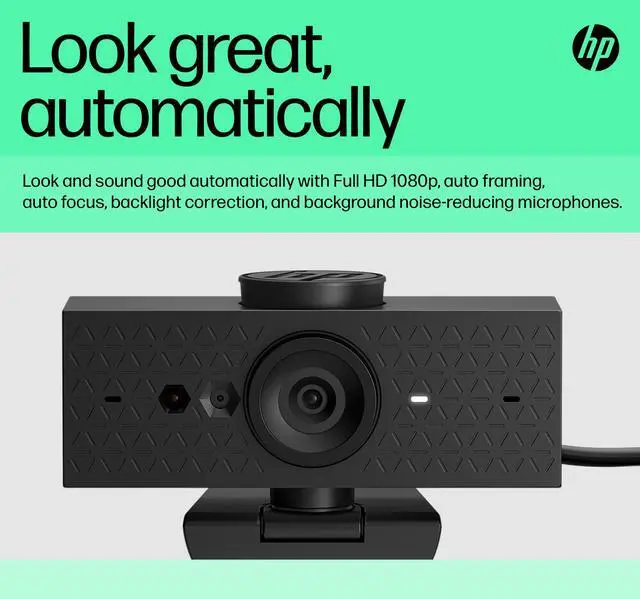
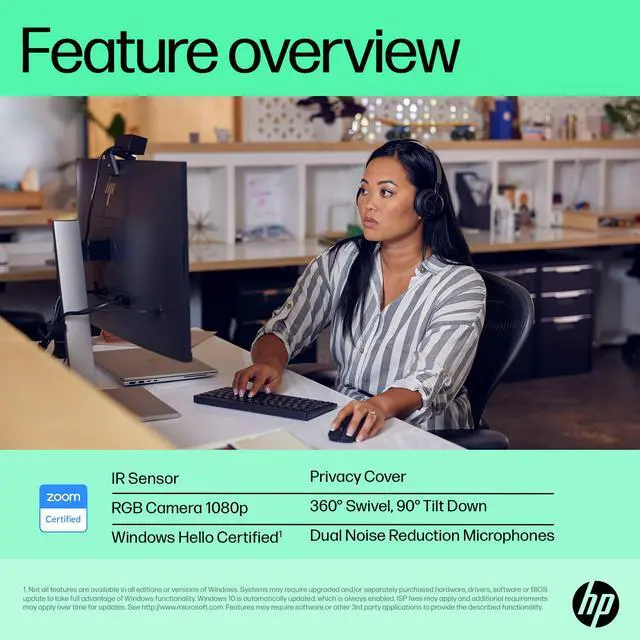
- Windows-based hybrid and remote workers who want a dedicated webcam for frequent Zoom, Teams, or Meet calls, with autofocus, backlight correction, and dual noise-reducing microphones.
- Windows users who want face sign-in as part of their desk setup; the webcam supports Windows Hello on compatible Windows 10-or-later PCs.
- Presenters, tutors, or remote workers who sometimes need to reframe between a face view and a wider desk or room view, using the adjustable field of view and swivel.
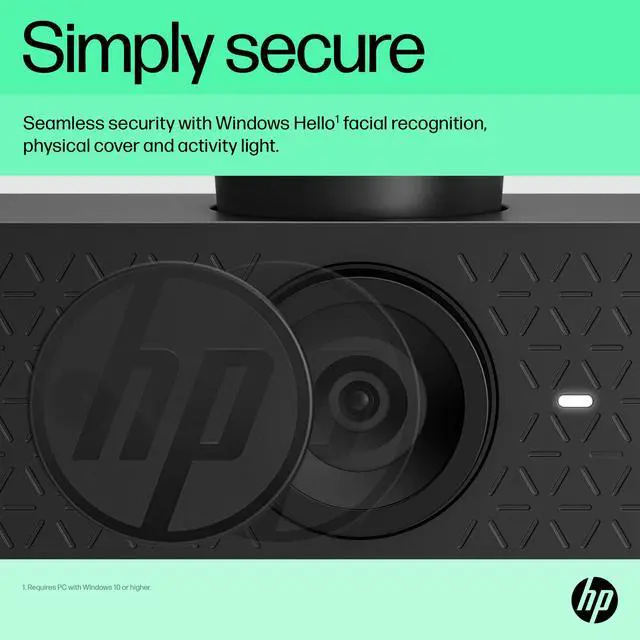
- Privacy-conscious home-office users who want a physical lens cover and an activity light to check when the camera is live.
Real-World Use Scenarios
- For daily Zoom or Teams meetings, replacing a laptop’s built-in camera can provide a dedicated 1080p webcam with autofocus and automatic backlight correction; HP also lists Zoom certification and support for common meeting apps.
- When presenting a small object or adjusting the view between the presenter and the room, the adjustable field of view and 360-degree swivel make it possible to redirect the camera without moving the monitor.
- For video calls in a home office with some ambient noise, the built-in dual noise-reducing microphones are intended to help keep speech usable without a separate webcam microphone; results will depend on the room and noise level.
- On a compatible Windows 10 or Windows 11 PC, users can set up Windows Hello face authentication to sign in with the webcam instead of typing a password; availability depends on the computer and account setup.
- For online lessons, presentations, or simple recordings, the webcam works with common conferencing and capture apps, including Google Meet, Zoom, Teams, OBS, and YouTube; it provides a straightforward USB-A camera setup rather than a standalone recording system.
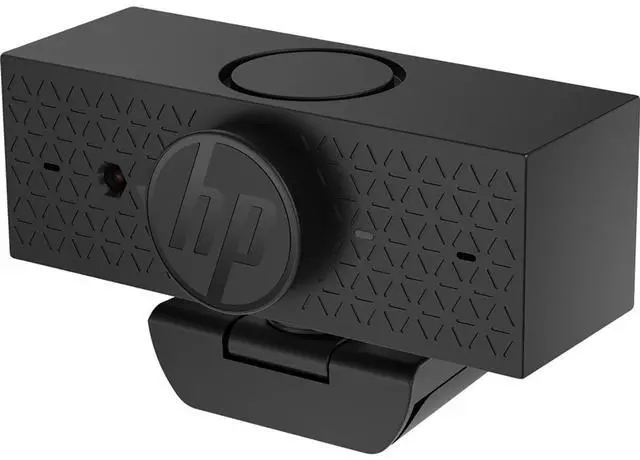
- For calls where users want to check framing and then prevent accidental camera exposure, the adjustable view and attachable privacy cap offer a way to set the composition and cover the lens when the webcam is not in use.




 here!

 Top Rated