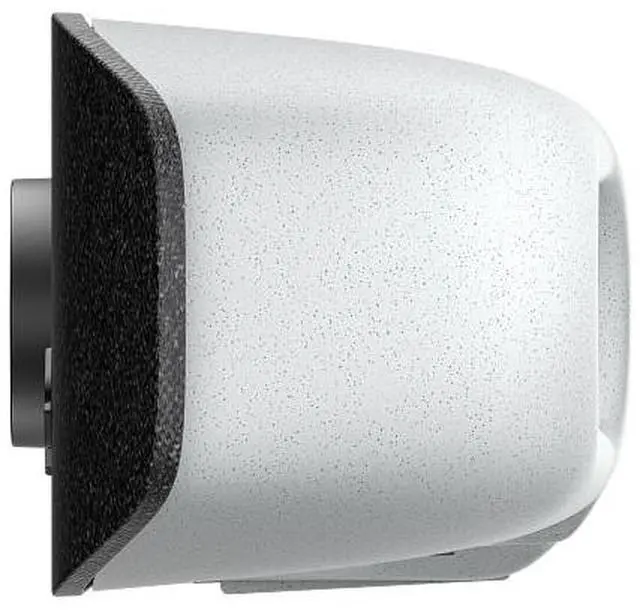
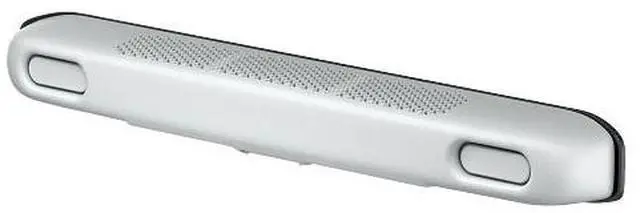
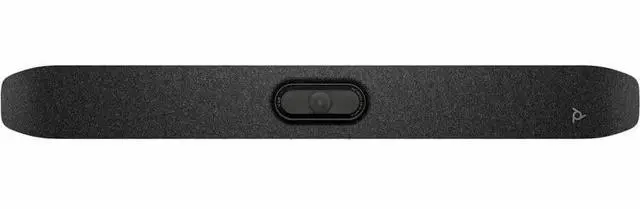
The HP Poly Studio V12 is a USB video bar with an integrated camera, microphone, and speakers for small meeting rooms, making it suitable for teams that want a single device for BYOD video calls and have a separate compatible power source.
Recommended For
- Teams outfitting a small, fixed huddle room for roughly 3–5 people who will connect the video bar to a meeting-room computer or laptop for calls on platforms such as Microsoft Teams, Zoom, or Google Meet.
- Hybrid teams meeting around one display who want the camera to automatically frame the group or focus on an active speaker, rather than relying on a basic fixed-view webcam.
- Office teams that want one USB-connected room device combining a camera, microphones, and speakers for computer-hosted video meetings.
- Small-room meeting organizers who need participants’ voices picked up from around the room and want built-in noise-management features for everyday conferencing.
Real-World Use Scenarios
- In a small BYOD meeting room, a team connects its laptop to the V12 for a Zoom or Microsoft Teams call; the bar supplies the room camera, microphones, and speakers, so participants can meet using their own computer.
- When several people are seated around a small meeting-room table, the camera’s group-framing mode can adjust the view to include the participants, helping remote attendees see the room rather than just one person.
- During a discussion where different people take turns speaking, speaker tracking can shift the camera’s framing toward the active speaker, making the conversation easier for remote participants to follow.
- In a small room with ordinary background sounds, such as typing or nearby activity, the V12’s noise-reduction features are intended to reduce distracting sound during calls; results will depend on the room and noise level.
- When outfitting a small conference room, an IT team can deploy and manage the V12 through Poly Lens; for this no-power-supply listing, the installer should also plan for a compatible power source, since the adapter is not included.




 here!

 Top Rated