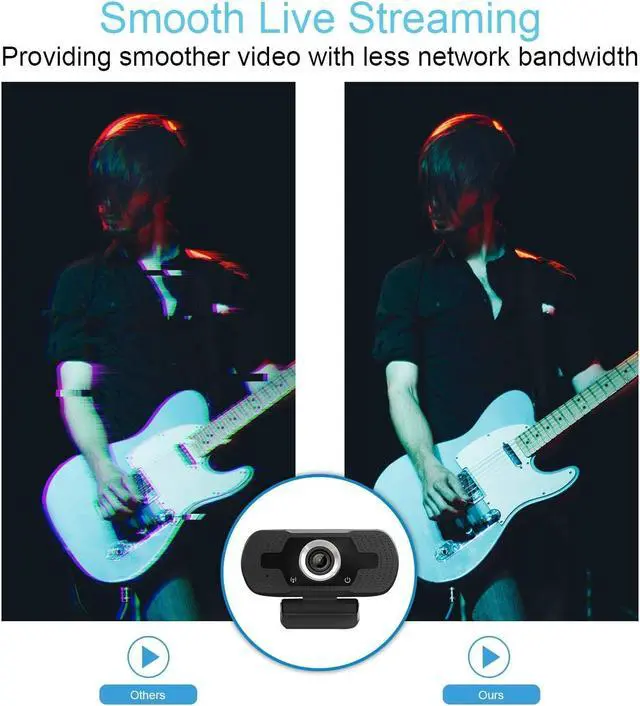
Video compression, Built-in dual stereo mics with automatic noise reduction.
Before using, please follow the steps below to test if the camera's microphone is defective:
1. Turn off the microphone of the computer
2. Mount the webcam on your computer
3. Find the local recording function of your computer and use the camera's microphone to record. Play after recording. If it can play normally, there is no problem with the microphone of the camera. Otherwise, the microphone of the camera is defective.
Please note:
This webcam does not contain speakers. If you can't hear the other person's voice, please check whether your device has speakers.
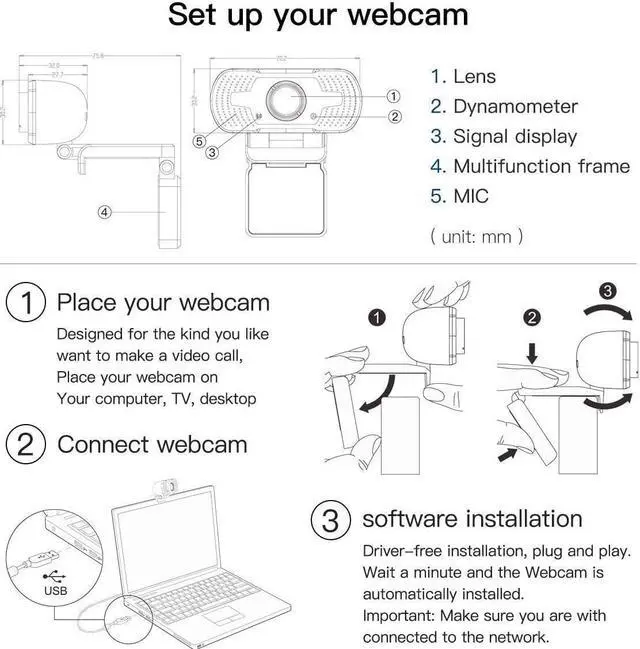
Set up your webcam
Important: Please make sure your device is connected to the network
1. Place your webcam:
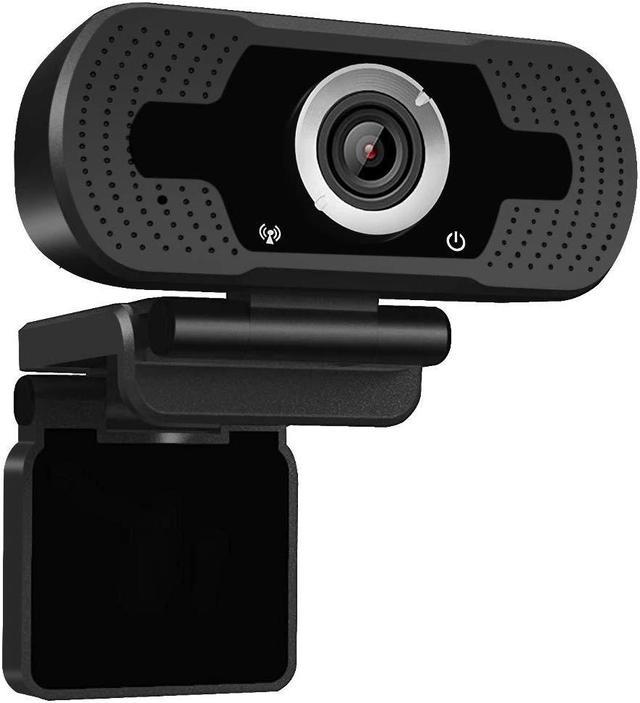
Designed for the kind you want to make a video call, Place your webcam on your computer,TV,desktop.
2. Connect Webcam
3. Software installation:
Driver-free installation,Plug and play. Wait a minute and the Webcam is automatically installed.
Video compression, Built-in dual stereo mics with automatic noise reduction.
Before using, please follow the steps below to test if the camera's microphone is defective:
1. Turn off the microphone of the computer
2. Mount the webcam on your computer
3. Find the local recording function of your computer and use the camera's microphone to record. Play after recording. If it can play normally, there is no problem with the microphone of the camera. Otherwise, the microphone of the camera is defective.
Please note:
This webcam does not contain speakers. If you can't hear the other person's voice, please check whether your device has speakers.
Set up your webcam
Important: Please make sure your device is connected to the network
1.
Place your webcam:
Designed for the kind you want to make a video call, Place your webcam on your computer, TV, desktop
2. Connect Webcam
3.
Software installation:
Driver-free installation, Plug and play. Wait a minute and the Webcam is automatically installed.