


Package
1 * USB 1080P webcam
1 * user manual
Hardware beauty Effect
The webcame has a beauty effect that can make you look more beautiful in the video
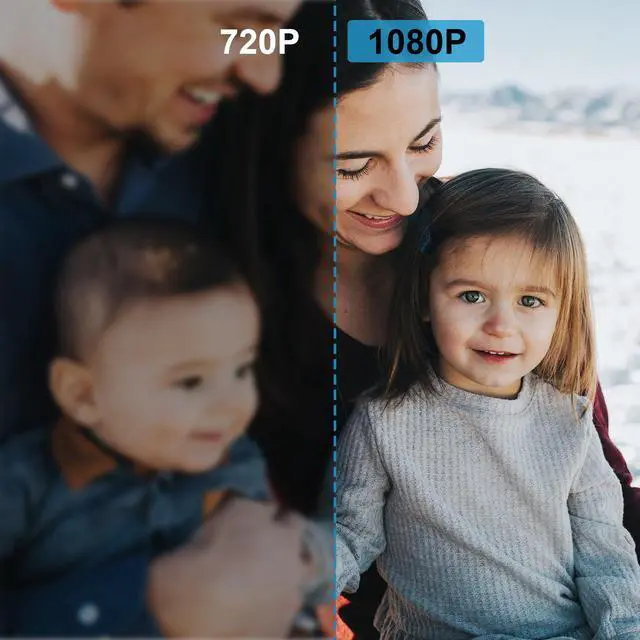
1080P Clearer and more focused
This W5 HD 1080P video webcam has high definition and good picture presentation than 720P
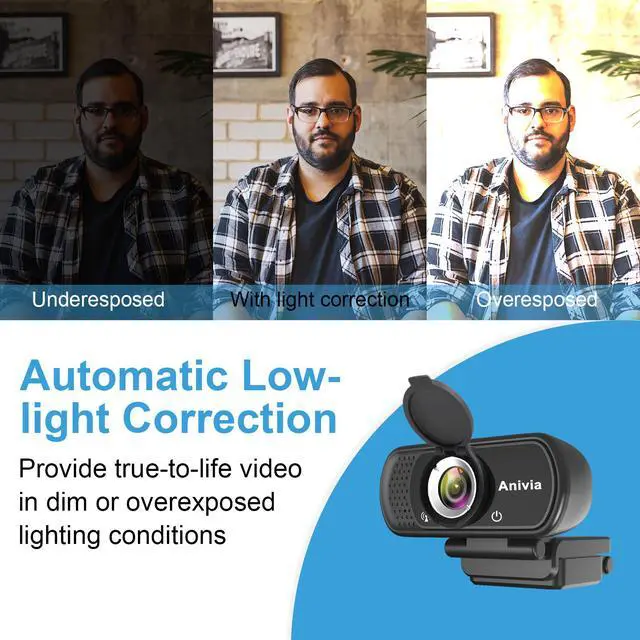
Built-in high dynamic range ensures quality even under exposure or dim light conditions.
W5 Webcam you deserve it, comfortable picture quality, soft lines, make people feel happy.
Set Up Webcam Privacy Shutter
1.Clean your device camera surface.
2.Remove the back 3M tape.
3.According to the position of the lens,stick the cover over the camera.
4.Open,Close the cover.
PRIVACY PROTECTOR:
Webcam cover overs your webcam when not in use, and prevents web hackers from Spying on you. It is perfect to provide privacy, security and peace of mind to individuals, groups, organizations, companies and governments.
Computer Camera with Build-in Noise Reduce MIC
Reduce distracting background noise for Natural and clear sound when you streaming or video chatting, also pick up your voice even if you step away from the screen for 25ft.
Please note:
This webcam does not contain speakers. If you can't hear the other person's voice, please check whether your device has speakers.
W5 HD camera is suitable for the use of multiple device software
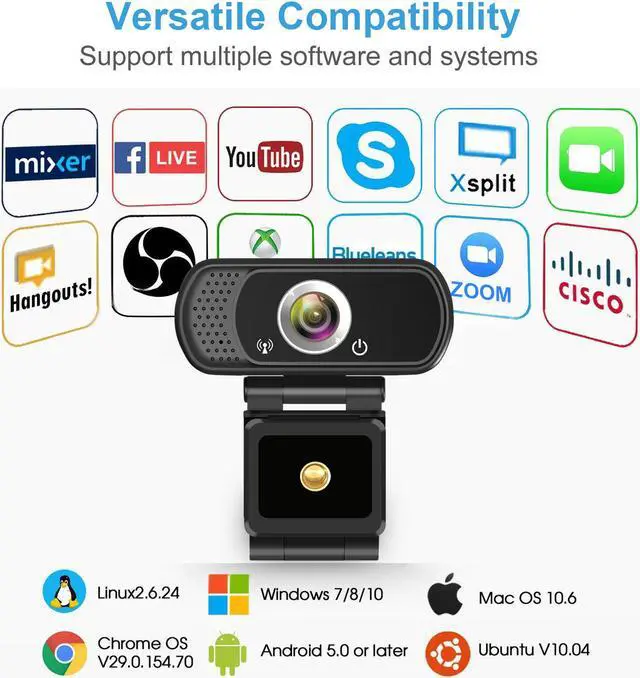
Compatible with Windows 7/8/10, Mac OS 10.6 or later, Chrome OS, Android v4.0 or above Work with PC, Notebook, laptop, desktop, Android TV which has USB port
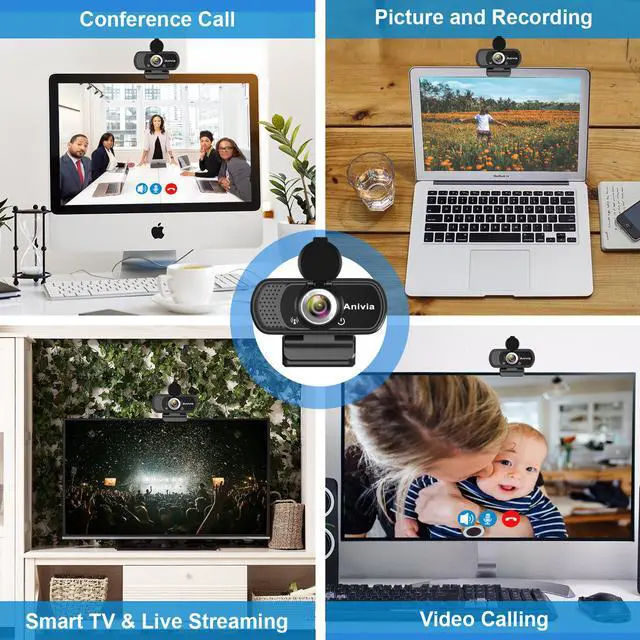
Anivia W5 Full 1080p HD Webcam provides you with excellent image and video quality, perfect for skype chatting, video calling, video conferencing, live streaming, various classes presentation etc.
This Anivia W5 Webcam can works with Facebook Live,YouTube,OBS,Twich, Xsplit and some other social platform. You can sharing your timely video all over the world with our stream webcam.
It can also works with Skype ,QQ, Face Time, ect. It is good choice for students,business man and video chatting with family.
Features:
PLAY & PLUG:
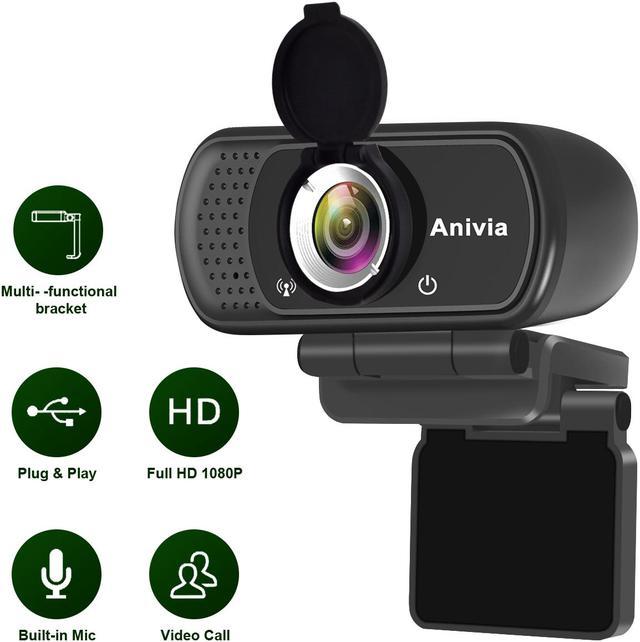
Just plug the USB cable into your PC’s USB port, no driver required, plug and play.
BUILT-IN MICROPHONE:
High sensitivity mic blocks out the background noise and picks up your voice clearly.
ADJUSTABLE CLIP
Freely placed on the table and fixed on your computer’s display with adjustable clip.
Set Up Webcam Privacy Shutter:
1.Clean your device camera surface.
2.Remove the back 3M tape.
3.According to the position of the lens,stick the cover over the camera.
4.Open,Close the cover.
PRIVACY PROTECTOR:
Webcam cover overs your webcam when not in use, and prevents web hackers from Spying on you. It is perfect to provide privacy, security and peace of mind to individuals, groups, organizations, companies and governments.
Note:
1.Avoid falling as much as possible. Several falling may cause damages to the lens, malfunction, or scratches to the surface.
2.Avoid contact the glass lens with hand, sharp or coarse stuff, use clean and soft cloth for cleaning.