

Your Browsing History
- Free 30-day Returns
$34.88
Ships from China.

Meet Your Seller

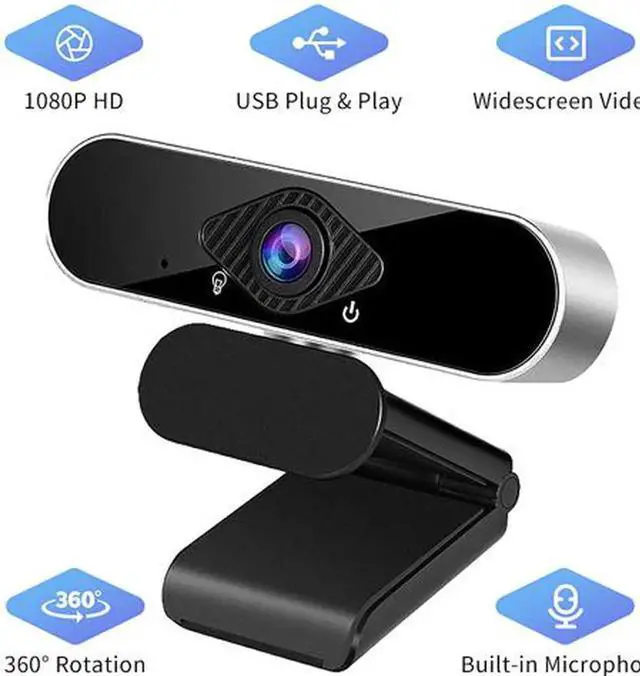
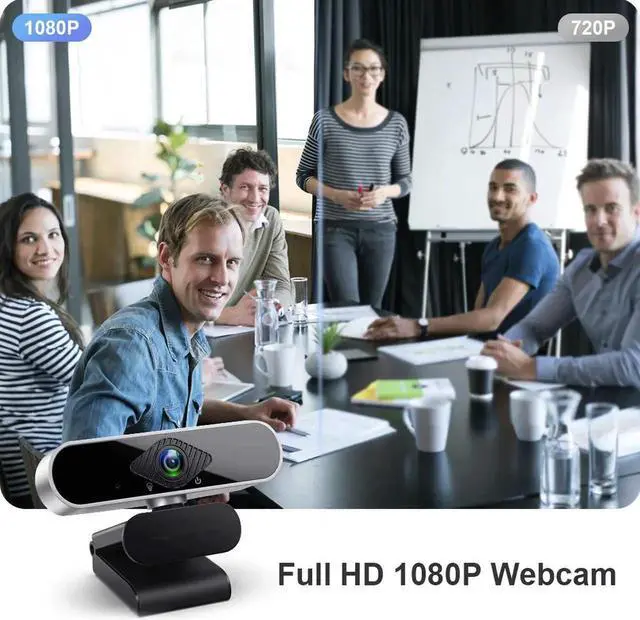
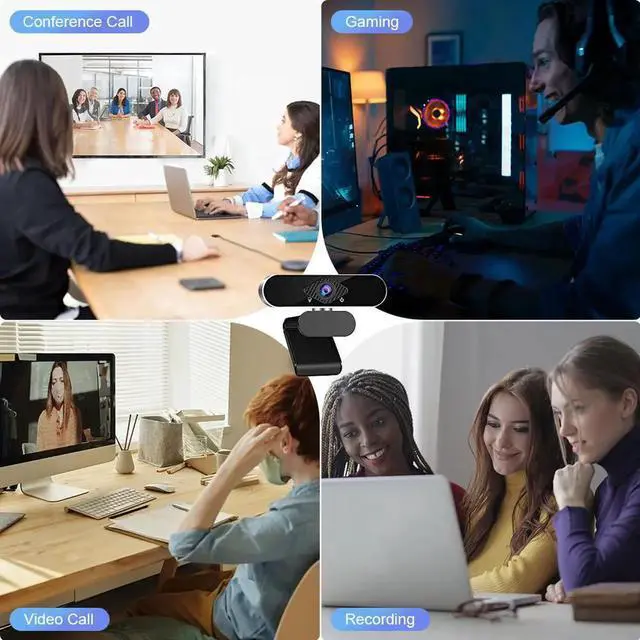
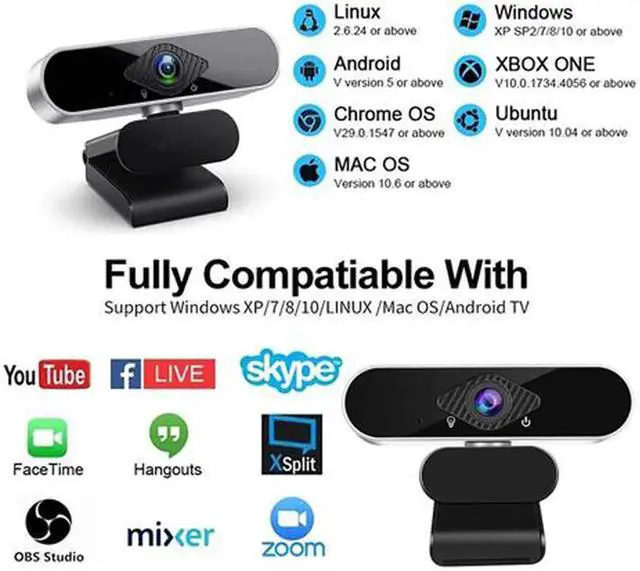
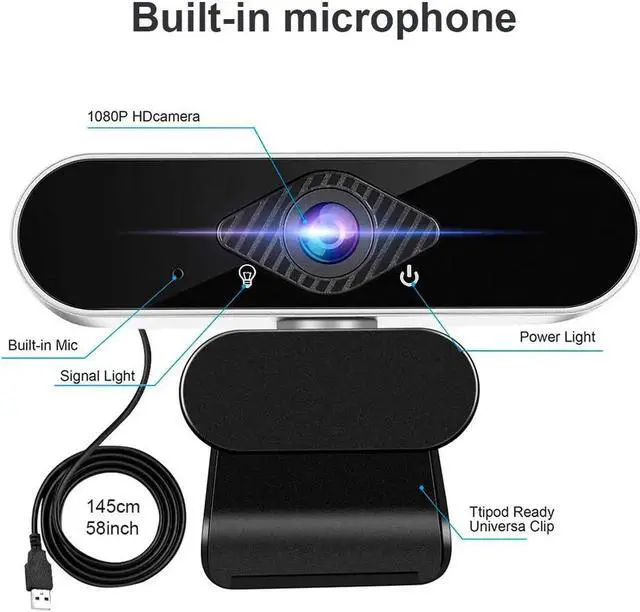
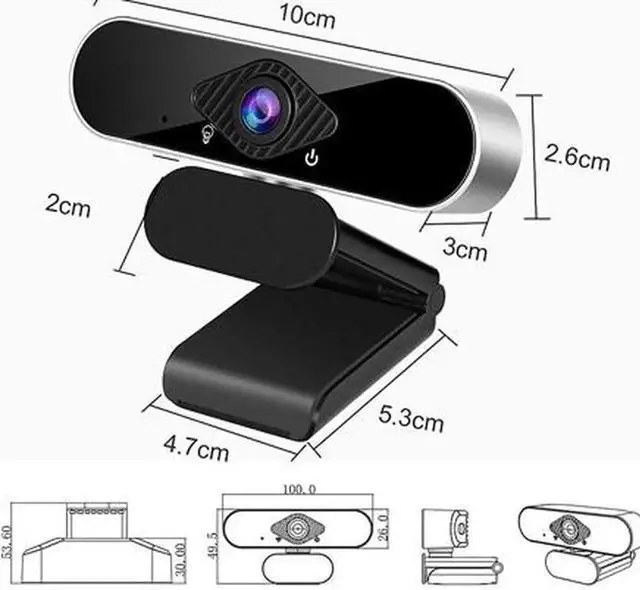


Full HD 1080p Webcam, Webcam with Microphone Streaming Computer Web Cam for PC Laptop Desktop 360 Degree Rotation Computer Camera Highly Compatible with Win10/8/8.1/7/XP Linux Mac
Limited time offer, ends 10/10 By NexusPoint
- 1080P Full HD Webcam
- Widescreen Video
- Built-in Noise Canceling Mic
- Easy to Using & Plug and Play
- Angle support adjustment & 360° Rotation
- Wide compatibility
+
+
Overview
Specs
Reviews

Any questions? Our AI mode will help you find out quickly.
Try me now
Parameters:
Imaging device: 1/ 2.9 F23
Effective Pixels: 1920×1080
Signal to noise ratio > 50dB
Video streaming MJPEG: 1920*1080
Frame rate: 30FPS
Electronic shutter: auto
protocol: UVC/UVA
Video output: USB/1080P
Operating Voltage: DC5V/160mA ±6mA
working environment: -20? -- 60?
Package List:
1x HD 1080P Webcam
1x English User Manual
Features:
Built-in Noise Canceling Mic
Play and Plug & 360°Flexible Rotation
1080P Full HD and 30 fps Glass Lens
Note:
Our webcam is driver-free and does not require manual driver installation. If you are using a laptop, you need to set the camera and microphone that prohibit the use of the lapto itself, and then you can use it normally. But if you are using a desktop computer, just plug the usb cable into the usb port on the back of the computer host. Then you can use video and chat in Facebook, zoom and other software.
Imaging device: 1/ 2.9 F23
Effective Pixels: 1920×1080
Signal to noise ratio > 50dB
Video streaming MJPEG: 1920*1080
Frame rate: 30FPS
Electronic shutter: auto
protocol: UVC/UVA
Video output: USB/1080P
Operating Voltage: DC5V/160mA ±6mA
working environment: -20? -- 60?
Package List:
1x HD 1080P Webcam
1x English User Manual
Features:
Built-in Noise Canceling Mic
Play and Plug & 360°Flexible Rotation
1080P Full HD and 30 fps Glass Lens
Note:
Our webcam is driver-free and does not require manual driver installation. If you are using a laptop, you need to set the camera and microphone that prohibit the use of the lapto itself, and then you can use it normally. But if you are using a desktop computer, just plug the usb cable into the usb port on the back of the computer host. Then you can use video and chat in Facebook, zoom and other software.
Warranty & Returns
Warranty, Returns, And Additional Information
Warranty
- Please contact the Seller directly for warranty information. Warranty information may also be found on the Manufacturer's website.
- CONTACT
Return Policies
- Return for refund within: 30 days
- Return for replacement within: non-replaceable
- This item is covered by NexusPoint Return Policy
Manufacturer Contact Info
- For a directory of all our manufacturers, please click below.
- Manufacturers Directory
LOADING...