

Your Browsing History
- Free 30-day Returns
$32.98
Ships from China.

Meet Your Seller

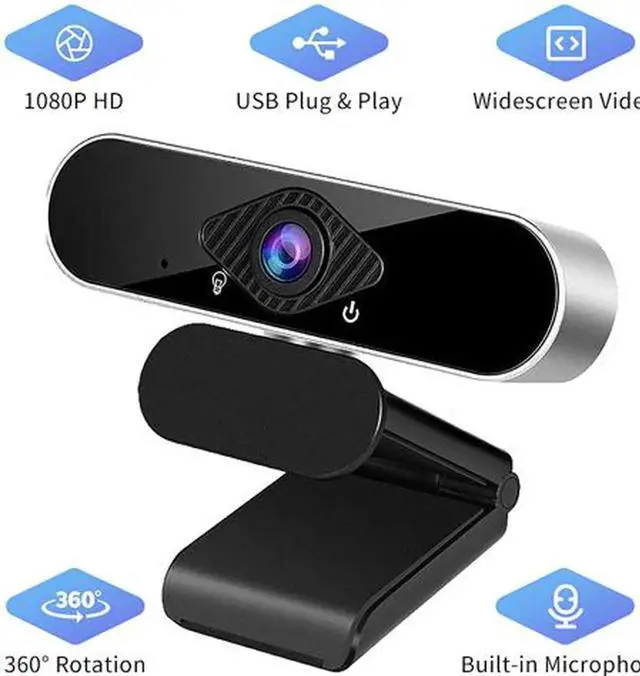
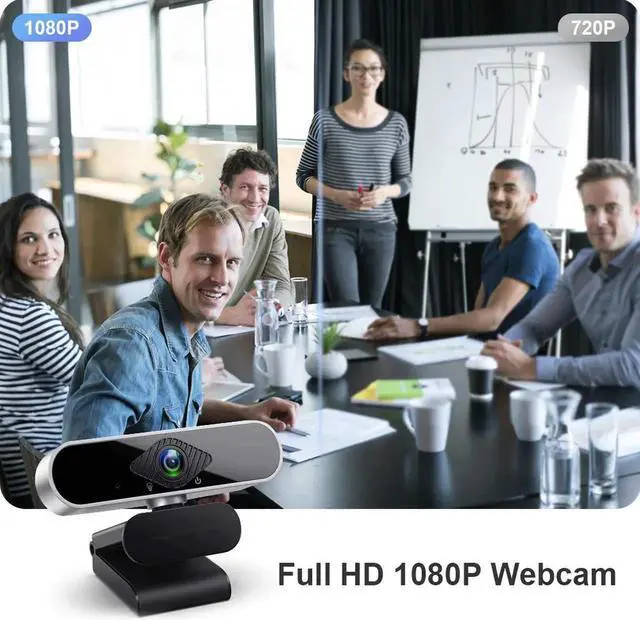
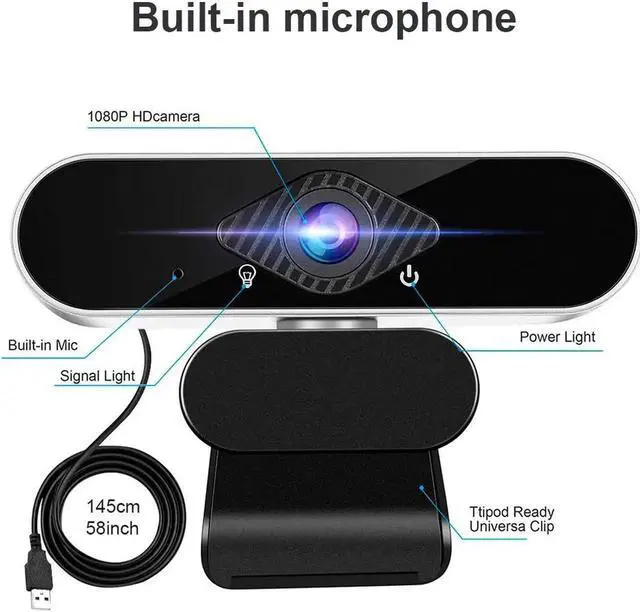
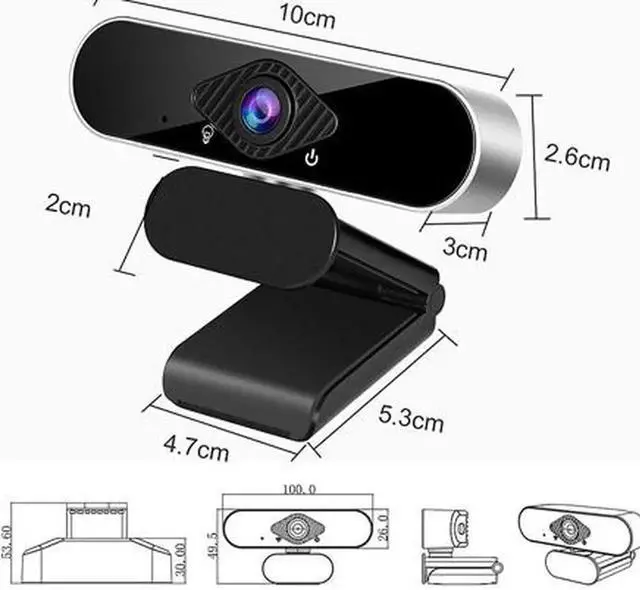


Full HD 1080p Webcam, Webcam with Microphone Streaming Computer Web Cam for PC Laptop Desktop 360 Degree Rotation Computer Camera Highly Compatible with Win10/8/8.1/7/XP Linux Mac
Limited time offer, ends 10/10 By NexusPoint
- 1080P Full HD Webcam
- Widescreen Video
- Built-in Noise Canceling Mic
- Easy to Using & Plug and Play
- Angle support adjustment & 360° Rotation
- Wide compatibility
+
+
Overview
Specs
Reviews

Any questions? Our AI mode will help you find out quickly.
Try me now
110º Wide View Angle
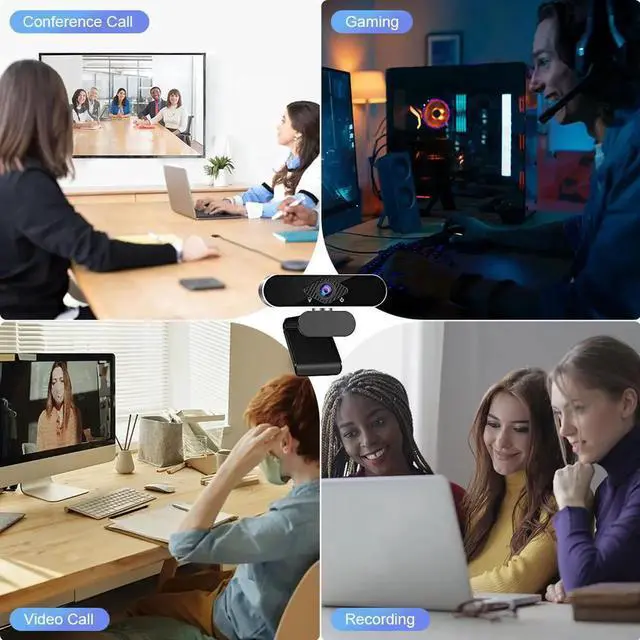
The TROPRO Webcam comes equipped with a super-wide 110° viewing angle. Perfect for those scenes requiring widescreen such as conferencing, video calling, live streaming, recording, gaming, etc.
Automatic Low Light Correction
The TROPRO Webcam is produced with Automatic Light Correction and HDR technology let to auto adjust color and brightness. Then you will get the most crisp and clear video calling experience in even dim light.
USB 2.0 Plug and play
The 4.6ft 9in USB 2.0 cable makes connection a snap. No additional driver is required. You just need to plug the USB port into your computer, then you can use it within seconds.
Multi-scene Supporting
TROPRO Full 1080p HD Web Camera, applied with high resolution CMOS image sensor at 30FPS, 5 element optical glass lens, provides you with excellent image and video quality, perfect for Skype chatting, video calling, webinars, video conferencing, live streaming, various classes presentation etc.
Platform Compatibility
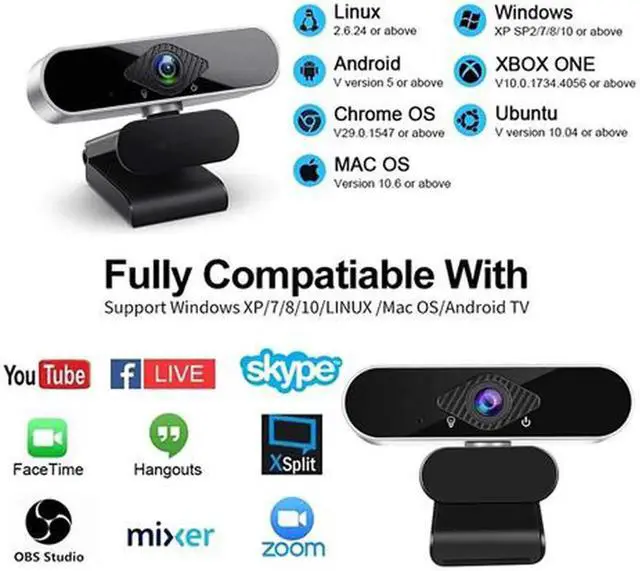
As a professional web camera, Hiievpu webcam is compatible with multiple operating systems, including Windows 2000/XP/Vista/7/8/10 or higher version, Mac OS and Smart TV.
Software Compatibility: FaceTime, Zoom, Skype, Facebook, YouTube, WeChat, Microsoft Teams etc instant messaging applications.
The camera itself is actually 1080P but some video call software will compress the video quality. If you use Zoom software, please go to software setting page --- video setting --- check "Enable HD" option and save it. It will improve the image quality.
Product Description
Parameters:
Imaging device: 1/2.9 F23
Effective Pixels: 1920×1080
Signal to noise ratio > 50dB
Video streaming MJPEG:1920*1080
Frame rate: 30FPS
Electronic shutter :auto
protocol: UVC/UVA
Video output: USB/1080P
Operating Voltage: DC5V/160mA ±6mA
working environment :-20? -- 60?
Package List:
1x HD 1080P Webcam
1x English User Manual
Features:
Built-in Noise Canceling Mic
Play and Plug & 360°Flexible Rotation
1080P Full HD and 30 fps Glass Lens
Note:
Our webcam is driver-free and does not require manual driver installation.If you are using a laptop, you need to set the camera and microphone that prohibit the use of the lapto itself, and then you can use it normally.But if you are using a desktop computer, just plug the usb cable into the usb port on the back of the computer host. Then you can use video and chat in Facebook, zoom and other software.
Warranty & Returns
Warranty, Returns, And Additional Information
Warranty
- Please contact the Seller directly for warranty information. Warranty information may also be found on the Manufacturer's website.
- CONTACT
Return Policies
- Return for refund within: 30 days
- Return for replacement within: non-replaceable
- This item is covered by NexusPoint Return Policy
Manufacturer Contact Info
- For a directory of all our manufacturers, please click below.
- Manufacturers Directory
LOADING...