• $77.99
  • Free 30-day Returns
  • Price alert
    Shop it at NeweggBusiness.

    Meet Your Seller

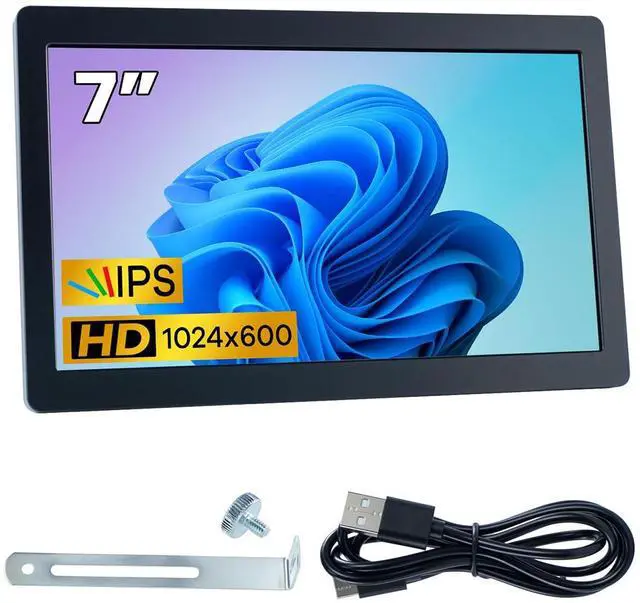
    7 Inches USB C Mini Monitor 1024x600 IPS LCD Display Type C Secondary Screen for PC Laptop Windows

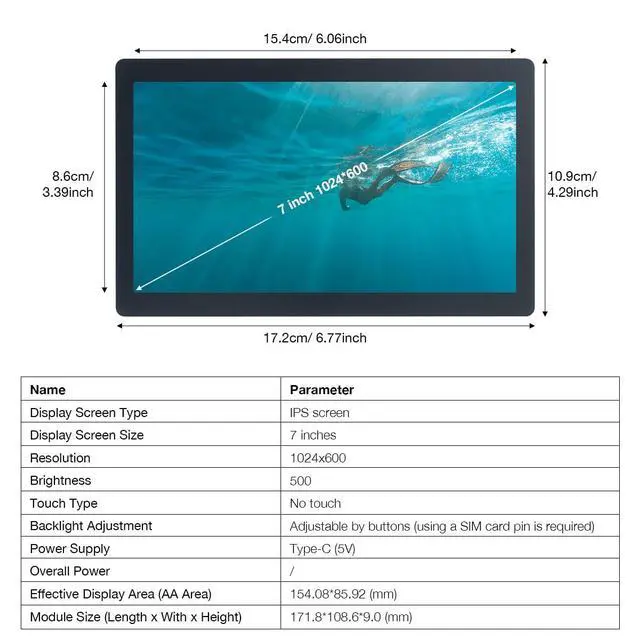
    • 7-Inch High-Definition IPS DisplayEnjoy crystal-clear visuals with a 7-inch IPS screen featuring a 1024×600 resolution. Perfect for detailed and vivid images, this display offers wide viewing angles, making it ideal for DIY projects, system monitoring, and more.
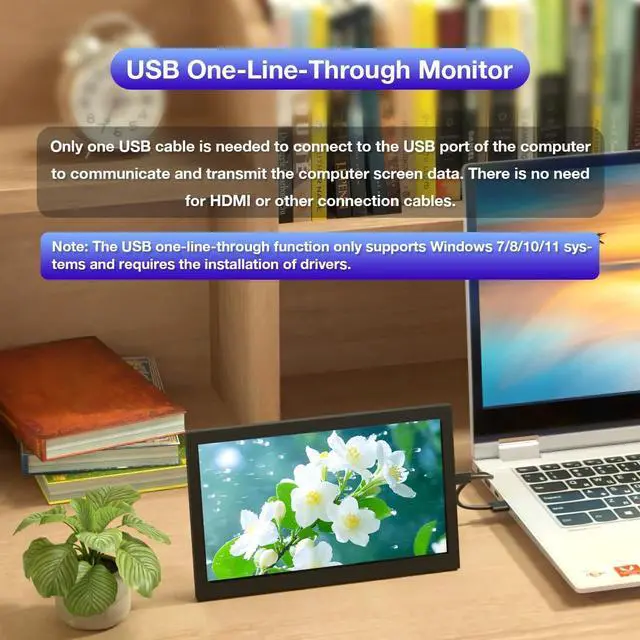
    • USB Single-Cable Convenience No HDMI NeededSay goodbye to multiple cables! This screen connects via a single USB 2.0/3.0 cable, handling both power and display transmission. No need for HDMI, DP, or VGAsimply plug and play with Windows 10/11 after a quick driver installation.
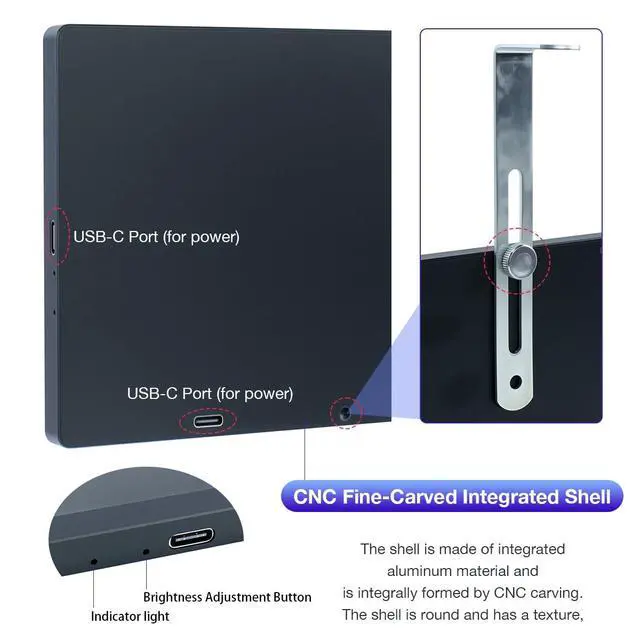
    • CNC Aluminum Alloy Shell Premium & DurableBuilt with a precision CNC-engraved aluminum shell, this monitor boasts a sleek, textured, and durable design. Its solid construction ensures enhanced durability and a premium feel, making it a stylish addition to any setup.
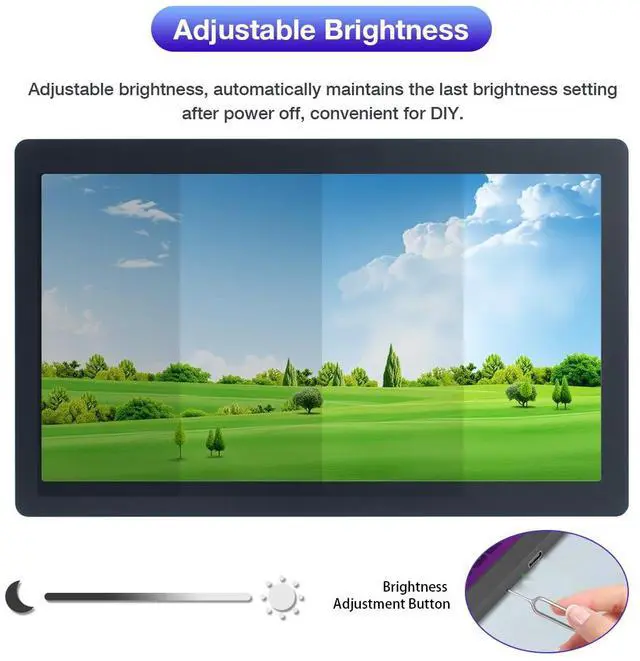
    • Adjustable Brightness & Memory FunctionEasily adjust brightness to your preference with built-in buttons. Plus, the last brightness setting is automatically saved, even after power-offensuring a hassle-free user experience for DIY projects, secondary displays, or industrial monitoring.
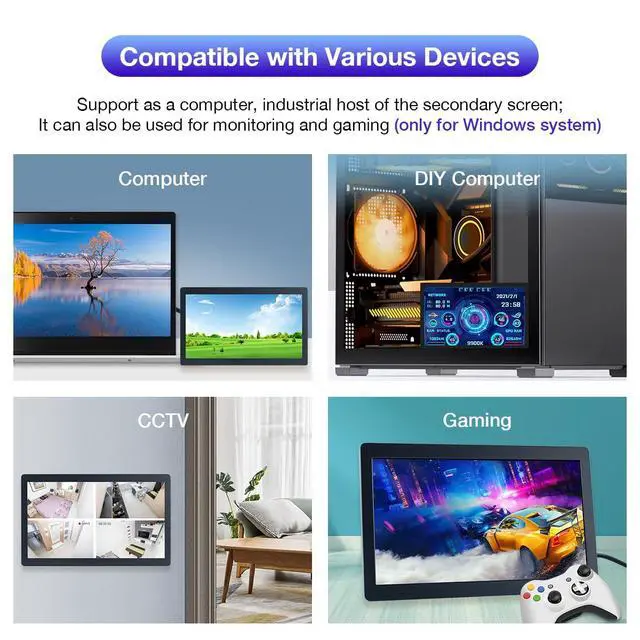
    • Versatile Use DIY, PC Sub-Monitor & Industrial ApplicationsWhether you need a real-time PC sub-display for system monitoring (compatible with AIDA64), a compact secondary monitor for your Windows PC, or an industrial control host screen, this cost-effective and portable display is ready to meet your needs.
    +
    +
    Overview
    Specs
    Reviews
    avatar

    Any questions? Our AI beta will help you find out quickly.

    Note: This screen only supports the Windows system. The driver needs to be installed on the computer for the first use. Parameters

    Display TypeIPS Screen

    Display Size7 inches

    Resolution1024x600

    Touch TypeNo Touch

    Backlight AdjustmentAdjustable via Buttons

    Power SupplyType-C (5V)

    Module Size (Length x Width x Height)171.8*108.6*9.0 (mm)

    Frequently Asked Questions

    FAQ 1. If you encounter problems such as a flower screen or a black screen

    Solutions:

    1.When the screen is black, first check if the light is on; if the light is not on, replace the Type-C data cable/switch the USB port on the computer and then test.

    2.Right-click on the desktop and check if the display is detected in the display settings; if not, replace the Type-C data cable/switch the USB port on the computer and then test.

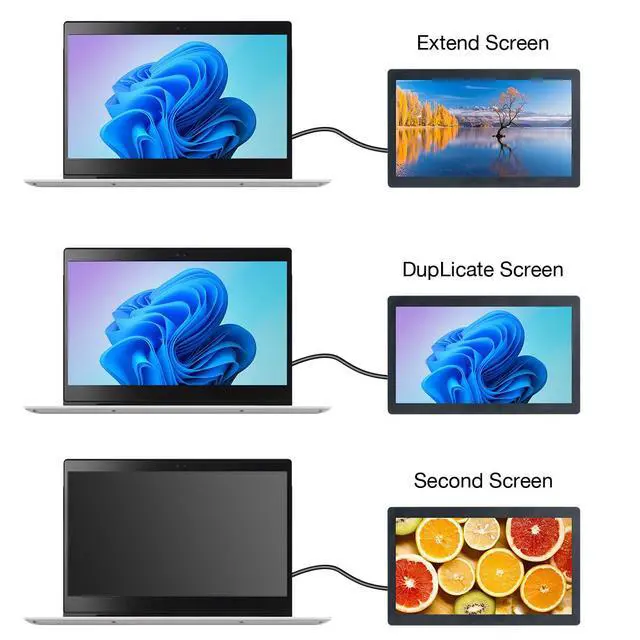
    3.Confirm whether it is in the duplicate mode in the display settings; if it is, change it to the extended mode.

    4.Open the Task Manager, close the MS USB Display process in the processes, and then restart the program.

    5.Confirm whether the config.int file has been replaced.

    FAQ 2. After reboot, why is the screen resolution 800x600 instead of 1024x600?

    Solutions:

    1.Please check if the "config.ini" file is installed in the "C:\Program Files\Win USB Display" directory.

    2.After installation, restart your system to enable the 1024x600 resolution.

    FAQ 3. Why does the screen remain black after driver installation?

    Solutions:

    1.Ensure that the USB2.0 interface has sufficient power supply. It is recommended to connect the side monitor to the USB interface on the PC, or use the USB3.0 interface.

    2.Open "Display" setting, click "Detect". If the secondary screen is recognized, set it to "Extend these displays".

    3.If the secondary screen isn't recognized, check if the "MS USB Display" driver is loaded correctly in the "Device Manager".

    Warranty & Returns

    Warranty, Returns, And Additional Information

    Warranty

    • Please contact the Seller directly for warranty information. Warranty information may also be found on the Manufacturer's website.
    • CONTACT

    Return Policies

    Manufacturer Contact Info

    LOADING...