





Founded in 2012
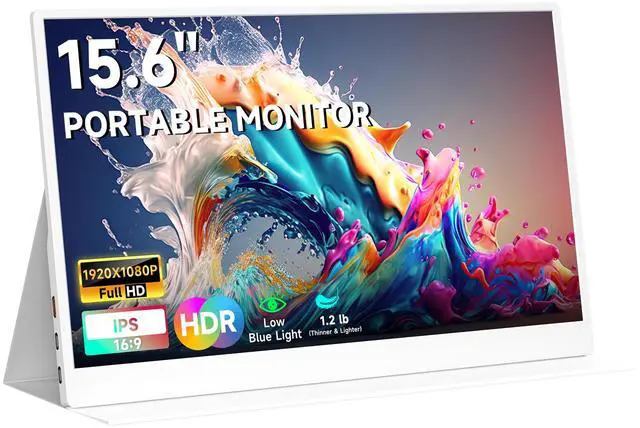
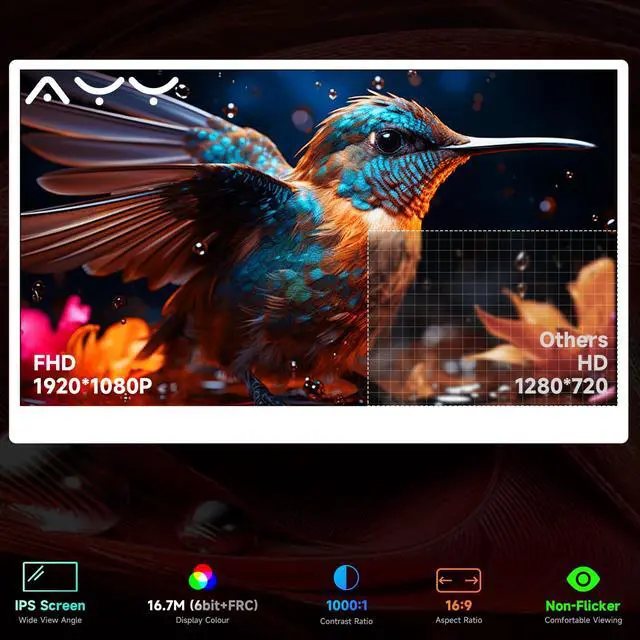
AYY specializes in the production of high quality computer monitors. AYY's products includes portable monitors, LCD monitors, LCD TVs, etc.
AYY team combines the latest in display technology with innovative design concepts, providing users with the best possible visual experience.
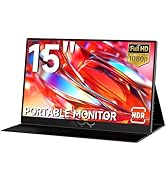
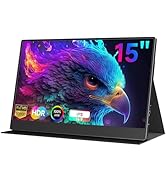
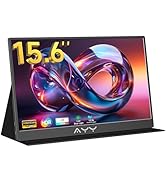
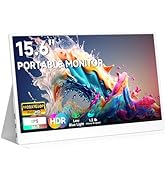
Where Vision Meets Innovation
Why Chose Our Goods?
• Precision: 98% DCI-P3 color gamut coverage + professional - level color calibration with Delta E < 1.5
• Portability: The world's thinnest 4K OLED portable screen, with a thickness of only 4mm
• Human - centered: Self - developed EyeSafe eye - protection system, which can reduce fatigue by 40% after 3 - hour continuous use
Global Support
·24h Response
·30-Day Free Return | Lifetime Calibration
·Regional Hubs: USA/CN/JP/AU


The portable monitor does not display when using a full-function Type-C port
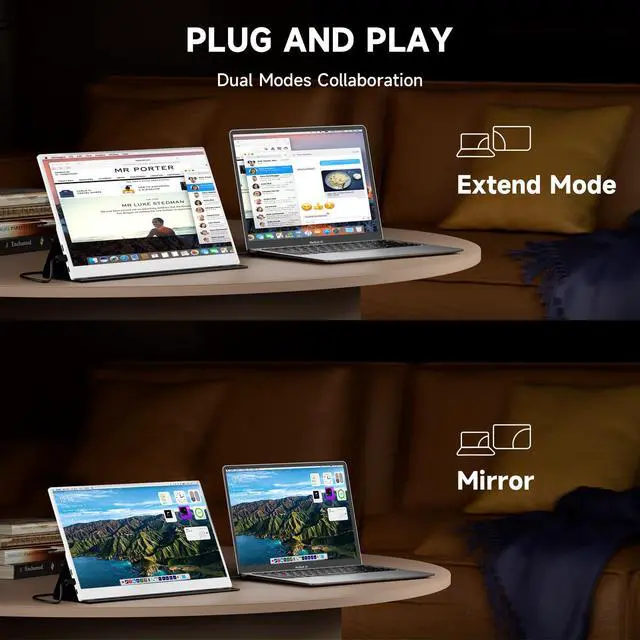
First,ensure that your device has a Type-C 3.1 port that supports audio and video output and the PD protocol. Or try connecting the monitor to a laptop or tablet to check if the monitor itself has a problem.
The monitor keeps blacking out or flickering
First, ensure the power cord and USB-C/HDMI cables are fully inserted. Additionally, the monitor requires a minimum of 10W (5V 2A) power. Insufficient power may trigger issues,so connect it to a stable DC power supply.
The image displayed on the PS4 console is strange
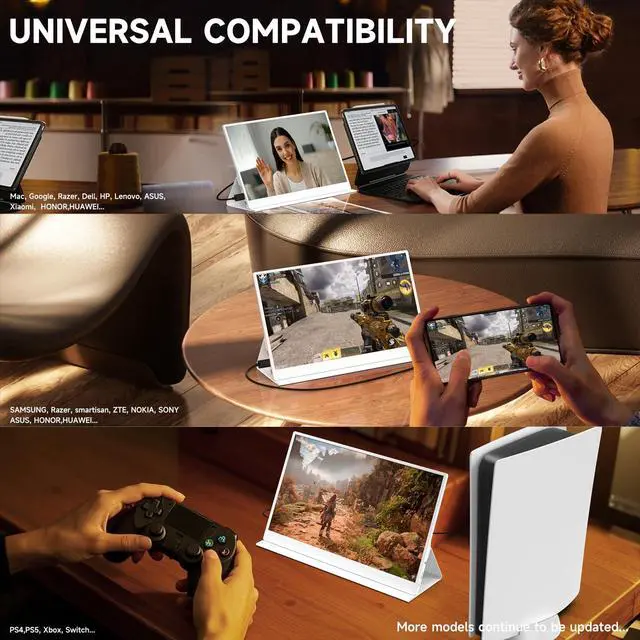
It may be that the game does not have HDR effects. You need to turn off the HDR function on the monitor (Menu ? Reset ? HDR Mode ? OFF)
The volume is too low
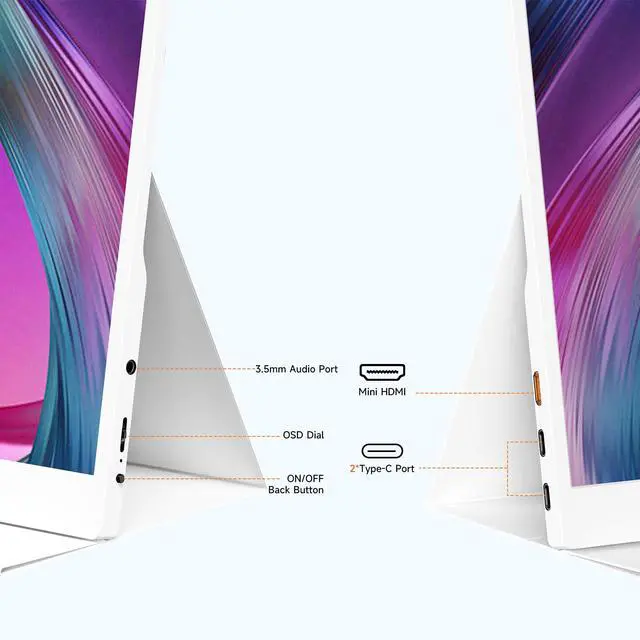
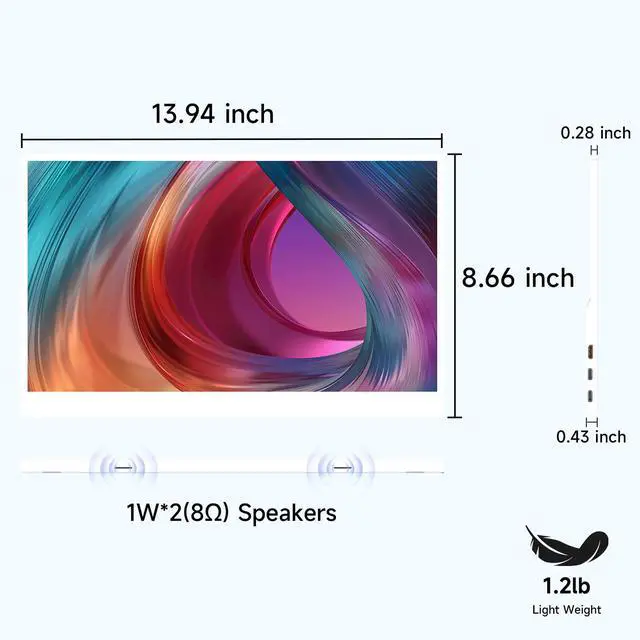
This monitor is equipped with built-in speakers of 1W*2(8O). You can first enter the audio settings and set the monitor as the default audio output device. If the problem persists, you can use other devices for testing


The portable monitor does not display when using a full-function Type-C port
First,ensure that your device has a Type-C 3.1 port that supports audio and video output and the PD protocol. Or try connecting the monitor to a laptop or tablet to check if the monitor itself has a problem.
The monitor keeps blacking out or flickering
First, ensure the power cord and USB-C/HDMI cables are fully inserted. Additionally, the monitor requires a minimum of 10W (5V 2A) power. Insufficient power may trigger issues,so connect it to a stable DC power supply.
The image displayed on the PS4 console is strange
It may be that the game does not have HDR effects. You need to turn off the HDR function on the monitor (Menu ? Reset ? HDR Mode ? OFF)
The volume is too low
This monitor is equipped with built-in speakers of 1W*2(8O). You can first enter the audio settings and set the monitor as the default audio output device. If the problem persists, you can use other devices for testing
Founded in 2012
AYY specializes in the production of high quality computer monitors. AYY's products includes portable monitors, LCD monitors, LCD TVs, etc.
AYY team combines the latest in display technology with innovative design concepts, providing users with the best possible visual experience.
Where Vision Meets Innovation
Why Chose Our Goods?
• Precision: 98% DCI-P3 color gamut coverage + professional - level color calibration with Delta E < 1.5
• Portability: The world's thinnest 4K OLED portable screen, with a thickness of only 4mm
• Human - centered: Self - developed EyeSafe eye - protection system, which can reduce fatigue by 40% after 3 - hour continuous use
Global Support
·24h Response
·30-Day Free Return | Lifetime Calibration
·Regional Hubs: USA/CN/JP/AU