





Features
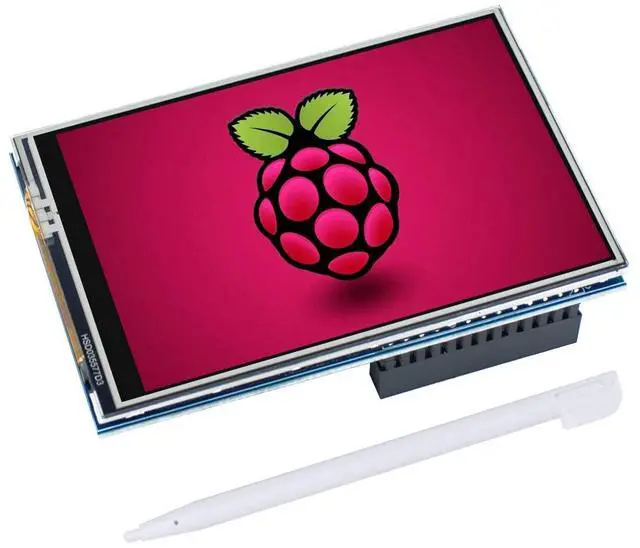
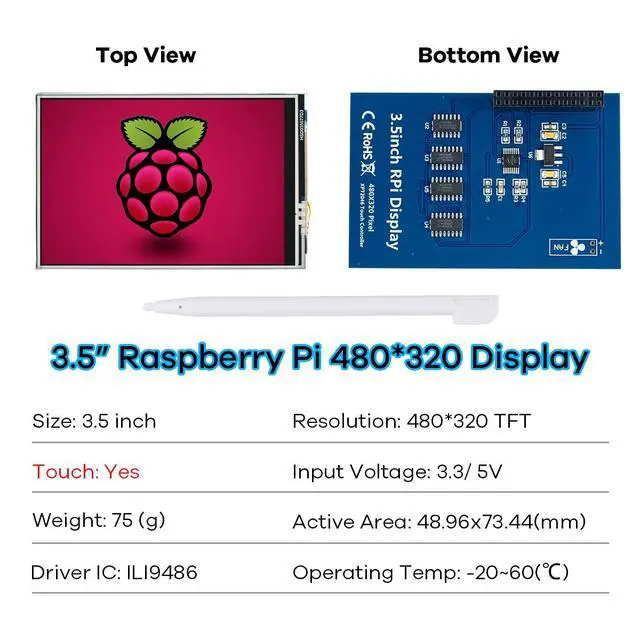
- 320×480 resolution, LCD Interface: SPI(Fmax:32MHz)
- Resistive touch control, comes with touch pen
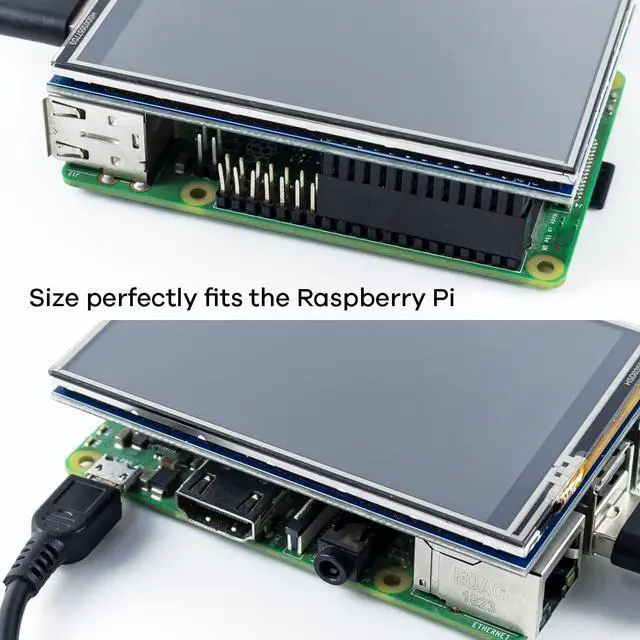
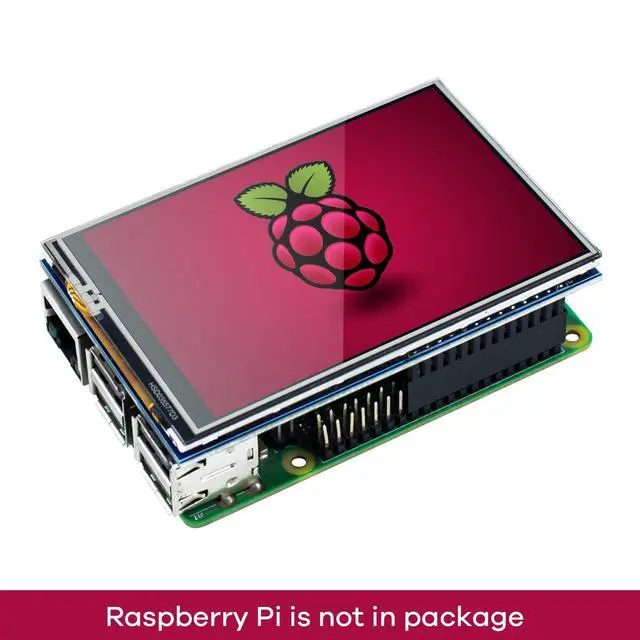
- Supports any revision of Raspberry Pi (directly-pluggable)
- Compatible with Raspberry Pi B, B+, 2B, 3B, 3B+, 4B, 5
- Drivers provided (works with your own Raspbian/Ubuntu directly)
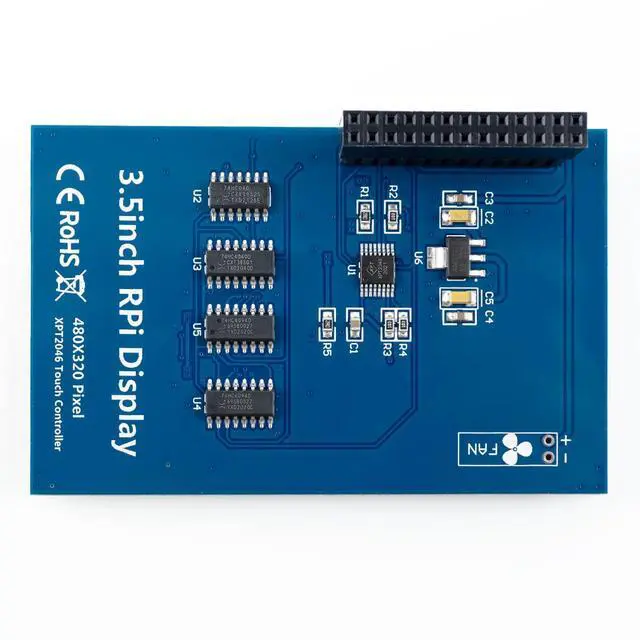
- GPIO physical interface, Size perfectly fits the Raspberry Pi
- Supports Raspbian system, ubuntu system ,kali Linux system

Steps:
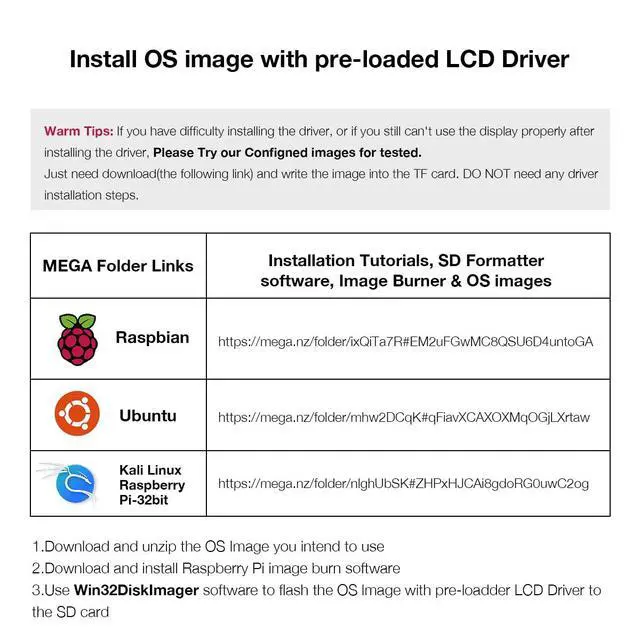
Warm Tips:If you have difficulty installing the driver, or if you still can't use the display properly after installing the driver, Please Try our Configned images for tested. Just need download and write the image into the TF card. DO NOT need any driver installation steps.
- Download and unzip the OS Image you intend to use
- Download and install Raspberry Pi image burn software
- Use Win32DiskImager software to flash the OS lmage with pre-loadder LCD Driver to the SD card
If you still keep getting the white screen issue, try the Raspbian Bullseye version at last or Please ask us for help first.

Tips
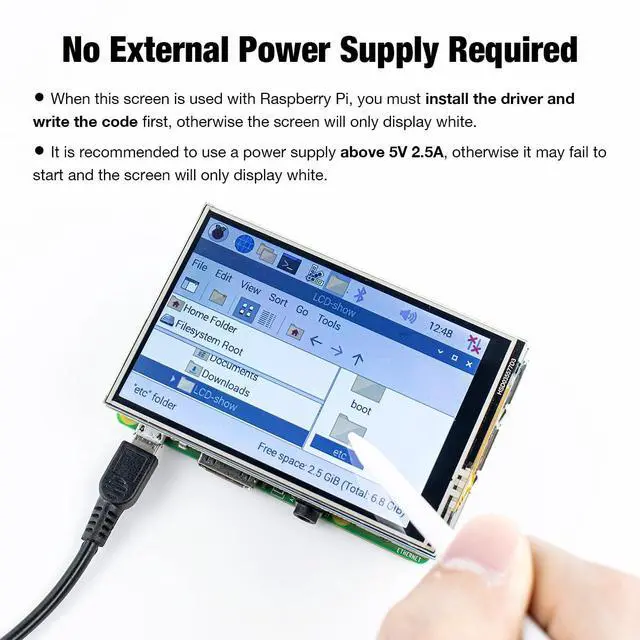
- When using with the Raspberry Pi, you must first install the driver and write the code, otherwise the screen will only display white.
- It is recommended to use a power supply above 5V 2.5A, otherwise it may fail to start and the screen will only display white.

Parameters


About Us
We are committed to researching and producing various types of display screens. Currently, we mainly have a variety of touch screens compatible with Raspberry Pi, as well as various screen modules suitable for Arduino. Most importantly, we provide rich usage information and reliable service to make your use more convenient.
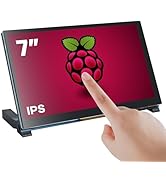
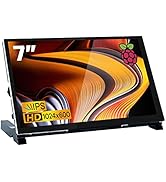
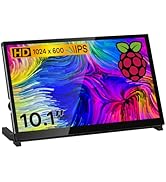
Touchscreen for Raspberry Pi
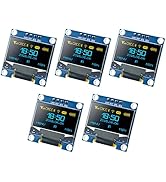
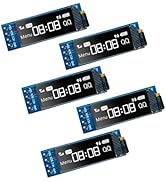
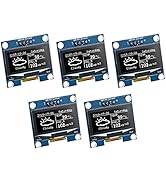

Screen Module
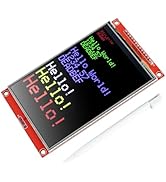

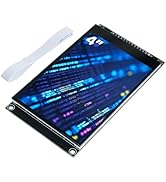
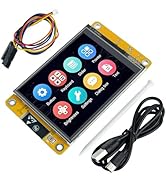
SPI Touchscreen


Features
- 320×480 resolution, LCD Interface: SPI(Fmax:32MHz)
- Resistive touch control, comes with touch pen
- Supports any revision of Raspberry Pi (directly-pluggable)
- Compatible with Raspberry Pi B, B+, 2B, 3B, 3B+, 4B, 5
- Drivers provided (works with your own Raspbian/Ubuntu directly)
- GPIO physical interface, Size perfectly fits the Raspberry Pi
- Supports Raspbian system, ubuntu system ,kali Linux system
Steps:
Warm Tips:If you have difficulty installing the driver, or if you still can't use the display properly after installing the driver, Please Try our Configned images for tested. Just need download and write the image into the TF card. DO NOT need any driver installation steps.
- Download and unzip the OS Image you intend to use
- Download and install Raspberry Pi image burn software
- Use Win32DiskImager software to flash the OS lmage with pre-loadder LCD Driver to the SD card
If you still keep getting the white screen issue, try the Raspbian Bullseye version at last or Please ask us for help first.
Tips
- When using with the Raspberry Pi, you must first install the driver and write the code, otherwise the screen will only display white.
- It is recommended to use a power supply above 5V 2.5A, otherwise it may fail to start and the screen will only display white.
Parameters
About Us
We are committed to researching and producing various types of display screens. Currently, we mainly have a variety of touch screens compatible with Raspberry Pi, as well as various screen modules suitable for Arduino. Most importantly, we provide rich usage information and reliable service to make your use more convenient.
Touchscreen for Raspberry Pi
Screen Module
SPI Touchscreen