





3.5 Inch Touchscreen for Raspberry Pi
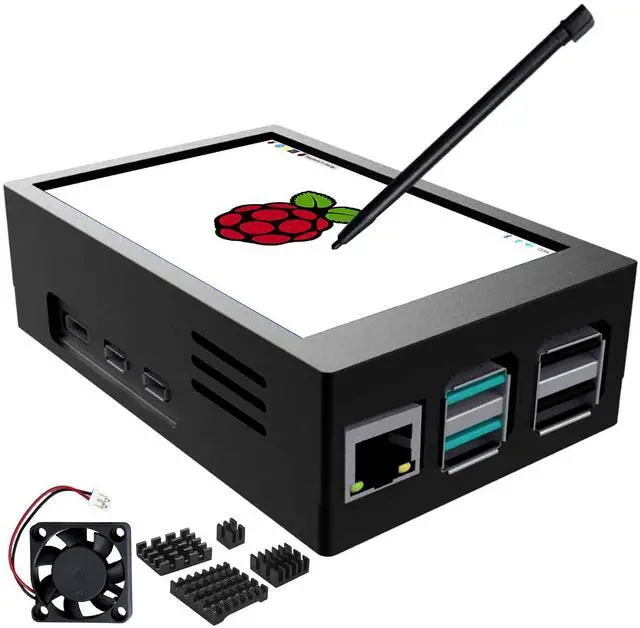
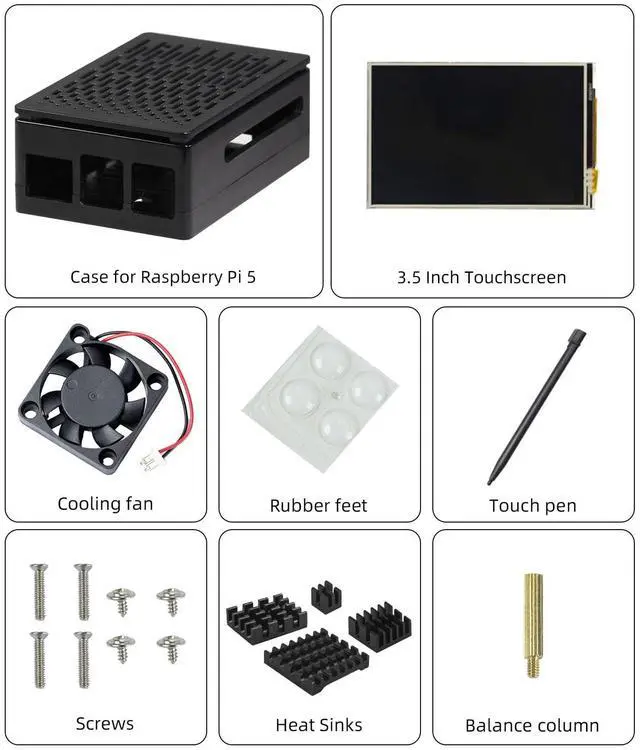
 3.5" Touchscreen with Pi5 Case |  3.5" Touchscreen with Pi4 Case |  3.5" Touchscreen |
|---|---|---|
Screen Size 3.5 inch | Screen Size 3.5 inch | Screen Size 3.5 inch |
Case Raspberry Pi 5 | Case Raspberry Pi 4 | Case No |
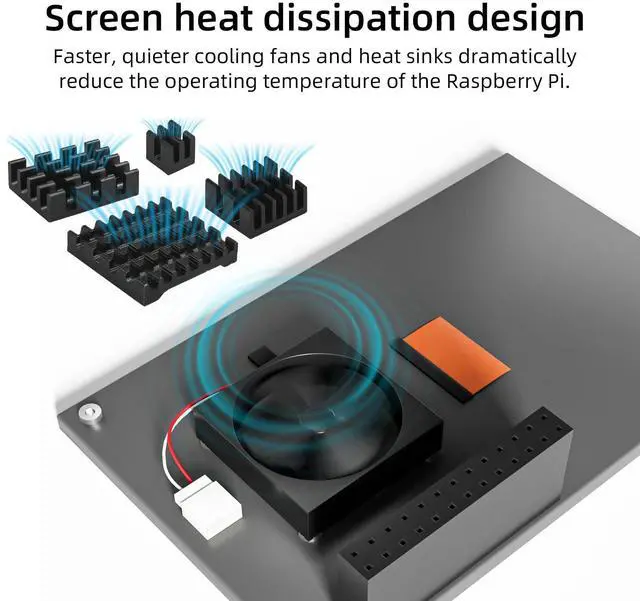
Heat Sink 4 pcs | Heat Sink 3 pcs | Heat Sink No |


How to install Raspbian on a 3.5” screen (for Raspberry Pi 3/4/5)?
- If you are working with a Pi 3 or Pi 4, you can install Raspbian, Ubuntu, Kali and Retropie systems.
- If you are working with a Pi 5, only Raspbian systems are currently supported.
- We will continue to update.
Step 1: Installing the Raspberry Pi image file
Step 2: Connecting to a computer screen
Step 3: Entering the driver code
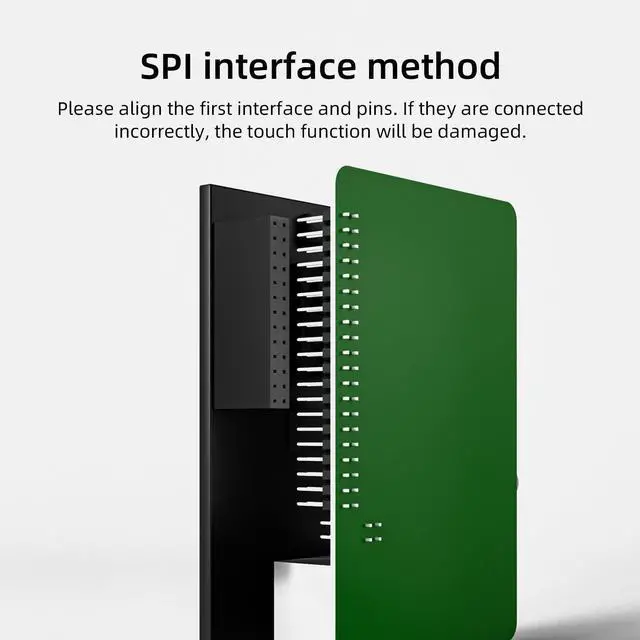
Step 4: Connecting a 3.5” touchscreen
