





When you use the capacitive touch screen, the display is normal but there is no touch function.
Check if one USB end connects to any of the Pi's four USB ports and the other to the LCD's USB Touch interface.
Connect the USB touch to the PC's USB port to check whether the computer can recognize it and whether the touch function works normally.
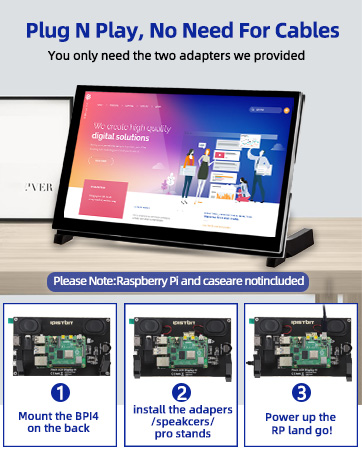
How to achieve driver-free installation?
Please download the Image of our built-in driver. Download url:lcdwiki.com/7inch_HDMI_Display-C
Why can't I just plug and play?
'Driver-free' typically means you can just plug in the USB and HDMI cables for immediate display and touch functionality. However, on a Raspberry Pi system, you usually need to modify the config.txt file to adapt to the optimal resolution.
Recommend Using Our Debugged Image to Avoid The Step of Installing The Driver

User Manual & Image of built-in driver download: lcdwiki.com/7inch_HDMI_Display-C
Plug and Play, No Driver Required

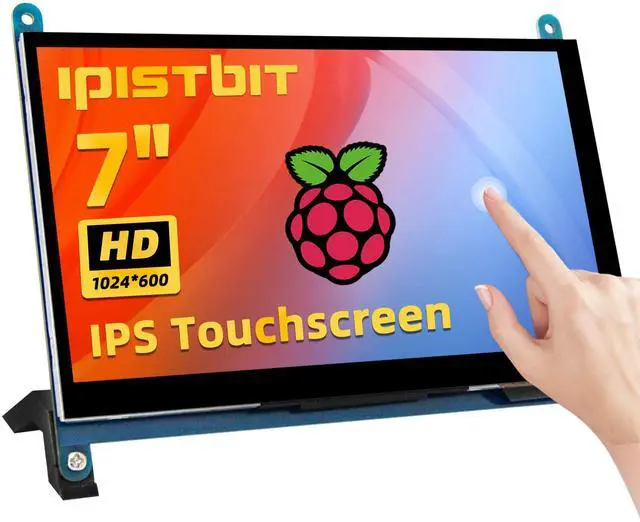
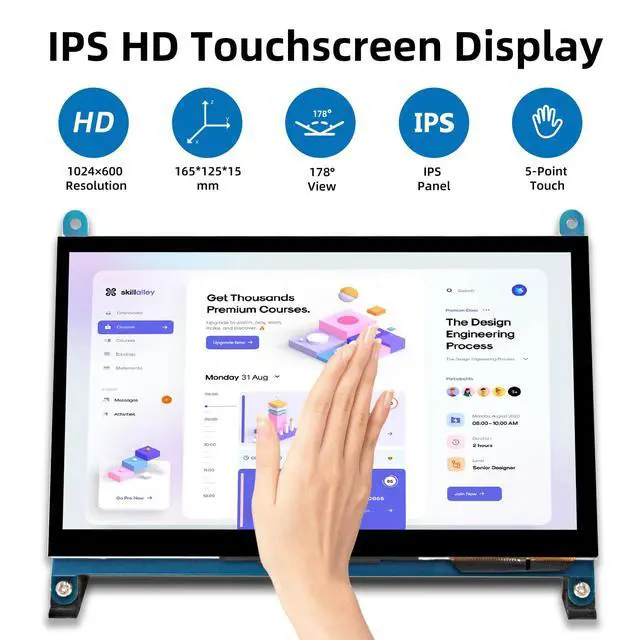
IPS Monitor
IPS screens can provide more realistic colors and a wide viewing angle, ensuring a better experience when viewing the screen from different angles.

5 Points Touch
Multi-touch enhances user experience and makes operation more convenient and efficient.
(XP and older versions of the system: single-touch)

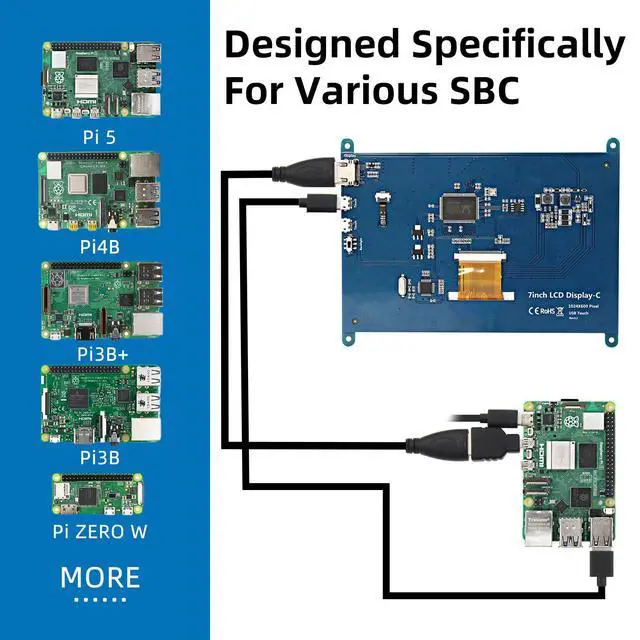
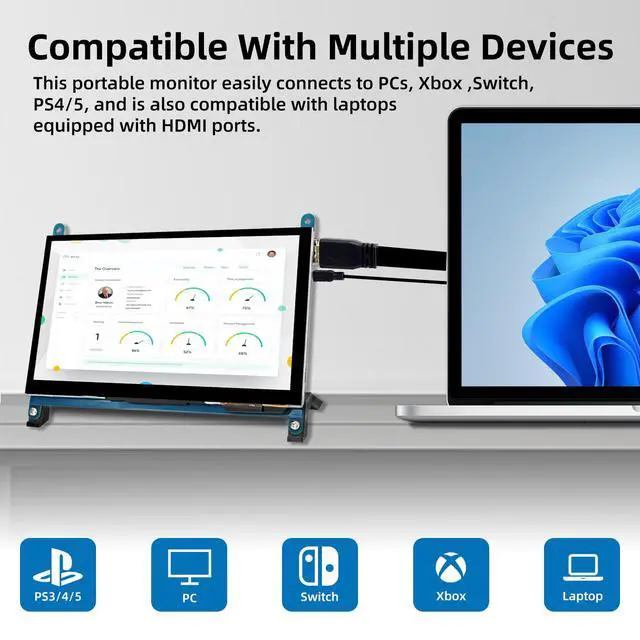
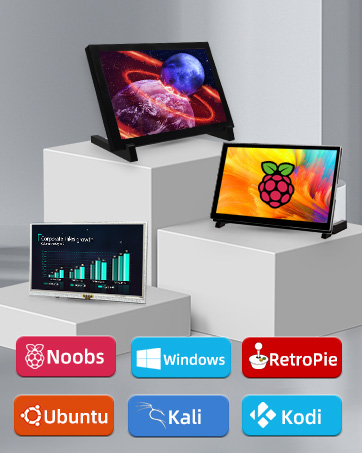
Supports mainstream mini PCs such as Raspberry Pi, BB Black, and Banana Pi. Supports PCs with HDMI ports.


Interface Description
1. HDMI Port - Connect using an HDMI cable to the signal source.
2&3. Micro-USB Port - For touch functionality and power supply.
4. Backlight Power Switch - Controls the backlight to turn on and off, saving power.

Perfectly fits Raspberry Pi 5/4B
Used as a Raspberry Pi display, supporting Raspbian, Ubuntu, Kali-Linux, Kodi, Win10 IoT, single-touch, and driver-free.
We recommend downloading the debugged image, which offers plug-and-play functionality, ensuring perfect compatibility with the system. lcdwiki.com/7inch_HDMI_Display-C

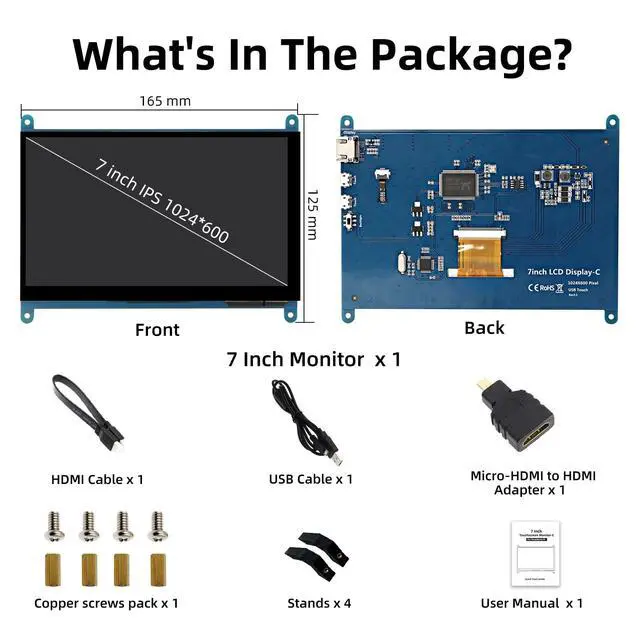
What's in the package?
- 1 x 7-inch capacitive touch screen
- 1 x HDMI cable & micro USB cable
- 1 x micro HDMI adapter
- 2 x stands
- 4 x screw kit

- iPistBit, with years of deep experience in the screen industry, is a dedicated leader in Raspberry Pi screen technology.
- Committed to product excellence and customer-centric service, we focus on screen quality, and innovation to deliver top-notch solutions.
- Our pledge remains to deliver the highest quality Raspberry Pi screens while adapting to evolving technological needs.
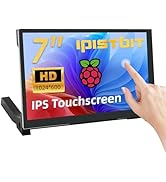
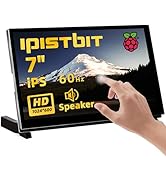
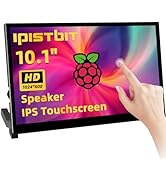
RPI Touchscreen Monitors
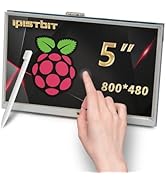
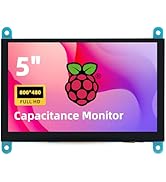
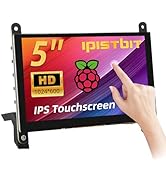
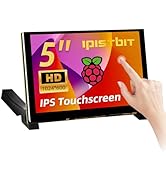
RPI Touchscreen Monitors
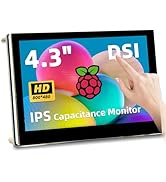
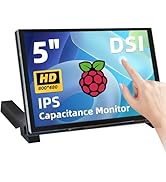
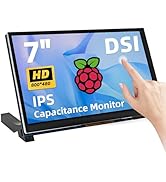
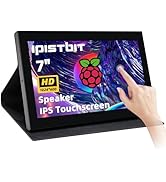
RPI Monitors
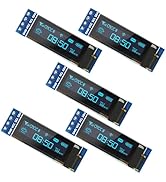
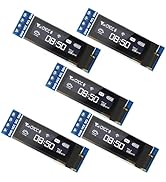
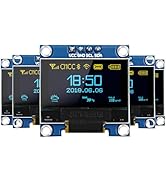
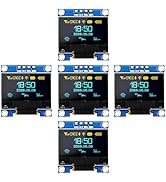
OLED I2C IIC Display Module
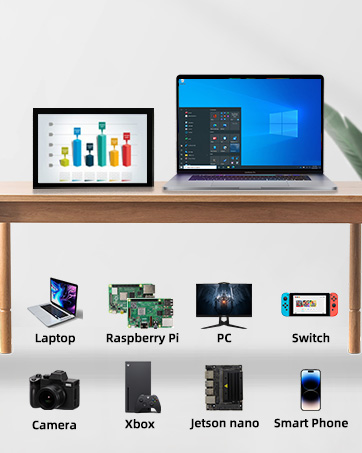
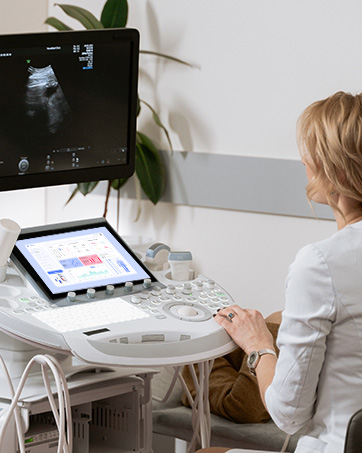
Your Second Screen
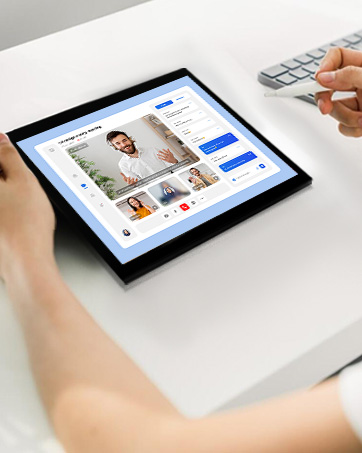
For Home Study
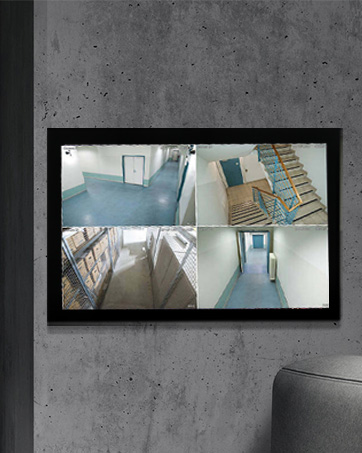
Security DVR Screen
When you use the capacitive touch screen, the display is normal but there is no touch function.
Check if one USB end connects to any of the Pi's four USB ports and the other to the LCD's USB Touch interface.
Connect the USB touch to the PC's USB port to check whether the computer can recognize it and whether the touch function works normally.
How to achieve driver-free installation?
Please download the Image of our built-in driver. Download url:lcdwiki.com/7inch_HDMI_Display-C
Why can't I just plug and play?
'Driver-free' typically means you can just plug in the USB and HDMI cables for immediate display and touch functionality. However, on a Raspberry Pi system, you usually need to modify the config.txt file to adapt to the optimal resolution.
Recommend Using Our Debugged Image to Avoid The Step of Installing The Driver

User Manual & Image of built-in driver download: lcdwiki.com/7inch_HDMI_Display-C
Plug and Play, No Driver Required
IPS Monitor
IPS screens can provide more realistic colors and a wide viewing angle, ensuring a better experience when viewing the screen from different angles.
5 Points Touch
Multi-touch enhances user experience and makes operation more convenient and efficient.
(XP and older versions of the system: single-touch)

Supports mainstream mini PCs such as Raspberry Pi, BB Black, and Banana Pi. Supports PCs with HDMI ports.
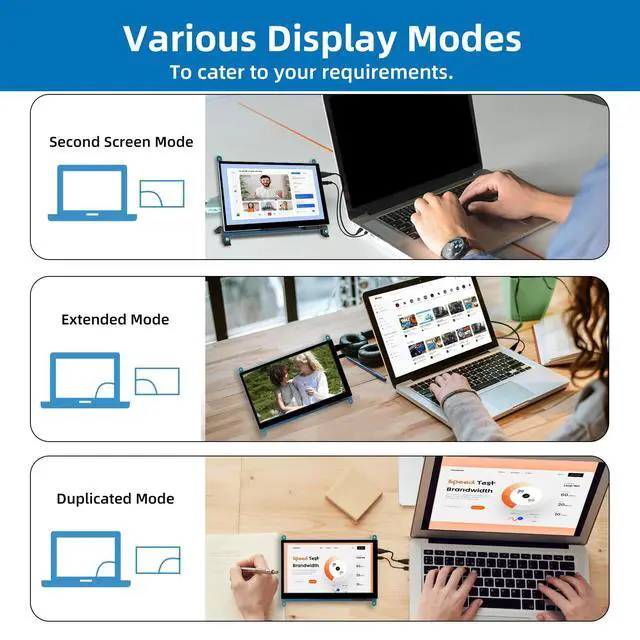
Second Screen Mode


Interface Description
1. HDMI Port - Connect using an HDMI cable to the signal source.
2&3. Micro-USB Port - For touch functionality and power supply.
4. Backlight Power Switch - Controls the backlight to turn on and off, saving power.
Perfectly fits Raspberry Pi 5/4B
Used as a Raspberry Pi display, supporting Raspbian, Ubuntu, Kali-Linux, Kodi, Win10 IoT, single-touch, and driver-free.
We recommend downloading the debugged image, which offers plug-and-play functionality, ensuring perfect compatibility with the system. lcdwiki.com/7inch_HDMI_Display-C
What's in the package?
- 1 x 7-inch capacitive touch screen
- 1 x HDMI cable & micro USB cable
- 1 x micro HDMI adapter
- 2 x stands
- 4 x screw kit
- iPistBit, with years of deep experience in the screen industry, is a dedicated leader in Raspberry Pi screen technology.
- Committed to product excellence and customer-centric service, we focus on screen quality, and innovation to deliver top-notch solutions.
- Our pledge remains to deliver the highest quality Raspberry Pi screens while adapting to evolving technological needs.
RPI Touchscreen Monitors
RPI Touchscreen Monitors
RPI Monitors
OLED I2C IIC Display Module
Your Second Screen
For Home Study
Security DVR Screen