





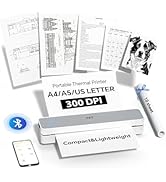
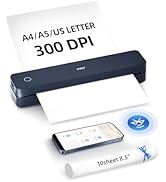
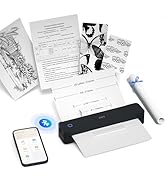
Portable Thermal Printer
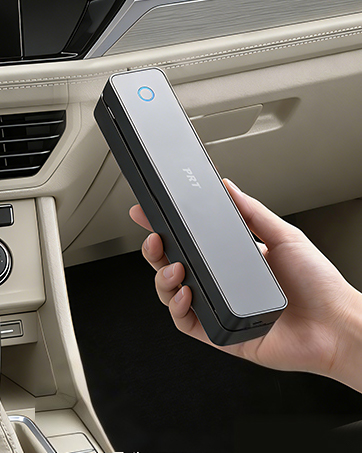
Mobile Thermal Printer
Compact Portable Printer
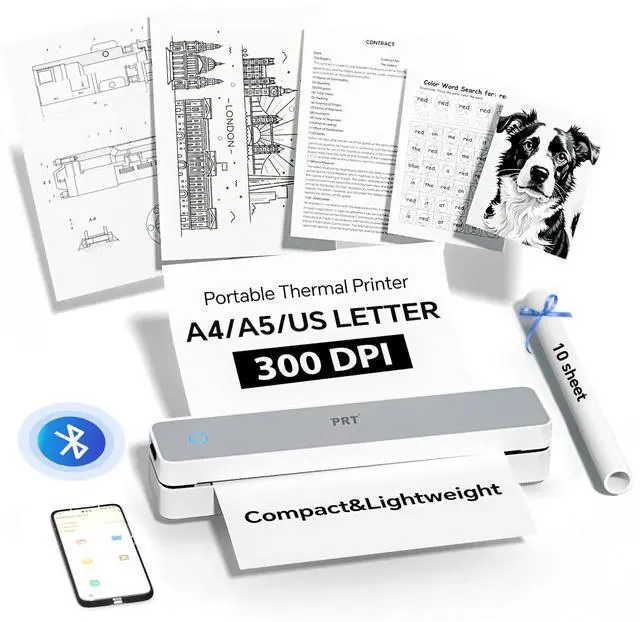
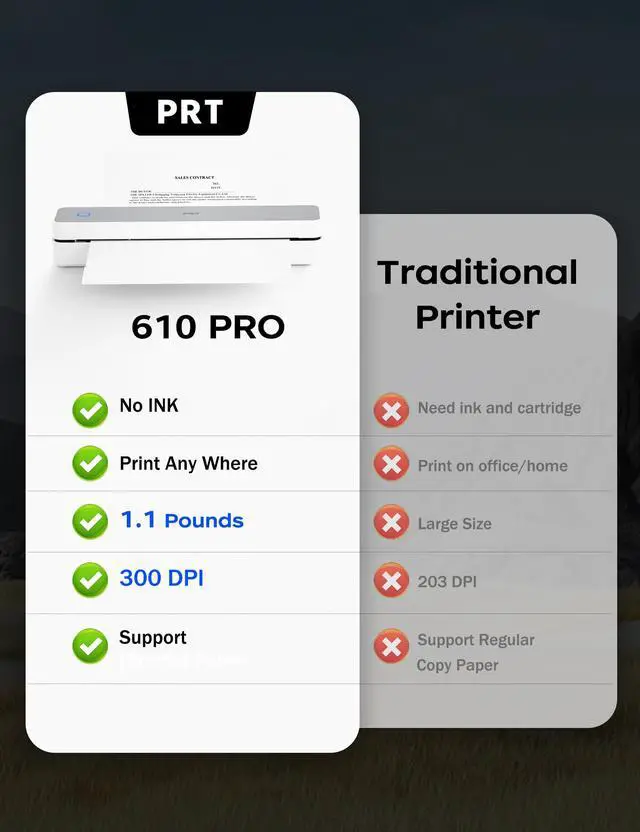
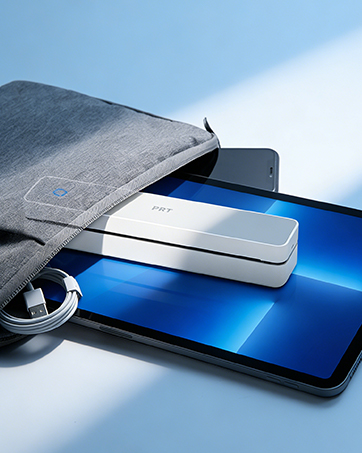
This printer is designed for the modern individual who values both efficiency and style. With its sleek, portable build and high-resolution thermal printing technology, it seamlessly fits into any workspace while delivering professional results. More than just a tool, it's a companion for the organized, self-reliant professional—adding a touch of refined simplicity to your everyday tasks.


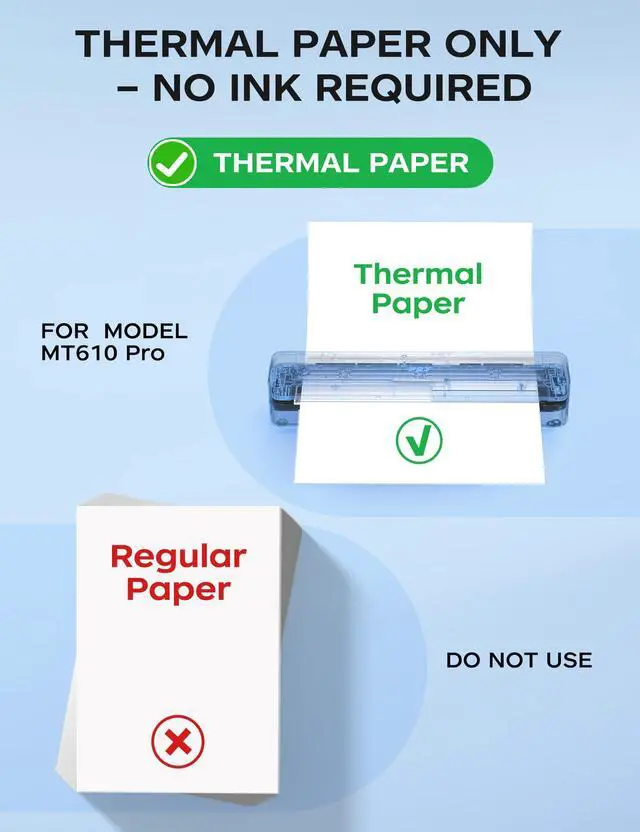
No Ink! Save Over 50% with Thermal Paper Only


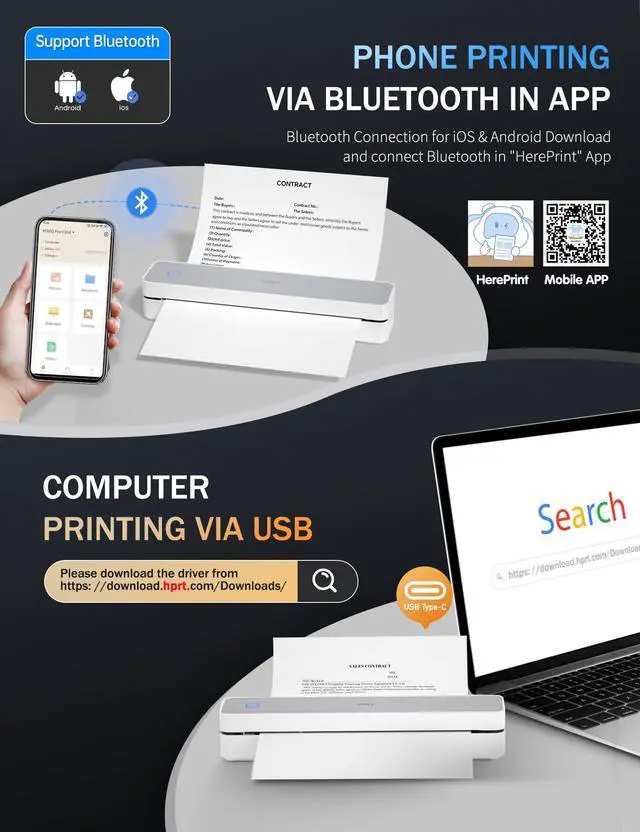
How to print on my mobile phone?
Step 1: Download the mobilephone app "HerePrint".
Step 2: Turn on the Printer MT610 Pro and make a Bluetooth connection in the APP.
How to print on my laptop/desktop via USB?
Step 1: Start the portable printer(Blue Light), then connect the printer and laptop with USB (Green Light).
Step 2: Download & install the driver (PRT MT610 Pro) from HPRT website.
Step 3: Set the righe size, choose MT610 Pro to print via USB.
Why can't my cellphone connect to Bluetooth?
Check 1: Please confirm that the printer and mobile phone Bluetooth are turned on.
Check 2: Connect Bluetooth in the mobilephone app "HerePrint" instead of directly connecting to the Bluetooth of the phone.
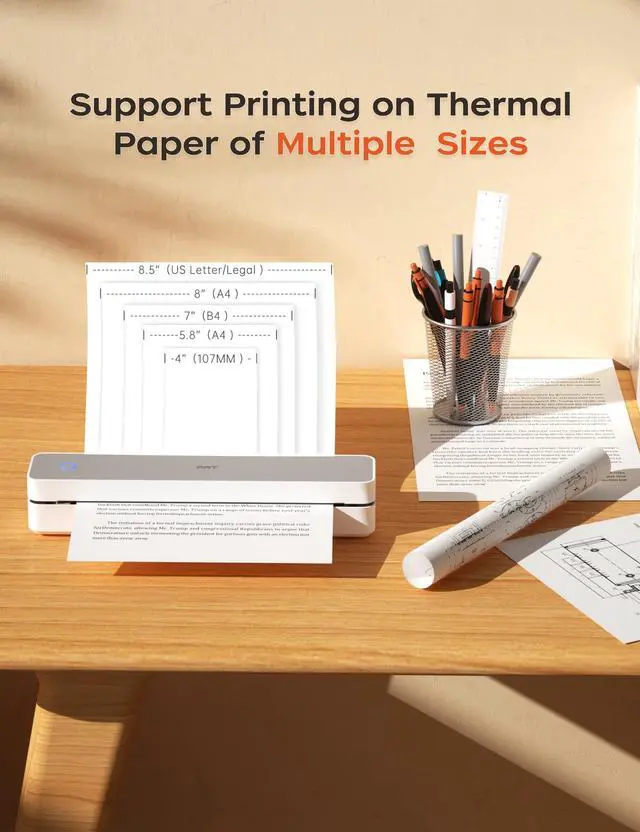
What thermal paper sizes can I use this travel printer to print?
This printer can use thermal paper with a width of 4" to 8.5".
Such as A4, A5, B5, 8.5"X11" (US Letter)
Does the printer require ink? What types of paper does it support?
No ink required! This printer works exclusively with thermal paper. Regular paper is not supported.
Check Out More Excellent Accessories! Perfect for Complementing the Printer
 200 Sheet 8.5X11 Thermal Paper | 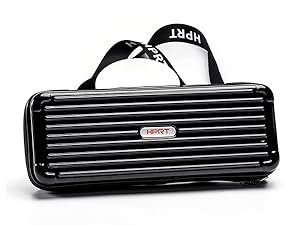 Carrying Case for MT610 |  Carrying Case for MT610 |
|---|---|---|
US Letter - 8.5X11 inch High-quality, economy thermal paper.compatible with thermal document printers | For On-the-Go Protection Lightweight MT610 Printer Carrying Case – Water-Resistant and Shockproof | For On-the-Go Protection Lightweight MT610 Printer Carrying Case – Water-Resistant and Shockproof |
Game-changer Delivers vivid, clear prints. Ideal for thermal document printer. | Compact and durable Protects during travel and is easy to carry. | Compact and durable Protects during travel and is easy to carry. |


PORTABLE PRINTER FOR MOBILEPHONE


INKLESS PRINTER FOR LAPTOP
Computer Printinng
Connect Printer with PC via USB Cable, plug the usb cable first before downloading the driver
No Ink! Save Over 50% with Thermal Paper Only

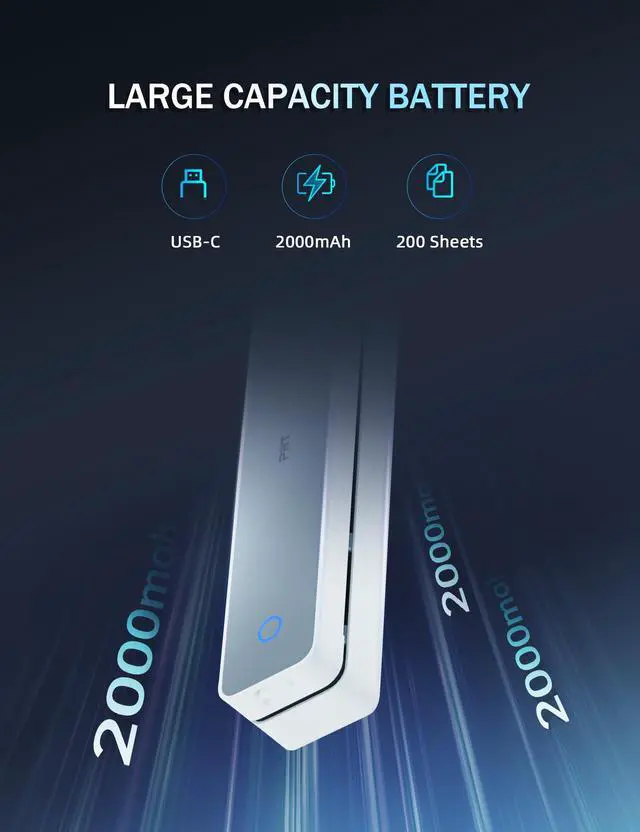
Durable And Long-lasting Battery
Inkless & Portable
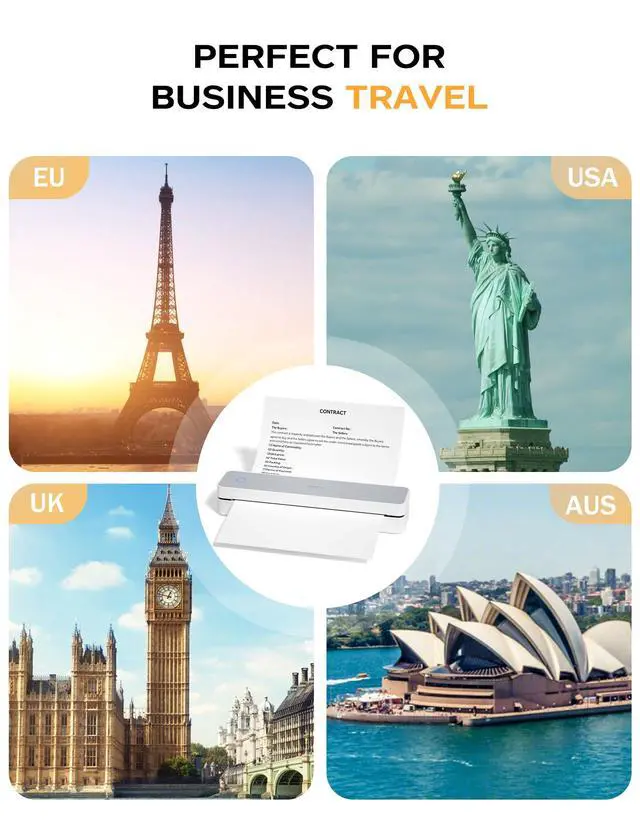
For Travel/Home/Office Use
Portable Printer Wireless for Travel


How to print on my mobile phone?
Step 1: Download the mobilephone app "HerePrint".
Step 2: Turn on the Printer MT610 Pro and make a Bluetooth connection in the APP.
How to print on my laptop/desktop via USB?
Step 1: Start the portable printer(Blue Light), then connect the printer and laptop with USB (Green Light).
Step 2: Download & install the driver (PRT MT610 Pro) from HPRT website.
Step 3: Set the righe size, choose MT610 Pro to print via USB.
Why can't my cellphone connect to Bluetooth?
Check 1: Please confirm that the printer and mobile phone Bluetooth are turned on.
Check 2: Connect Bluetooth in the mobilephone app "HerePrint" instead of directly connecting to the Bluetooth of the phone.
What thermal paper sizes can I use this travel printer to print?
This printer can use thermal paper with a width of 4" to 8.5".
Such as A4, A5, B5, 8.5"X11" (US Letter)
Does the printer require ink? What types of paper does it support?
No ink required! This printer works exclusively with thermal paper. Regular paper is not supported.
Check Out More Excellent Accessories! Perfect for Complementing the Printer
Portable Thermal Printer
Mobile Thermal Printer
Compact Portable Printer
This printer is designed for the modern individual who values both efficiency and style. With its sleek, portable build and high-resolution thermal printing technology, it seamlessly fits into any workspace while delivering professional results. More than just a tool, it's a companion for the organized, self-reliant professional—adding a touch of refined simplicity to your everyday tasks.