



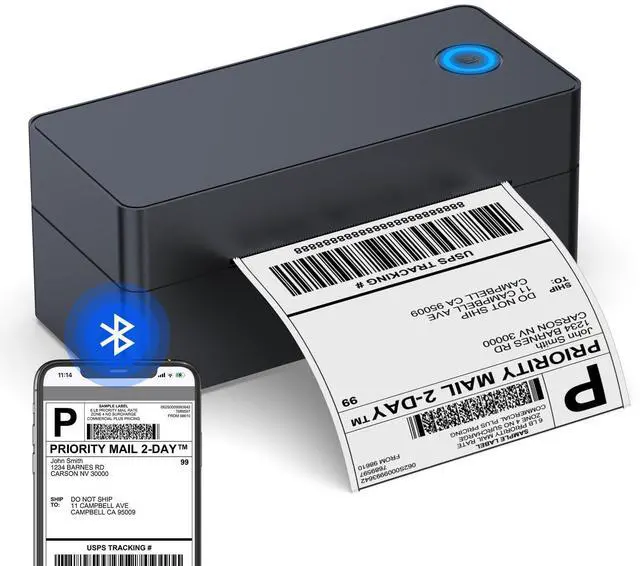
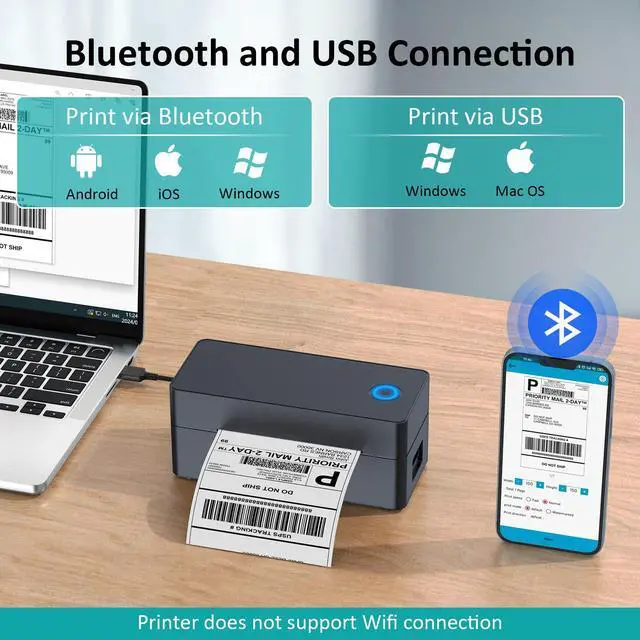



How to Print on Phone( Bluetooth connection)?
· Step 1: Connect the label printer to power, press the power button to "I" to switch it on.
· Step 2: Open the cover and Load labels. (Please calibrate the printer when you change the label size).
· Step 3: search and download "Print Label" on Google Play or search "Zlabel" on App Store, install the app on phone.
· Step 4: Allow the app to access bluetooth and location on phone.
· Step 5: Connect to printer name "BlueTooth Printer"
· Step 6: Open printing file, choose label size, direction, configure other printer settings as you need.
· Step 7: Preview and print.

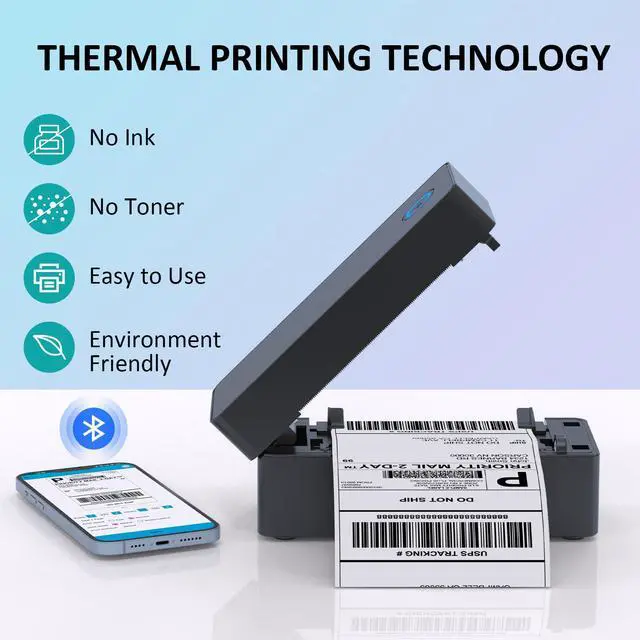
Use thermal print technology, all you need is thermal paper , no more ink and toner, not only save money but also be friendly to environment.

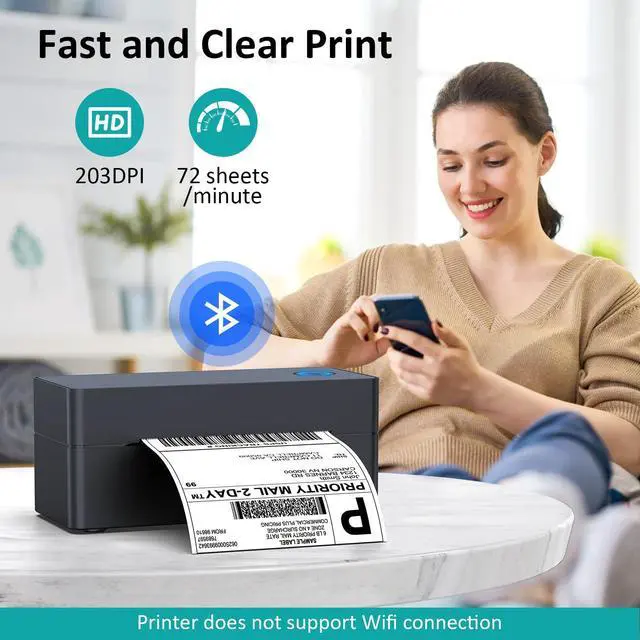
Equipped with high grade heat-resistant ceramic print head, with 203 DPI high resolution, you can easily get crystal clear prints every time.

Equipped with high quality rubber feeding roller and heat dissipation device, ensures smooth printing at high printing speed of
7 inch/sec, highly increase the printing efficiency.

How to Print on Computer( USB connection)?
· Step 1: Connect the thermal printer to power, press the power button to "I" to switch it on.
· Step 2: Connect the printer and computer with USB cable.
· Step 3: Open the cover and Load labels. (Please calibrate the printer when you change the label size).
· Step 4: Download driver software from the USB flash drive or website(taidelongtech.com).
· Step 5: Install drivers on computer.
· Step 6: Open PDF file, select printer name “LABEL-9X00"(for Mac) or "LABEL"(for windows), choose correct paper size, and configure other printer settings as you need.
· Step 7: Preview and print.

PRODUCT SPECIFICATIONS
How to Print on Phone( Bluetooth connection)?
· Step 1: Connect the label printer to power, press the power button to "I" to switch it on.
· Step 2: Open the cover and Load labels. (Please calibrate the printer when you change the label size).
· Step 3: search and download "Print Label" on Google Play or search "Zlabel" on App Store, install the app on phone.
· Step 4: Allow the app to access bluetooth and location on phone.
· Step 5: Connect to printer name "BlueTooth Printer"
· Step 6: Open printing file, choose label size, direction, configure other printer settings as you need.
· Step 7: Preview and print.
Use thermal print technology, all you need is thermal paper , no more ink and toner, not only save money but also be friendly to environment.
Equipped with high grade heat-resistant ceramic print head, with 203 DPI high resolution, you can easily get crystal clear prints every time.
Equipped with high quality rubber feeding roller and heat dissipation device, ensures smooth printing at high printing speed of
7 inch/sec, highly increase the printing efficiency.
How to Print on Computer( USB connection)?
· Step 1: Connect the thermal printer to power, press the power button to "I" to switch it on.
· Step 2: Connect the printer and computer with USB cable.
· Step 3: Open the cover and Load labels. (Please calibrate the printer when you change the label size).
· Step 4: Download driver software from the USB flash drive or website(taidelongtech.com).
· Step 5: Install drivers on computer.
· Step 6: Open PDF file, select printer name “LABEL-9X00"(for Mac) or "LABEL"(for windows), choose correct paper size, and configure other printer settings as you need.
· Step 7: Preview and print.
PRODUCT SPECIFICATIONS
| Printing Method | Direct Line Thermal Printing |
| Compatible System | Win2003 / WinXP / Win7 / WIN8 / WIN10 / WIN11/Mac OS/Chrome OS/iOS/Android |
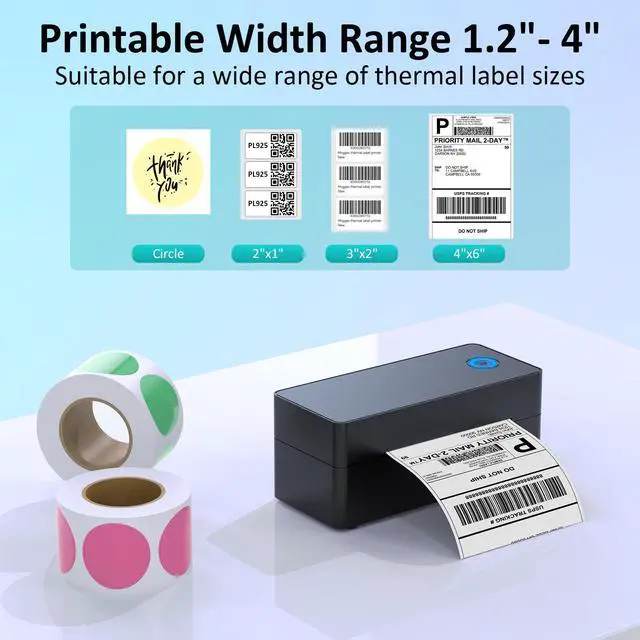
| Print Width Range | 1.2‘’~4.3‘’ |
| Print Head Lifetime | 100 Millions pulse/dot |
| Printing Speed | Up to 7 Inch/s (72 sheets of 4X6'' labels per minute) |
| Resolution | 203DPI |
| Paper Type | Direct Thermal Label( continuous paper, roll paper, folded paper, tag peper) |
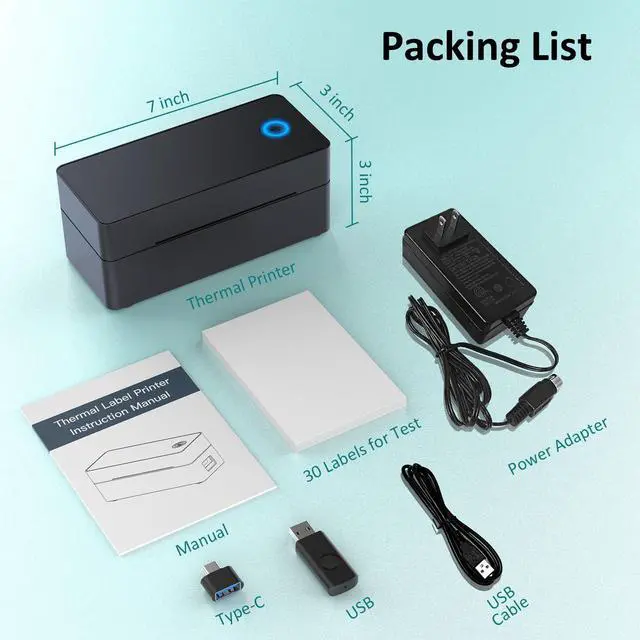
| Product Size | 7x3x3Inch |
| Accessories | Power adapter, USB cable , Type-C Connector, USB Drive, 30 sheets of 4x6 shipping labels |
| Warm tips 1 | Please power on the printer and connect it to computer before install the printer driver on PC! |
| Warm tips 2 | Please allow the Smartphone App access and open "Bluetooth" and "Location" service before connect to printer with Bluetooth. |
| Warm tips 3 | WiFi connection is NOT supportable! |
| Warm tips 4 | It's not compatible with Linux! |
| Warm tips 5 | Bluetooth connection only works on Windows, BLUETOOTH DOES NOT WORK ON MAC! |