






iDPRT Portable Thermal Printer
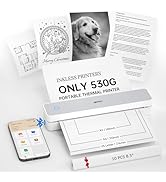
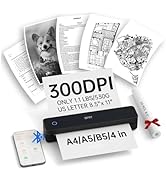
Portable Thermal Printers
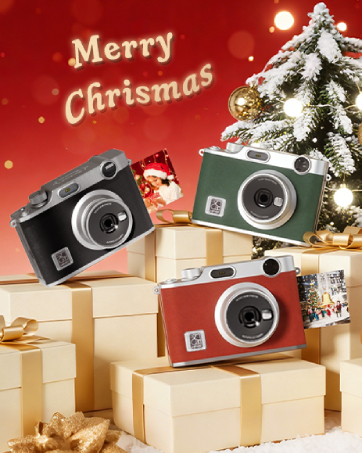
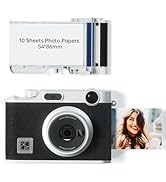
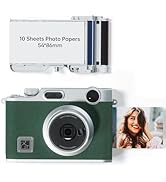
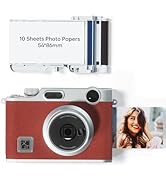

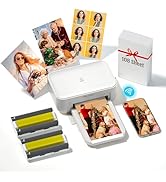
NEW! Z3 Instant Film Camera
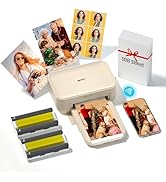
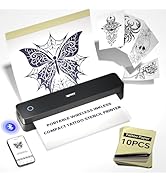
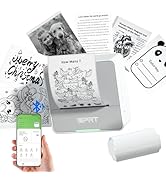
Portable Inkless Printer
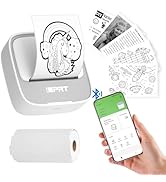
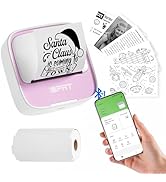
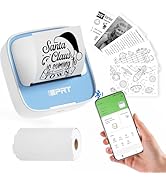
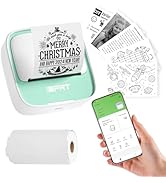
iDPRT Mini Sticker Maker

Focuses on portable printing
With a dedicated focus on professional portable printing, we are trusted by millions globally as a leading provider of POS, mobile, and label printers.
Every product is designed and built entirely in-house, ensuring exceptional performance, reliability, and continuous
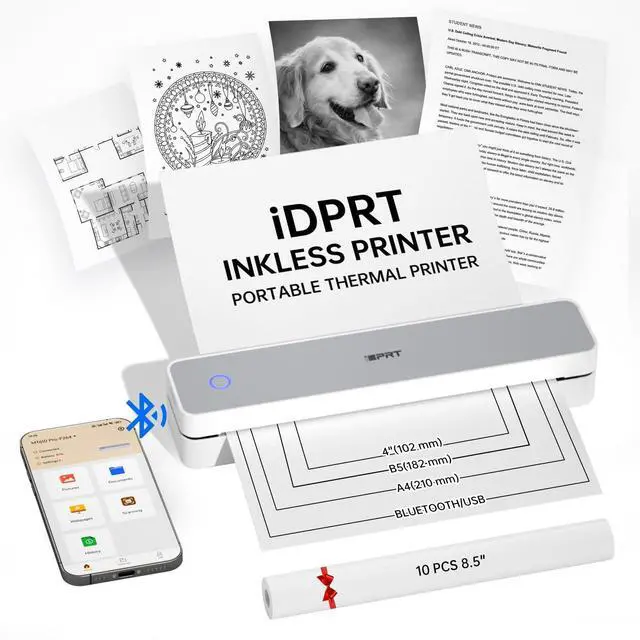
iDPRT MT610 PRO Portable Printer Wireless for Travel
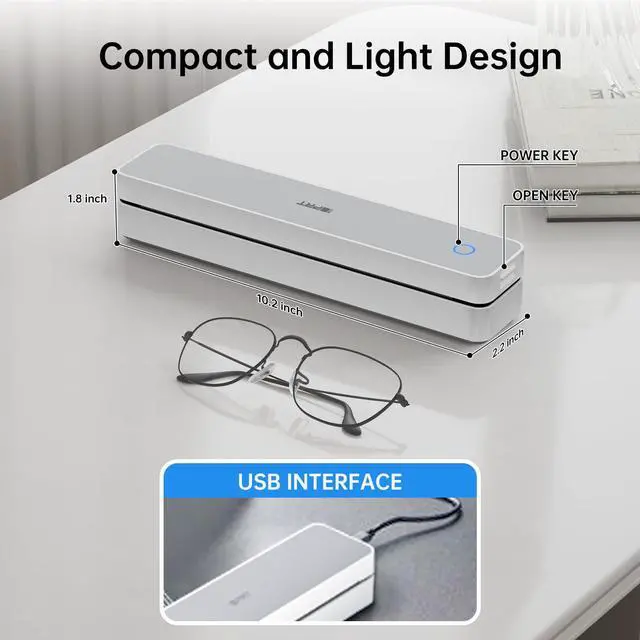
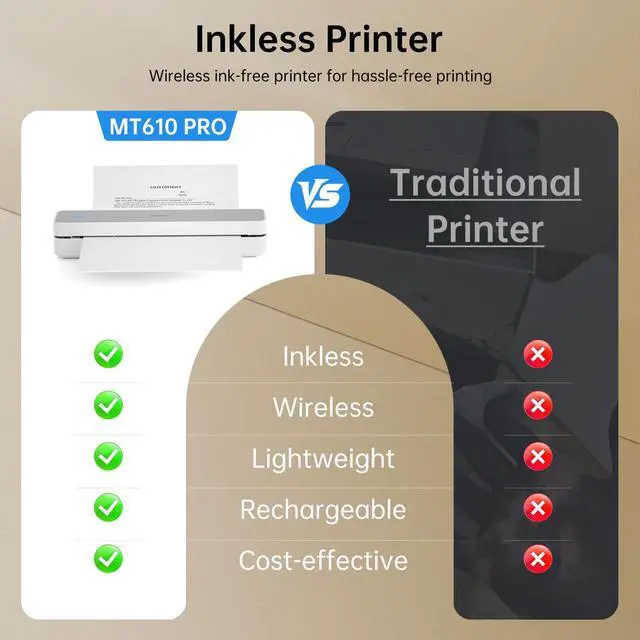
MT610 Pro printer
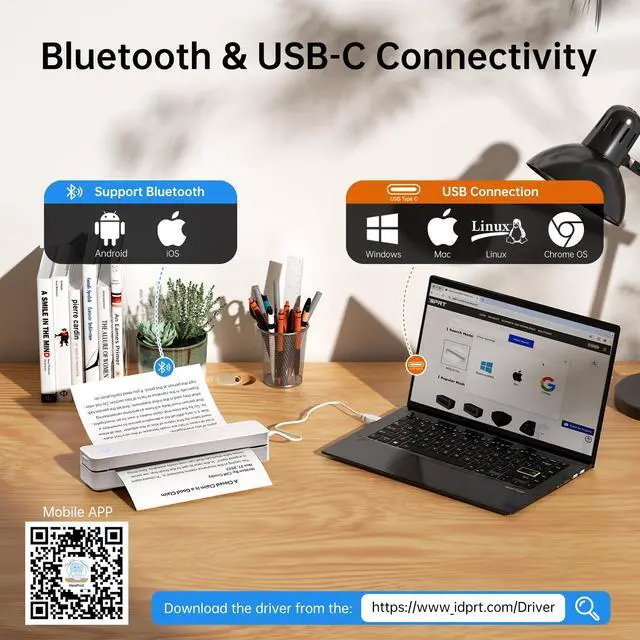
Merchant VideoMobile & Computer Connection


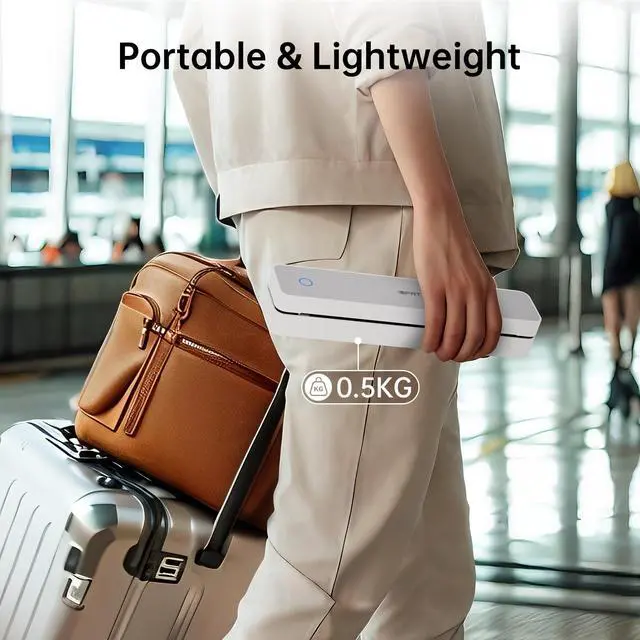
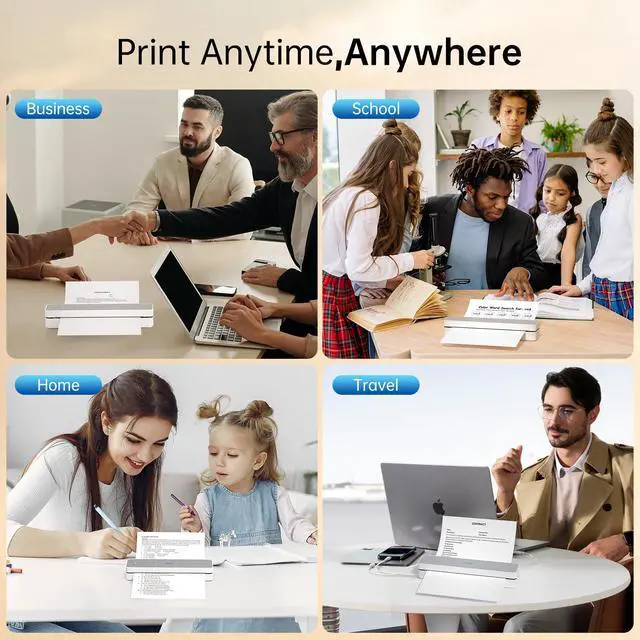
Print Anytime and Anywhere


How do I print from my phone?
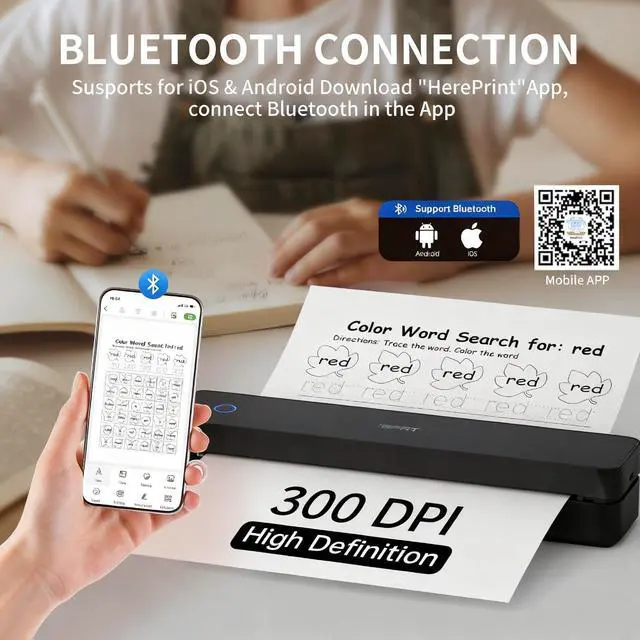
Step 1: Download the "HerePrint" app
Step 2: Turn on the MT610 pro, turn on the Bluetooth of the smartphone and make a Bluetooth connection in the APP
Step 3: click the "+" sign on the APP to add MT610 printer and start printing
How do I print from my computer?
Step 1: Connect the portable printers to your PC with the USB-cable
Step 2: Install the printer driver from the iDPRT website
Step 3: Select the “iDPRT MT610 Pro - xxx” in the printer list and start printing
Should I hook up the printer via USB first before installing the driver?
Yes, you'll need to connect the printer to your computer via USB first, then install the driver.
Does the printer come with thermal paper?
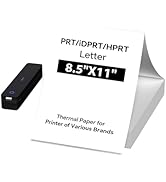
Yes,the package contains 10 sheets of thermal paper in US Letter size.
Why is the printing coming out incomplete?
Ensure the paper is loaded correctly
Check your App or computer's print settings to confirm the selected paper size matches the physical paper in your printer
More Portable Thermal Printer Options
 610 Portable Printer |  610 Thermal Printers |  S1 Mini Sticker Printer |  S1 Mini Sticker Maker |  S1 Portable Printers | |
|---|---|---|---|---|---|
Customer Reviews | — | — | — | — | — |
Price | — | — | — | — | — |
Printer Technology | Thermal | Thermal | Thermal | Thermal | Thermal |
Print Size | US Letter/A4/A5/4 in | US Letter/A4/A5/4 in | 2 in | 2 in | 2 in |
Connectivity Technology | Bluetooth & USB | Bluetooth & USB | Bluetooth | Bluetooth | Bluetooth |
Compatible Devices | Andriod, iOS, Windows, Mac OS | Andriod, iOS, Windows, Mac OS | Smartphones | Smartphones | Smartphones |
Printing Resolution | 300 DPI | 300 DPI | 203 DPI | 203 DPI | 203 DPI |
Printer Output | Black | Black | Black | Black | Black |
iDPRT Portable Thermal Printer
Portable Thermal Printers
NEW! Z3 Instant Film Camera
Portable Inkless Printer
iDPRT Mini Sticker Maker
Focuses on portable printing
With a dedicated focus on professional portable printing, we are trusted by millions globally as a leading provider of POS, mobile, and label printers.
Every product is designed and built entirely in-house, ensuring exceptional performance, reliability, and continuous
iDPRT MT610 PRO Portable Printer Wireless for Travel
MT610 Pro printer
Merchant VideoMobile & Computer Connection
How to Pair Your Printer with a Phone via Bluetooth
Step 1: Download the "HerePrint" app
Step 2: Turn on the MT610 pro, turn on the Bluetooth of the smartphone and make a Bluetooth connection in the APP
Step 3: click the "+" sign on the APP to add MT610 printer and start printing
Note: Supports black-and-white printing exclusively and requires thermal paper
How to connect the printer to your computer using a USB cable
Step 1: Connect the portable printers to your PC with the USB-cable
Step 2: Install the printer driver from the iDPRT website
Step 3: Select the "iDPRT MT610 Pro - xxx" in the printer list and start printing
Note: Supports black-and-white printing exclusively and requires thermal paper


Print Anytime and Anywhere


How do I print from my phone?
Step 1: Download the "HerePrint" app
Step 2: Turn on the MT610 pro, turn on the Bluetooth of the smartphone and make a Bluetooth connection in the APP
Step 3: click the "+" sign on the APP to add MT610 printer and start printing
How do I print from my computer?
Step 1: Connect the portable printers to your PC with the USB-cable
Step 2: Install the printer driver from the iDPRT website
Step 3: Select the “iDPRT MT610 Pro - xxx” in the printer list and start printing
Should I hook up the printer via USB first before installing the driver?
Yes, you'll need to connect the printer to your computer via USB first, then install the driver.
Does the printer come with thermal paper?
Yes,the package contains 10 sheets of thermal paper in US Letter size.
Why is the printing coming out incomplete?
Ensure the paper is loaded correctly
Check your App or computer's print settings to confirm the selected paper size matches the physical paper in your printer
More Portable Thermal Printer Options
610 Portable Printer | 610 Thermal Printers | S1 Mini Sticker Printer | S1 Mini Sticker Maker | S1 Portable Printers |
|---|---|---|---|---|
| Customer Reviews | ||||
| — | — | — | — | — |
| Price | ||||
| — | — | — | — | — |
| Printer Technology | ||||
| Thermal | Thermal | Thermal | Thermal | Thermal |
| Print Size | ||||
| US Letter/A4/A5/4 in | US Letter/A4/A5/4 in | 2 in | 2 in | 2 in |
| Connectivity Technology | ||||
| Bluetooth & USB | Bluetooth & USB | Bluetooth | Bluetooth | Bluetooth |
| Compatible Devices | ||||
| Andriod, iOS, Windows, Mac OS | Andriod, iOS, Windows, Mac OS | Smartphones | Smartphones | Smartphones |
| Printing Resolution | ||||
| 300 DPI | 300 DPI | 203 DPI | 203 DPI | 203 DPI |
| Printer Output | ||||
| Black | Black | Black | Black | Black |