



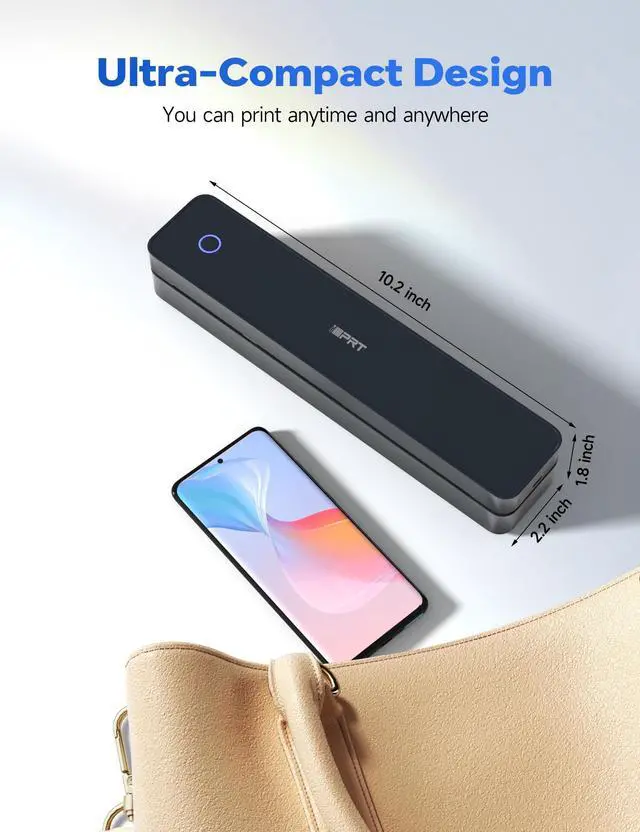




iDPRT MT610 pro
Merchant Video


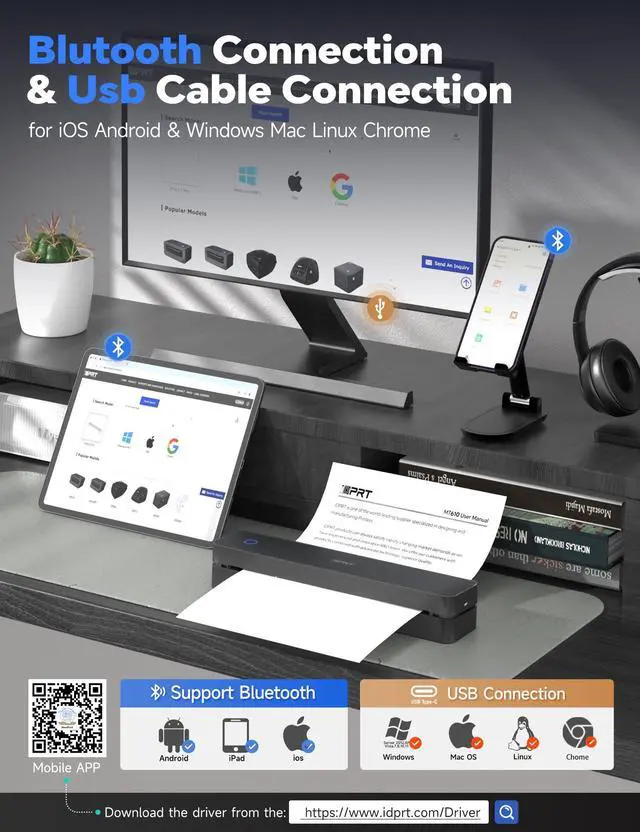
How to connect your cell phone with print?
Step 1 : Download APP "HerePrint".
Step 2: Turn on the MT610, turn on the Bluetooth of the cell phone and make a Bluetooth connection in the APP.
Step 3: Add MT610 printer with "+" sign in the upper right corner and start printing.
How to print from your computer?
Step 1: Download and install the driver from the www. iDPRT. com website
Step 2: Turn on the MT610, use the USB cable to connect the MT610 printer to your computer.
Step 3: Select and open your document, and choose iDPRT MT610 in the printer list.
Precautions for using the MT610 Pro thermal printer?
1.Your phone can't be connected by Bluetooth directly, you need to download the APP "HerePrint" to connect.
2.Desktop/laptop needs to use USB cable to connect and install the printer driver.
Does the MT610 Pro printer have original paper included in case?
Yes, the packing list contains 10 sheets of A4 paper.
What you can do with the MT610 Pro?
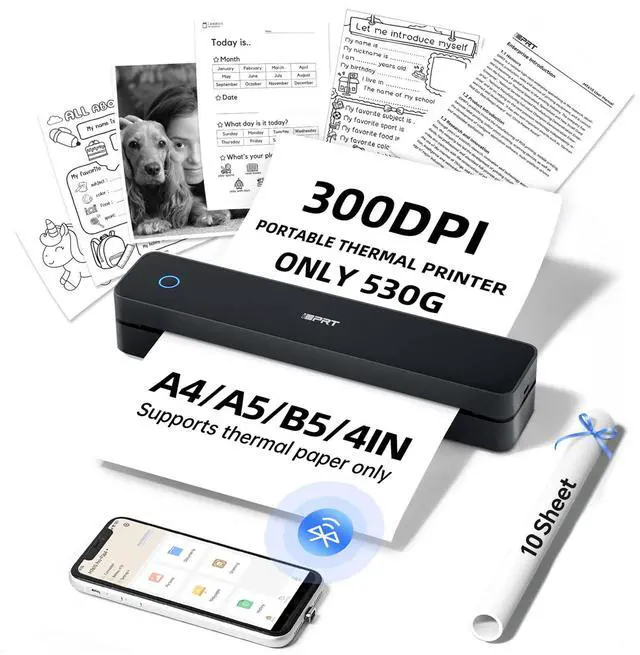
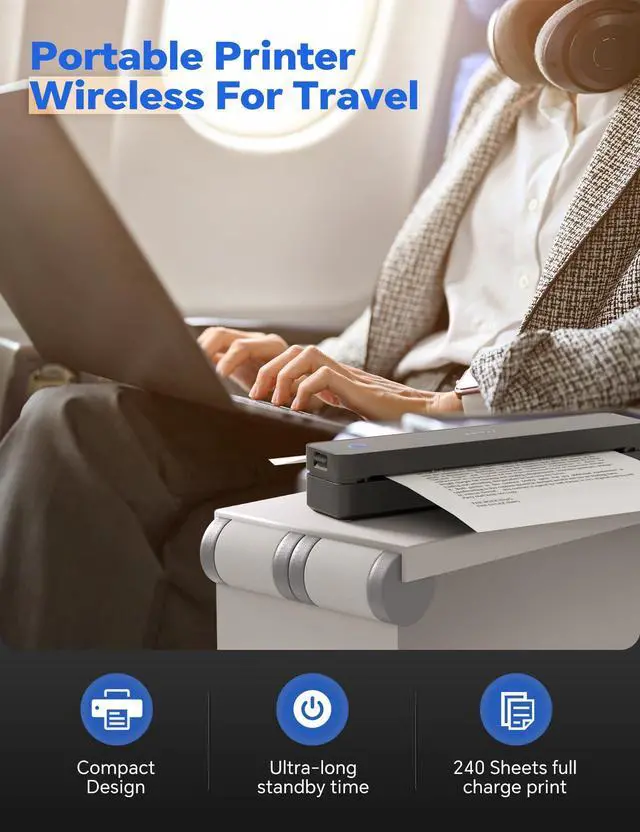
The MT610 Portable Printer has a resolution of 300 DPI, and it can print patterns, text, forms, etc. on thermal paper with high quality. It can be used at home, office, outdoor travel, car and school.
More Portable Thermal Printer Choices
 MT610-BLACK |  MT610-WHITE |  US Letter Thermal Paper |  MT890-BLUE |  MT890-WHITE |  MT888-BLUE |  MT888-PINK | |
|---|---|---|---|---|---|---|---|
Customer Reviews | — | — | — | — | — | — | — |
Price | — | — | — | — | — | — | — |
Phone APP | Hereprint | Hereprint | Hereprint | Hereprint | Hereprint | Hereprint | Hereprint |
Bluetooth connection | Andriod, iOS | Andriod, iOS | Andriod, iOS | Andriod, iOS | Andriod, iOS | Andriod, iOS | Andriod, iOS |
USB connection | Mac, Windows, Linux, Chrome OS | Mac, Windows, Linux, Chrome OS | Mac, Windows, Linux, Chrome OS | Mac, Windows, Linux, Chrome OS | Mac, Windows, Linux, Chrome OS | Mac, Windows, Linux, Chrome OS | Mac, Windows, Linux, Chrome OS |
Technology | Thermal/Inkless | Thermal/Inkless | Thermal/Inkless | Thermal/Inkless | Thermal/Inkless | Thermal/Inkless | Thermal/Inkless |
Print Density | 300 DPI | 300 DPI | 300 DPI | 203 DPI | 203 DPI | 300 DPI | 300 DPI |

iDPRT Series Printer
iDPRT Series Portable Thermal Printer
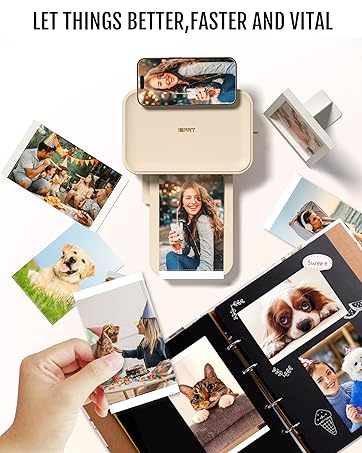
Let Things Better, Faster and Vital
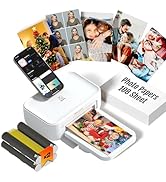
iDPRT 4x6 Photo Printer
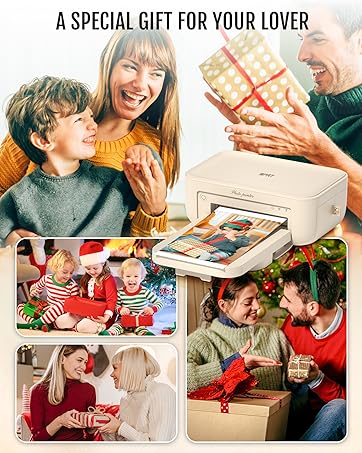
iDPRT CP4100 Photo Printer
CP4100 Photo Printer for iPhone & Android, Wi-Fi Wireless Portable Picture Printer, Instant Print Photos, Dye Sublimation
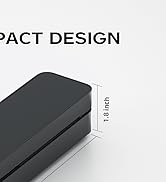
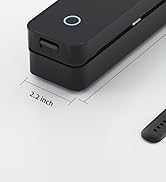
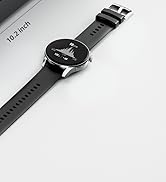
New Version-Ultra Small Design
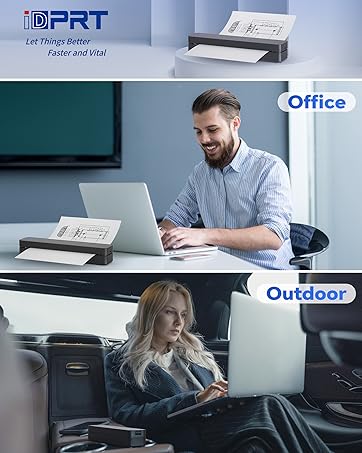
MT610 Portable Printer
Compact with 300dpi density, Printing anytime and Anywhere.
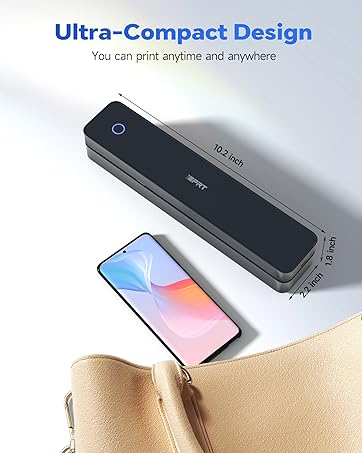
iDPRT Designed for printing
iDPRT's advanced thermal printing technology with compact design of the printer makes it the best for individual or corporate use.
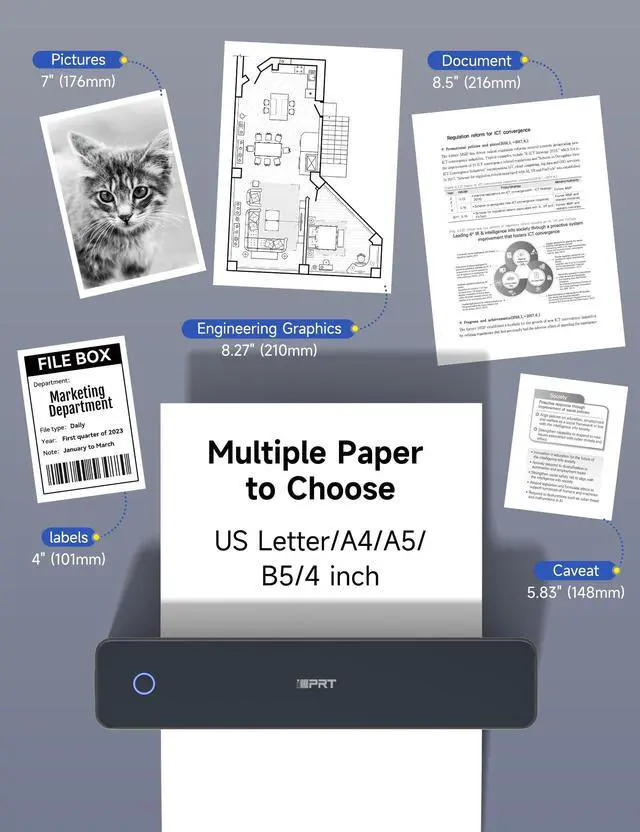
Multiple Paper to Choose
Print what you want
iDPRT MT610 pro
Merchant Video


How to connect your cell phone with print?
Step 1 : Download APP "HerePrint".
Step 2: Turn on the MT610, turn on the Bluetooth of the cell phone and make a Bluetooth connection in the APP.
Step 3: Add MT610 printer with "+" sign in the upper right corner and start printing.
How to print from your computer?
Step 1: Download and install the driver from the www. iDPRT. com website
Step 2: Turn on the MT610, use the USB cable to connect the MT610 printer to your computer.
Step 3: Select and open your document, and choose iDPRT MT610 in the printer list.
Precautions for using the MT610 Pro thermal printer?
1.Your phone can't be connected by Bluetooth directly, you need to download the APP "HerePrint" to connect.
2.Desktop/laptop needs to use USB cable to connect and install the printer driver.
Does the MT610 Pro printer have original paper included in case?
Yes, the packing list contains 10 sheets of A4 paper.
What you can do with the MT610 Pro?
The MT610 Portable Printer has a resolution of 300 DPI, and it can print patterns, text, forms, etc. on thermal paper with high quality. It can be used at home, office, outdoor travel, car and school.
More Portable Thermal Printer Choices
MT610-BLACK | MT610-WHITE | US Letter Thermal Paper | MT890-BLUE | MT890-WHITE | MT888-BLUE | MT888-PINK |
|---|---|---|---|---|---|---|
| Customer Reviews | ||||||
| — | — | — | — | — | — | — |
| Price | ||||||
| — | — | — | — | — | — | — |
| Phone APP | ||||||
| Hereprint | Hereprint | Hereprint | Hereprint | Hereprint | Hereprint | Hereprint |
| Bluetooth connection | ||||||
| Andriod, iOS | Andriod, iOS | Andriod, iOS | Andriod, iOS | Andriod, iOS | Andriod, iOS | Andriod, iOS |
| USB connection | ||||||
| Mac, Windows, Linux, Chrome OS | Mac, Windows, Linux, Chrome OS | Mac, Windows, Linux, Chrome OS | Mac, Windows, Linux, Chrome OS | Mac, Windows, Linux, Chrome OS | Mac, Windows, Linux, Chrome OS | Mac, Windows, Linux, Chrome OS |
| Technology | ||||||
| Thermal/Inkless | Thermal/Inkless | Thermal/Inkless | Thermal/Inkless | Thermal/Inkless | Thermal/Inkless | Thermal/Inkless |
| Print Density | ||||||
| 300 DPI | 300 DPI | 300 DPI | 203 DPI | 203 DPI | 300 DPI | 300 DPI |
iDPRT Series Printer
iDPRT Series Portable Thermal Printer
Let Things Better, Faster and Vital
iDPRT 4x6 Photo Printer
iDPRT CP4100 Photo Printer
CP4100 Photo Printer for iPhone & Android, Wi-Fi Wireless Portable Picture Printer, Instant Print Photos, Dye Sublimation
New Version-Ultra Small Design
MT610 Portable Printer
Compact with 300dpi density, Printing anytime and Anywhere.
iDPRT Designed for printing
iDPRT's advanced thermal printing technology with compact design of the printer makes it the best for individual or corporate use.
Multiple Paper to Choose
Print what you want