





Main Product Categories
SD Card, V60 SD Card, CFexpress Type A
SSD enclosure, SSD duplicator,
M.2 SSD Cloner, NVMe to SATA Adapter
At elecacc, we understand that every moment you capture is a valuable memory that deserves the highest quality storage solutions.
When you choose elecacc, you're not just investing in storage solutions; you're investing in your craft. Every frame you capture is an opportunity for enhancement. Let us be part of your journey as we elevate your artistry together.
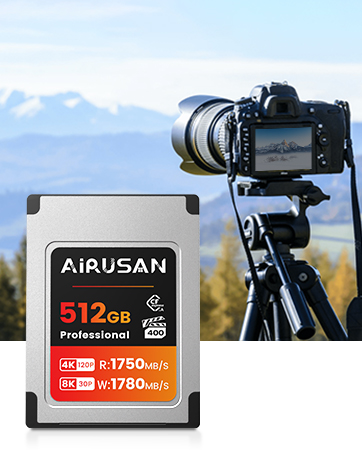
CFexpress 4.0 Type A
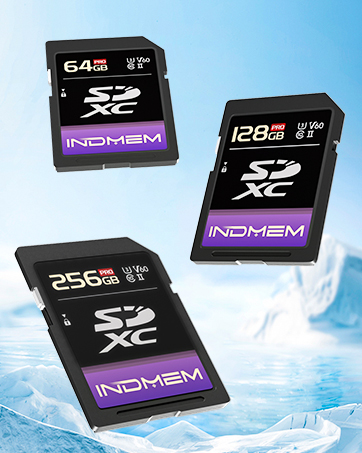
V60 High-speed SD Card
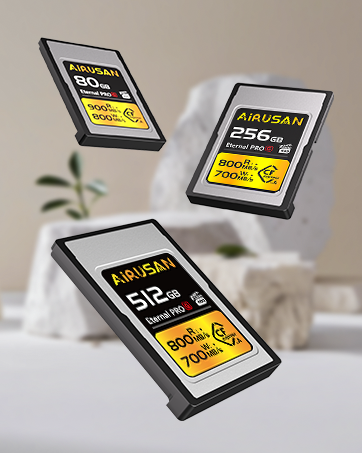
CFexpress Type A
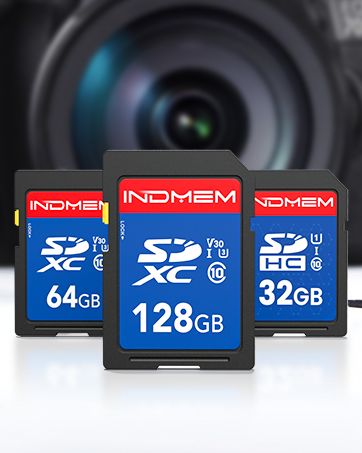
SD Card for Camera
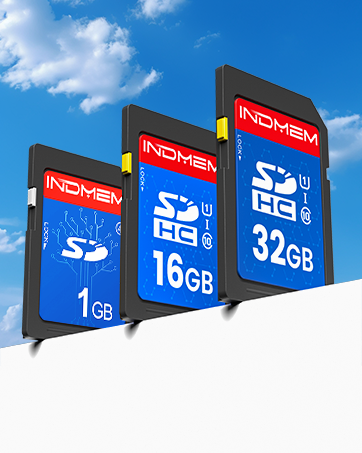
SD Card
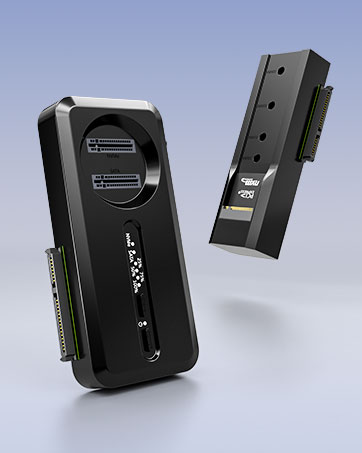
NVMe M.2 to SATA Adapter
What makes elecacc different from other digital storage products on the market?
elecacc’s digital storage products stand out in the marketplace due to their advanced technology, user-friendly design, and exceptional performance. We prioritize both durability and superior quality, ensuring you can receive high-quality products. Our products also feature innovative storage capacity options that cater to both casual users and professionals alike, allowing you to choose precisely what fits your needs.
How can I contact elecacc for any inquiries or assistance?
We’re here to help! If you have any questions or need assistance with your elecacc product, reaching out to us is easy. You can email to us and you’ll find a dedicated support section, complete to connect with our friendly service representatives.
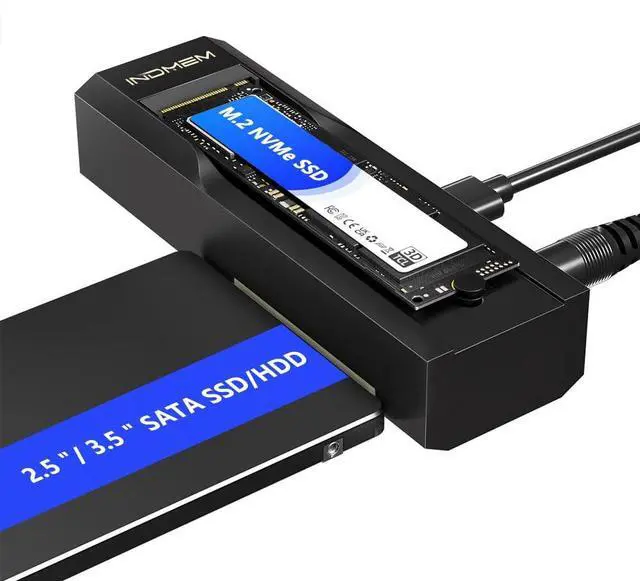
USB 3.2 Gen 2 M.2 NVMe SATA SDD Enclosure

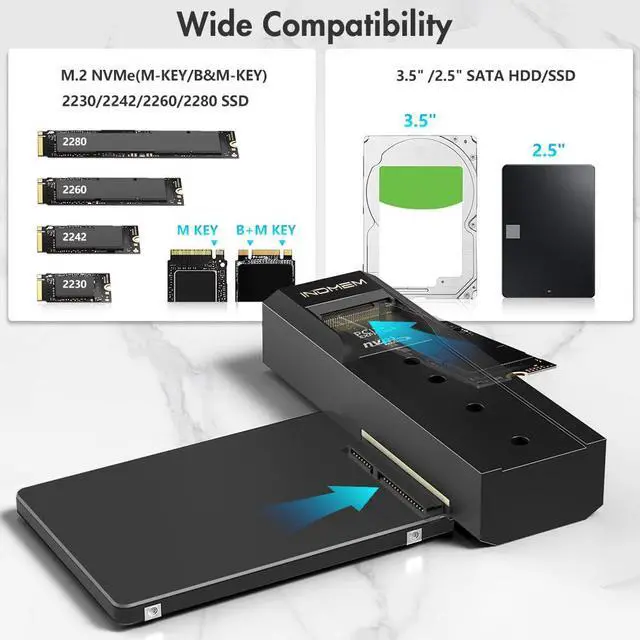
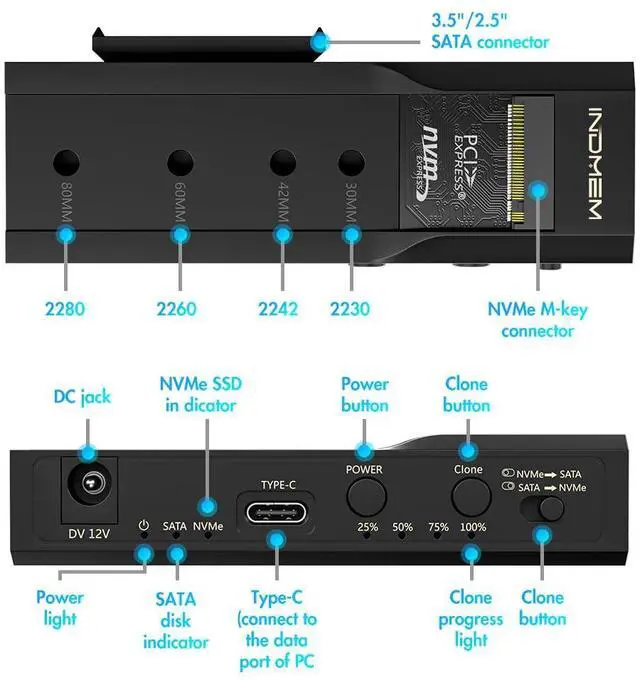
- Whether you are using M.2 or SATA hard drive, this M.2 hard drive enclosure can meet your needs, plug and play, no driver required, compatible with M.2 PCIe/NVMe SSD and SATA (NGFF) SSD in size 2242/2260/2280, also compatible with 2.5-inch SATA SSD and HDD
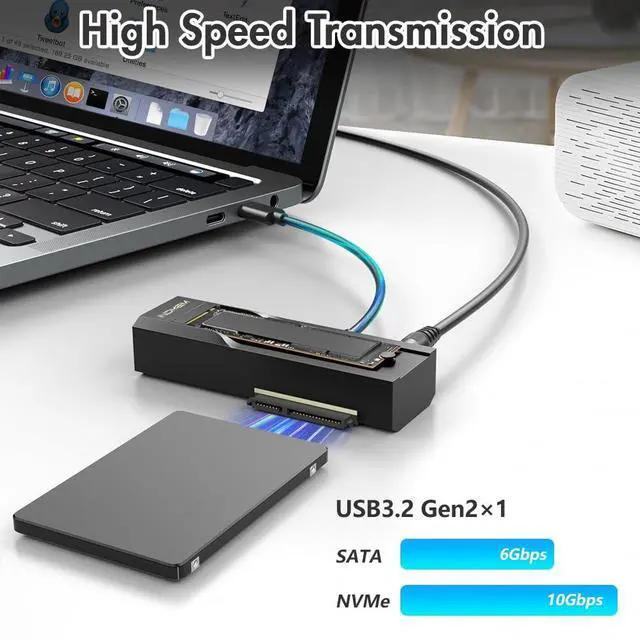
- This SSD enclosure supports SATA 6Gbps and NVMe 10Gbps ultra-fast transfer speeds with USB 3.2 Gen2 and is backward compatible with USB 3.1 and USB 3.0. This NVMe card reader adapter uses the USB-C interface for stable and efficient data transfer.

How to use the Hard Drive Reader?

SATA SSD Installation
Align the 2.5“or 3.5” hard drive interface with the product's SATA interface and push it in parallel.

M.2 NVMe Installation
Install the silicone plug first, insert the hard drive into the M.2 NVMe slot at an angle of 45°, and adjust the silicone plug to secure the hard drive.

Connect the power supply
Plug the power supply into the DC port and connect the data cable to the TYPE-C port (the other end should be connected to the computer port)

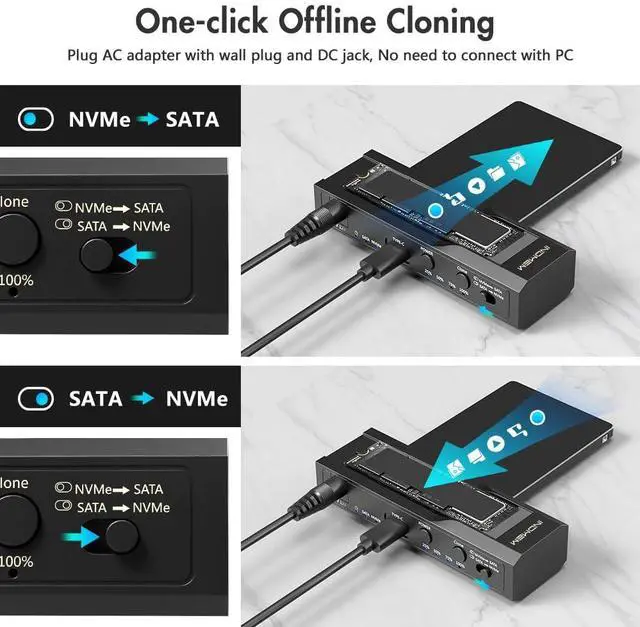
Bidirectional cloning
M.2 NVMe Adapter can clone SATA and SSD can clone NVMe when working.
LED indicator light-- Easy to observe the working status

Manually select the clone mode--Supports two-way cloning of SATA SSD and M.2 NVMe SSD

How to use it?
- NVMe to SATA
Select the CLONE mode, make sure the capacity of the target drive is lager than or equal to the source drive. Connect the power supply, turn on the POWER switch, the power light ups, than two drive indicators light up.
- SATA to NVMe
Press and hold the CLONE button for 5 seconds until the progress LEDs start flashing, release the CLONE button, wait approximately 1 second and than click the Clone button once, the clone progress lights will begin with the 25%/50%/75%/100% illuminating in turn.
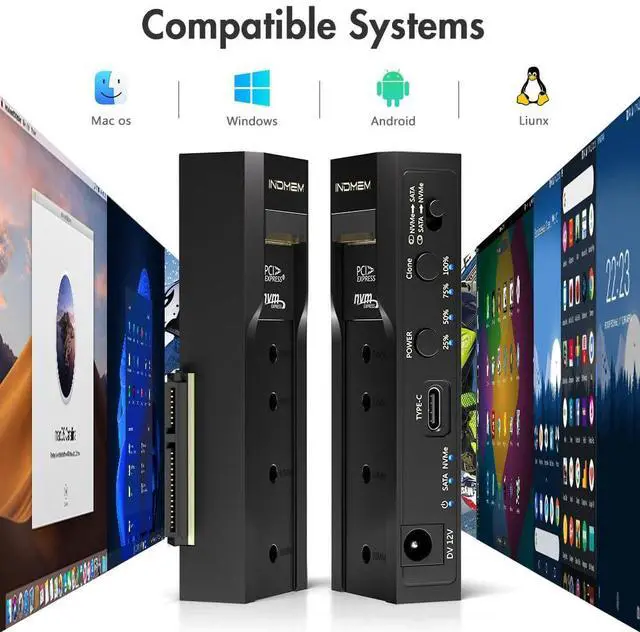
Compatible with Mac os/Windows/Liunx/Android

Small and Portable, Can be Used in All Aspects of Life


USB 3.2 Gen 2 M.2 NVMe SATA SDD Enclosure
- Whether you are using M.2 or SATA hard drive, this M.2 hard drive enclosure can meet your needs, plug and play, no driver required, compatible with M.2 PCIe/NVMe SSD and SATA (NGFF) SSD in size 2242/2260/2280, also compatible with 2.5-inch SATA SSD and HDD
- This SSD enclosure supports SATA 6Gbps and NVMe 10Gbps ultra-fast transfer speeds with USB 3.2 Gen2 and is backward compatible with USB 3.1 and USB 3.0. This NVMe card reader adapter uses the USB-C interface for stable and efficient data transfer.
How to use the Hard Drive Reader?
SATA SSD Installation
Align the 2.5“or 3.5” hard drive interface with the product's SATA interface and push it in parallel.
M.2 NVMe Installation
Install the silicone plug first, insert the hard drive into the M.2 NVMe slot at an angle of 45°, and adjust the silicone plug to secure the hard drive.
Connect the power supply
Plug the power supply into the DC port and connect the data cable to the TYPE-C port (the other end should be connected to the computer port)
Bidirectional cloning
M.2 NVMe Adapter can clone SATA and SSD can clone NVMe when working.
LED indicator light-- Easy to observe the working status
Manually select the clone mode--Supports two-way cloning of SATA SSD and M.2 NVMe SSD
How to use it?
- NVMe to SATA
Select the CLONE mode, make sure the capacity of the target drive is lager than or equal to the source drive. Connect the power supply, turn on the POWER switch, the power light ups, than two drive indicators light up.
- SATA to NVMe
Press and hold the CLONE button for 5 seconds until the progress LEDs start flashing, release the CLONE button, wait approximately 1 second and than click the Clone button once, the clone progress lights will begin with the 25%/50%/75%/100% illuminating in turn.
Compatible with Mac os/Windows/Liunx/Android
Small and Portable, Can be Used in All Aspects of Life
Main Product Categories
SD Card, V60 SD Card, CFexpress Type A
SSD enclosure, SSD duplicator,
M.2 SSD Cloner, NVMe to SATA Adapter
At elecacc, we understand that every moment you capture is a valuable memory that deserves the highest quality storage solutions.
When you choose elecacc, you're not just investing in storage solutions; you're investing in your craft. Every frame you capture is an opportunity for enhancement. Let us be part of your journey as we elevate your artistry together.
CFexpress 4.0 Type A
V60 High-speed SD Card
CFexpress Type A
SD Card for Camera
SD Card
NVMe M.2 to SATA Adapter
What makes elecacc different from other digital storage products on the market?
elecacc’s digital storage products stand out in the marketplace due to their advanced technology, user-friendly design, and exceptional performance. We prioritize both durability and superior quality, ensuring you can receive high-quality products. Our products also feature innovative storage capacity options that cater to both casual users and professionals alike, allowing you to choose precisely what fits your needs.
How can I contact elecacc for any inquiries or assistance?
We’re here to help! If you have any questions or need assistance with your elecacc product, reaching out to us is easy. You can email to us and you’ll find a dedicated support section, complete to connect with our friendly service representatives.