






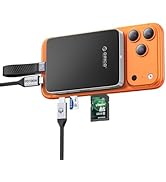
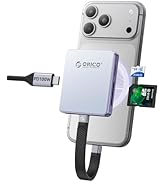
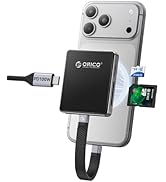
Magsafe Series for iPhone17PRO
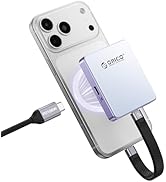
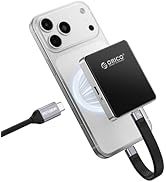
Magsafe M.2 NVMe SSD 2230/2242
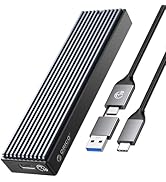
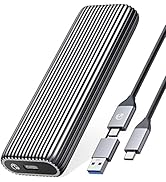
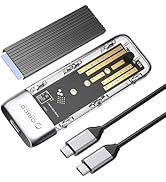
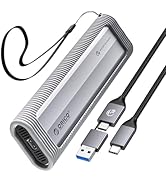
???????????? NVMe Enclosure
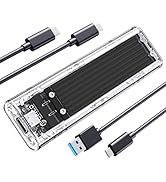
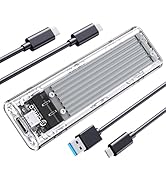
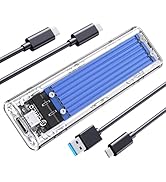
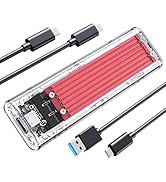
Transparent M.2 Enclosure
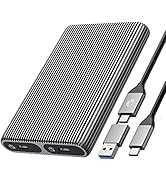
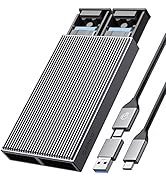
???????? ?????? M.2 Enclosure
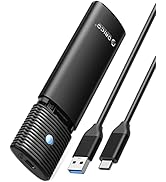
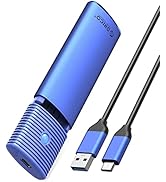
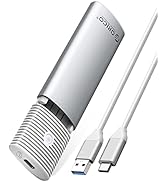
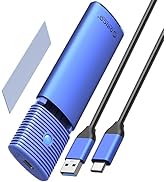
NVMe & SATA M.2 Enclosure
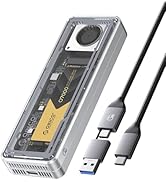
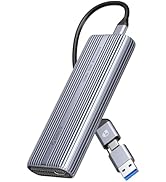
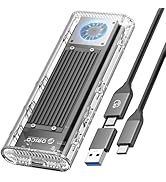
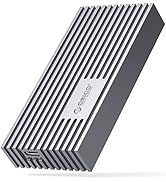
4?????????? NVMe Enclosure
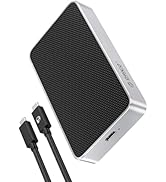
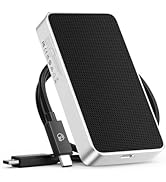
8?????????? NVMe Enclosure
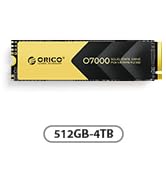
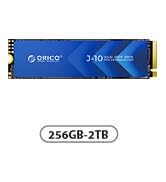
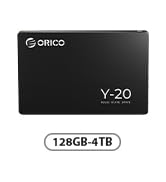
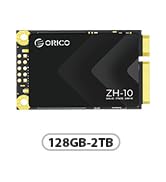
ORICO SSD Series 500-7000MB/s
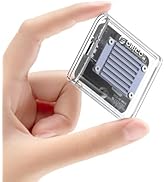
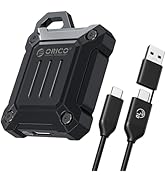


???????? M.2 NVMe SSD


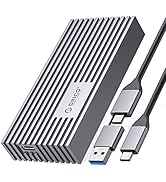
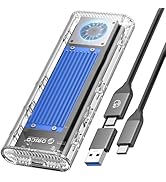
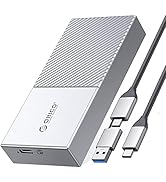
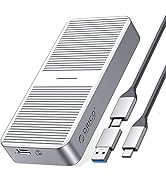
???????????? NVMe Enclosure
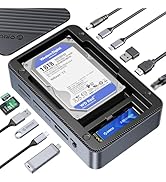
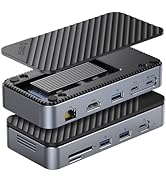
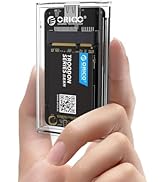
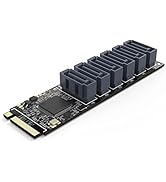
More Featured Products
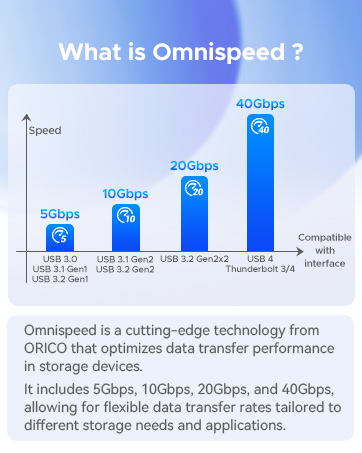


M.2 NVMe SATA Enclosure
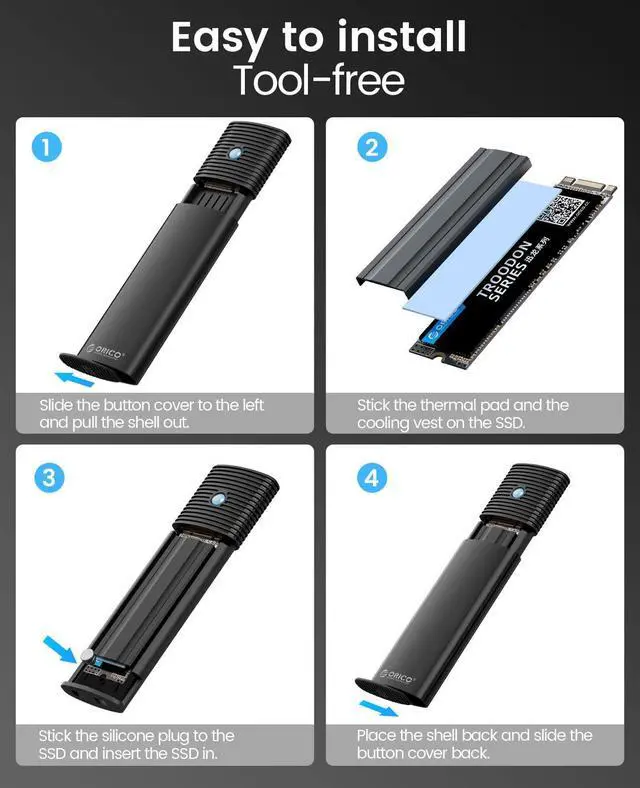
Tool Free | ||
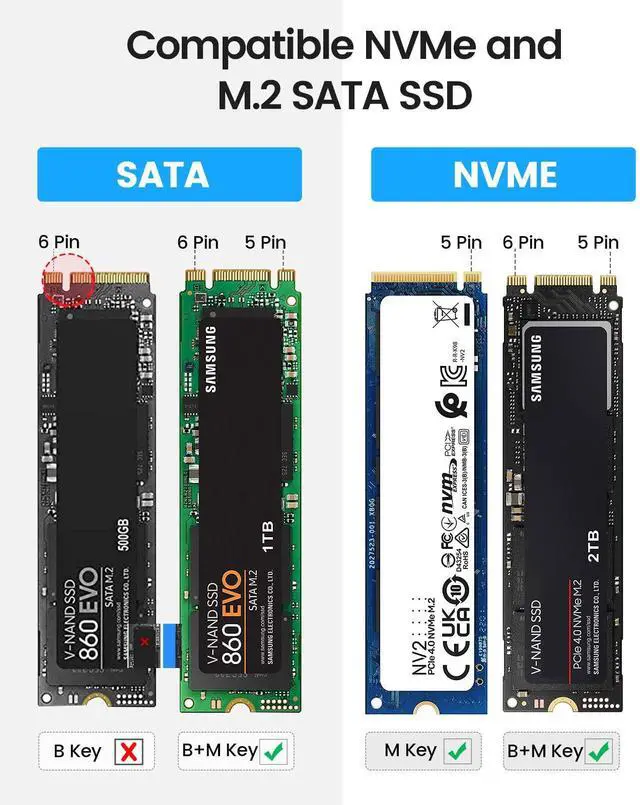
M.2 NVMe & SATA SSDs | Compatibility | M.2 NVMe & SATA SSDs |
10 Gbps | Transfer Speed | 10 Gbps |
USB C 3.2 Gen 2 | USB Interface | USB C 3.2 Gen 2 |
4TB | Max Capacity | 4TB |
Aluminum | Material | Aluminum |
C to C | Cable Included | C to C |
Tool Free | ||
M.2 NVMe & SATA SSDs | Compatibility | M.2 NVMe & SATA SSDs |
10 Gbps | Transfer Speed | 10 Gbps |
USB C 3.2 Gen 2 | USB Interface | USB C 3.2 Gen 2 |
4TB | Max Capacity | 4TB |
Aluminum | Material | Aluminum |
C to C | Cable Included | C to C |
Tool Free | ||
M.2 NVMe & SATA SSDs | Compatibility | M.2 NVMe & SATA SSDs |
10 Gbps | Transfer Speed | 10 Gbps |
USB C 3.2 Gen 2 | USB Interface | USB C 3.2 Gen 2 |
4TB | Max Capacity | 4TB |
Aluminum | Material | Aluminum |
C to C | Cable Included | C to C |
Tool Free | ||
M.2 NVMe & SATA SSDs | Compatibility | M.2 SATA SSDs |
10 Gbps | Transfer Speed | 5 Gbps |
USB C 3.2 Gen 2 | USB Interface | USB C 3.2 Gen 1 |
4TB | Max Capacity | 4TB |
Aluminum | Material | Aluminum |
C to C | Cable Included | C to A |


Why can't it write in Mac OS? But it can read and write normally under Windows.
Please confirm the format of your M.2 SSD. And Mac OS has to install NTFS reading software to read M.2 SSDs in NTFS format.
After installing SSD, the computer is not read by the enclosure?
Since SSD is brand new, you should formatting it into Exfat or NTFS format before use.
Is there a sleep setting? Are there any interruptions in data transmission during sleep?
The M.2 enclosure will automatically hibernate after 10 minutes of computer inactivity. Once your computer has read them, it will not automatically sleep.
Why is the speed not as fast as advertised?
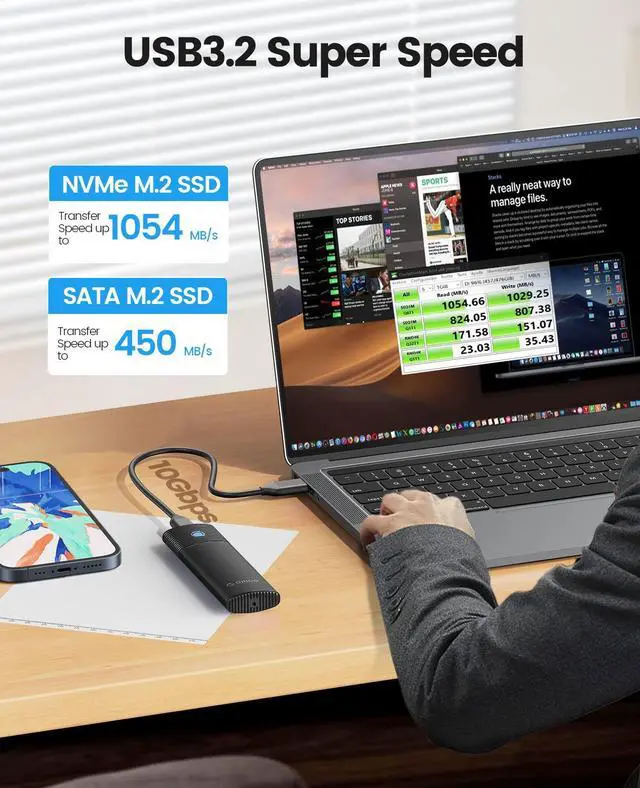
The operating speed of the product is determined by the notebook, M.2 SSD, and USB port type. For the fastest read and write speeds, an NVMeSSD should be used, and the external enclosure for the M.2 SSD should be connected to a USB 3.1 GEN2 10G port.
Why does it generate heat?
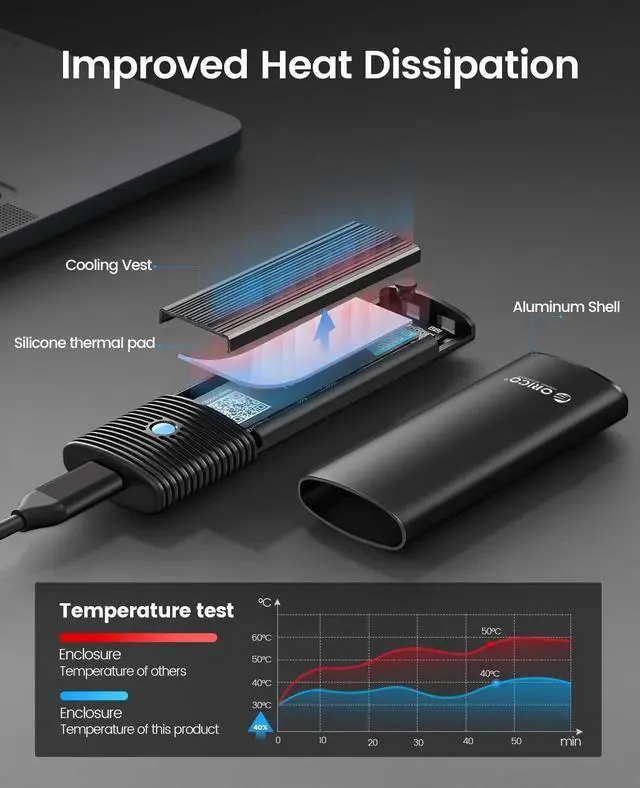
SSDs generate heat as they read and write at high speeds. The aluminum case of this product effectively transfers heat throughout the case, quickly releasing the high temperatures generated by NVMe SSDs when they are operating.

LED Indicator & 10Min Auto Sleep
Stable Cable


With the auto indicator, you can get to know that the ssd enclosure is in working mode.
*Light Always on: Standby/Sleep Mode
*Light Flashing: Data transmitting
*USB C to USB A
*30cm long

10Gbps High Speed
Load Faster. Save Faster.
Premium Storage Expansion


M.2 NVMe SATA Enclosure
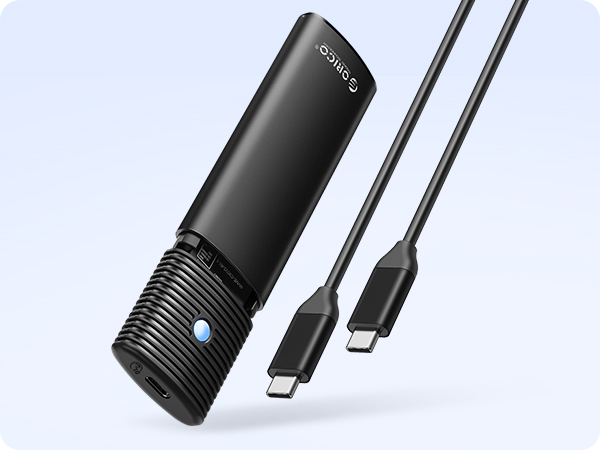
M.2 NVMe SATA Enclosure
Tool Free
Compatibility
M.2 NVMe & SATA SSDs
Transfer Speed
10 Gbps
USB Interface
USB C 3.2 Gen 2
Max Capacity
4TB
Material
Aluminum
Cable Included
C to C
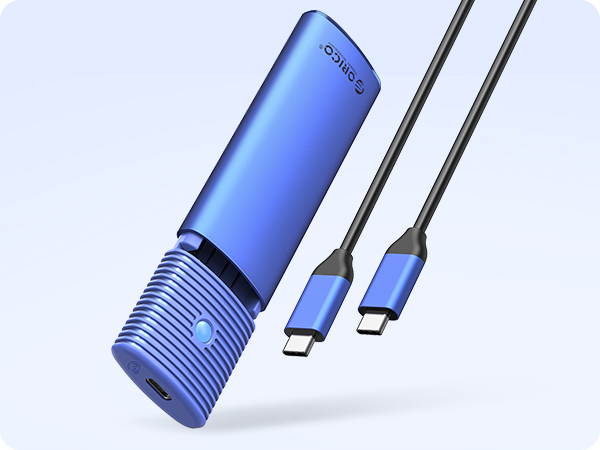
M.2 NVMe SATA Enclosure
Tool Free
Compatibility
M.2 NVMe & SATA SSDs
Transfer Speed
10 Gbps
USB Interface
USB C 3.2 Gen 2
Max Capacity
4TB
Material
Aluminum
Cable Included
C to C
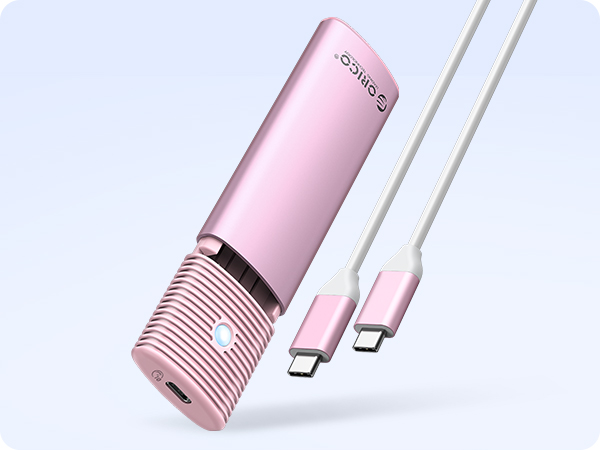
M.2 NVMe SATA Enclosure
Tool Free
Compatibility
M.2 NVMe & SATA SSDs
Transfer Speed
10 Gbps
USB Interface
USB C 3.2 Gen 2
Max Capacity
4TB
Material
Aluminum
Cable Included
C to C
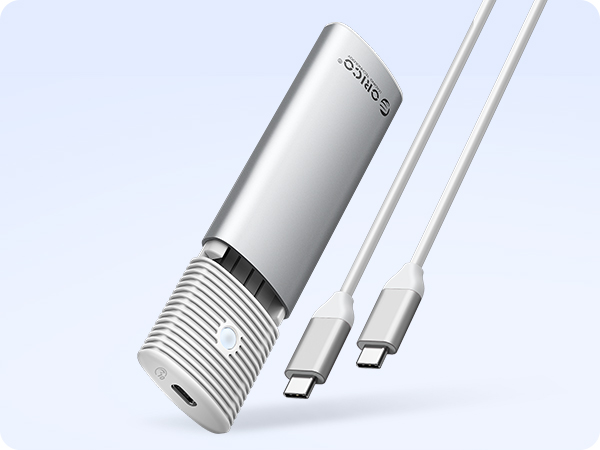
M.2 NVMe SATA Enclosure
Tool Free
Compatibility
M.2 NVMe & SATA SSDs
Transfer Speed
10 Gbps
USB Interface
USB C 3.2 Gen 2
Max Capacity
4TB
Material
Aluminum
Cable Included
C to C
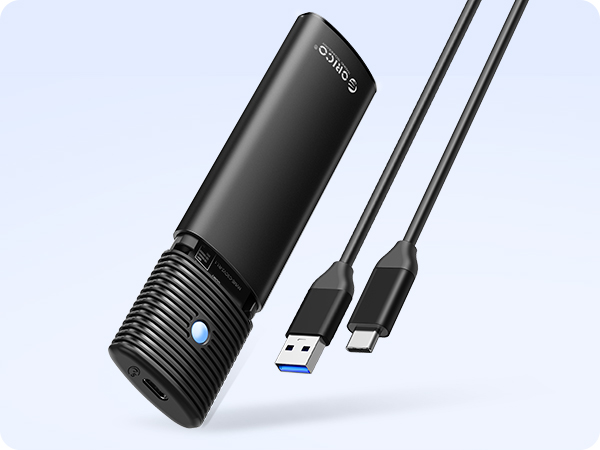
M.2 SATA Enclosure
Tool Free
Compatibility
M.2 SATA SSDs
Transfer Speed
5 Gbps
USB Interface
USB C 3.2 Gen 1
Max Capacity
4TB
Material
Aluminum
Cable Included
C to A
Why can't it write in Mac OS? But it can read and write normally under Windows.
Please confirm the format of your M.2 SSD. And Mac OS has to install NTFS reading software to read M.2 SSDs in NTFS format.
After installing SSD, the computer is not read by the enclosure?
Since SSD is brand new, you should formatting it into Exfat or NTFS format before use.
Is there a sleep setting? Are there any interruptions in data transmission during sleep?
The M.2 enclosure will automatically hibernate after 10 minutes of computer inactivity. Once your computer has read them, it will not automatically sleep.
Why is the speed not as fast as advertised?
The operating speed of the product is determined by the notebook, M.2 SSD, and USB port type. For the fastest read and write speeds, an NVMeSSD should be used, and the external enclosure for the M.2 SSD should be connected to a USB 3.1 GEN2 10G port.
Why does it generate heat?
SSDs generate heat as they read and write at high speeds. The aluminum case of this product effectively transfers heat throughout the case, quickly releasing the high temperatures generated by NVMe SSDs when they are operating.
Magsafe Series for iPhone17PRO
Magsafe M.2 NVMe SSD 2230/2242
???????????? NVMe Enclosure
Transparent M.2 Enclosure
???????? ?????? M.2 Enclosure
NVMe & SATA M.2 Enclosure
4?????????? NVMe Enclosure
8?????????? NVMe Enclosure
ORICO SSD Series 500-7000MB/s
???????? M.2 NVMe SSD
???????????? NVMe Enclosure
More Featured Products