


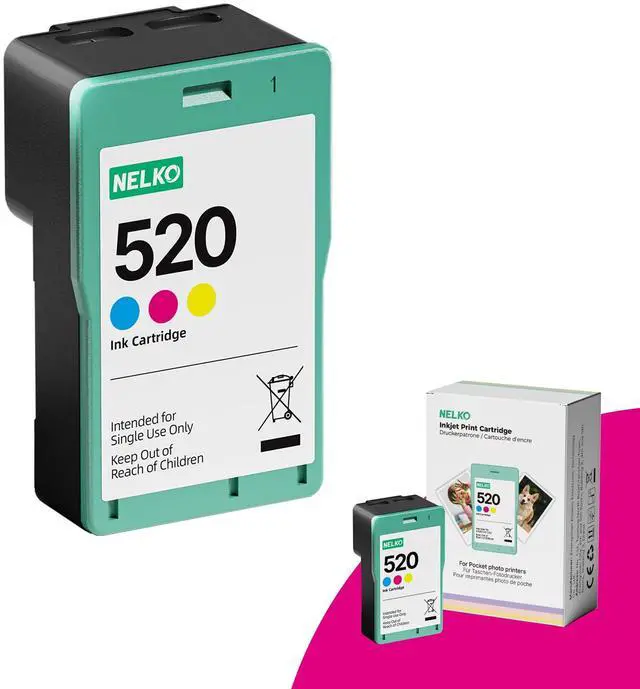
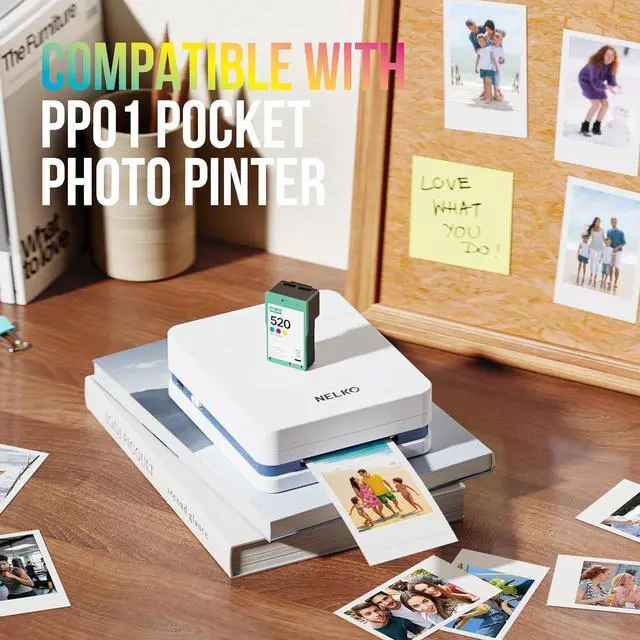
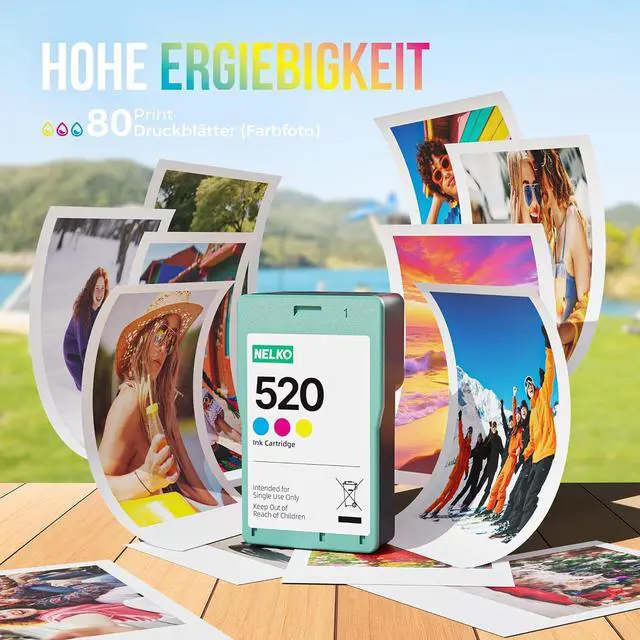




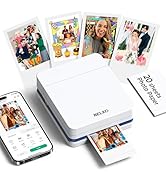
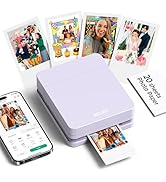
PP01 Photo Printer
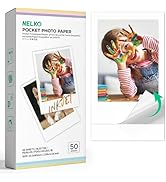
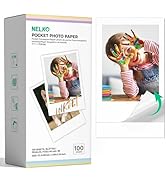
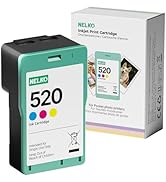
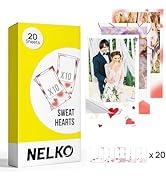
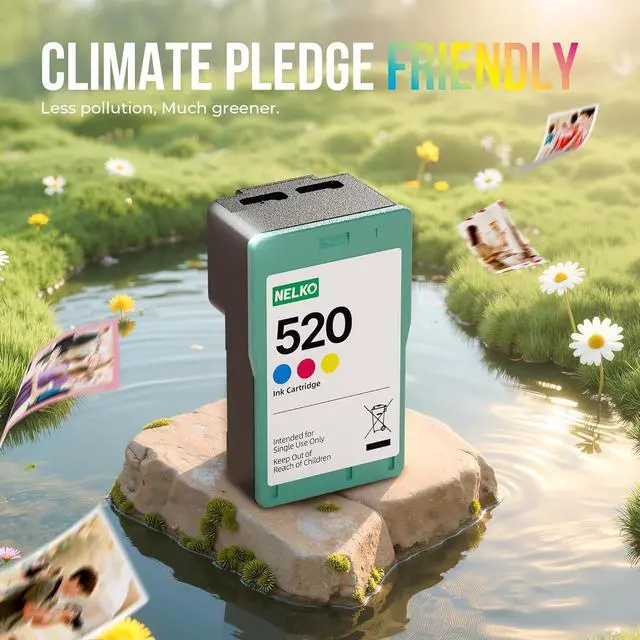
PP01 Cartridges Photo Paper
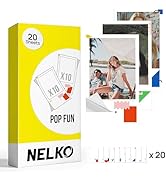
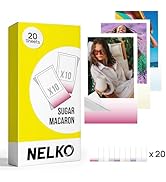
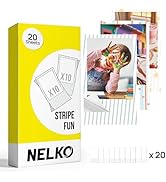
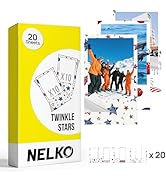
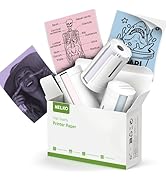
PP01 Photo Paper
What is the printing size of this PP01 photo printer?
1. This PP01 photo printer supports 2×3 inch photo paper (52.3×90mm), with an actual printable area of 45×58mm.
2. A blank margin will be reserved at the bottom of the print.
3. Please ensure the size meets your needs before ordering.
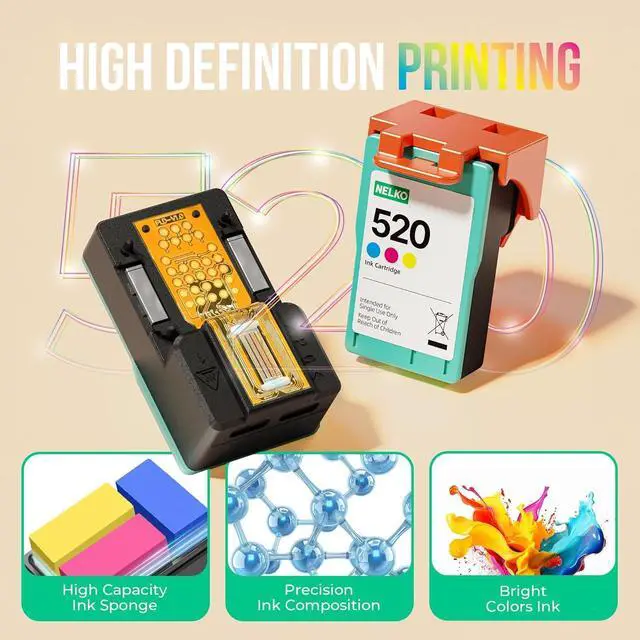
How to solve the problem that the PP01 printer does not recognize the ink cartridges?
1. Open the app, tap "Print Test Page" to run cleaning cycle.
2. Use alcohol pad to gently wipe cartridge's electrical contacts 3 times.
3. Reinstall cartridge firmly and print again.
How to solve the paper jam problem on the PP01 photo printer?
1. Avoid loading more than 10 sheets of photo paper into the tray at once.
2. Open the paper tray, remove the paper, and gently smooth each sheet by hand.
3. Move the top sheet to the bottom of the stack, reload the paper, and resume printing.
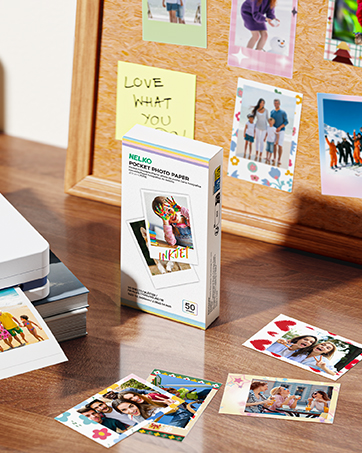
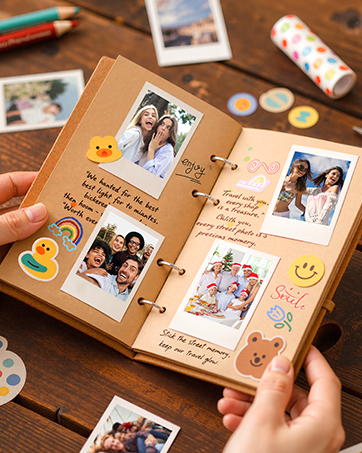
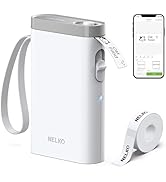
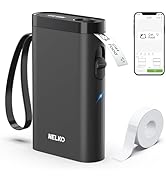
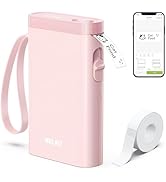
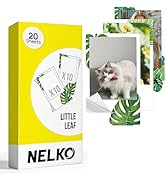
P21 Label Maker
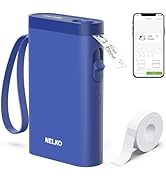
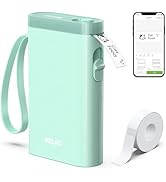
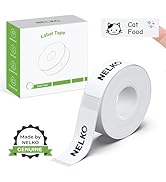
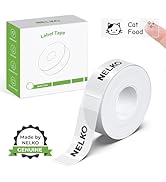
P21 Label Maker
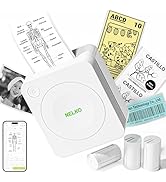
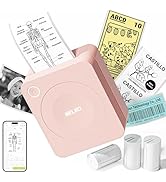
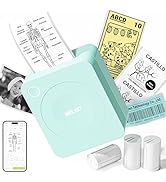
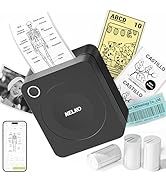
PM230 Sticker Printer
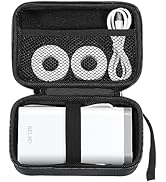
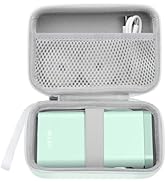
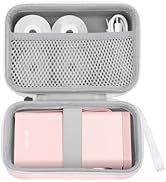
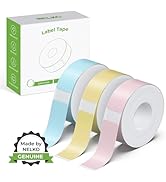
P21 Label Maker Case
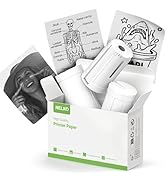
PM230 Label Maker


PP01 Photo Printer
PP01 Cartridges Photo Paper
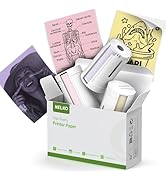
PP01 Photo Paper
What is the printing size of this PP01 photo printer?
1. This PP01 photo printer supports 2×3 inch photo paper (52.3×90mm), with an actual printable area of 45×58mm.
2. A blank margin will be reserved at the bottom of the print.
3. Please ensure the size meets your needs before ordering.
How to solve the problem that the PP01 printer does not recognize the ink cartridges?
1. Open the app, tap "Print Test Page" to run cleaning cycle.
2. Use alcohol pad to gently wipe cartridge's electrical contacts 3 times.
3. Reinstall cartridge firmly and print again.
How to solve the paper jam problem on the PP01 photo printer?
1. Avoid loading more than 10 sheets of photo paper into the tray at once.
2. Open the paper tray, remove the paper, and gently smooth each sheet by hand.
3. Move the top sheet to the bottom of the stack, reload the paper, and resume printing.
P21 Label Maker
P21 Label Maker
PM230 Sticker Printer
P21 Label Maker Case
PM230 Label Maker