







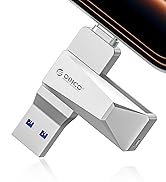
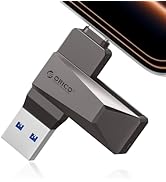
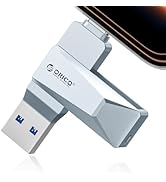
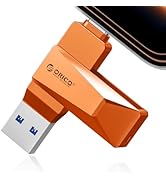
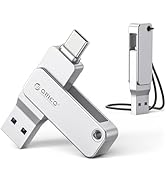
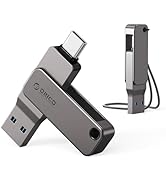
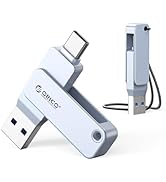
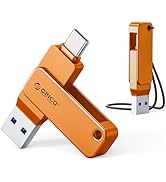



Work Partner
 512G Flash Drive 1050MB/s | 1TB Flash Drive 1050MB/s | 2TB Flash Drive 1050MB/s |  256G Flash Drive 150MB/s | |
|---|---|---|---|---|
Customer Reviews | — | — | — | — |
Price | — | — | — | — |
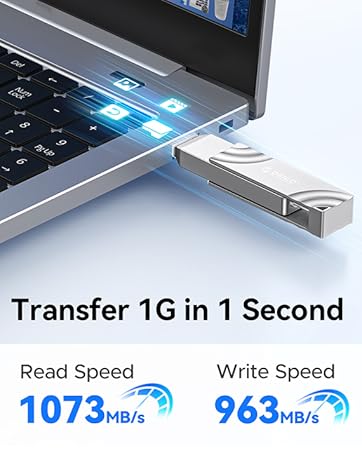
Compatibility | USB3.2 GEN 2 | USB3.2 GEN 2 | USB3.2 GEN 2 | USB3.2&USB2.0 |
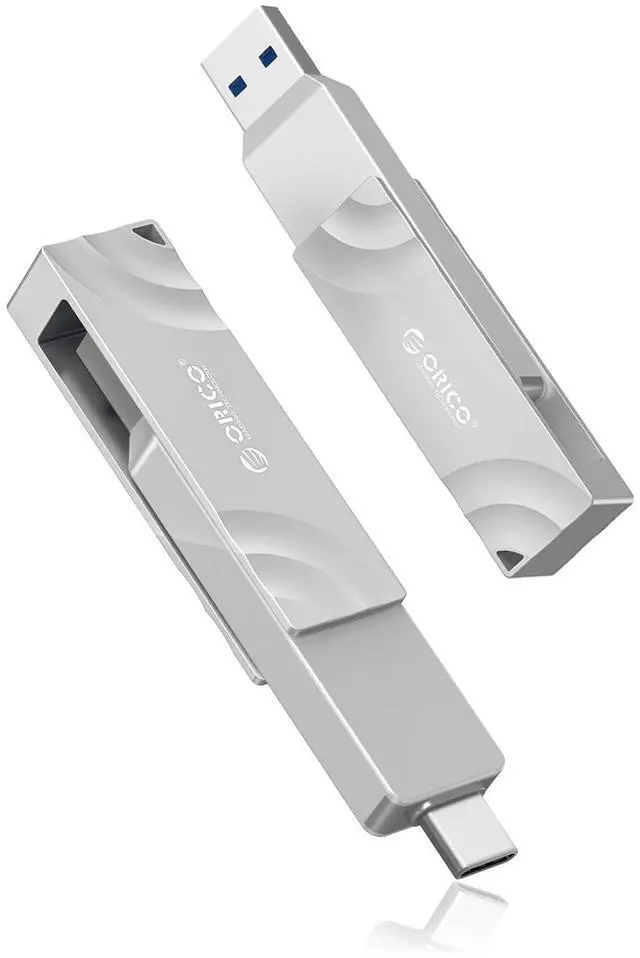
ConnectorType | Type-C+ USB A 3.2 Gen2 | Type-C+ USB A 3.2 Gen2 | Type-C+ USB A 3.2 Gen2 | USB Type-A & USB Type-C |
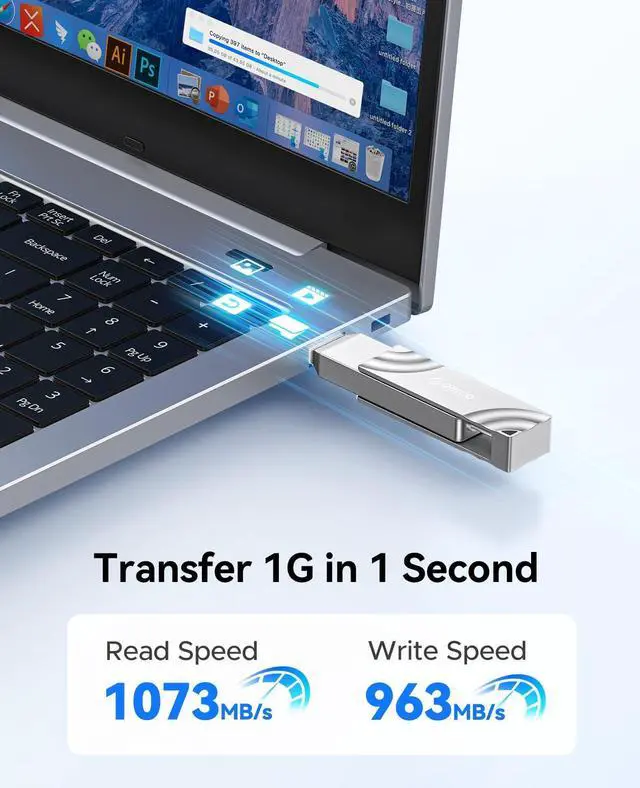
Read Speed | 1000MB/S | 1000MB/S | 1000MB/S | 150MB/S |
Default Format | EXFAT | EXFAT | EXFAT | EXFAT |
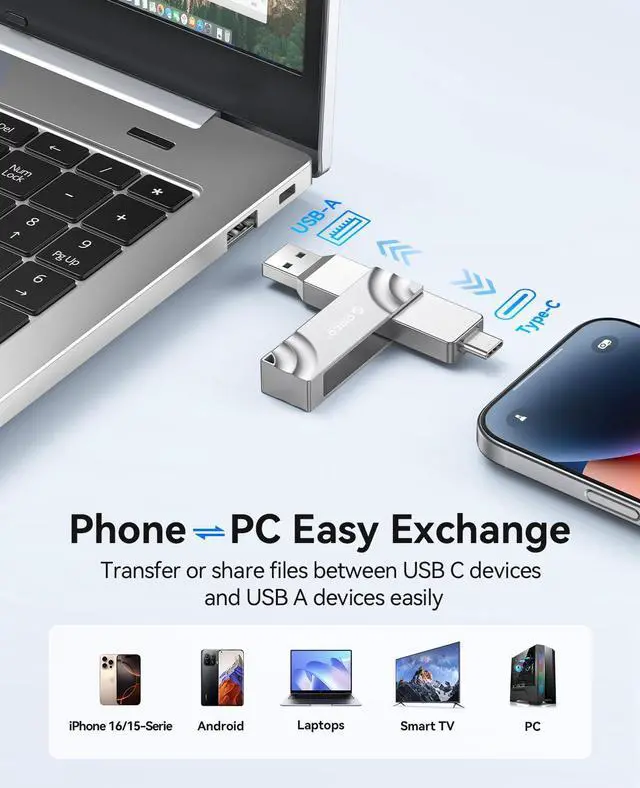
Compatible with | Windows/mac/Linux/Android/iPad | Windows/mac/Linux/Android/iPad | Windows/mac/Linux/Android/iPad | Windows/mac/Linux/Android/iPad |
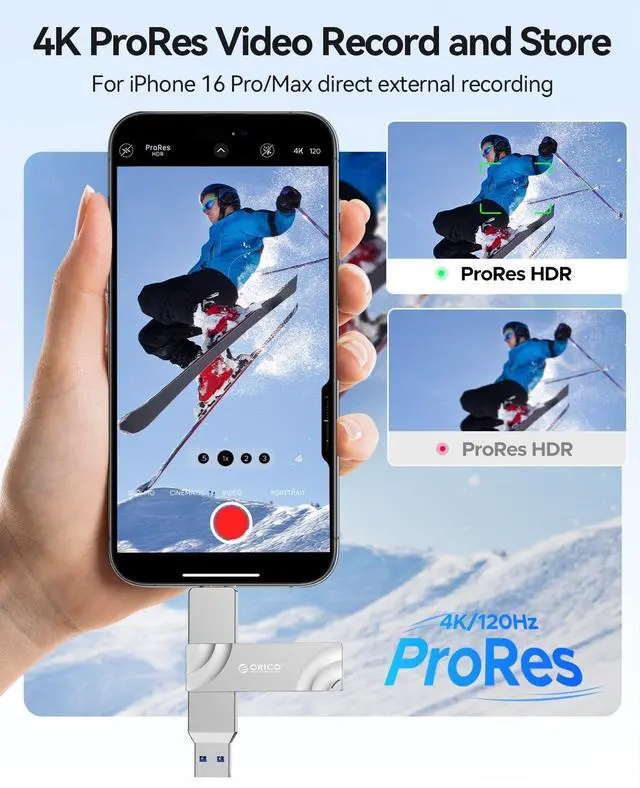
Solution to iPhone 15/15 Pro/Pro Max/15 Plus/16/17 or Android phone not recognizing the usb drive.
Method 1: Format the thumb drive and change the format to exFAT.
Formatting steps: Connect the usb ssd drive to your computer ? Double click on this computer ? Right click on the disk ? Select Format ?Select exFAT format.
Method 2: If the USB drive is formatted as exFAT but cannot be recognized, please restart your mobile phone and reinsert the usb drive.
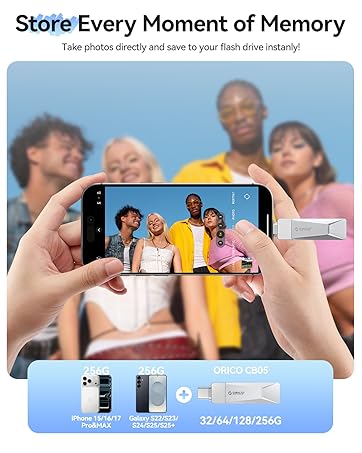
How to save phone files or photos to a USB drive.
Step 1: Insert the usb ssd drive into your mobile phone.
Step 2: Select the data/images/videos to be transferred, and press the share button.
Step 3: Go to the browsing interface, select the target folder for saving, and then click the "Save" button at the top right corner.


Work Partner
512G Flash Drive 1050MB/s | 1TB Flash Drive 1050MB/s | 2TB Flash Drive 1050MB/s | 256G Flash Drive 150MB/s |
|---|---|---|---|
| Customer Reviews | |||
| — | — | — | — |
| Price | |||
| — | — | — | — |
| Compatibility | |||
| USB3.2 GEN 2 | USB3.2 GEN 2 | USB3.2 GEN 2 | USB3.2&USB2.0 |
| ConnectorType | |||
| Type-C+ USB A 3.2 Gen2 | Type-C+ USB A 3.2 Gen2 | Type-C+ USB A 3.2 Gen2 | USB Type-A & USB Type-C |
| Read Speed | |||
| 1000MB/S | 1000MB/S | 1000MB/S | 150MB/S |
| Default Format | |||
| EXFAT | EXFAT | EXFAT | EXFAT |
| Compatible with | |||
| Windows/mac/Linux/Android/iPad | Windows/mac/Linux/Android/iPad | Windows/mac/Linux/Android/iPad | Windows/mac/Linux/Android/iPad |
Solution to iPhone 15/15 Pro/Pro Max/15 Plus/16/17 or Android phone not recognizing the usb drive.
Method 1: Format the thumb drive and change the format to exFAT.
Formatting steps: Connect the usb ssd drive to your computer ? Double click on this computer ? Right click on the disk ? Select Format ?Select exFAT format.
Method 2: If the USB drive is formatted as exFAT but cannot be recognized, please restart your mobile phone and reinsert the usb drive.
How to save phone files or photos to a USB drive.
Step 1: Insert the usb ssd drive into your mobile phone.
Step 2: Select the data/images/videos to be transferred, and press the share button.
Step 3: Go to the browsing interface, select the target folder for saving, and then click the "Save" button at the top right corner.
150MB/s Colorful USB Drive
USB-C Easy to Mobile Devices
1050MB/s External SSD Drive
