







Why won't my printer detect the ink cartridge when installing it?
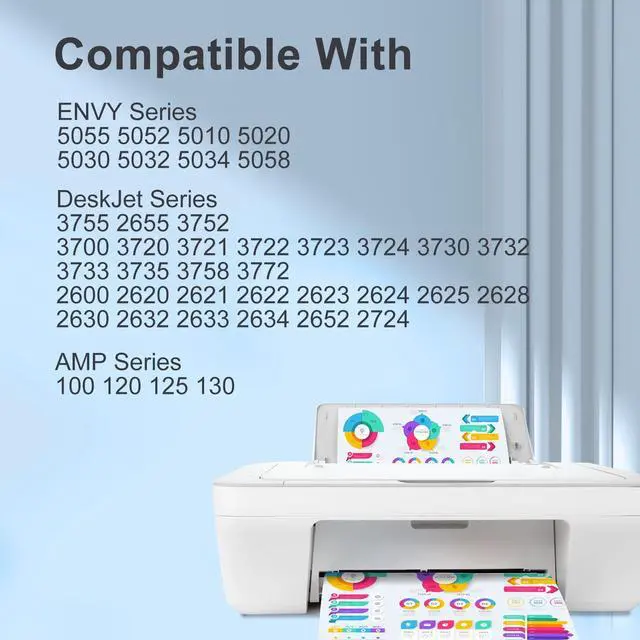
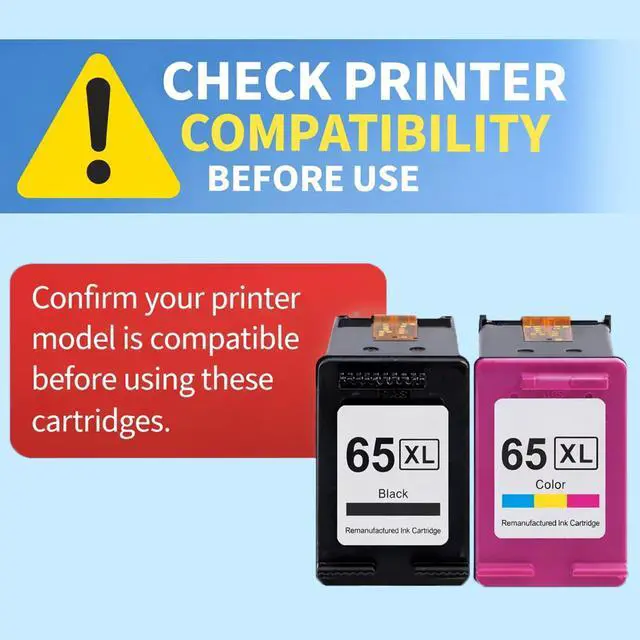
(1) Confirm the ink cartridge model is compatible with your printer
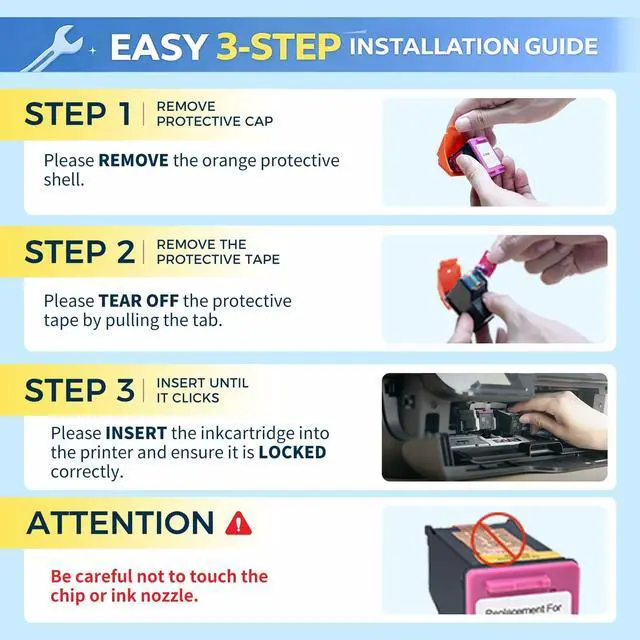
(2) Make sure the ink cartridge's sealing tape is removed
(3) Check the ink cartridge is properly installed in the slot
(4) Gently clean the chip surface with an eraser or alcohol
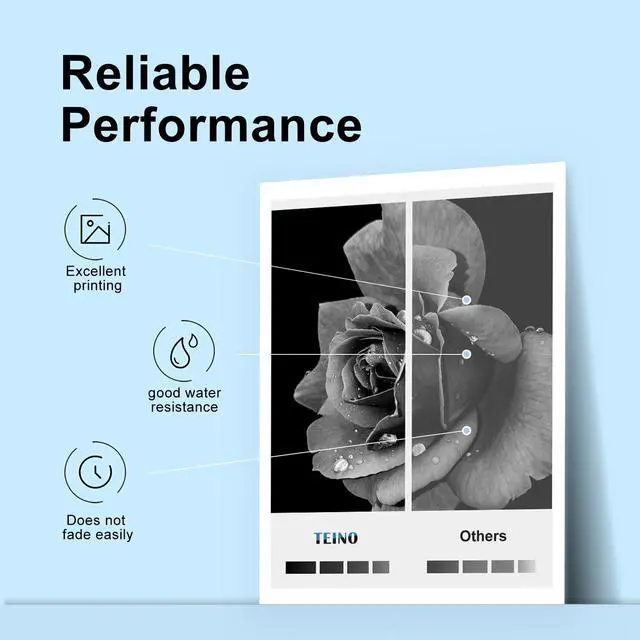
Why is the print quality poor?
(1) Check if the sealing tape has been removed.
(2) Print a self-test page to inspect the printhead.
(3)If the printhead is not working well, follow your printer's prompts to run multiple nozzle cleanings in the settings.


Why won't my printer detect the ink cartridge when installing it?
(1) Confirm the ink cartridge model is compatible with your printer
(2) Make sure the ink cartridge's sealing tape is removed
(3) Check the ink cartridge is properly installed in the slot
(4) Gently clean the chip surface with an eraser or alcohol
Why is the print quality poor?
(1) Check if the sealing tape has been removed.
(2) Print a self-test page to inspect the printhead.
(3)If the printhead is not working well, follow your printer's prompts to run multiple nozzle cleanings in the settings.
TEINO has been specializing in printer supplies since being founded in 2006.
TEINO ink & toner cartridges all use FINE technology for rich detail and high-quality results.
We always adhere to the customer first, attentively service to customers!
Best Sellers from TEINO