




What makes our products unique?
The technical and design team has more than 8 years of experience in the field of computer accessories. Through the research of various chip solutions, all of our computer accessories use more stable chips and circuit design solutions to bring professional products and services to our customers!
Is our product quality high?
Our products are strictly quality controlled and inspected before leaving the factory. If you encounter any problems, let me know - there is no need to rush to return the product. We will solve the problem to your satisfaction!
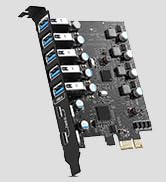
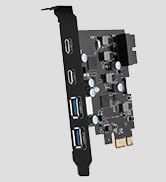
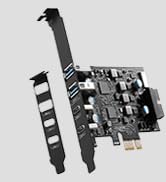
PCIE to USB Card
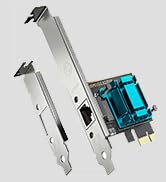
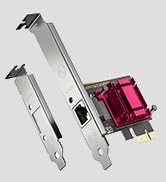
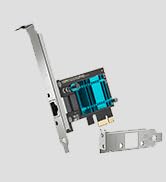
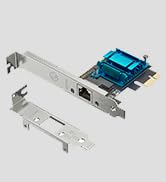
Gigabit Network Card
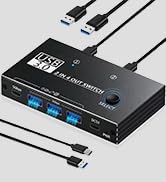
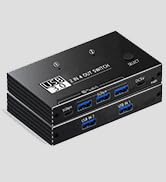
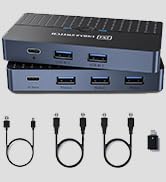
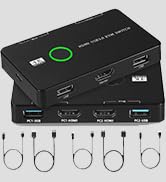
KVM USB Switch
What makes our products unique?
The technical and design team has more than 8 years of experience in the field of computer accessories. Through the research of various chip solutions, all of our computer accessories use more stable chips and circuit design solutions to bring professional products and services to our customers!
Is our product quality high?
Our products are strictly quality controlled and inspected before leaving the factory. If you encounter any problems, let me know - there is no need to rush to return the product. We will solve the problem to your satisfaction!
PCIE to USB Card
Gigabit Network Card
KVM USB Switch