• $51.99
  • Free 30-day Returns
  • Shipped by halongzhiUKshop

    Price alert
    Shop it at NeweggBusiness.

    Meet Your Seller

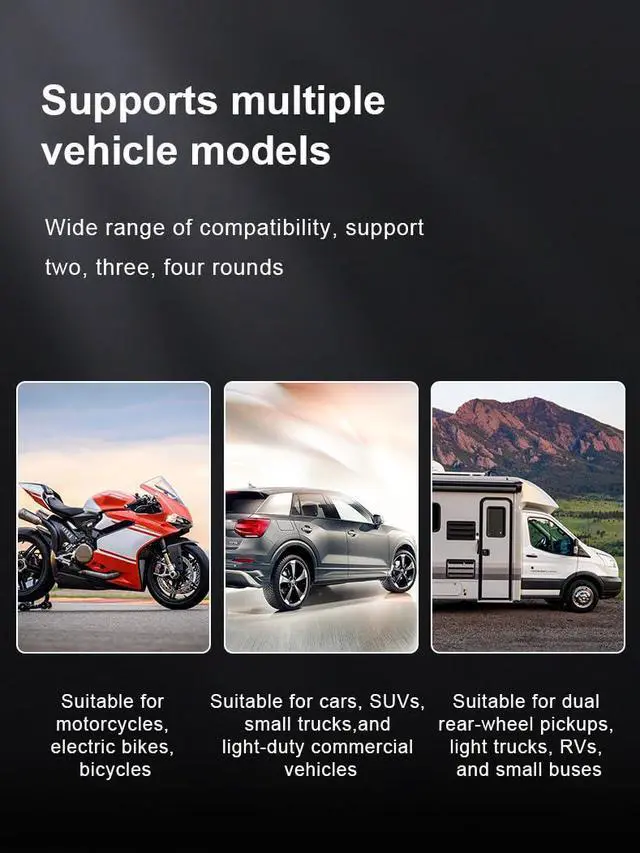
    Bluetooth Tire Pressure Monitoring System for Motorcycles with 2 External Sensor, 5 Alarm Modes, Bluetooth TPMS APP Operate, Supports iOS APP

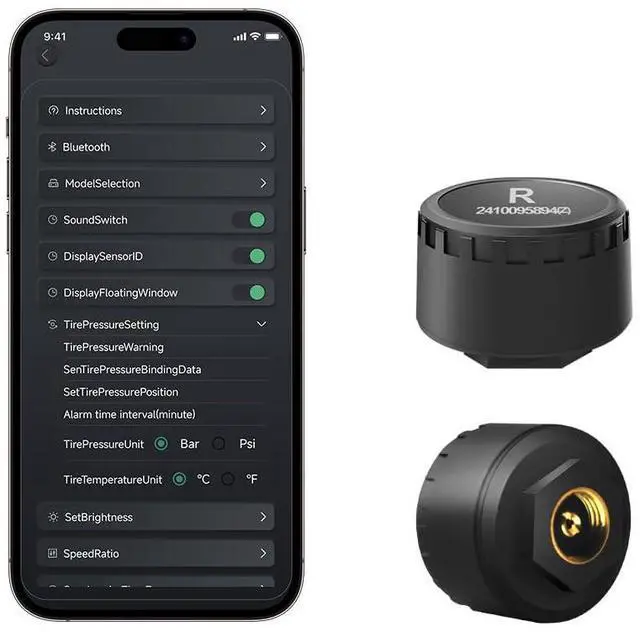
    • Dynamically monitor: APP Name is DJTPMS, support IOS. This motorcycle Tire Pressure Monitoring System is dynamically monitors all tire pressure and temperature, improves fuel efficiency, and prolongs tire life and ensures driver safety. WISTEKTPMS offered with 1 year 100% Satisfaction Guarantee delivered. If have any issues of the sensor, we will resend a new one or refund to you.
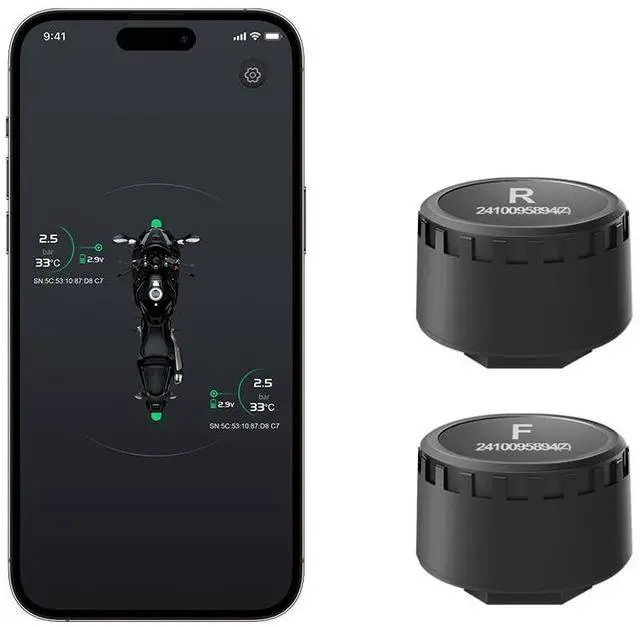
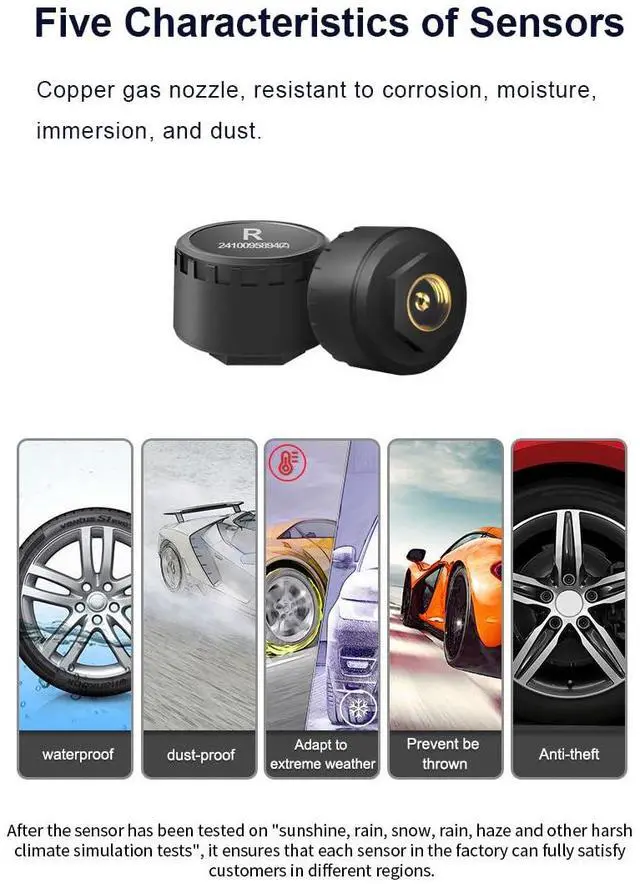
    • High Accuracy: Real time monitor with 2 TPMS Sensors, waterproof and anti - corrosion, anti -theft technology, fully qualified for rainy days. High sensitivity, good accuracy for measuring pressure and temperature
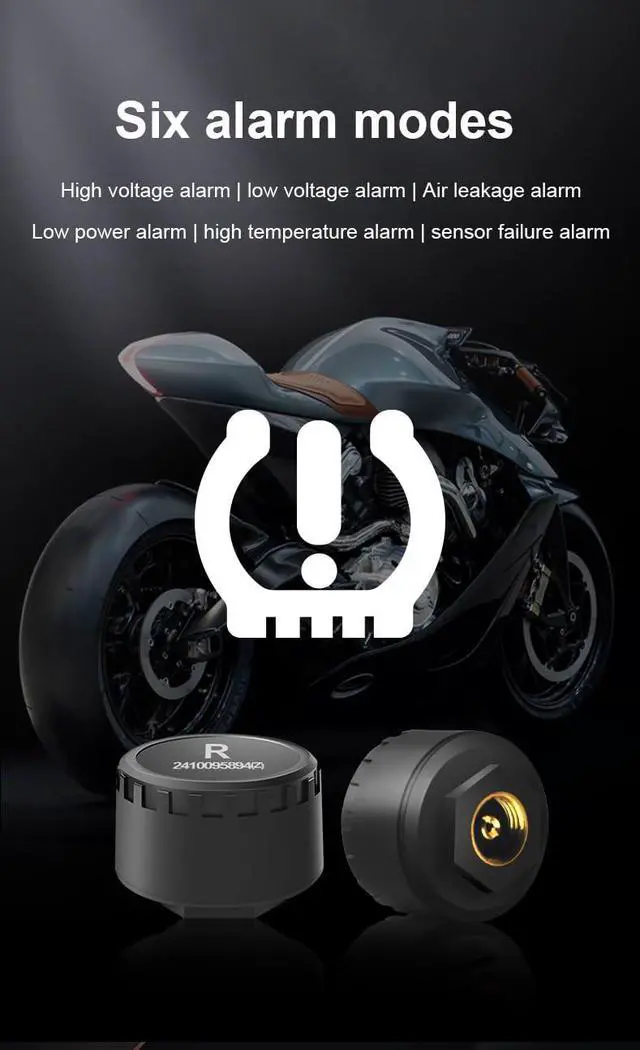
    • Long battery life and keep safe: The Bluetooth external Motorcycle TPMS sensors have 5 Alarm Modes, with long lasting battery life for almost 3~5 Years
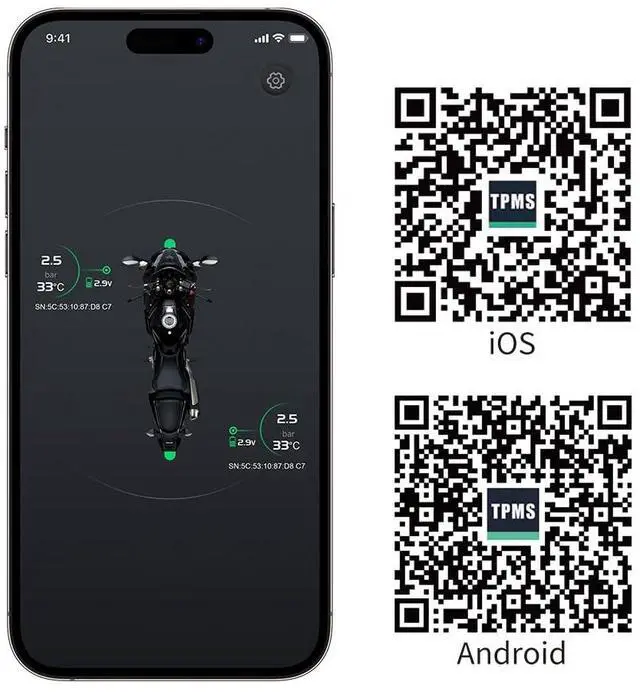
    • Easy operation via APP: This Bluetooth TPMS is support Bluetooth 4.0 and APP Operate. Tire Pressure Monitoring System is designed for cellphones, support APP for iOS and Android. When do the bluetooth scan, the APP will ask for permission of location, please allow to use it, it is android system request when we develop the bluetooth TPMS
    • Easy Setup: You can set up in 3 easy steps in just 10 minutes.
    +
    +
    Overview
    Specs
    Reviews
    avatar

    Any questions? Our AI beta will help you find out quickly.

    Upgrade TPMS Product! Wider Measuring Range: 0.7-7BAR / 10PSI - 100pSI; Temperature range: -40°C - 125°C.

    APP Name is DJTPMS, Support IOS system. This motorcycle Tire Pressure Monitoring System is monitor by APP, provide real-time monitoring of tire pressure and temperature with 5 alarm mode to keep you safe. This motorcycle wireless TPMS system is easy to install.

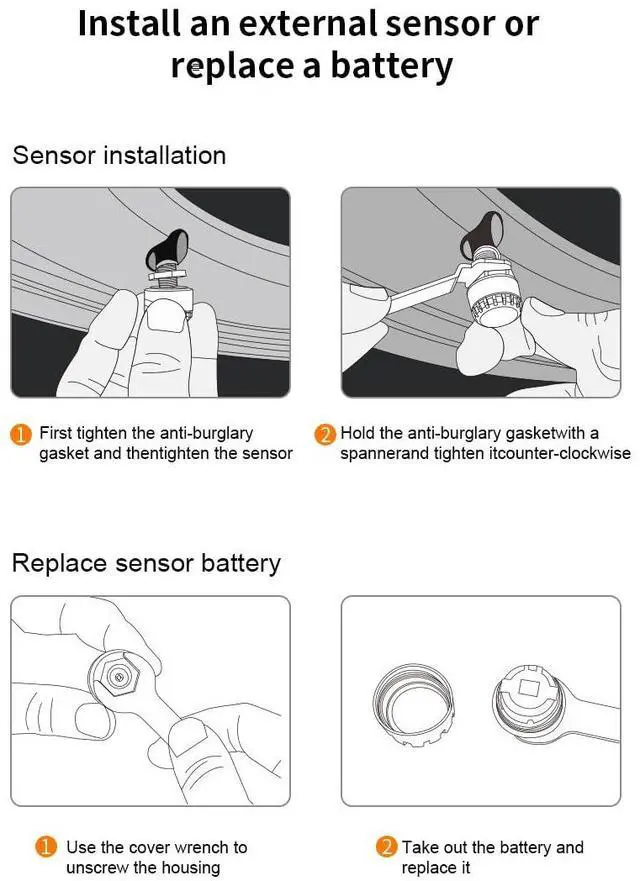
    1. First, install the app DJTPMS, then turn on your phone's Bluetooth and authorize your phone to connect

    2. On the mobile app, hold down the sensor of the corresponding wheel with your finger until it flashes, and then screw on the first sensor

    3. The sensor displays successful binding and reads data. Bind another sensor using the same method.

    When do the bluetooth scan, the APP will ask for permission of location, please allow to use it, it is android system request when we develop the bluetooth TPMS.

    For replace battery:

    1. Press and hold the location on the APP where the temperature data is displayed, and unbinding will pop up. Click OK to unbind

    2. Remove the sensor and replace the battery

    3. Press and hold the location on the APP where the temperature data is displayed, and install the corresponding sensor when it flashes

    4. Display correct data and complete installation

    Kindly let us know if you need any help, we really would like to give fully support to each customers, refund or exchange the new product for you any time if needed. Thank you!

    Warranty & Returns

    Warranty, Returns, And Additional Information

    Warranty

    • Please contact the Seller directly for warranty information. Warranty information may also be found on the Manufacturer's website.
    • CONTACT

    Return Policies

    Manufacturer Contact Info

    LOADING...