




Compatible with most iOS devices that support Bluetooth 3.0 and higher, Android OS 4.4 or higher.But X and above, unable to activate siri.

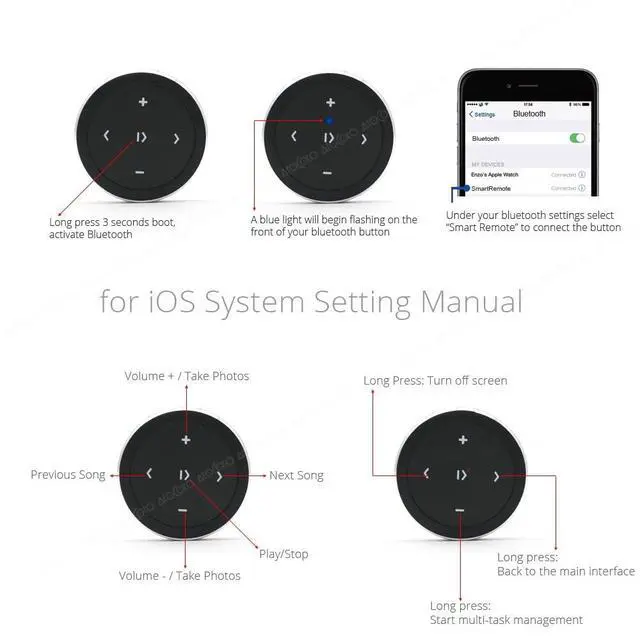
Just pair the button with the phone via Bluetooth. There are no additional installations or any apps to download. The included CR2025 battery has a long battery life of up to 2 years, and the wireless Bluetooth range can reach 30 feet.

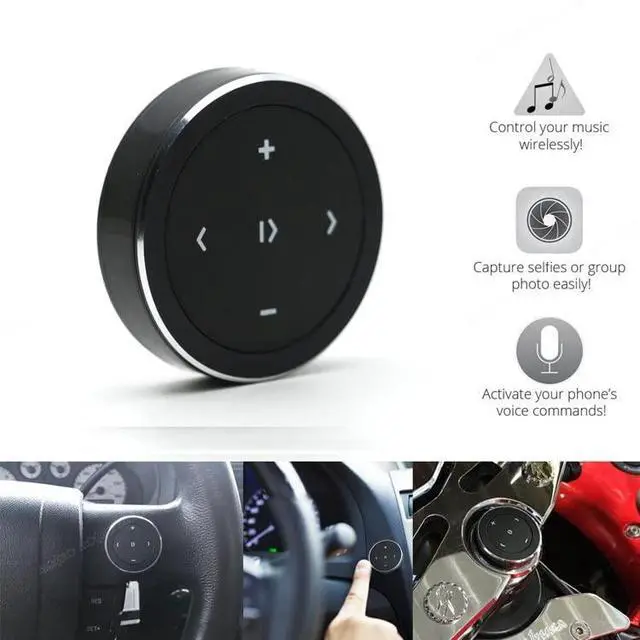
Application Scenarios
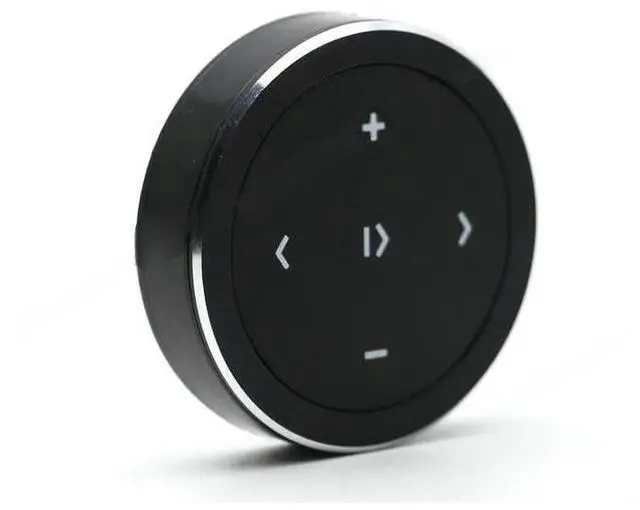
Wireless Bluetooth Media Button Remote Selfie Control Start Siri Car Motorcycle Steering Wheel Music for iPhone or Android with Mount
Features:
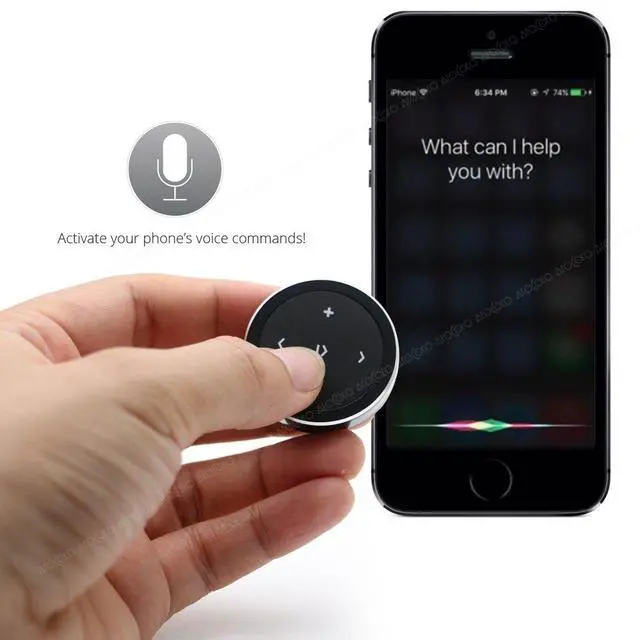
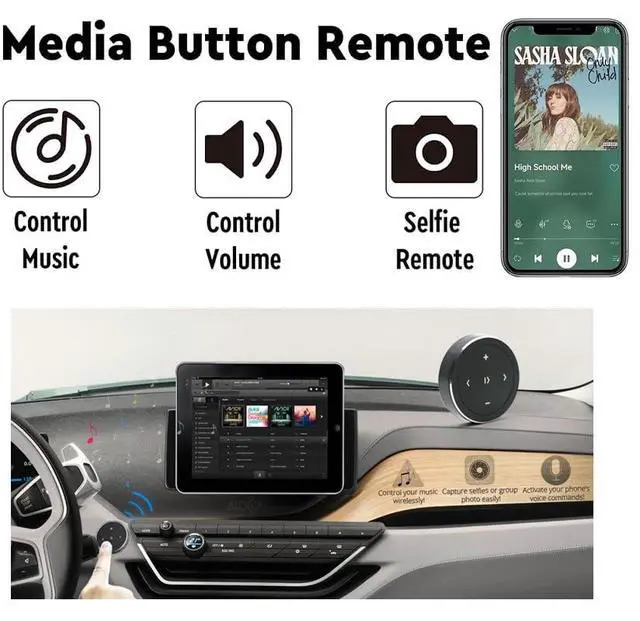
- Activate your phone's voice commands.
- Capture selfies or group photo easily.
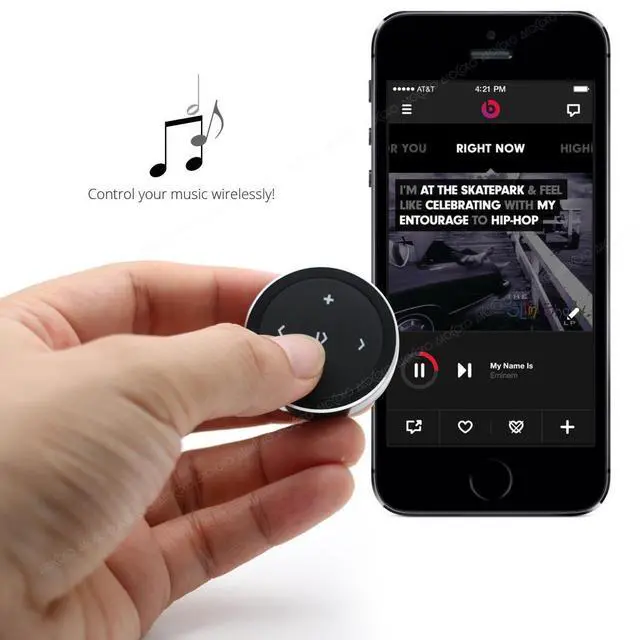
- Control your music wirelessly.
- Low energy usage.
Package Includes:
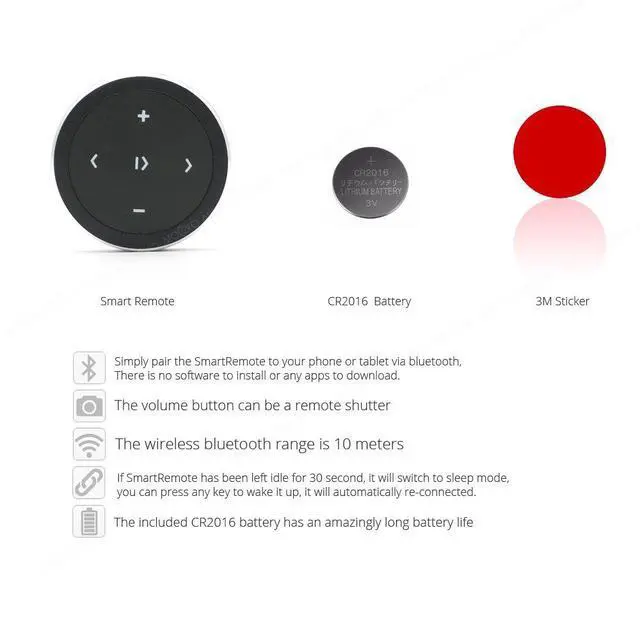
- Bluetooth Media Button
- 3M sticker
- CR2025 battery
Solutions to common problems
- The Bluetooth signal light does not flash/the device does not respond: replace the battery CR2025.
- Search and find the remote Bluetooth device: please press the button. When the blue light flashes, the phone will search for Bluetooth devices.
- Unable to connect to the Bluetooth device: please restart the phone
- Do not automatically connect after sleep: Please restart the phone/smart remote button once, and then delete the previously connected Bluetooth device or the phone's Bluetooth name is too long (some brands of Android phones currently have this software incompatible)
Compatible with most iOS devices that support Bluetooth 3.0 and higher, Android OS 4.4 or higher.But X and above, unable to activate siri.
Just pair the button with the phone via Bluetooth. There are no additional installations or any apps to download. The included CR2025 battery has a long battery life of up to 2 years, and the wireless Bluetooth range can reach 30 feet.

Application Scenarios
Wireless Bluetooth Media Button Remote Selfie Control Start Siri Car Motorcycle Steering Wheel Music for iPhone or Android with Mount
Features:
- Activate your phone's voice commands.
- Capture selfies or group photo easily.
- Control your music wirelessly.
- Low energy usage.
Package Includes:
- Bluetooth Media Button
- 3M sticker
- CR2025 battery
Solutions to common problems
- The Bluetooth signal light does not flash/the device does not respond: replace the battery CR2025.
- Search and find the remote Bluetooth device: please press the button. When the blue light flashes, the phone will search for Bluetooth devices.
- Unable to connect to the Bluetooth device: please restart the phone
- Do not automatically connect after sleep: Please restart the phone/smart remote button once, and then delete the previously connected Bluetooth device or the phone's Bluetooth name is too long (some brands of Android phones currently have this software incompatible)