



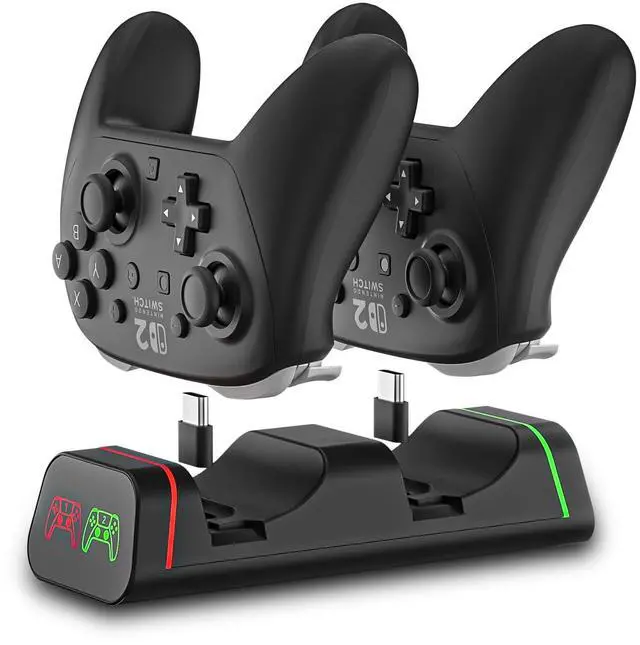


HEATFUN Controller Charger for Nintendo Switch
 Switch Controller Charger |  Switch Controller Charger |  Switch Controller Dock |  Switch 2 Joycon Charger |  Switch 2 Joycon Charger |  Pro Controller Charger |  Switch 2 Stand | |
|---|---|---|---|---|---|---|---|
Customer Reviews | — | — | — | — | — | — | — |
Price | — | — | — | — | — | — | — |
Charge Switch Pro Controller | ? | ? | ? | ? | ? | ? | ? |
Charge Joycon Controller | ? | ? | ? | ? | ? | ? | ? |
Charge Switch2 Joycons | ? | ? | ? | ? | ? | ? | ? |
Built-in LED Light | ? | ? | ? | ? | ? | ? | ? |
Recommend 5V 2A Wall Plug | ? | ? | ? | ? | ? | ? | ? |
Fast Charging | ? | ? | ? | ? | ? | ? | ? |
Is this charging dock compatible with PowerA, Luna, or other third-party controllers?
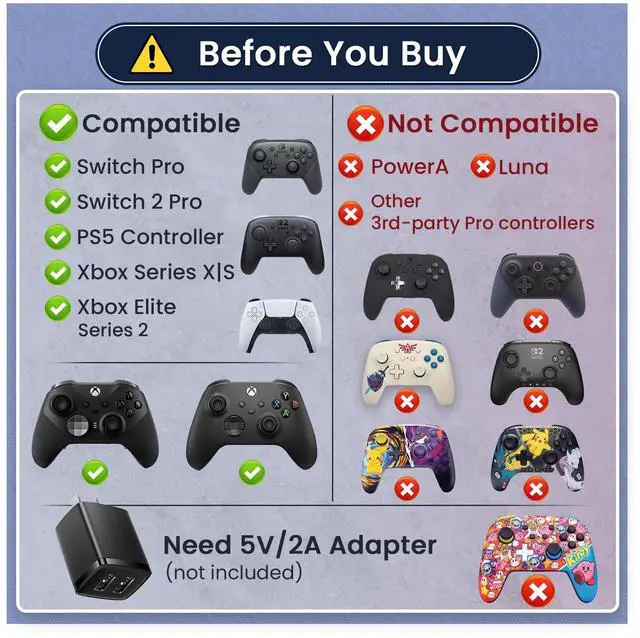
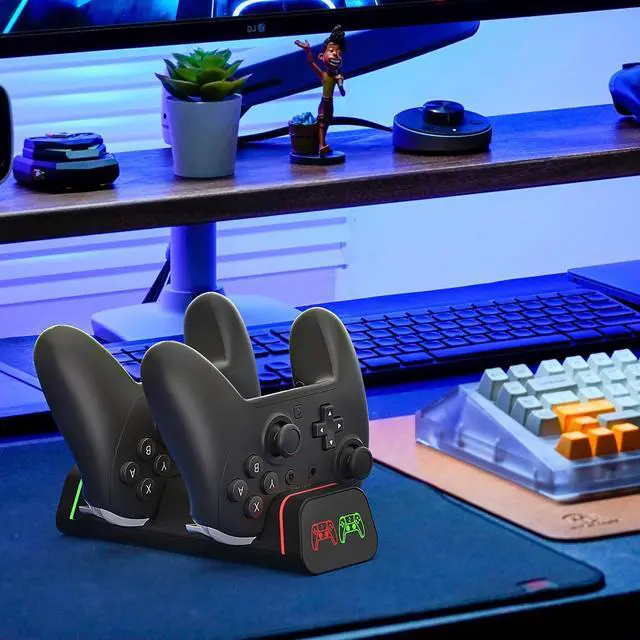
No. It is not compatible with PowerA, Luna, or other 3rd-party Pro controllers. Compatible with Switch Pro & Switch 2 Pro, PS5 controller, Xbox Series X|S, and Xbox Elite Series 2 (USB-C).
Why won’t my controller charge on the dock?
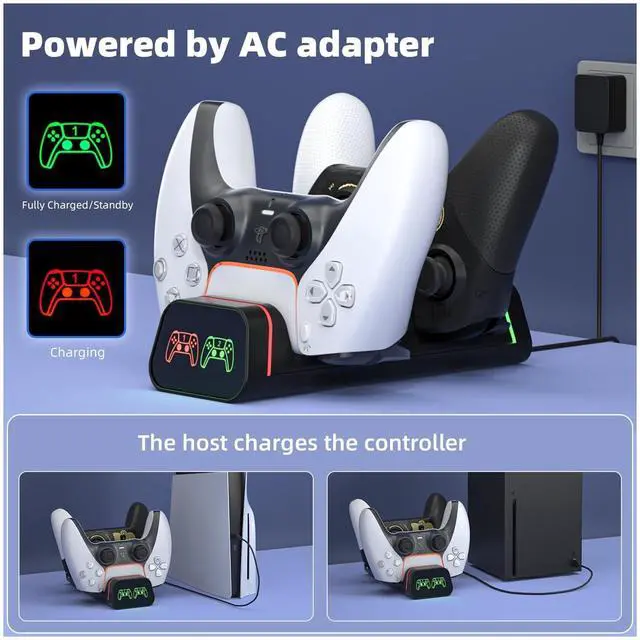
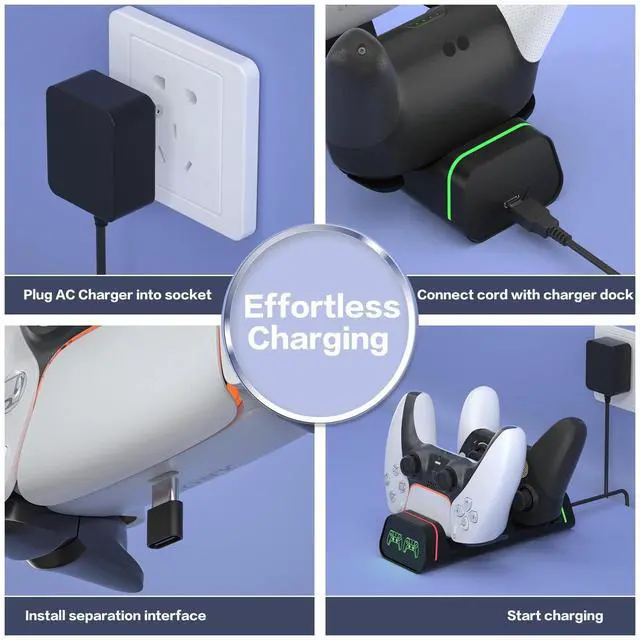
Try these: (1) Use a 5V/2A USB power adapter (low-power USB ports may charge slowly). (2) Fully insert the USB-C adapter. (3) Remove thick controller cases.
Is the 5V/2A USB power adapter (wall plug) included?
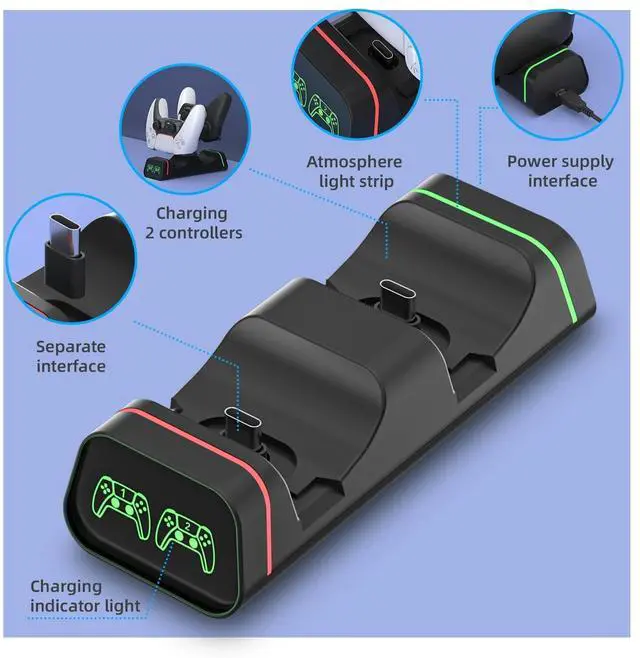
No. The box includes 1 charging dock, 2 USB-C adapters, and 1 power cable. USB power adapter is not included.
The USB-C adapter feels loose or comes out with the controller. What should I do?
Fully insert the USB-C adapter. Lift the controller straight up when removing (hold the adapter if needed). Thick cases may affect the fit.
Why won’t both controllers charge at the same time?
Use a 5V/2A USB power adapter and fully insert both USB-C adapters. Low-power USB ports may not support dual charging. Swap sides to check if it’s the slot, adapter, or controller.


HEATFUN is a company that insists on producing high-quality, multi-style gaming accessories. We're constantly improving our products based on feedback from gamers like you. We believe that every game console should be taken seriously. We hope our products will help enhance your gaming experience for your convenience and joy. To ensure a great customer experience, our customers can request to return an item within 30 days of receiving it.
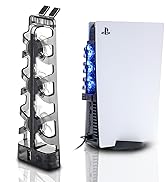
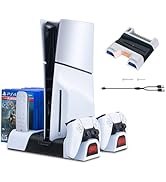
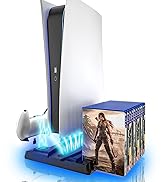
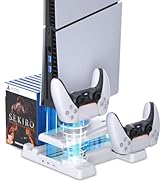
PS5 Accessories
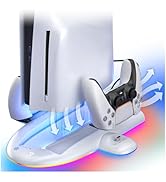
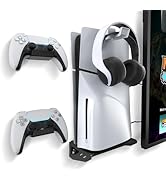
PS5 Slim Accessories
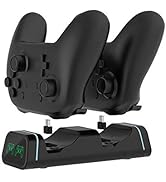
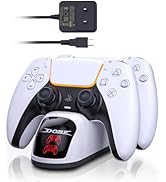
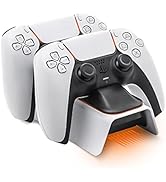
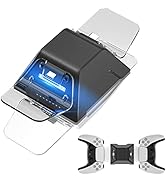
PS5 Controller Charger
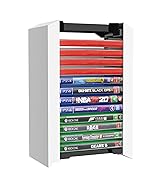
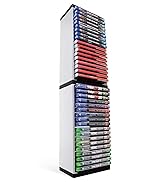
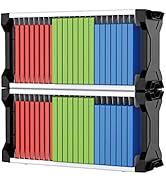
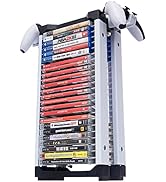
Video Game Storage Tower
Why do we love what we do?
At HEATFUN, we love what we do because we’re passionate about enhancing gaming experiences. Every product we design, from console cases to controller accessories, is crafted with gamers in mind. We know the thrill of immersive gameplay and the importance of equipment that keeps up with the action. Being on allows us to connect with gamers worldwide, and every review and piece of feedback drives us to innovate further. We love turning ideas into quality products that make gaming more enjoyable, convenient, and portable for everyone.


HEATFUN Controller Charger for Nintendo Switch
Switch Controller Charger | Switch Controller Charger | Switch Controller Dock | Switch 2 Joycon Charger | Switch 2 Joycon Charger | Pro Controller Charger | Switch 2 Stand |
|---|---|---|---|---|---|---|
| Customer Reviews | ||||||
| — | — | — | — | — | — | — |
| Price | ||||||
| — | — | — | — | — | — | — |
| Charge Switch Pro Controller | ||||||
| ? | ? | ? | ? | ? | ? | ? |
| Charge Joycon Controller | ||||||
| ? | ? | ? | ? | ? | ? | ? |
| Charge Switch2 Joycons | ||||||
| ? | ? | ? | ? | ? | ? | ? |
| Built-in LED Light | ||||||
| ? | ? | ? | ? | ? | ? | ? |
| Recommend 5V 2A Wall Plug | ||||||
| ? | ? | ? | ? | ? | ? | ? |
| Fast Charging | ||||||
| ? | ? | ? | ? | ? | ? | ? |
Is this charging dock compatible with PowerA, Luna, or other third-party controllers?
No. It is not compatible with PowerA, Luna, or other 3rd-party Pro controllers. Compatible with Switch Pro & Switch 2 Pro, PS5 controller, Xbox Series X|S, and Xbox Elite Series 2 (USB-C).
Why won’t my controller charge on the dock?
Try these: (1) Use a 5V/2A USB power adapter (low-power USB ports may charge slowly). (2) Fully insert the USB-C adapter. (3) Remove thick controller cases.
Is the 5V/2A USB power adapter (wall plug) included?
No. The box includes 1 charging dock, 2 USB-C adapters, and 1 power cable. USB power adapter is not included.
The USB-C adapter feels loose or comes out with the controller. What should I do?
Fully insert the USB-C adapter. Lift the controller straight up when removing (hold the adapter if needed). Thick cases may affect the fit.
Why won’t both controllers charge at the same time?
Use a 5V/2A USB power adapter and fully insert both USB-C adapters. Low-power USB ports may not support dual charging. Swap sides to check if it’s the slot, adapter, or controller.
HEATFUN is a company that insists on producing high-quality, multi-style gaming accessories. We're constantly improving our products based on feedback from gamers like you. We believe that every game console should be taken seriously. We hope our products will help enhance your gaming experience for your convenience and joy. To ensure a great customer experience, our customers can request to return an item within 30 days of receiving it.
PS5 Accessories
PS5 Slim Accessories
PS5 Controller Charger
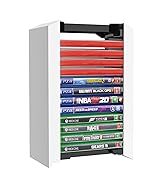
Video Game Storage Tower
Why do we love what we do?
At HEATFUN, we love what we do because we’re passionate about enhancing gaming experiences. Every product we design, from console cases to controller accessories, is crafted with gamers in mind. We know the thrill of immersive gameplay and the importance of equipment that keeps up with the action. Being on allows us to connect with gamers worldwide, and every review and piece of feedback drives us to innovate further. We love turning ideas into quality products that make gaming more enjoyable, convenient, and portable for everyone.
