


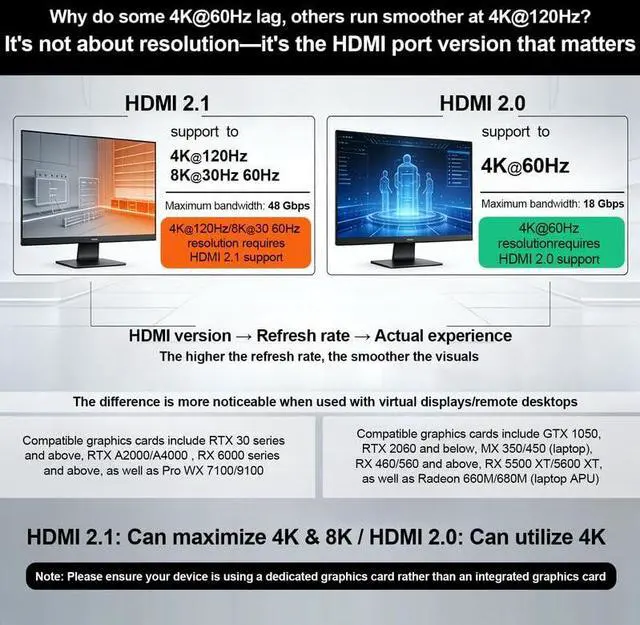


Xieoery Headless Adapter Series – Performance Overview
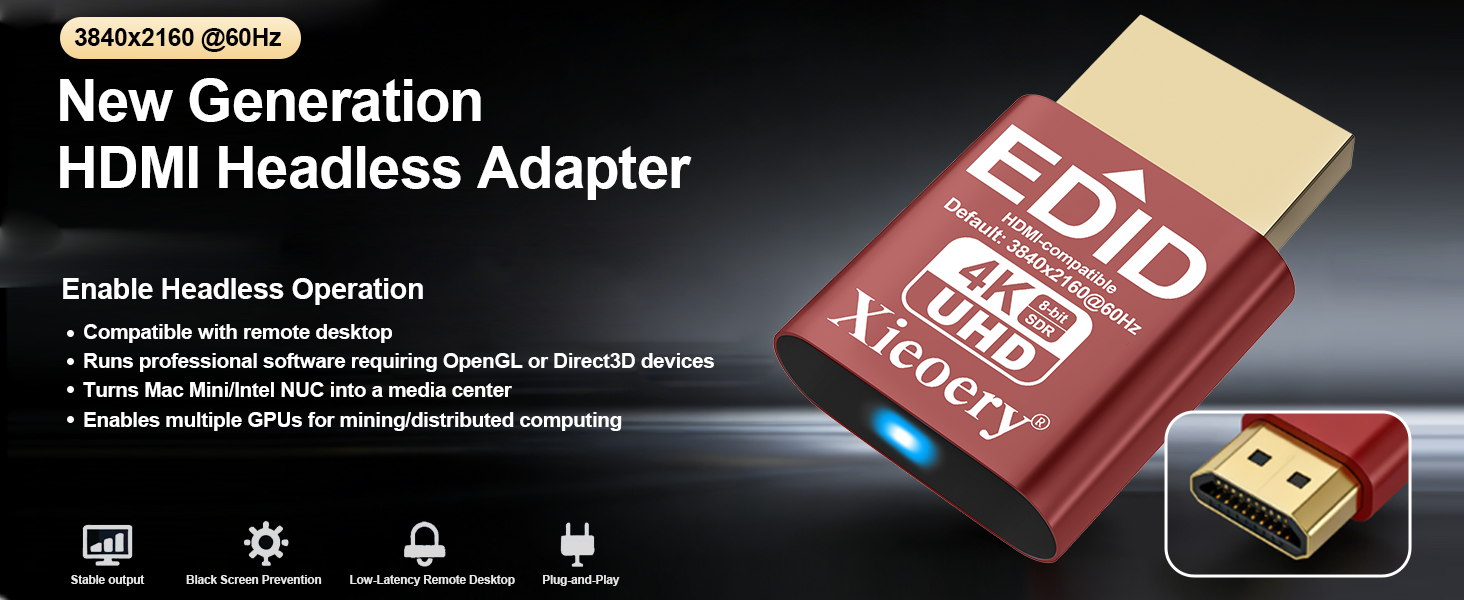
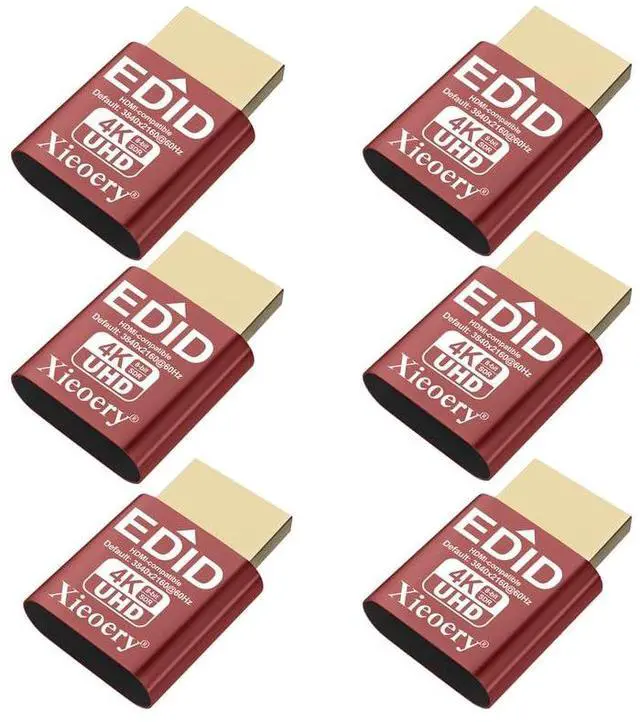
4K 60Hz HDMI EDID Adapter - Headless Operation
4K 60Hz HDMI EDID Adapter enables headless operation, perfect for remote desktop and professional software. It supports 4K UHD resolution and multi-GPU setups for efficient computing.
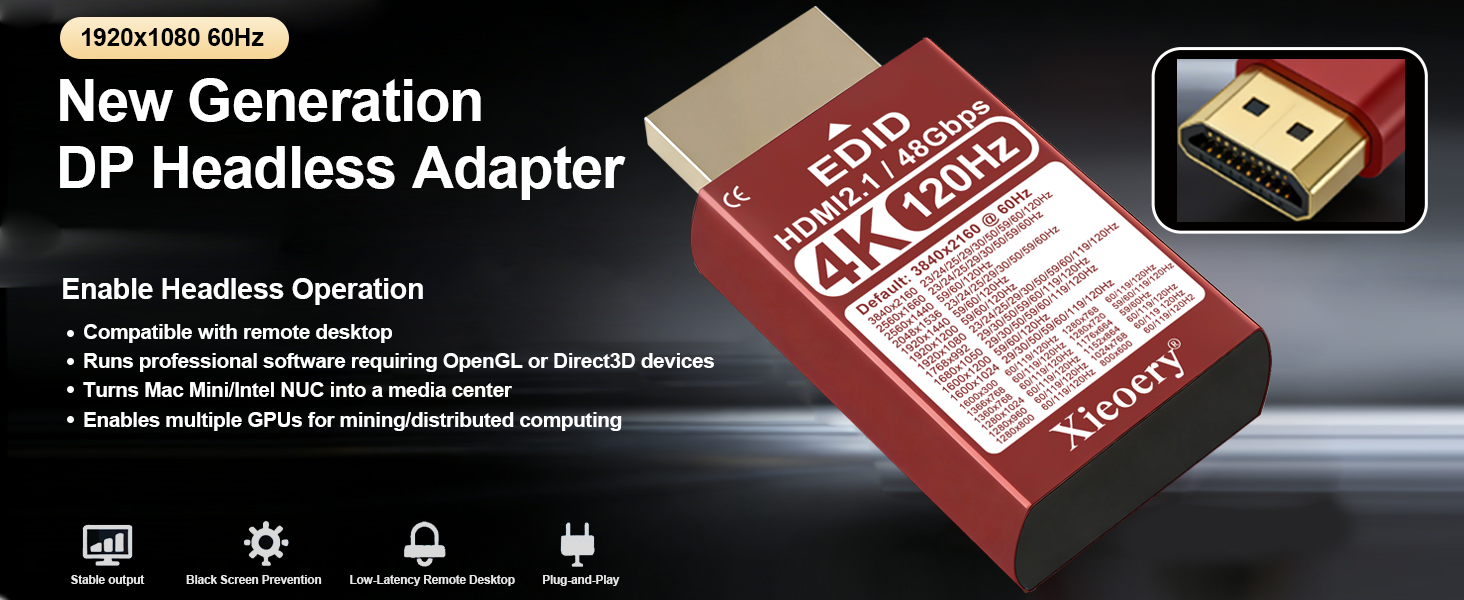
4K 120Hz HDMI EDID Adapter - HDR & 4K Display
- The 4K 120Hz HDMI EDID Adapter is perfect for headless operation,supporting remote desktop and professional graphics software. It supports 4K resolution,and multi-GPU setups for enhanced performance.
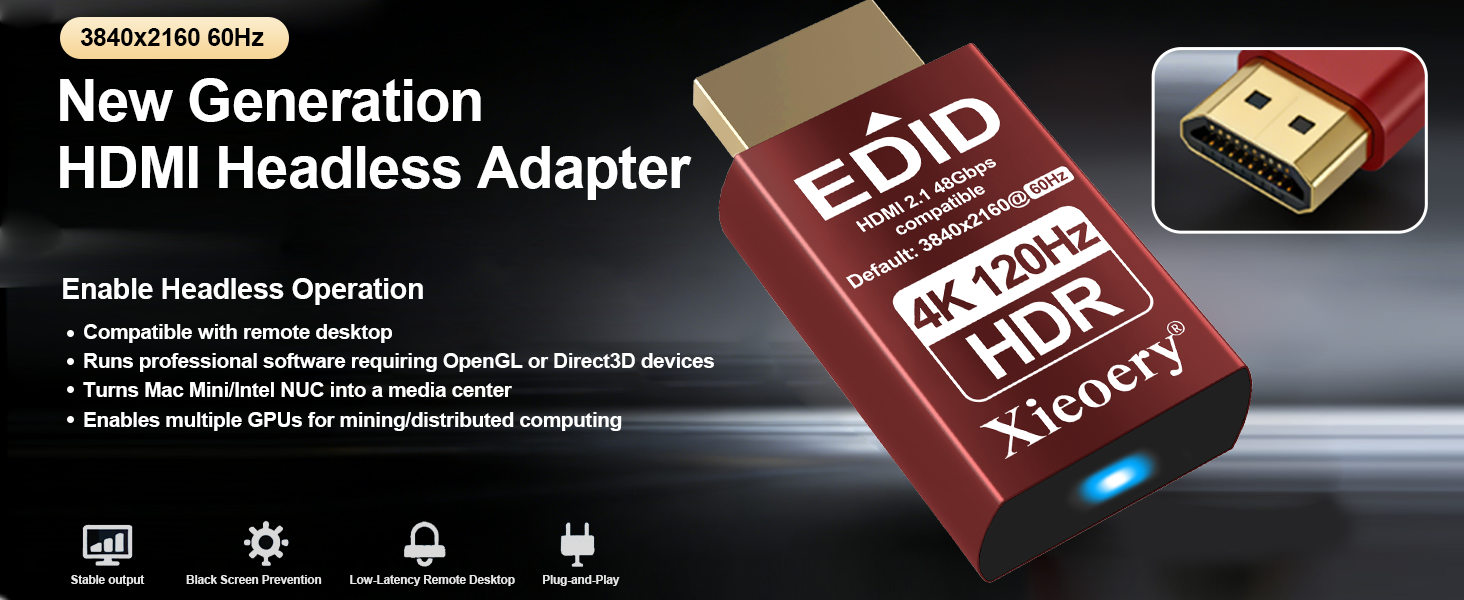
4K 120Hz HDR HDMI EDID Adapter - Headless Mode
4K 120Hz HDR HDMI EDID Adapter enables headless operation, supporting remote desktop and professional software. It offers 4K HDR resolution and multi-GPU support for enhanced computing power.
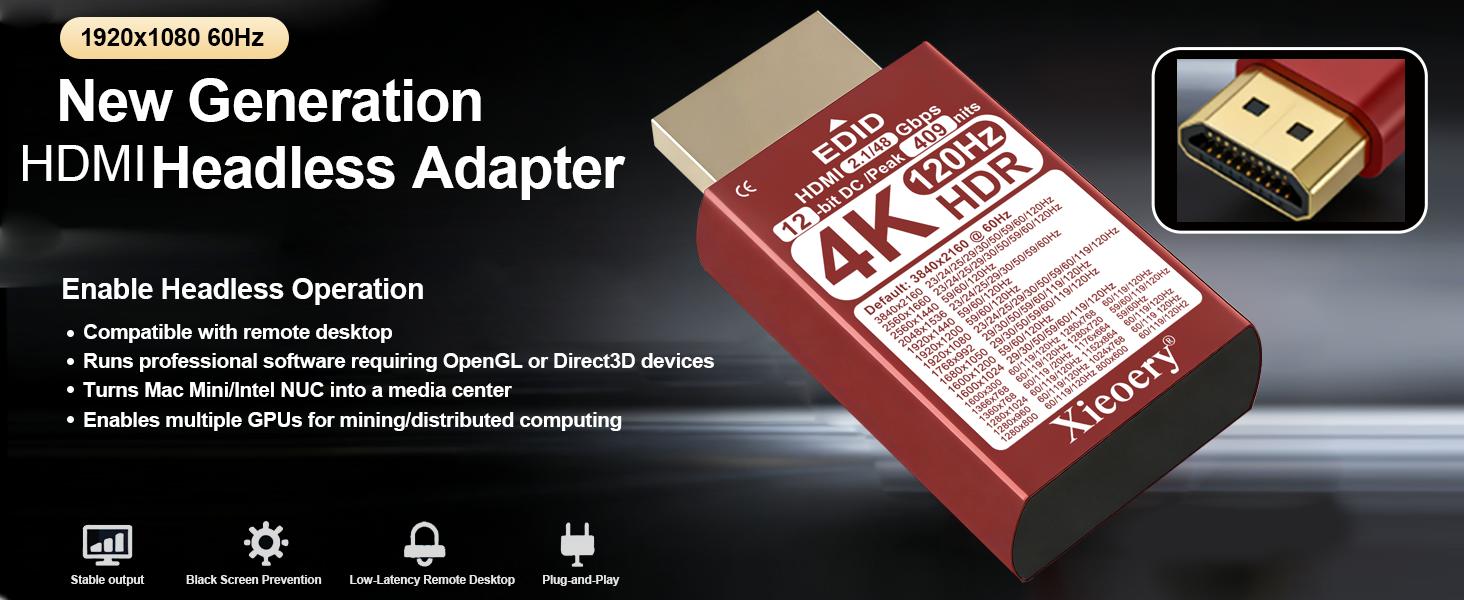
HDMI 4K 120Hz HDR Headless Adapter
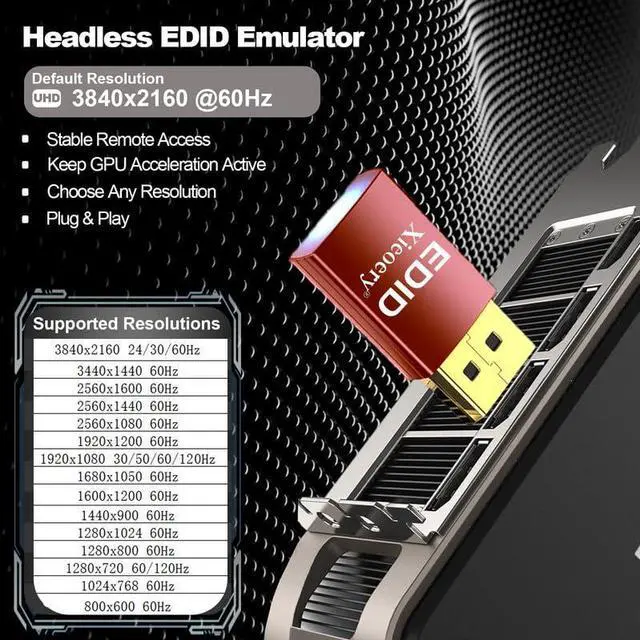
Enables stable headless operation DisplayPort. Supports up to 4K@120Hz HDR for remote desktop, GPU rendering, multi-GPU systems. Prevents black screen issues and ensures consistent display detection.
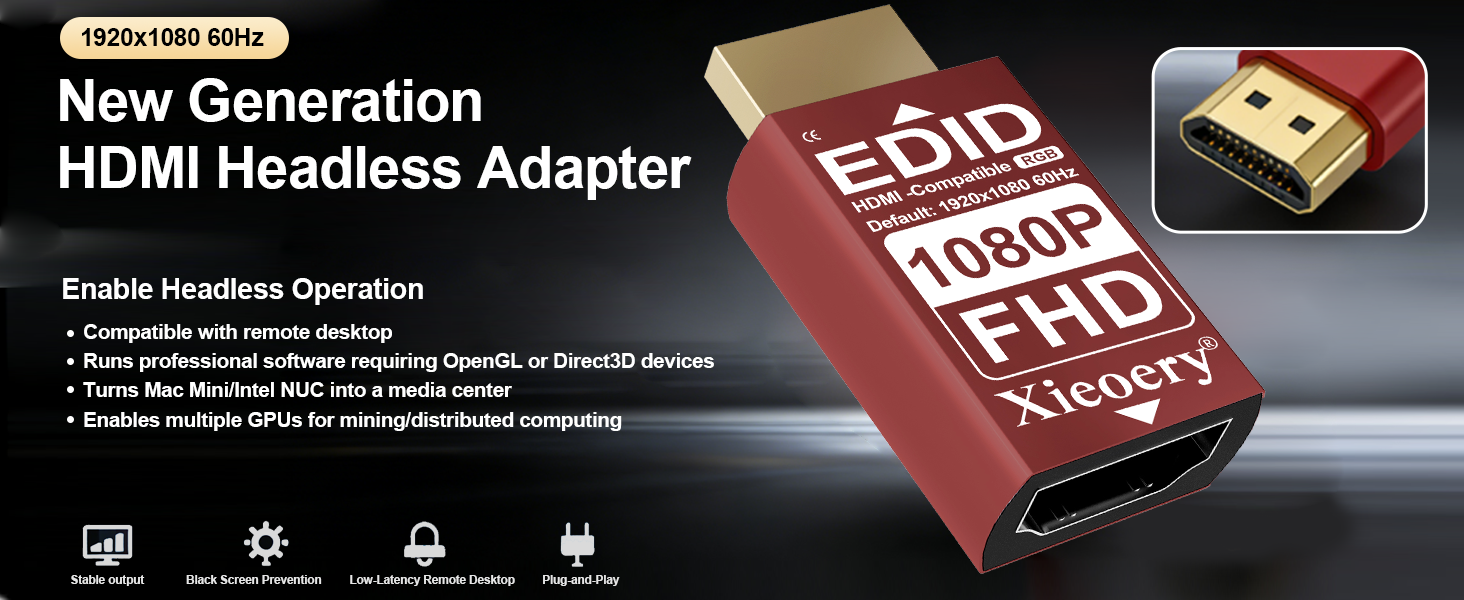
Xieoery 1080P HDMI Headless Adapter 60Hz
Simulates a 1080p display to enable stable headless operation. Ideal for remote desktop, home servers, and GPU tasks. Prevents black screen issues and ensures consistent 1920x1080@60Hz output.
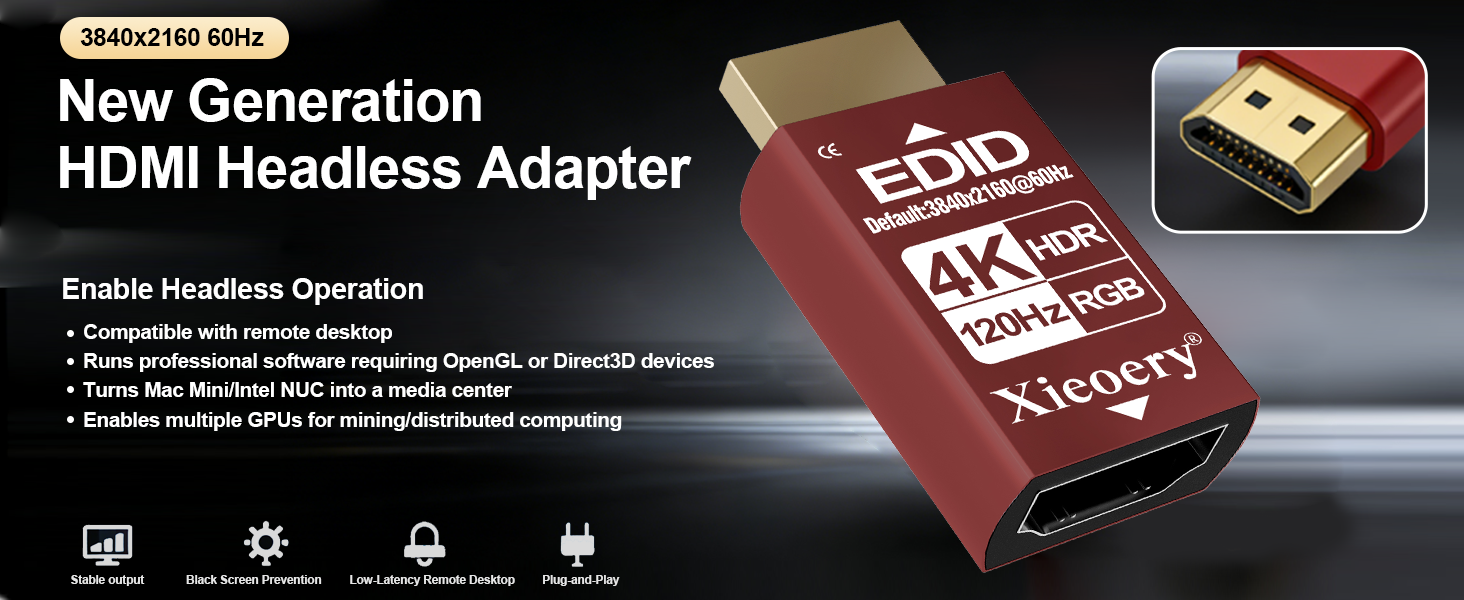
4K 120Hz HDR HDMI Headless Adapter
4K display at 3840x2160@120 HDR Hz with HDR and RGB output. Enables stable headless operation for remote desktop, GPU rendering, and servers. Eliminates black screen issues reliable signal detection.
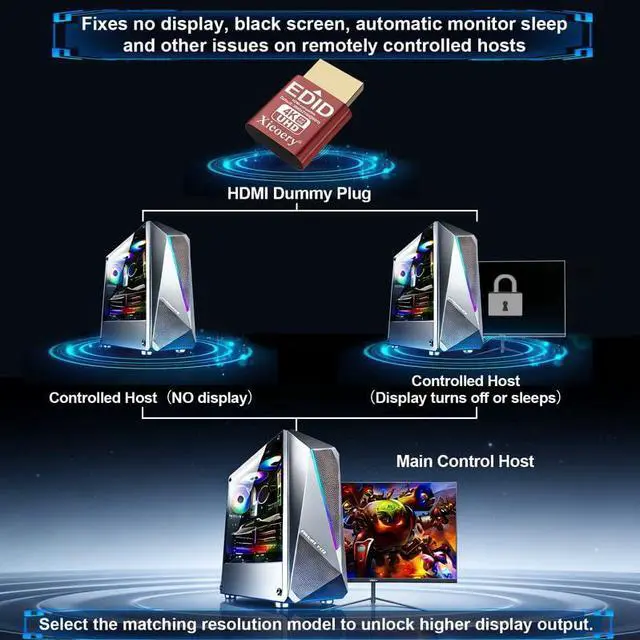
The Xieoery Headless Adapter Series delivers stable display emulation from HDMI Displayport & mini dp dvi and vga 1080p@60Hz to 4K@120Hz HDR. Prevents black screens, ensures consistent GPU detection, and supports remote desktop, servers, and multi-GPU systems.
Professional dummy Signal Simulation
Xieoery HDMI dummy Emulator Full Product Line
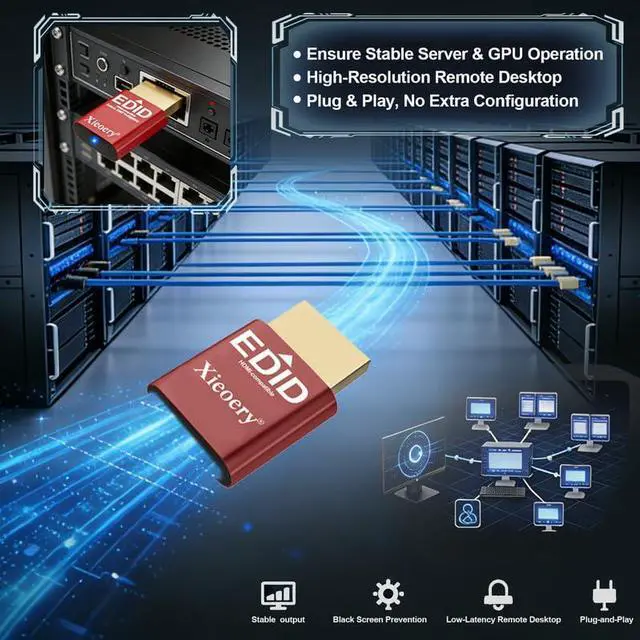
- Xieoery HDMI dummy plug Emulators are engineered for stable headless operation and reliable display signal simulation.
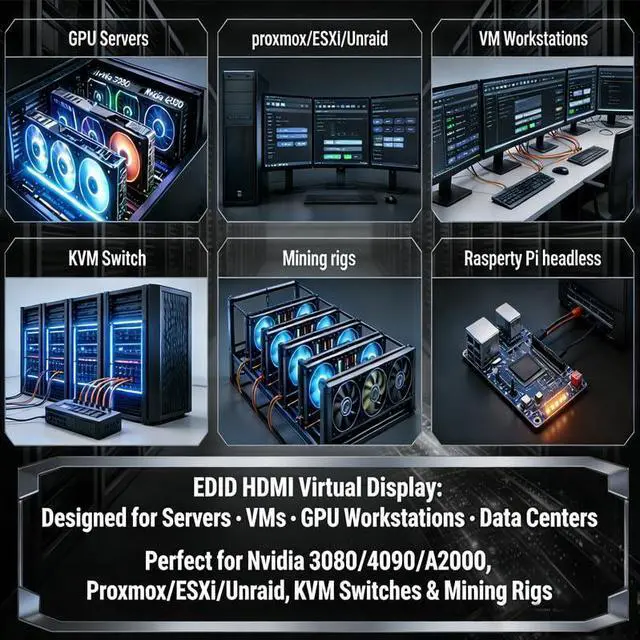
Designed to prevent black screens, resolution resets, and boot errors when no physical monitor is connected. Ideal for remote desktop access, GPU activation, headless servers, KVM setups, and streaming environments.
Supports multiple resolution options including 1080P, 2K, 4K and HDR configurations with plug-and-play installation. No drivers required.
how to used
Merchant VideoCompare Xieoery EDID Emulators – 1080P to 4K 120Hz
 2k 1920x1080 FHD |  4K 120Hz (HDMI 2.1) |  EDID 1080P HDR |  EDID 4k 120Hz |  DP4K60Hz-Default 1080P |  MiniDP 1080P |  Type-C 4K 60Hz | |
|---|---|---|---|---|---|---|---|
Customer Reviews | — | — | — | — | — | — | — |
Price | — | — | — | — | — | — | — |
Brand | Xieoery | Xieoery | Xieoery | Xieoery | Xieoery | Xieoery | Xieoery |
Default Resolution | 1920x1080 60Hz | 3840x2160 60Hz | 1920x1080 60Hz | 3840x2160 60Hz | 1920x1080 60Hz | 1920x1080 60Hz | 1920x1080 60Hz |
Color | Red | Red | Red | Red | Red | Red | Red |
Refresh Rate | 60Hz | 120HZ | 60hZ HDR | 120Hz | 60Hz | 60Hz | 60Hz |
Light LED | ? | ? | ? | ? | ? | ? | ? |


What is an HDMI Dummy Plug / EDID Emulator used for?
An HDMI Dummy Plug emulates a display by providing EDID, enabling video output without a monitor.
Can it prevent black screen or low resolution issues?
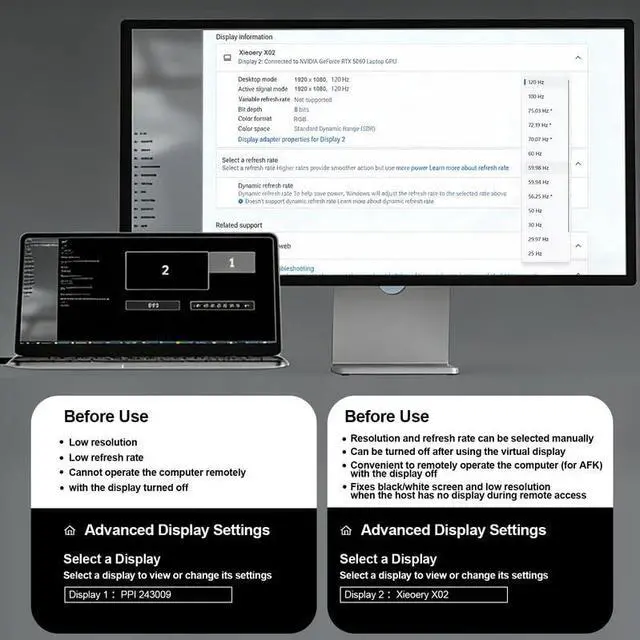
Yes. It simulates a monitor’s EDID to keep the GPU output active, helping prevent black screens or resolution drops when no display is connected. Actual resolution depends on the model and settings.
Is this HDMI dummy plug compatible with my device or operating system?
Compatible with most HDMI-output devices, including PCs, GPUs, mini PCs, and servers. Works with Windows, macOS, and Linux. No drivers required.
Does it support high resolution and proper color output?
Yes. It provides predefined EDID data to support stable video output and proper color formats. Supported resolutions and refresh rates vary by model and system settings.
Do I need to install any drivers or software to use it?
No. This HDMI dummy plug is plug and play. Simply insert it into the HDMI port, and your system will automatically detect a virtual display. No drivers, software, or additional configuration is required.

Xieoery Headless Adapter Series – Performance Overview
4K 60Hz HDMI EDID Adapter - Headless Operation
4K 120Hz HDMI EDID Adapter - HDR & 4K Display
4K 120Hz HDR HDMI EDID Adapter - Headless Mode
HDMI 4K 120Hz HDR Headless Adapter
Xieoery 1080P HDMI Headless Adapter 60Hz
4K 120Hz HDR HDMI Headless Adapter


4K 60Hz HDMI EDID Adapter enables headless operation, perfect for remote desktop and professional software. It supports 4K UHD resolution and multi-GPU setups for efficient computing.
- The 4K 120Hz HDMI EDID Adapter is perfect for headless operation,supporting remote desktop and professional graphics software. It supports 4K resolution,and multi-GPU setups for enhanced performance.
4K 120Hz HDR HDMI EDID Adapter enables headless operation, supporting remote desktop and professional software. It offers 4K HDR resolution and multi-GPU support for enhanced computing power.
Enables stable headless operation DisplayPort. Supports up to 4K@120Hz HDR for remote desktop, GPU rendering, multi-GPU systems. Prevents black screen issues and ensures consistent display detection.
Simulates a 1080p display to enable stable headless operation. Ideal for remote desktop, home servers, and GPU tasks. Prevents black screen issues and ensures consistent 1920x1080@60Hz output.
4K display at 3840x2160@120 HDR Hz with HDR and RGB output. Enables stable headless operation for remote desktop, GPU rendering, and servers. Eliminates black screen issues reliable signal detection.
The Xieoery Headless Adapter Series delivers stable display emulation from HDMI Displayport & mini dp dvi and vga 1080p@60Hz to 4K@120Hz HDR. Prevents black screens, ensures consistent GPU detection, and supports remote desktop, servers, and multi-GPU systems.
how to used
Merchant VideoProfessional dummy Signal Simulation
Xieoery HDMI dummy Emulator Full Product Line
- Xieoery HDMI dummy plug Emulators are engineered for stable headless operation and reliable display signal simulation.
Designed to prevent black screens, resolution resets, and boot errors when no physical monitor is connected. Ideal for remote desktop access, GPU activation, headless servers, KVM setups, and streaming environments.
Supports multiple resolution options including 1080P, 2K, 4K and HDR configurations with plug-and-play installation. No drivers required.
Compare Xieoery EDID Emulators – 1080P to 4K 120Hz
2k 1920x1080 FHD | 4K 120Hz (HDMI 2.1) | EDID 1080P HDR | EDID 4k 120Hz | DP4K60Hz-Default 1080P | MiniDP 1080P | Type-C 4K 60Hz |
|---|---|---|---|---|---|---|
| Customer Reviews | ||||||
| — | — | — | — | — | — | — |
| Price | ||||||
| — | — | — | — | — | — | — |
| Brand | ||||||
| Xieoery | Xieoery | Xieoery | Xieoery | Xieoery | Xieoery | Xieoery |
| Default Resolution | ||||||
| 1920x1080 60Hz | 3840x2160 60Hz | 1920x1080 60Hz | 3840x2160 60Hz | 1920x1080 60Hz | 1920x1080 60Hz | 1920x1080 60Hz |
| Color | ||||||
| Red | Red | Red | Red | Red | Red | Red |
| Refresh Rate | ||||||
| 60Hz | 120HZ | 60hZ HDR | 120Hz | 60Hz | 60Hz | 60Hz |
| Light LED | ||||||
| ? | ? | ? | ? | ? | ? | ? |


What is an HDMI Dummy Plug / EDID Emulator used for?
An HDMI Dummy Plug emulates a display by providing EDID, enabling video output without a monitor.
Can it prevent black screen or low resolution issues?
Yes. It simulates a monitor’s EDID to keep the GPU output active, helping prevent black screens or resolution drops when no display is connected. Actual resolution depends on the model and settings.
Is this HDMI dummy plug compatible with my device or operating system?
Compatible with most HDMI-output devices, including PCs, GPUs, mini PCs, and servers. Works with Windows, macOS, and Linux. No drivers required.
Does it support high resolution and proper color output?
Yes. It provides predefined EDID data to support stable video output and proper color formats. Supported resolutions and refresh rates vary by model and system settings.
Do I need to install any drivers or software to use it?
No. This HDMI dummy plug is plug and play. Simply insert it into the HDMI port, and your system will automatically detect a virtual display. No drivers, software, or additional configuration is required.