




What makes our products unique?
The technical and design team has more than 8 years of experience in the field of computer accessories. Through the research of various chip solutions, all of our computer accessories use more stable chips and circuit design solutions to bring professional products and services to our customers!
Is our product quality high?
Our products are strictly quality controlled and inspected before leaving the factory. If you encounter any problems, let me know - there is no need to rush to return the product. We will solve the problem to your satisfaction!
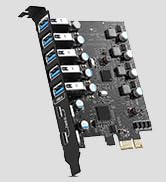
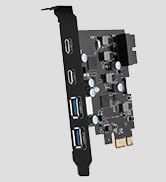
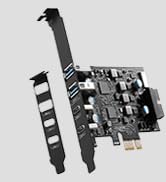
PCIE to USB Card
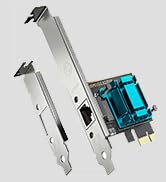
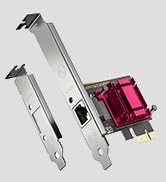
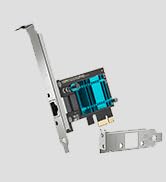
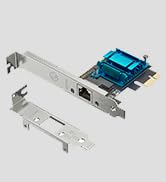
Gigabit Network Card
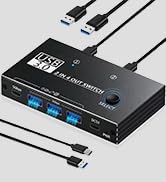
KVM USB Switch
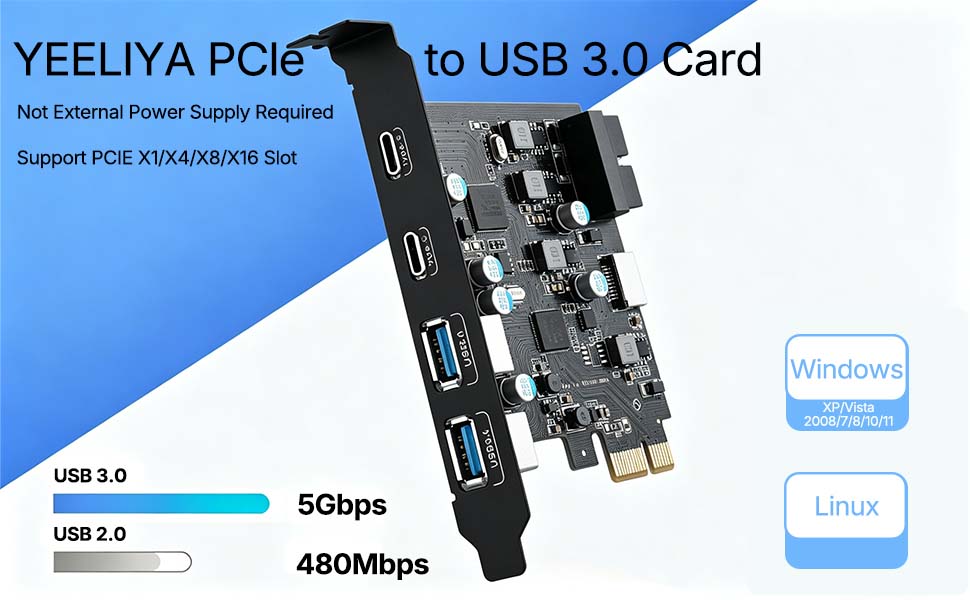
Product advantages:
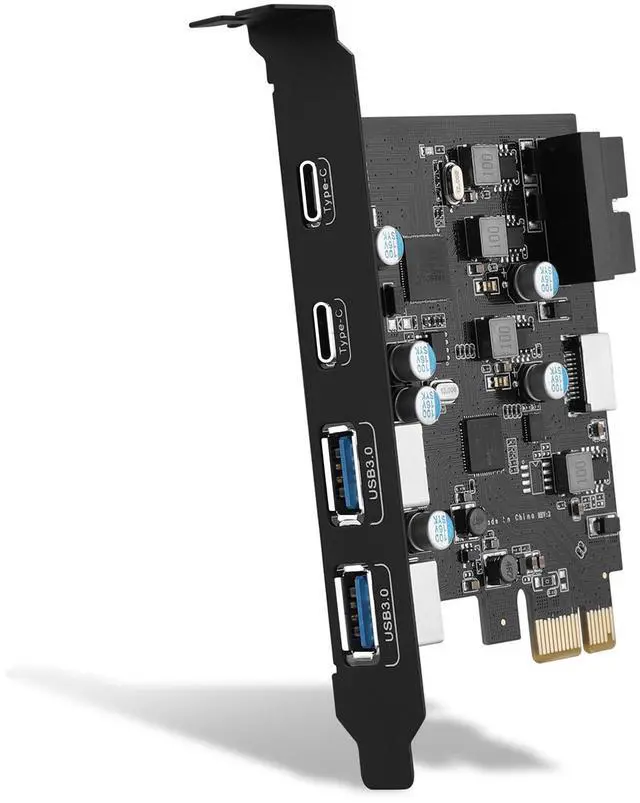
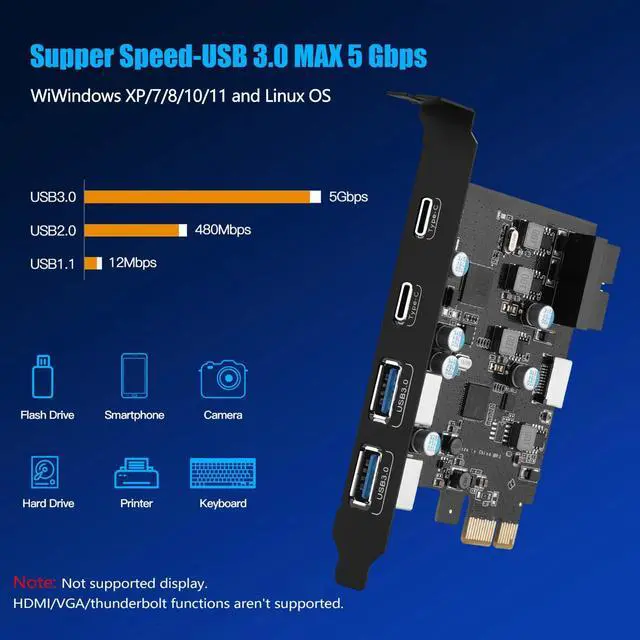
1. Add 4 ports on the desktop through the PCI Express slot, the port has a maximum data transmission speed of 5Gbps to achieve a fast connection.
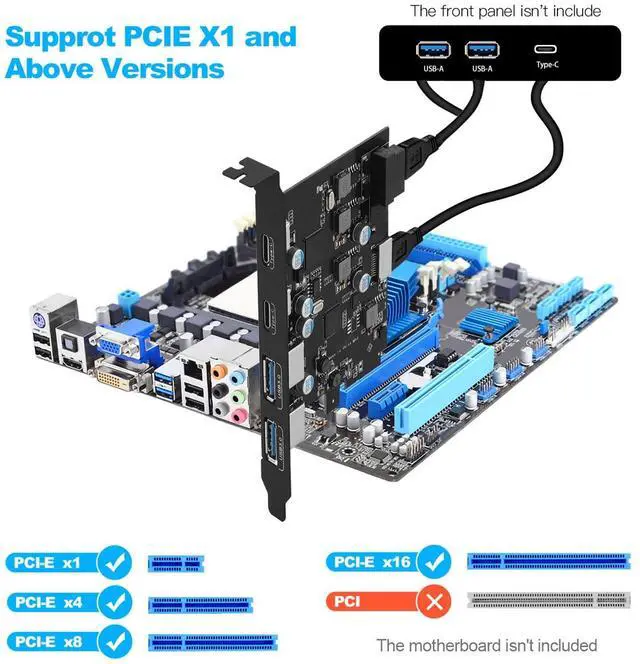
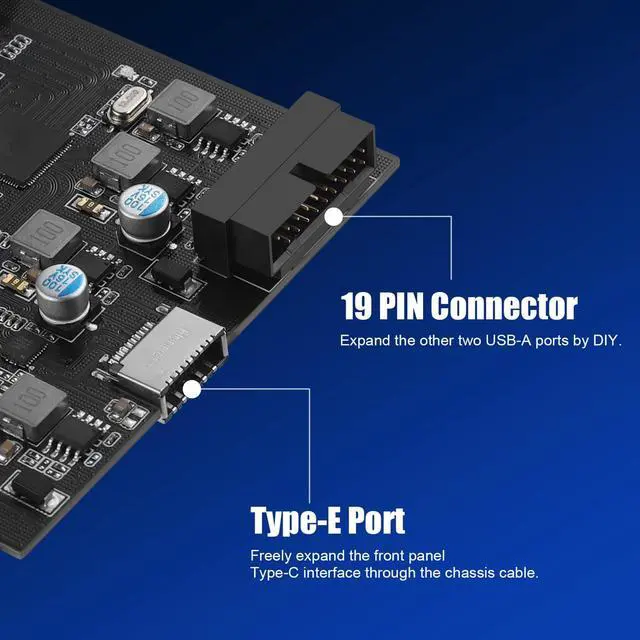
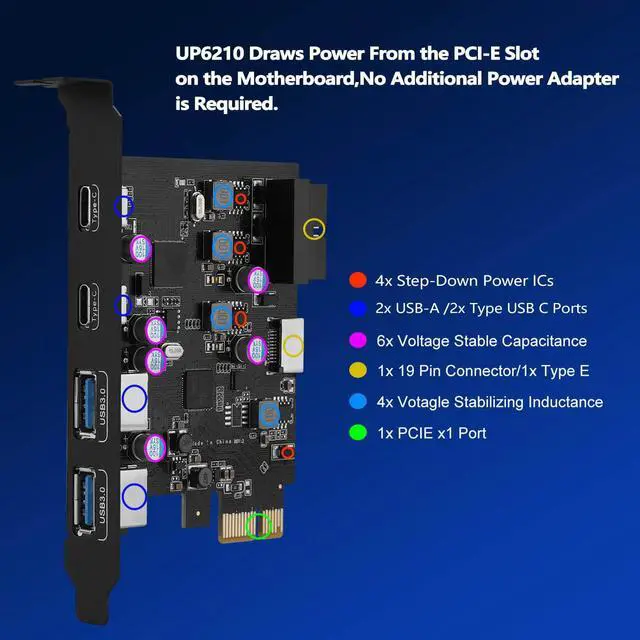
2. The card features an external 19-pin connector and an internal USB 20-pin Type E port, which can be flexibly extended to the computer's front panel as needed, without requiring an additional power supply.
3. Compatible with PCIe 2.0/3.0 versions, compatible with PCIe x1, x4, x8, x16 slots.
4. To ensure easy installation on any computer, we additionally include a standard 12 cm bracket for desktop PC chassis (pre-installed).
Supported Operating Systems:
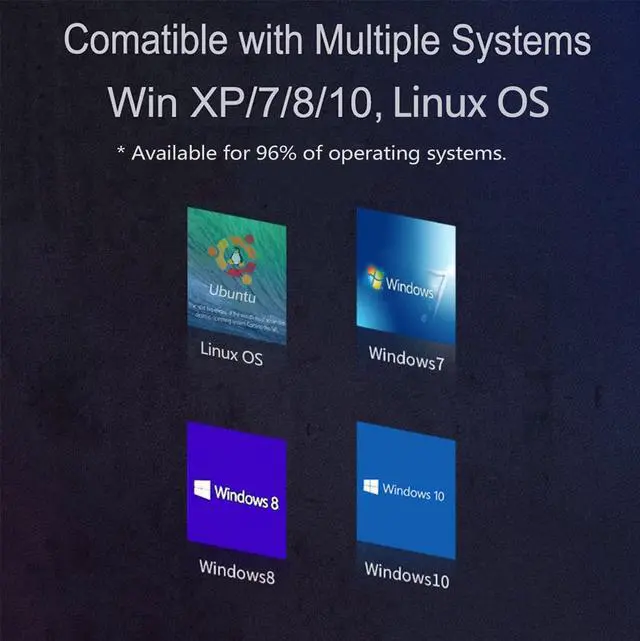
Supports Windows XP/Vista/2008 Server/7/8/10/Linux operating systems and is plug-and-play, requiring no driver installation for most systems. Note: Windows Vista/XP/7 require additional driver installation, while Windows 8/10/11 don't. (If you encounter compatibility issues/not working.)
Important Notes:
1. Never install this PCIe card while the computer is powered on.
2. If the card malfunctions, first inspect the motherboard's PCI-E slot for faults.
3. USB device/PCI-E slot versions may limit the card's data transfer throughput/performance.
4. This USB PCIe card supports data transfer only. It does not support PD fast charging or video signal transmission (HDMI/VGA/Thunderbolt display conversion). Please note this when purchasing.
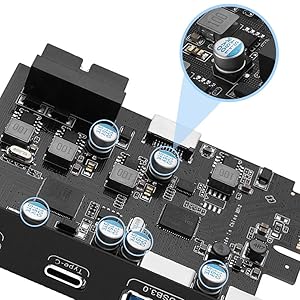
Safe and Stable
Explosion-proof capacitors are made of polymer dielectric materials,Each interface is equipped with a voltage-regulating capacitor.Can provide good temperature control during operation and ensure stable power supply for each interface.
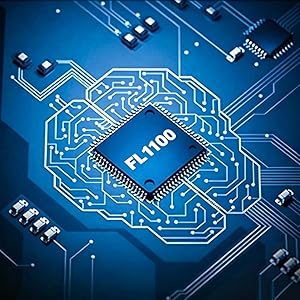
Advanced Dual Chip
Features the FL1100 main chip.It better provides stable 5Gbps high-speed transmission for the PCIE USB card USB 3.0 interface, it is 10 times as fast as traditional UASP USB 2.0.
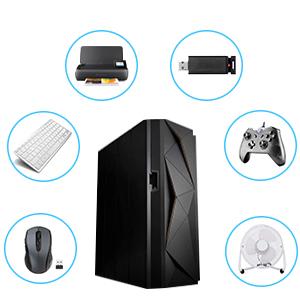
Large Scale Expansion
Four external USB-C ports can be provided for computer systems that support PCI Express to connect other external U disks, printers, keyboards, mice, webcams, game controllers, USB fans, etc. to the computer case.
Easy Installation Tutorial
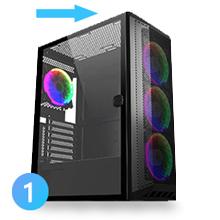
Step 1
Turn off the computer power, then unplug the power plug from the power outlet and remove the cover from the computer case.
Step 2
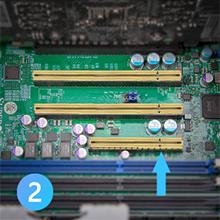
Find the corresponding PCIE card slot.
Step 3
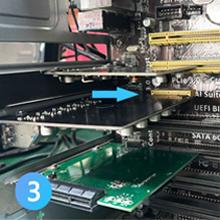
Insert the card into a free PCI Express slot.
Step 4
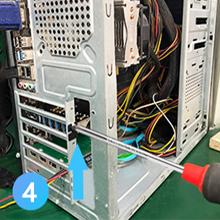
First insert the U disk into the usb slot for positioning.Then, use a screwdriver to firmly tighten the screws on the side of the bracket, put the computer cover back on the computer, and insert the plug into the socket.
Note:
1. After reviewing the product details,Please check the port size of the computer chassis baffle to avoid poor installation and excessively small PCI-E expansion cards.
2. If the product itself is damaged, it is still within the 2-years-w-arranty period, you can directly contact our Online support for maintenance.
Package Contents:
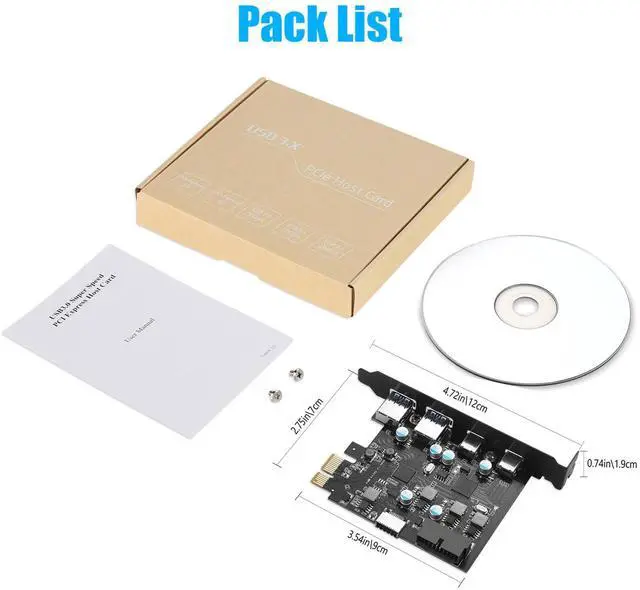
1 * USB 3.0 Expansion Card
1 * Screw
1 * User Manual
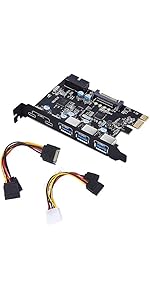 5-Port PCI-E to Type C (2),Type A (3) USB 3.0, 19-Pin and15-Pin SATA |  PCIe to USB 3.2 Gen 2 Adapter Card with 10 Gbps Bandwidth 5-Port |  PCI-E USB C Card 4-Ports(1x USB-C - 3X USB-A) | 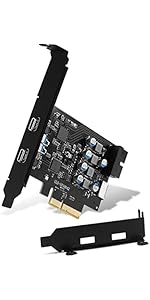 10Gbps PCIE USB C Card with Internal Type E to Type C and 19 Pin Expansion Card | |
|---|---|---|---|---|
| Customer Reviews | — | — | — | — |
| Price | — | — | — | — |
| USB Ports | 6 Ports | 5 Ports | 4 Ports | 4 Ports |
| USB Max Speed | 5Gbps | 10Gbps | 5Gbps | 10Gbps |
| USB Standard | USB 3.0 | USB 3.2 | USB 3.0 | USB 3.2 |
| Compatible Device | USB Device | Industrial/USB Device | USB Device | USB Device |
| Low Profile Bracket | NO | NO | YES | YES |
| Power Supply Type | Self-Powered/15Pin SATA | Self-Powered | Self-Powered | Self-Powered |
| Compatible System | Window 7/8/10/XP/Vista | Windows 7,8,and 10 (32/64-bit) and Mac OS 10.8.2 or higher | Windows XP/Vista/2008 Server/7/8/10 and Mac Pro 4.1, 5.1, 7.1(models 2010 to 2020) / Linux Mint, Ubuntu 20.04 | Windows XP/Vista/2008 Server/7/8/10 and Linux |
Product advantages:
1. Add 4 ports on the desktop through the PCI Express slot, the port has a maximum data transmission speed of 5Gbps to achieve a fast connection.
2. The card features an external 19-pin connector and an internal USB 20-pin Type E port, which can be flexibly extended to the computer's front panel as needed, without requiring an additional power supply.
3. Compatible with PCIe 2.0/3.0 versions, compatible with PCIe x1, x4, x8, x16 slots.
4. To ensure easy installation on any computer, we additionally include a standard 12 cm bracket for desktop PC chassis (pre-installed).
Supported Operating Systems:
Supports Windows XP/Vista/2008 Server/7/8/10/Linux operating systems and is plug-and-play, requiring no driver installation for most systems. Note: Windows Vista/XP/7 require additional driver installation, while Windows 8/10/11 don't. (If you encounter compatibility issues/not working.)
Important Notes:
1. Never install this PCIe card while the computer is powered on.
2. If the card malfunctions, first inspect the motherboard's PCI-E slot for faults.
3. USB device/PCI-E slot versions may limit the card's data transfer throughput/performance.
4. This USB PCIe card supports data transfer only. It does not support PD fast charging or video signal transmission (HDMI/VGA/Thunderbolt display conversion). Please note this when purchasing.
Safe and Stable
Explosion-proof capacitors are made of polymer dielectric materials,Each interface is equipped with a voltage-regulating capacitor.Can provide good temperature control during operation and ensure stable power supply for each interface.
Advanced Dual Chip
Features the FL1100 main chip.It better provides stable 5Gbps high-speed transmission for the PCIE USB card USB 3.0 interface, it is 10 times as fast as traditional UASP USB 2.0.
Large Scale Expansion
Four external USB-C ports can be provided for computer systems that support PCI Express to connect other external U disks, printers, keyboards, mice, webcams, game controllers, USB fans, etc. to the computer case.
Easy Installation Tutorial
Step 1
Turn off the computer power, then unplug the power plug from the power outlet and remove the cover from the computer case.
Step 2
Find the corresponding PCIE card slot.
Step 3
Insert the card into a free PCI Express slot.
Step 4
First insert the U disk into the usb slot for positioning.Then, use a screwdriver to firmly tighten the screws on the side of the bracket, put the computer cover back on the computer, and insert the plug into the socket.
Note:
1. After reviewing the product details,Please check the port size of the computer chassis baffle to avoid poor installation and excessively small PCI-E expansion cards.
2. If the product itself is damaged, it is still within the 2-years-w-arranty period, you can directly contact our Online support for maintenance.
Package Contents:
1 * USB 3.0 Expansion Card
1 * Screw
1 * User Manual
5-Port PCI-E to Type C (2),Type A (3) USB 3.0, 19-Pin and15-Pin SATA | PCIe to USB 3.2 Gen 2 Adapter Card with 10 Gbps Bandwidth 5-Port | PCI-E USB C Card 4-Ports(1x USB-C - 3X USB-A) | 10Gbps PCIE USB C Card with Internal Type E to Type C and 19 Pin Expansion Card | |
|---|---|---|---|---|
| Customer Reviews | — | — | — | — |
| Price | — | — | — | — |
| USB Ports | 6 Ports | 5 Ports | 4 Ports | 4 Ports |
| USB Max Speed | 5Gbps | 10Gbps | 5Gbps | 10Gbps |
| USB Standard | USB 3.0 | USB 3.2 | USB 3.0 | USB 3.2 |
| Compatible Device | USB Device | Industrial/USB Device | USB Device | USB Device |
| Low Profile Bracket | NO | NO | YES | YES |
| Power Supply Type | Self-Powered/15Pin SATA | Self-Powered | Self-Powered | Self-Powered |
| Compatible System | Window 7/8/10/XP/Vista | Windows 7,8,and 10 (32/64-bit) and Mac OS 10.8.2 or higher | Windows XP/Vista/2008 Server/7/8/10 and Mac Pro 4.1, 5.1, 7.1(models 2010 to 2020) / Linux Mint, Ubuntu 20.04 | Windows XP/Vista/2008 Server/7/8/10 and Linux |
What makes our products unique?
The technical and design team has more than 8 years of experience in the field of computer accessories. Through the research of various chip solutions, all of our computer accessories use more stable chips and circuit design solutions to bring professional products and services to our customers!
Is our product quality high?
Our products are strictly quality controlled and inspected before leaving the factory. If you encounter any problems, let me know - there is no need to rush to return the product. We will solve the problem to your satisfaction!
PCIE to USB Card
Gigabit Network Card
KVM USB Switch