




YEELIYA PCIe USB 3.0 Card
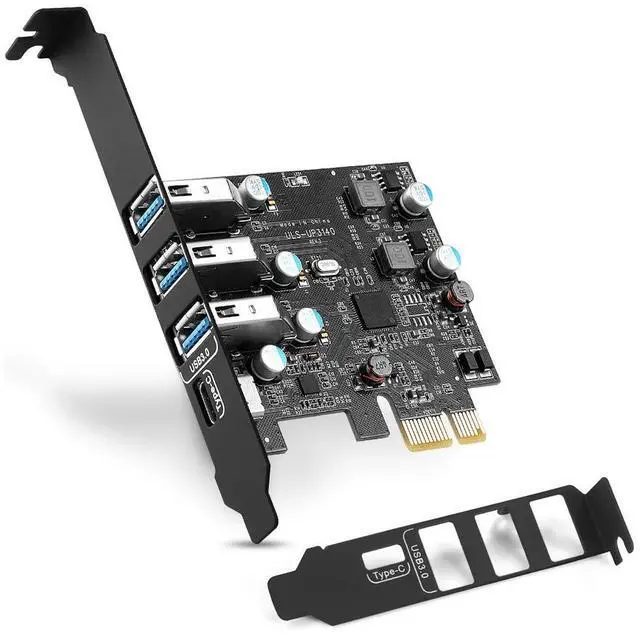
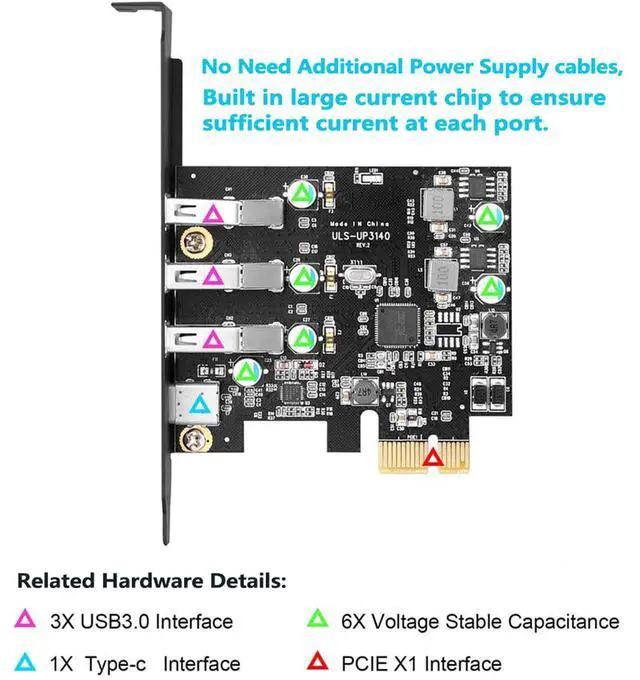
Expanded to 1-port USB 3.0 USB C, 3-port USB A downstream, compatible with USB 2.0 and 1.1 device ports of standard desktop PC
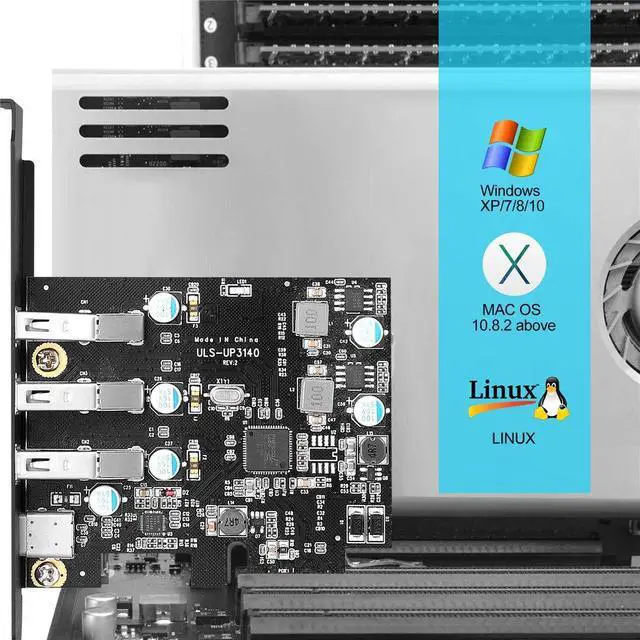
• Supported operating systems: WindowsXP, Vista and Windows 7 (driver installation required), Windows8/10/11, Mac Pro 3.1,4.1,5.1(model 2009~2020).
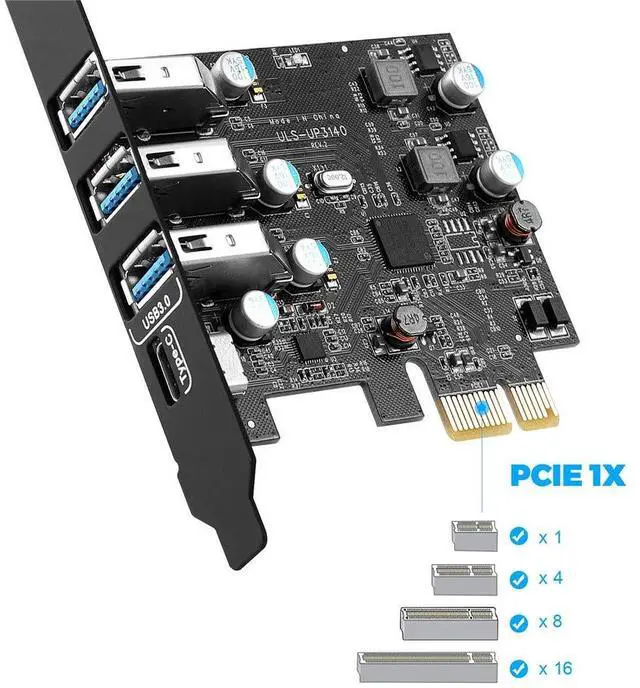
• Supported PCIE slots: X1,X4, X8, X16.
• Ports Provided: USB C *1, USB A*3.
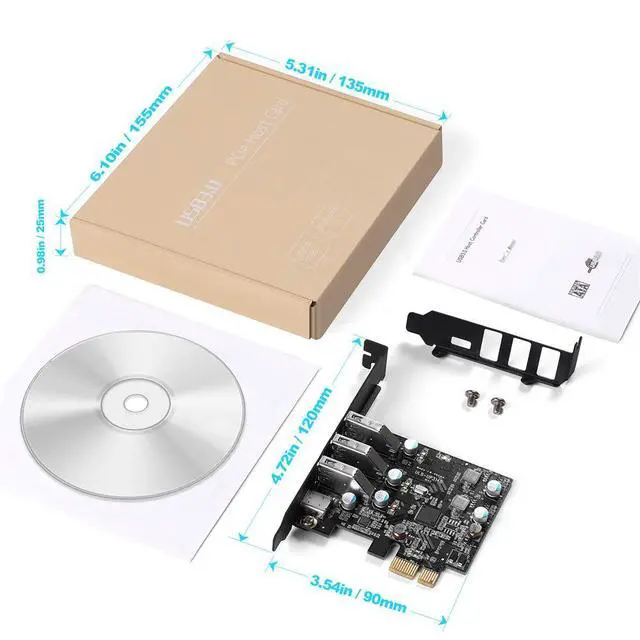
• The overall size of the usb pcie card: length 4.72 in, width 3.54 in, iron sheets high 0.71 in. First of all,check the port size of the computer case baffle, and then consider choosing a PCI card to avoid improper installation.
You can get
- PCIe USB Card
- CD Driver
- Low Profile Bracket
- Mounting Screw
- User's Manual
Advantage

5Gbps Data Transfer Speed
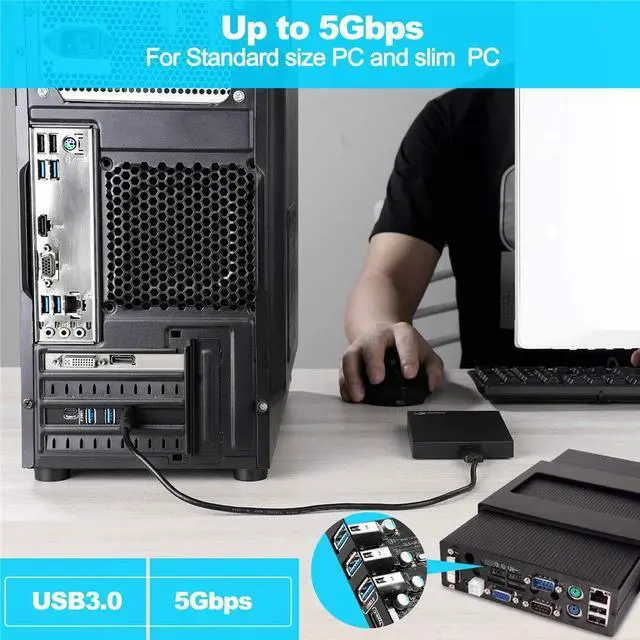
Easily add 4 USB 3.0 Super Speed ports to your device, and enjoy a data transfer rate of up to 5Gbps, 10 times faster than USB 2.0, and backward compatible with USB 2.0/1.1 devices. Access and transfer data more efficiently.

First Class Chip Components
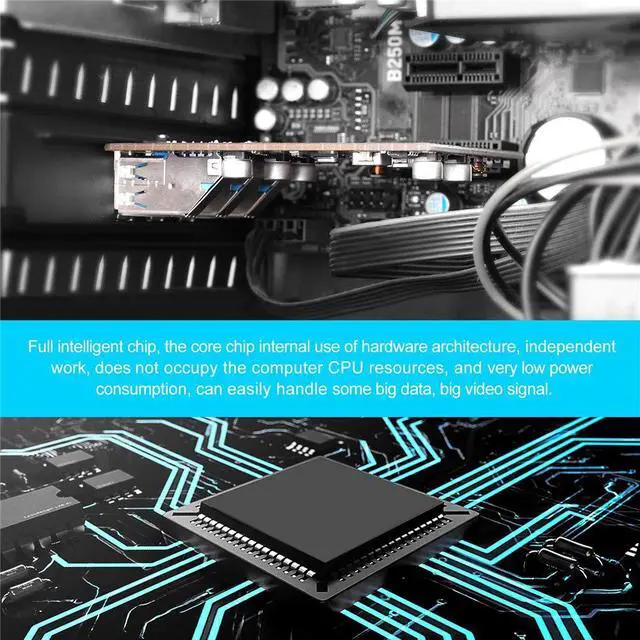
Based on the Fresco Logic 1100 high-performance chipset with more advanced technology. It can provide stable transmission and better temperature control scheme.

For Standard Size and Ultra-Thin PC
1. The standard size bracket of the standard size PC has been installed.
2. Equipped with a stand that can be used for ultra-thin PC. The user can replace it as needed.

NOTE:
1. It is not compatible with the old PCI-E.
2. Can be used forstandard chassis and small computer and server chassis, such as 1U and 2U.
3. The interface only supports the transmission of data signals, not video signals, Thunderbolt protocol, monitor.
4. To ensure the normal operation of the usb c pcie card, Please make sure that your PCI slot is functioning properly first.
5. Kinect 2 users are not recommended to use this PCIe card.
6. Dell Win 11 desktop systems are not supported.

questions and answers 1

questions and answers 2

questions and answers 3

questions and answers 4
 PCIe to USB 3.2 Gen 2 Adapter Card with 20 Gbps Bandwidth 5-Port |  YEELIYA PCI-E to Type C (2),Type A (3) |  PCI-E to USB 3.0 7-Port(2x USB-C - 5x USB-A ) |  PCI-E to USB3.0 Type C +Type A Expansion Card (PCIe Card)4 Ports | |
|---|---|---|---|---|
| Customer Reviews | — | — | — | — |
| Price | — | — | — | — no data |
| USB Ports | 5 Ports | 5 Ports | 7 Ports | 4 Ports |
| USB Max Speed | 20Gbps Bandwidth | 5Gbps | 5Gbps | 5Gbps |
| USB Standard | USB 3.2 | USB 3.0 | USB 3.0 | USB 3.0 |
| Compatible Device | USB Device | Industrial/USB Device | Industrial/USB Device | Industrial/USB Device |
| Low Profile Bracket | NO | NO | NO | NO |
| Power Supply Type | Self-Powered | Self-Powered | Self-Powered | Self-Powered |
| Compatible System | Windows XP/Vista/2008 Server/7/8/10,Mac 0s (10.8.2 above) | Windows XP/Vista/2008 Server/7/8/10,Mac 0s (10.8.2 above) | Windows XP/Vista/2008 Server/7/8/10,Mac 0s (10.8.2 above) | Windows XP, Vista,Windows 7,Windows 8/10 |

What makes our products unique?
The technical and design team has more than 8 years of experience in the field of computer accessories. Through the research of various chip solutions, all of our computer accessories use more stable chips and circuit design solutions to bring professional products and services to our customers!
Is our product quality high?
Our products are strictly quality controlled and inspected before leaving the factory. If you encounter any problems, let me know - there is no need to rush to return the product. We will solve the problem to your satisfaction!
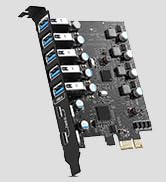
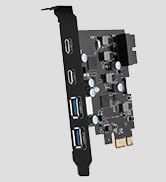
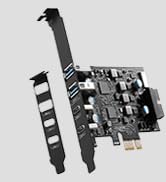
PCIE to USB Card
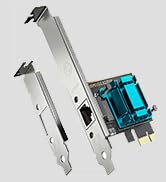
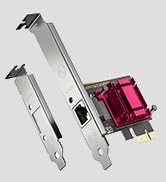
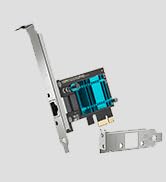
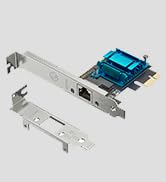
Gigabit Network Card
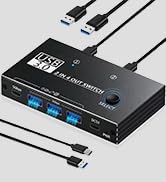
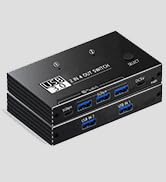
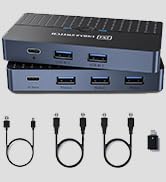
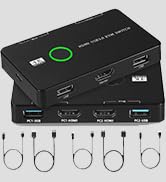
KVM USB Switch
YEELIYA PCIe USB 3.0 Card
Expanded to 1-port USB 3.0 USB C, 3-port USB A downstream, compatible with USB 2.0 and 1.1 device ports of standard desktop PC
• Supported operating systems: WindowsXP, Vista and Windows 7 (driver installation required), Windows8/10/11, Mac Pro 3.1,4.1,5.1(model 2009~2020).
• Supported PCIE slots: X1,X4, X8, X16.
• Ports Provided: USB C *1, USB A*3.
• The overall size of the usb pcie card: length 4.72 in, width 3.54 in, iron sheets high 0.71 in. First of all,check the port size of the computer case baffle, and then consider choosing a PCI card to avoid improper installation.
You can get
- PCIe USB Card
- CD Driver
- Low Profile Bracket
- Mounting Screw
- User's Manual
Advantage
5Gbps Data Transfer Speed
Easily add 4 USB 3.0 Super Speed ports to your device, and enjoy a data transfer rate of up to 5Gbps, 10 times faster than USB 2.0, and backward compatible with USB 2.0/1.1 devices. Access and transfer data more efficiently.
First Class Chip Components
Based on the Fresco Logic 1100 high-performance chipset with more advanced technology. It can provide stable transmission and better temperature control scheme.
For Standard Size and Ultra-Thin PC
1. The standard size bracket of the standard size PC has been installed.
2. Equipped with a stand that can be used for ultra-thin PC. The user can replace it as needed.
NOTE:
1. It is not compatible with the old PCI-E.
2. Can be used forstandard chassis and small computer and server chassis, such as 1U and 2U.
3. The interface only supports the transmission of data signals, not video signals, Thunderbolt protocol, monitor.
4. To ensure the normal operation of the usb c pcie card, Please make sure that your PCI slot is functioning properly first.
5. Kinect 2 users are not recommended to use this PCIe card.
6. Dell Win 11 desktop systems are not supported.
If my pcie card is not working properly, how to check it?
a. Check that all cables are correct and securely connected.
b. Make sure USB device’s power is turned on.
c. Make sure the devices are getting enough power they require.
d. Make sure there is no problem with the card installation.
After inserting the pcie express card, the computer cannot start, what should I do?
a.Turn off the computer, remove the USB PCI Express card,and try to restart the Computer.
b.Please clean PCI-E golden finger by rubber firstly, then change another PCI-E slot.
Does the pcie usb card require additional cables/power supplies? Where can I get the driver?
a. Our USB PCI-E does not need an additional power cord, because it has enough self-powered.
b. The driver can be downloaded from the CD or downloaded according to the user manual.
Which operating systems does this usb expansion card support?
For Windows XP/Vista/Server/7/8/10/11,(Win XP/Vista/Server systems require the installation of the CD driver. )
For Mac Pro 3.1,4.1,5.1(model 2009~2020).
For Linux and Ubuntu 20.04.
PCIe to USB 3.2 Gen 2 Adapter Card with 20 Gbps Bandwidth 5-Port | YEELIYA PCI-E to Type C (2),Type A (3) | PCI-E to USB 3.0 7-Port(2x USB-C - 5x USB-A ) | PCI-E to USB3.0 Type C +Type A Expansion Card (PCIe Card)4 Ports | |
|---|---|---|---|---|
| Customer Reviews | — | — | — | — |
| Price | — | — | — | — no data |
| USB Ports | 5 Ports | 5 Ports | 7 Ports | 4 Ports |
| USB Max Speed | 20Gbps Bandwidth | 5Gbps | 5Gbps | 5Gbps |
| USB Standard | USB 3.2 | USB 3.0 | USB 3.0 | USB 3.0 |
| Compatible Device | USB Device | Industrial/USB Device | Industrial/USB Device | Industrial/USB Device |
| Low Profile Bracket | NO | NO | NO | NO |
| Power Supply Type | Self-Powered | Self-Powered | Self-Powered | Self-Powered |
| Compatible System | Windows XP/Vista/2008 Server/7/8/10,Mac 0s (10.8.2 above) | Windows XP/Vista/2008 Server/7/8/10,Mac 0s (10.8.2 above) | Windows XP/Vista/2008 Server/7/8/10,Mac 0s (10.8.2 above) | Windows XP, Vista,Windows 7,Windows 8/10 |
What makes our products unique?
The technical and design team has more than 8 years of experience in the field of computer accessories. Through the research of various chip solutions, all of our computer accessories use more stable chips and circuit design solutions to bring professional products and services to our customers!
Is our product quality high?
Our products are strictly quality controlled and inspected before leaving the factory. If you encounter any problems, let me know - there is no need to rush to return the product. We will solve the problem to your satisfaction!
PCIE to USB Card
Gigabit Network Card
KVM USB Switch