





Matters for Attention
Acer SD Card Reader and USB Hub
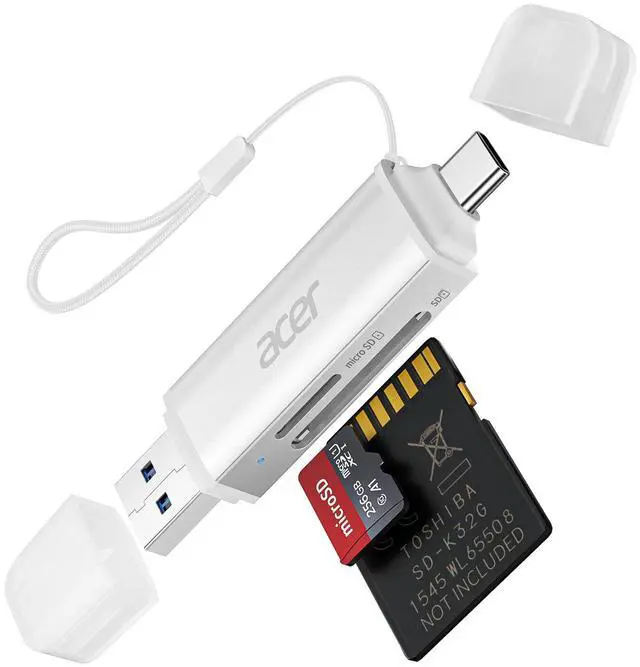
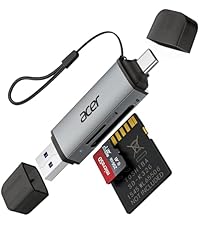 Acer 2 in1 sd card reader |  3 in 1 sd 3.0 card reader | 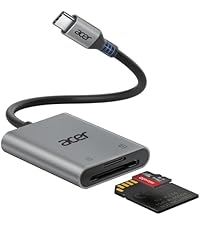 2 in 1 sd 3.0 card reader | 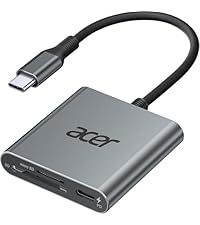 3 in1 sd 4.0 card reader |  2 in1 sd 4.0 card reader |  3 in1 usb c adapter | |
|---|---|---|---|---|---|---|
Customer Reviews | — | — | — | — | — | — |
Price | — | — | — | — | — | — |
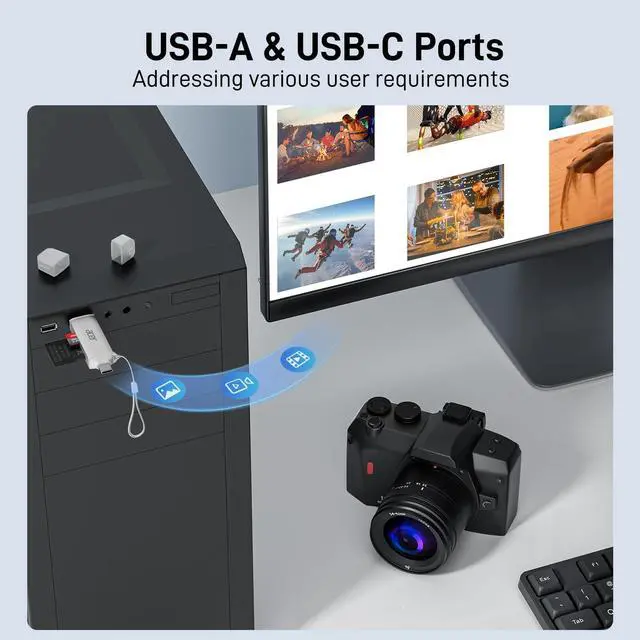
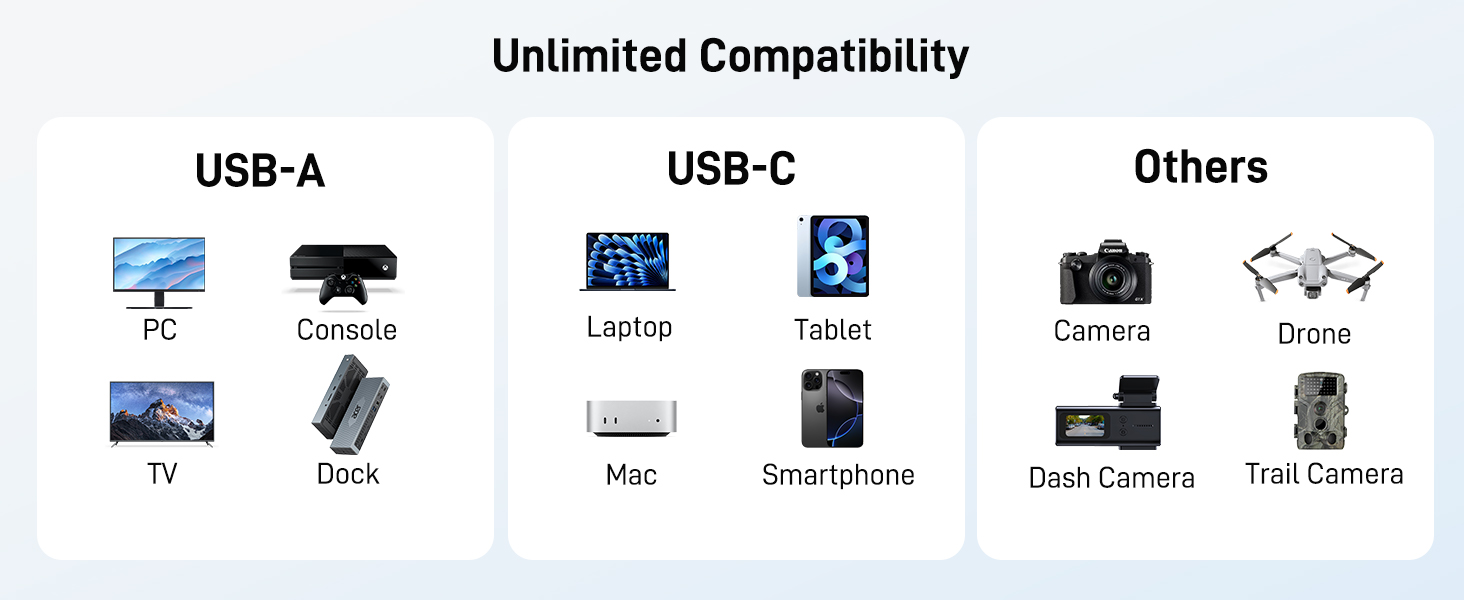
Input | USB-C & USB-A | USB-C | USB-C | USB-C | USB-C | USB-C |
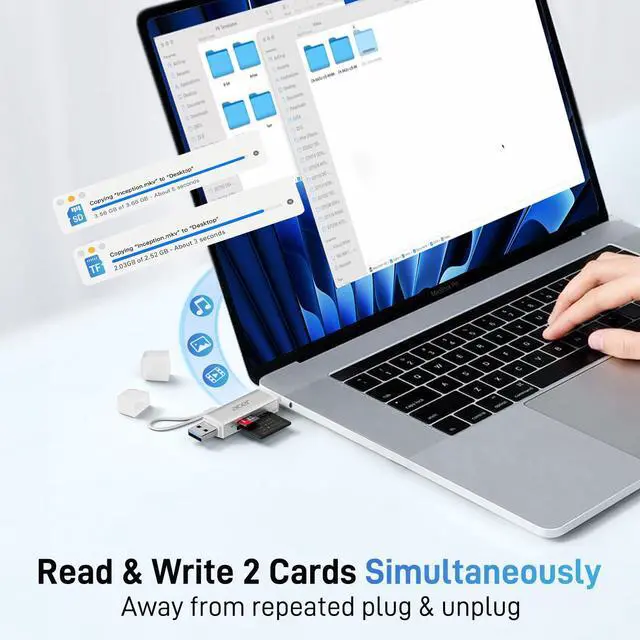
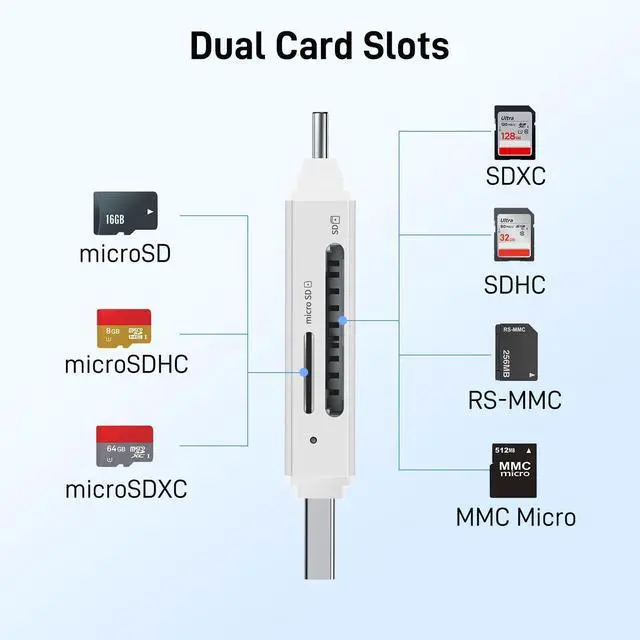
SD/TF | 1*SD+1*TF | 1*SD+1*TF | 1*SD+1*TF | 1*SD+1*TF | 1*SD+1*TF | / |
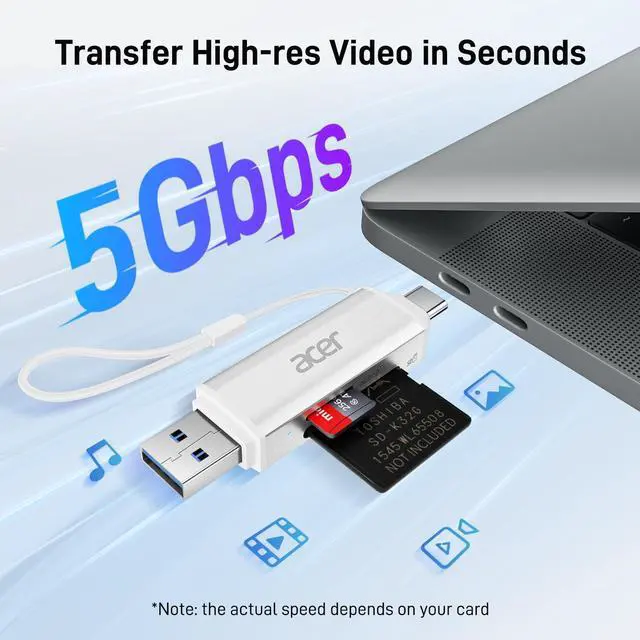
Data Transfer Rate | 104MB/S | 5Gbps | 104MB/S | 312MB/S | 312MB/S | 5Gbps |
HDMI /USB-A Port | / | USB-A | / | / | / | / |
USB-C PD Input | / | / | / | 100W | / | 100W |
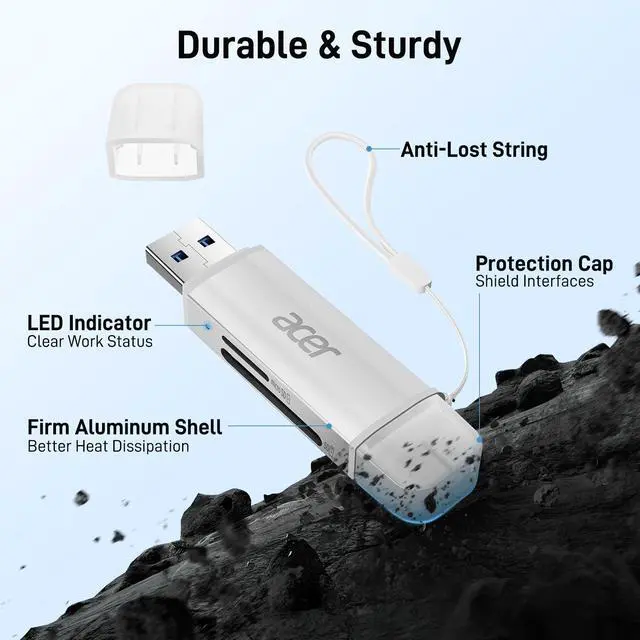
Material | Aluminum | Aluminum | Aluminum | Aluminum | Aluminum | Aluminum |



Matters for Attention
| Q1 | What to do if the card reader does not work? |
|---|---|
| - | 1. Ensure the indicator light is on, the card is properly inserted, and the metal contacts are clean. |
| - | 2.Your device must support OTG function. Enable OTG on your device and find SD card in Settings. Please refer to the manual for details. |
| - | 3. If it still does not work, you can always ask us and we will help you solve it as soon as possible. |
| Q2 | How to find files on SD Card on iPhone? |
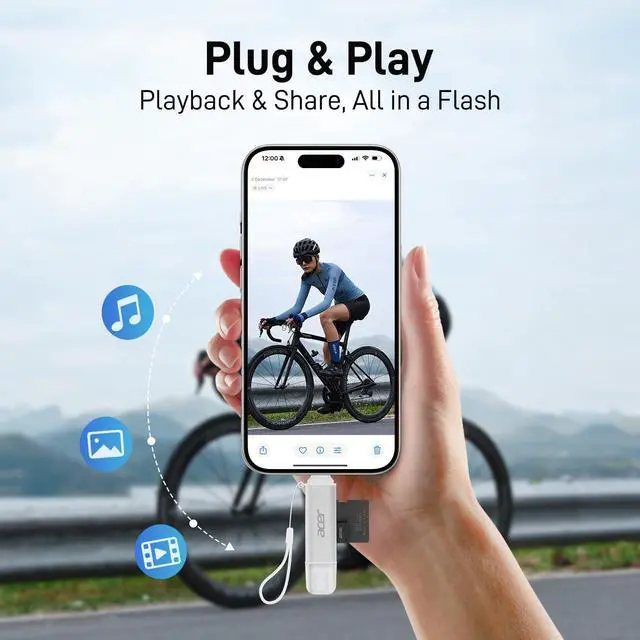
| - | Insert the SD card into the reader > plug the device card reader into thhe iPhone(TYPE-C) > click on the "FILES" app > click on iCloud Drive's "Browse" > click on Browse's D card name>Now you can view your files from your SD card on "Your SD card name" |
| Q3 | Can I use the adapter with a device that has a protective case? |
| - | If the case is too tightly wrapped, the product may not be fully inserted into the device. |
| Q4 | Data transfer speed is slow? |
| - | Data transfer rates are subject to the speed of the memory card itselfand your computer's USB ports.The SD card reader is USB 3.0 version, the theoretical of USB-A port transfer speed is 5Gbps; for micro SD/SD slot, theoretical speed is UHS-I (104MB/s). |
| Q5 | Error message when transferring files? |
| - | If you fail to transfer large files, please try to format the SD/MicroSD cards to the right format for your devices. Recommend using MS-DOS (FAT) for 32GB or smaller cards, and exFAT for 64GB cards. |
Acer SD Card Reader and USB Hub
Acer 2 in1 sd card reader | 3 in 1 sd 3.0 card reader | 2 in 1 sd 3.0 card reader | 3 in1 sd 4.0 card reader | 2 in1 sd 4.0 card reader | 3 in1 usb c adapter |
|---|---|---|---|---|---|
| Customer Reviews | |||||
| — | — | — | — | — | — |
| Price | |||||
| — | — | — | — | — | — |
| Input | |||||
| USB-C & USB-A | USB-C | USB-C | USB-C | USB-C | USB-C |
| SD/TF | |||||
| 1*SD+1*TF | 1*SD+1*TF | 1*SD+1*TF | 1*SD+1*TF | 1*SD+1*TF | / |
| Data Transfer Rate | |||||
| 104MB/S | 5Gbps | 104MB/S | 312MB/S | 312MB/S | 5Gbps |
| HDMI /USB-A Port | |||||
| / | USB-A | / | / | / | / |
| USB-C PD Input | |||||
| / | / | / | 100W | / | 100W |
| Material | |||||
| Aluminum | Aluminum | Aluminum | Aluminum | Aluminum | Aluminum |