




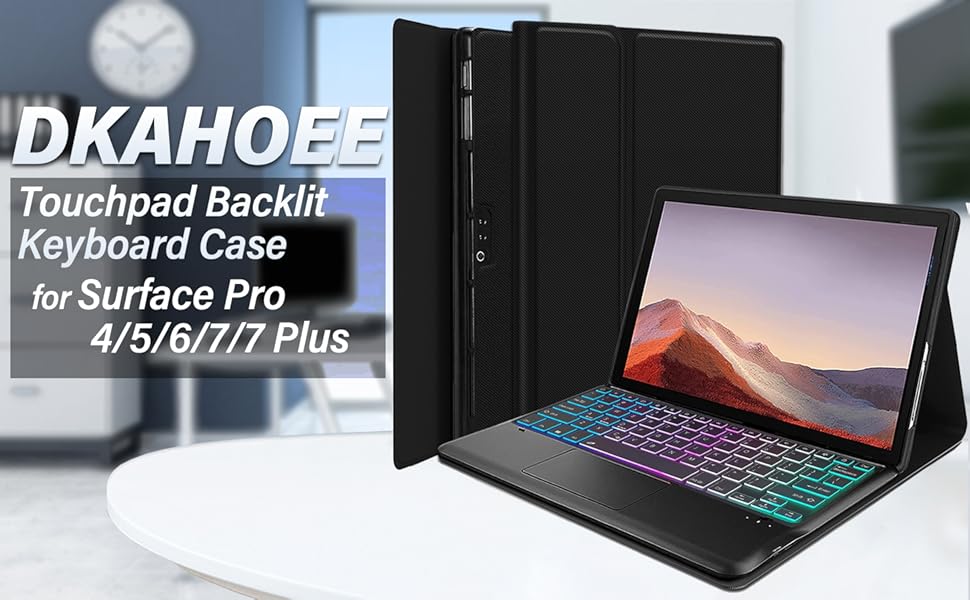
DKAHOEE 2023 Introduces this stunningly attractive and unique case
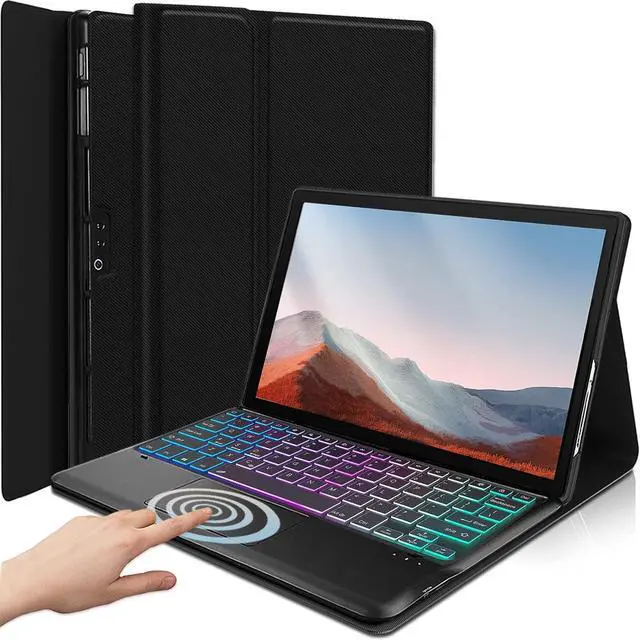
7 Colors Backlights Touchpad Keyboard
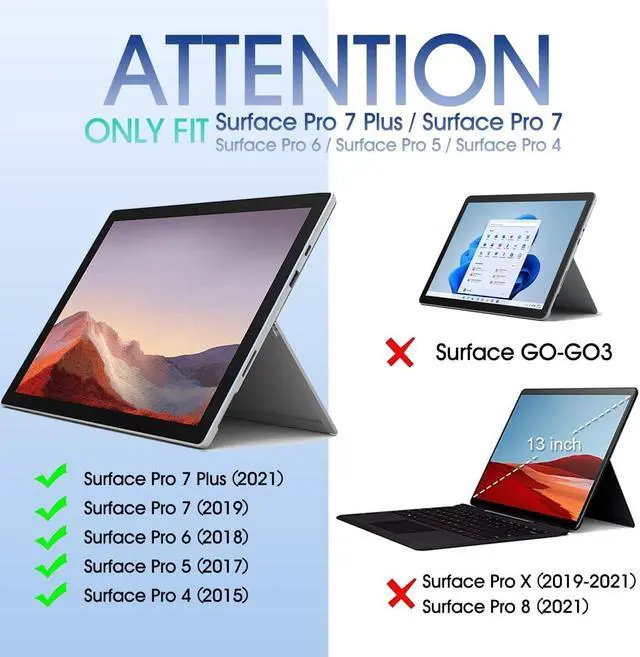
for Microsoft Surface Pro 7 Plus (2021) /Pro 7 (2019)/ Pro 6 / Pro 5th Gen (2017) / Surface Pro 4 / Pro LTE
(Please check your tablet model carefully)
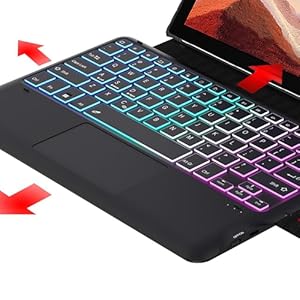
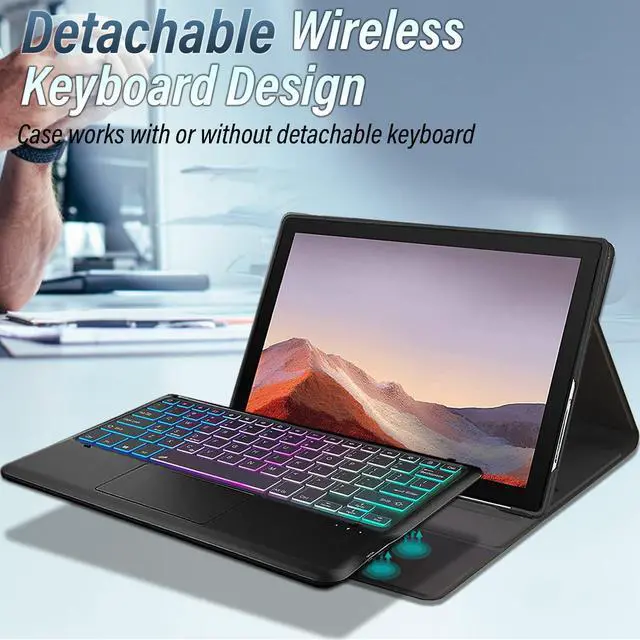
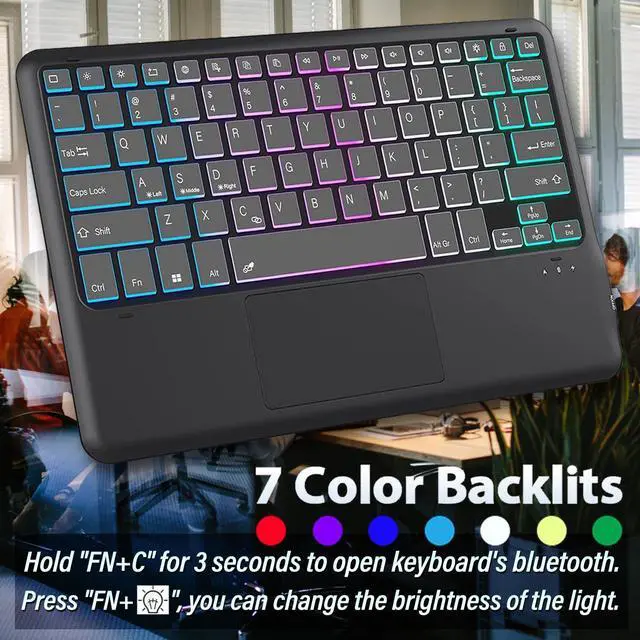
Detachable & Backlit Keyboard
Comes with magnetic, removeable, slim and lightweight wireless keyboard. This detachable wireless keyboard provides you with the ultimate convenience.
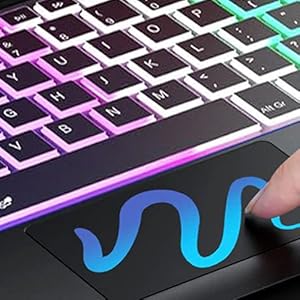
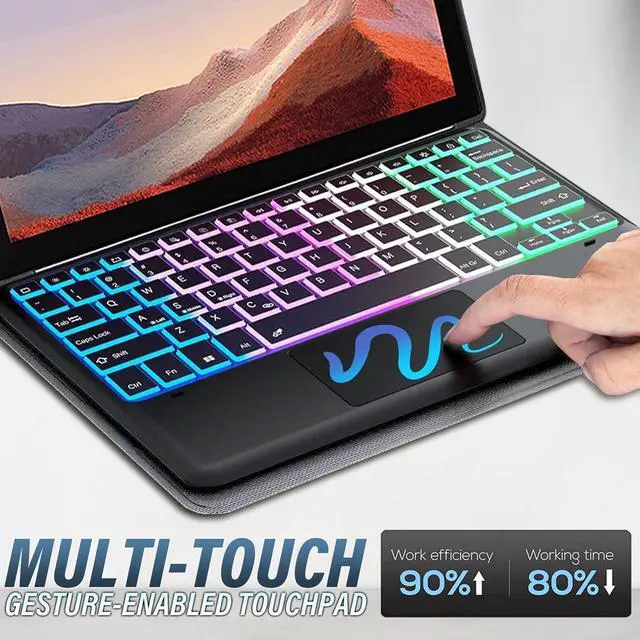
Multi-Touch Trackpad
Multi-touch trackpad that perfectly adapts to the tablet, with various trackpad gestures, providing a comfortable usage experience while clicking, scrolling, and swiping through content effortlessly.
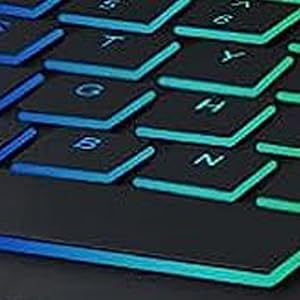
Fast Response Keyboard
A spring mechanism underneath each key ensures a tactile response with every stroke, helping you to input faster and with less error than on the touchscreen keyboard of the galaxy tablet.
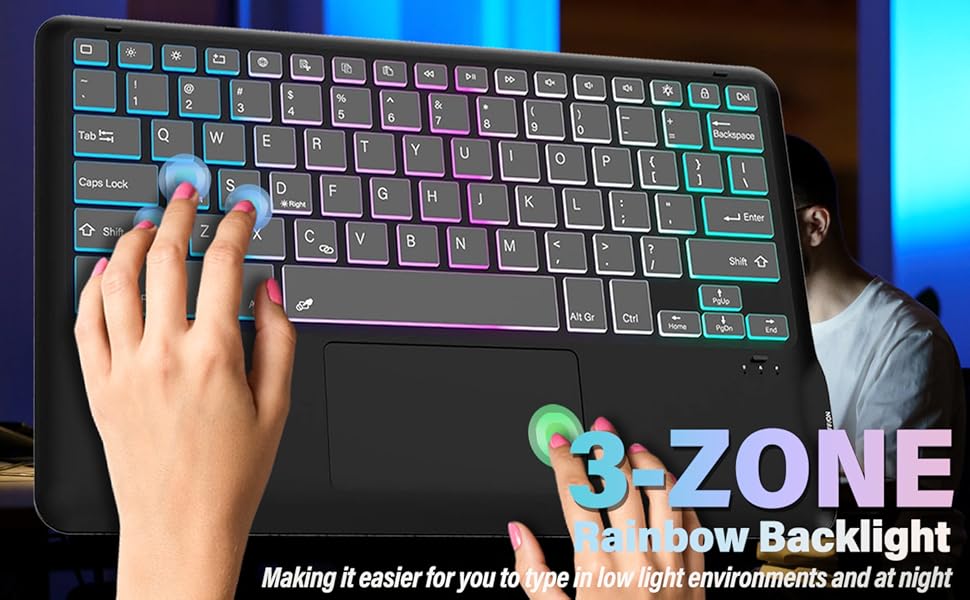
How to connect the keyboard with the tablet?
Please connect the Bluetooth keyboard according to the tutorial prompt.
- Please fully charge the keyboard and turn it on, the light comes on and then goes off.
- Press and hold "FN+C" for 3 seconds to open keyboard's bluetooth.
- Go to your tablet settings, click on bluetooth and look for the keyboard.
- Click on the keyboard and it will connect.
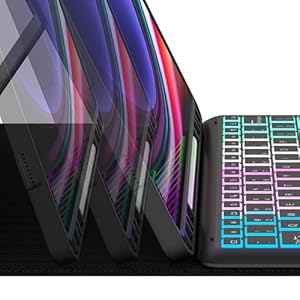
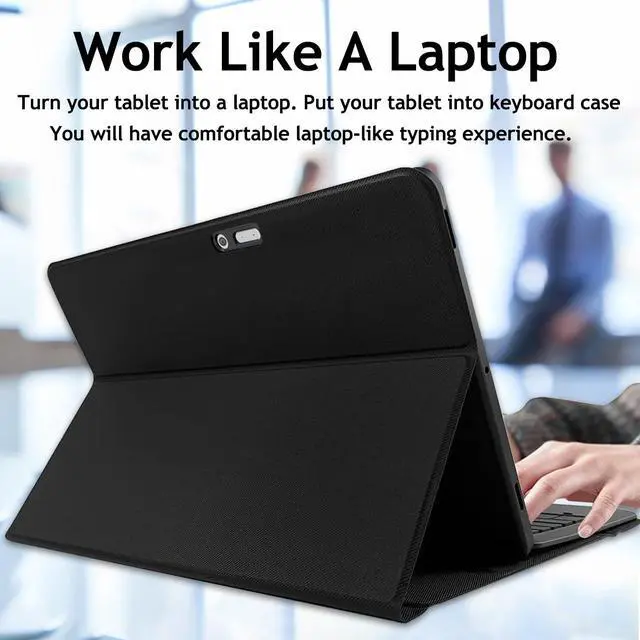
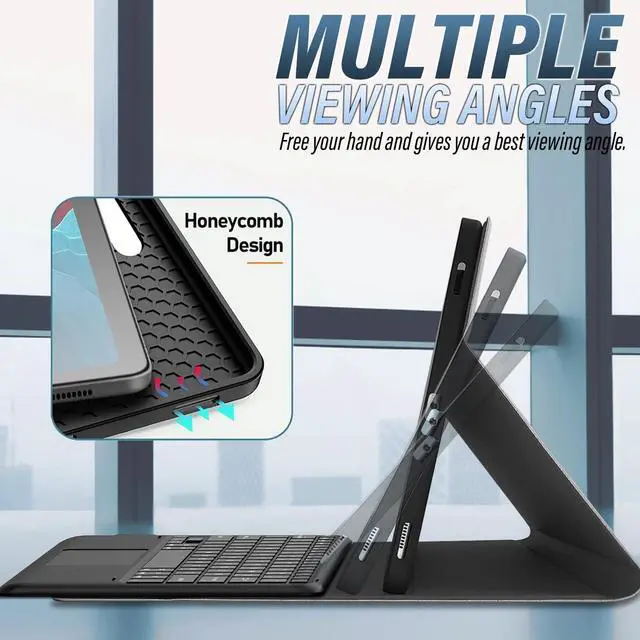
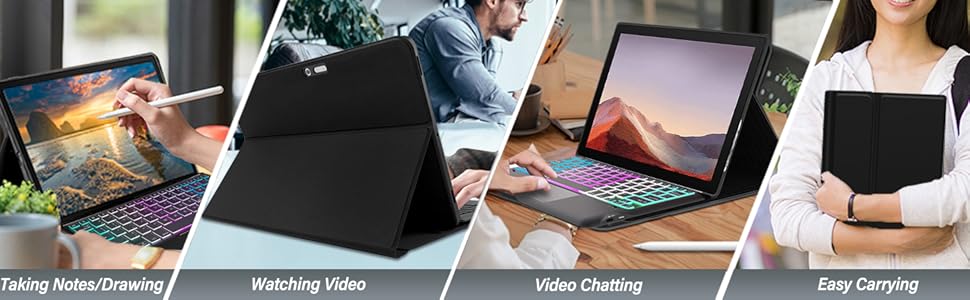
Multiple Viewing Angles

Easy to Carry

Well-Protect Case
DKAHOEE 2023 Introduces this stunningly attractive and unique case
7 Colors Backlights Touchpad Keyboard
for Microsoft Surface Pro 7 Plus (2021) /Pro 7 (2019)/ Pro 6 / Pro 5th Gen (2017) / Surface Pro 4 / Pro LTE
(Please check your tablet model carefully)
Detachable & Backlit Keyboard
Comes with magnetic, removeable, slim and lightweight wireless keyboard. This detachable wireless keyboard provides you with the ultimate convenience.
Multi-Touch Trackpad
Multi-touch trackpad that perfectly adapts to the tablet, with various trackpad gestures, providing a comfortable usage experience while clicking, scrolling, and swiping through content effortlessly.
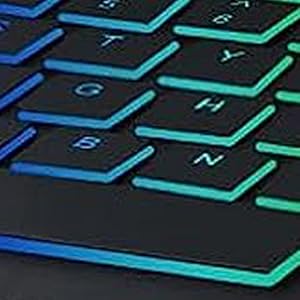
Fast Response Keyboard
A spring mechanism underneath each key ensures a tactile response with every stroke, helping you to input faster and with less error than on the touchscreen keyboard of the galaxy tablet.
How to connect the keyboard with the tablet?
Please connect the Bluetooth keyboard according to the tutorial prompt.
- Please fully charge the keyboard and turn it on, the light comes on and then goes off.
- Press and hold "FN+C" for 3 seconds to open keyboard's bluetooth.
- Go to your tablet settings, click on bluetooth and look for the keyboard.
- Click on the keyboard and it will connect.
Multiple Viewing Angles
Easy to Carry
Well-Protect Case