





Nanhent 2025 Introduces this stunningly attractive and unique Keyboard case.
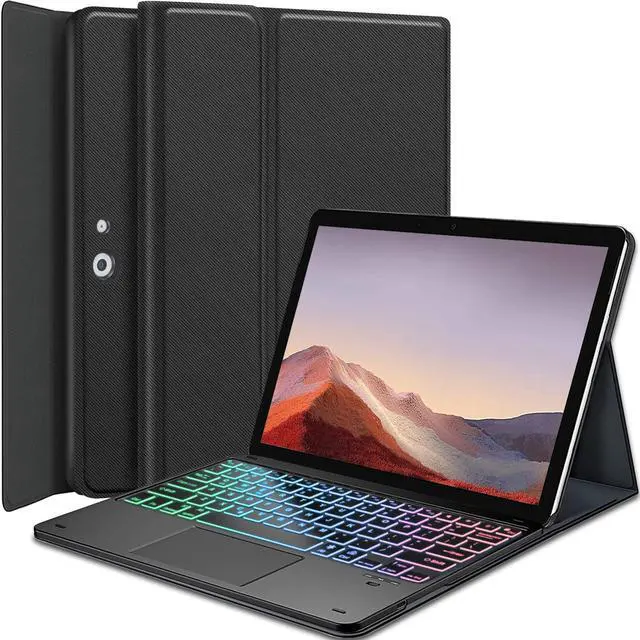
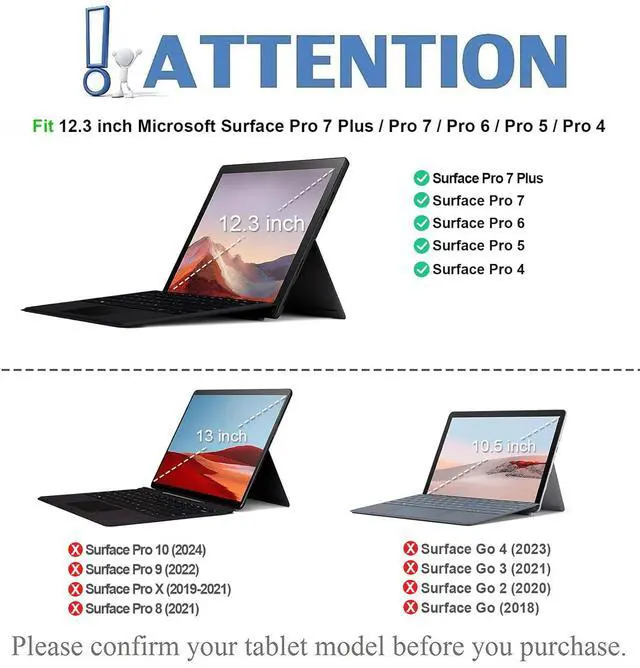
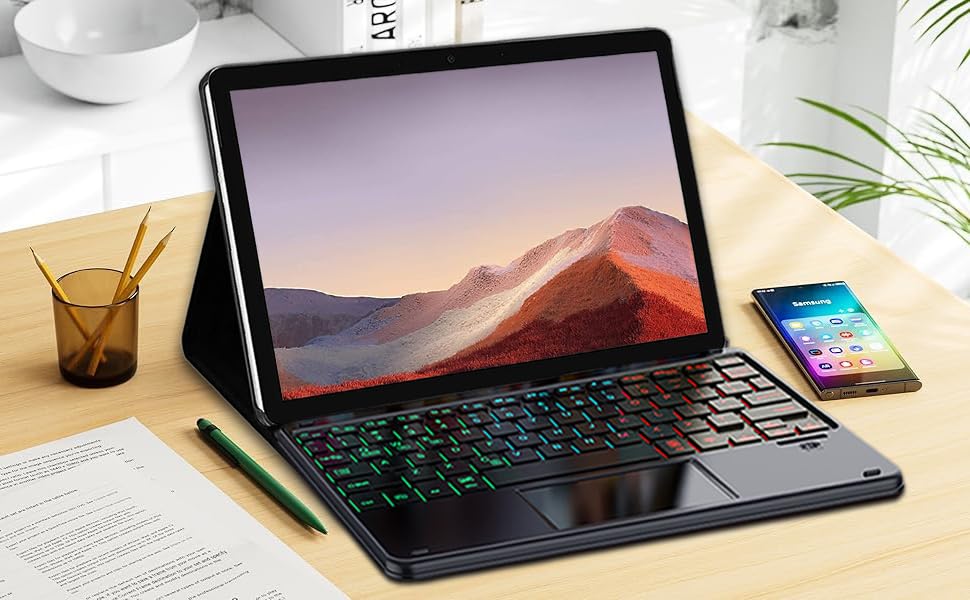
7 Colors Rainbow Backlights Touchpad Keyboard Case for 12.3" Microsoft Surface Pro 7+/Pro 7/Pro 6/Pro 5/Pro 4 tablet. NOT for other Surface tablet model.
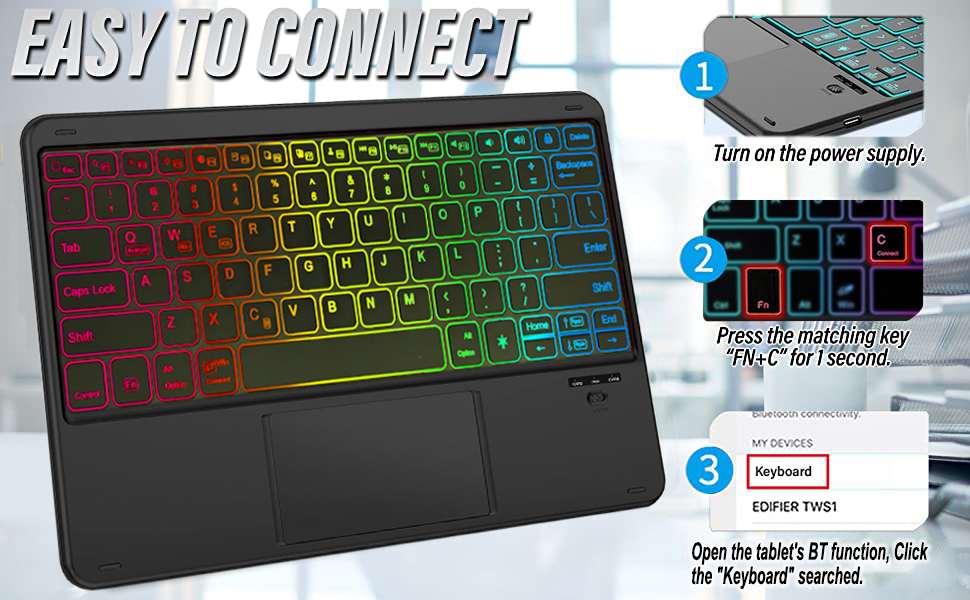
How to connect the keyboard with the tablet?
- 1. Dial ON/OFF button on right direction for opening keyboard, press "FN+C" for 1 seconds into wireless matching condition.(Press "Fn+C" to disconnect after successful connection.)
- 2. Open Bluetooth on device, search keyboard name "Keyboard" for matching device to keyboard.
- 3. Click the "Keyboard" to connect, finish.
- 4. Press Fn+Q/W/E to switch to the corresponding operating system, e.g., Fn+W(Win) to switch to Windows input system.
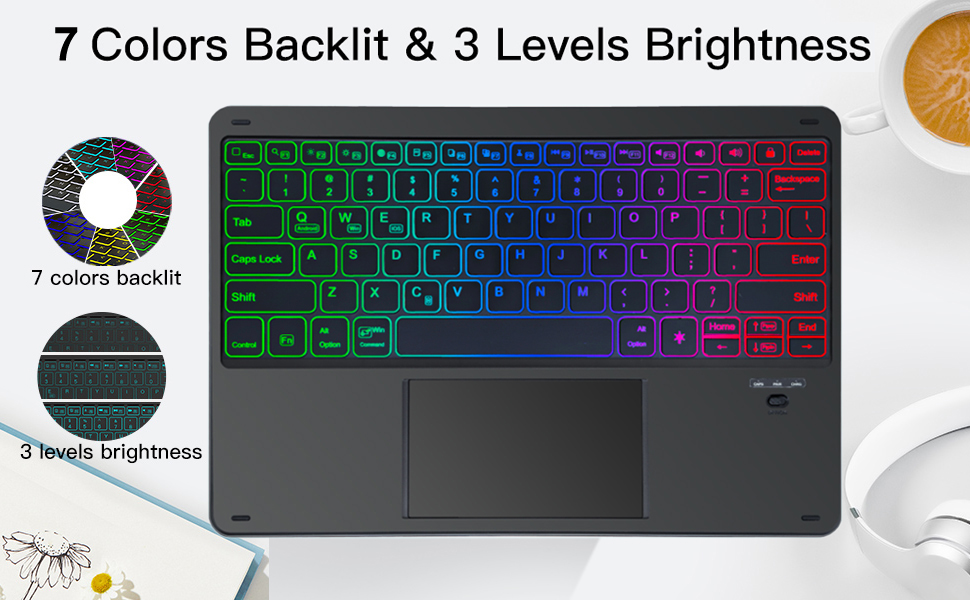
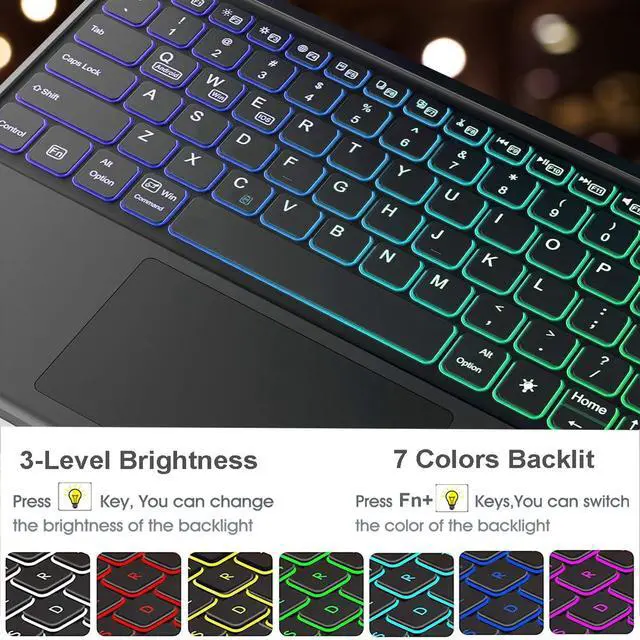
3-Zone Rainbow Backlight Touchpad Keyboard with 3 Levels of Adjustable Brightness
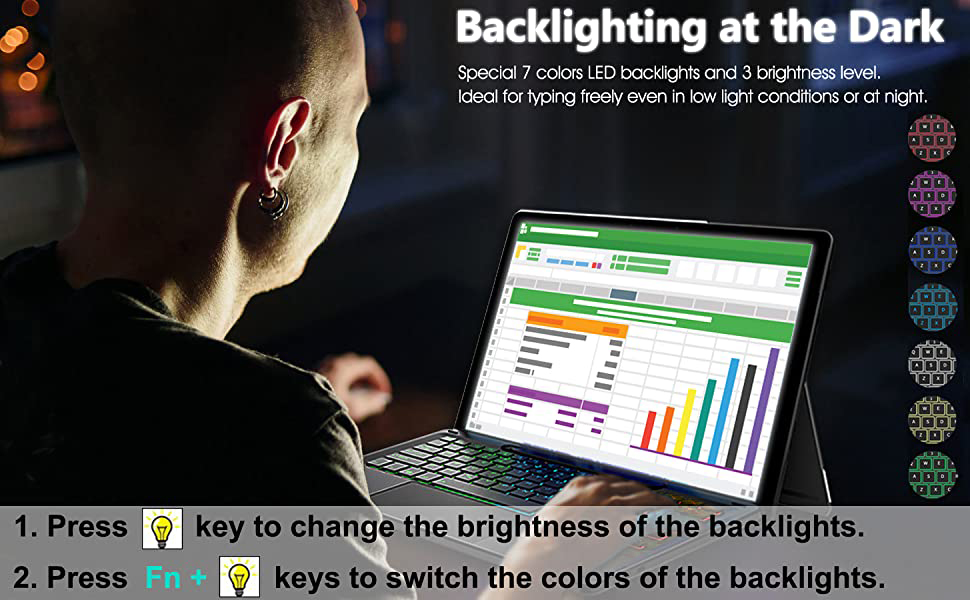
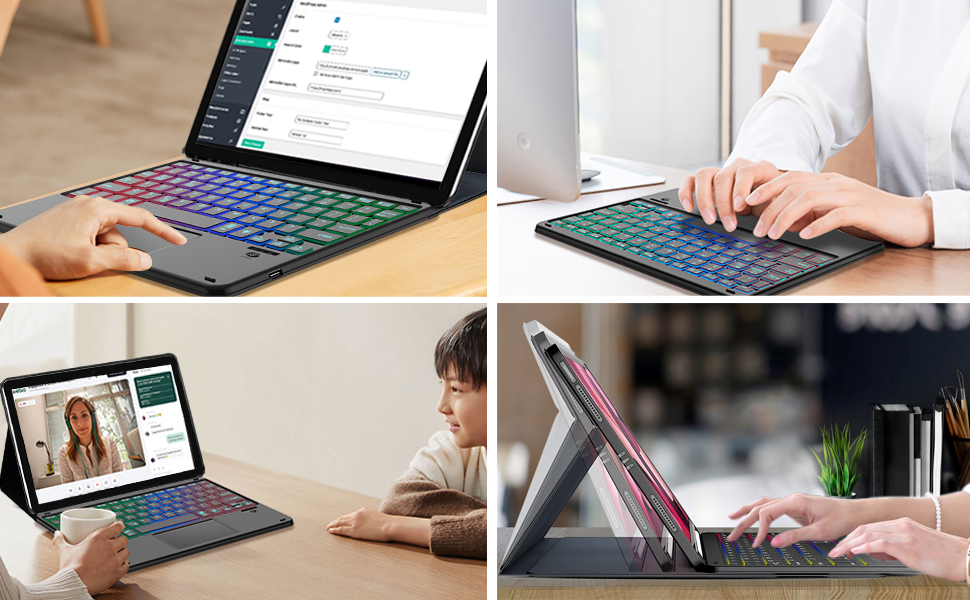
7 adjustable backlight colors, 3 levels of adjustable brightness. The backlit keyboard can be used in the dark, providing a comfortable typing experience.

Fast Response Keyboard
A spring mechanism underneath each key ensures a tactile response with every stroke, helping you to input faster and with less error than on the touchscreen keyboard of the tablet.
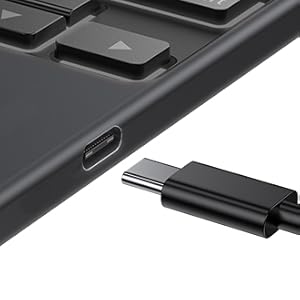
Type C Rechargeable Port
With USB C charging cable. Packing List:1 * rechargeable Touchpad Backlit Keyboard, 1 * Tablet Case, 1 * USB Charging Cable for Keyboard,1 * User Manual.

Portable and Full Protection
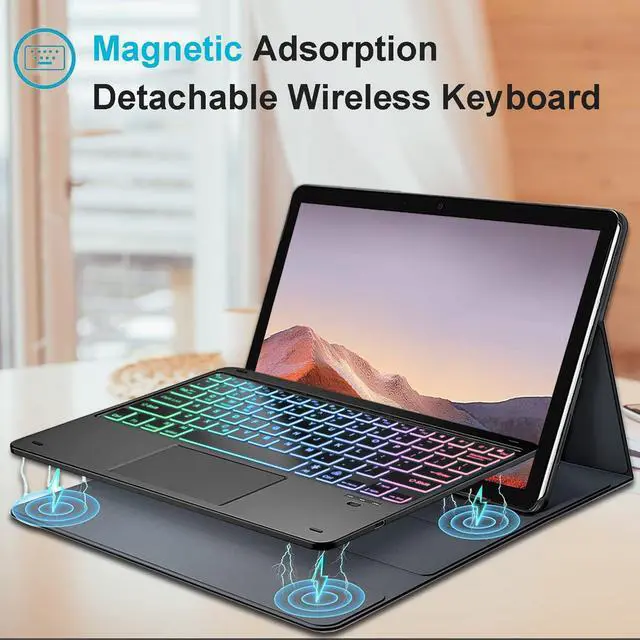
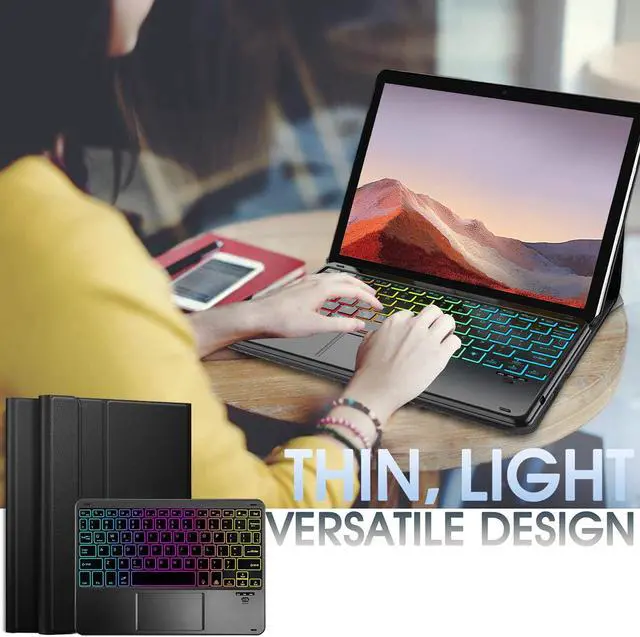
PU leather stand cover provides dual protection provides full protection for your tablet from dust, drop, and bumps in daily use.
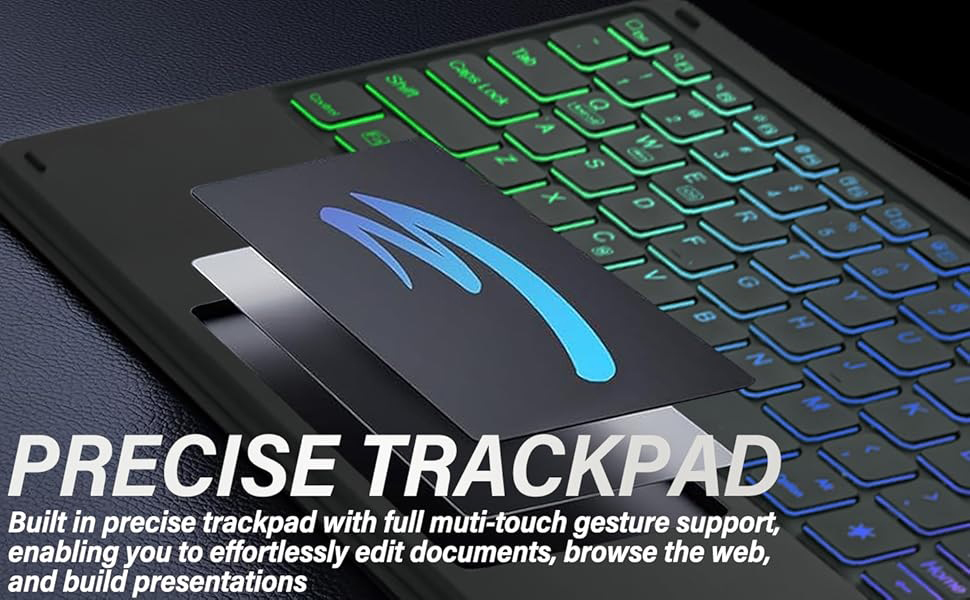
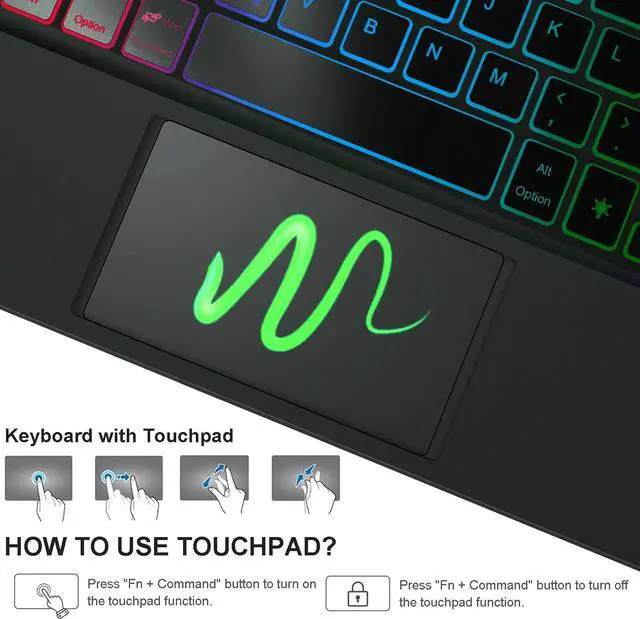
Navigate the tablet in a whole new way with multi-gesture controls that redefine productivity; edit documents, browse the web and build presentations with unparalleled speed.
Nanhent 2025 Introduces this stunningly attractive and unique Keyboard case.
7 Colors Rainbow Backlights Touchpad Keyboard Case for 12.3" Microsoft Surface Pro 7+/Pro 7/Pro 6/Pro 5/Pro 4 tablet. NOT for other Surface tablet model.
How to connect the keyboard with the tablet?
- 1. Dial ON/OFF button on right direction for opening keyboard, press "FN+C" for 1 seconds into wireless matching condition.(Press "Fn+C" to disconnect after successful connection.)
- 2. Open Bluetooth on device, search keyboard name "Keyboard" for matching device to keyboard.
- 3. Click the "Keyboard" to connect, finish.
- 4. Press Fn+Q/W/E to switch to the corresponding operating system, e.g., Fn+W(Win) to switch to Windows input system.
3-Zone Rainbow Backlight Touchpad Keyboard with 3 Levels of Adjustable Brightness
7 adjustable backlight colors, 3 levels of adjustable brightness. The backlit keyboard can be used in the dark, providing a comfortable typing experience.
Fast Response Keyboard
A spring mechanism underneath each key ensures a tactile response with every stroke, helping you to input faster and with less error than on the touchscreen keyboard of the tablet.
Type C Rechargeable Port
With USB C charging cable. Packing List:1 * rechargeable Touchpad Backlit Keyboard, 1 * Tablet Case, 1 * USB Charging Cable for Keyboard,1 * User Manual.
Portable and Full Protection
PU leather stand cover provides dual protection provides full protection for your tablet from dust, drop, and bumps in daily use.
Navigate the tablet in a whole new way with multi-gesture controls that redefine productivity; edit documents, browse the web and build presentations with unparalleled speed.