



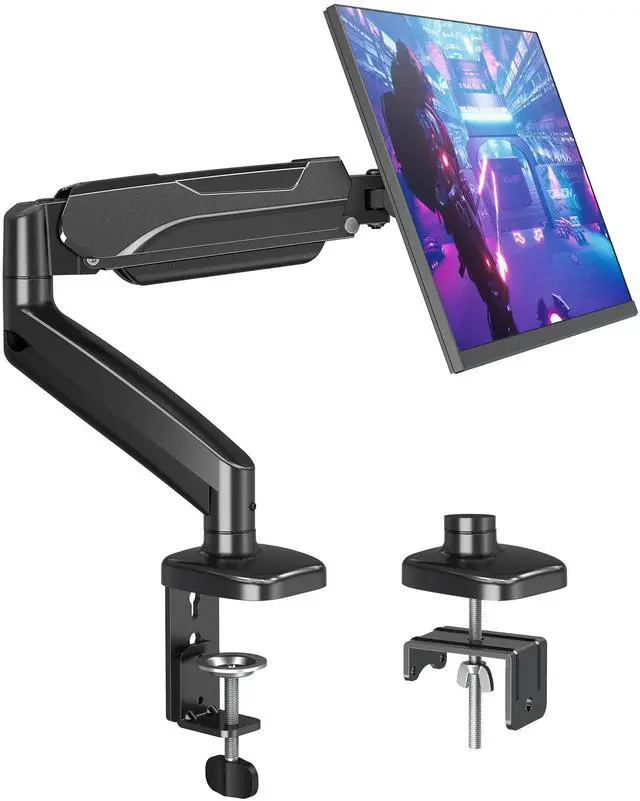


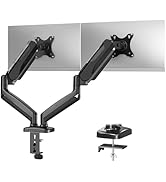
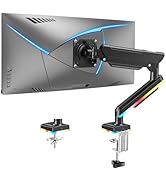
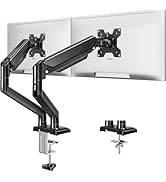
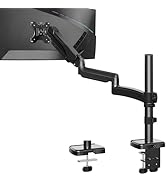
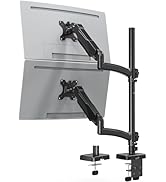
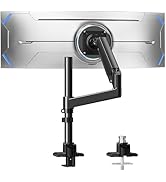
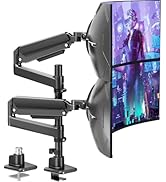
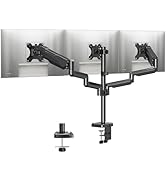
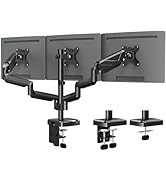
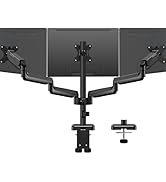
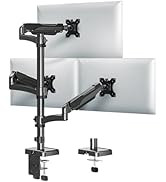
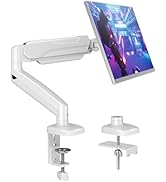
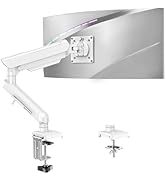
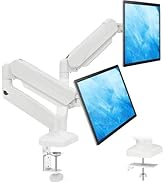
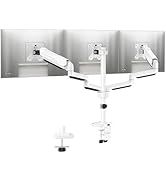
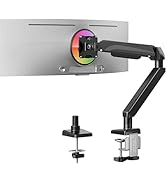
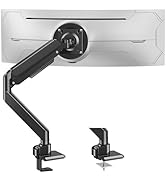
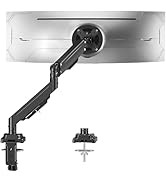
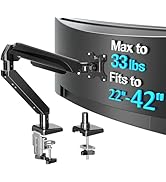
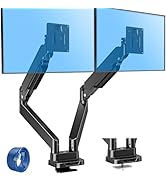
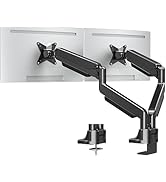
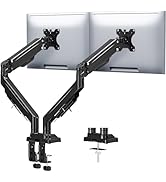
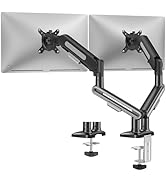
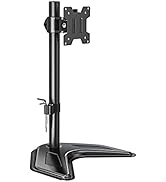
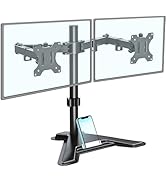
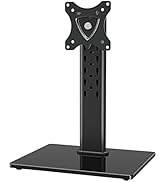
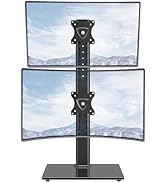
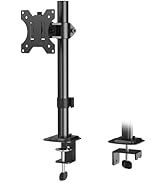
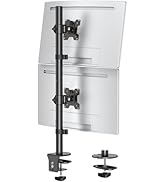
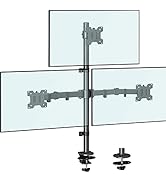
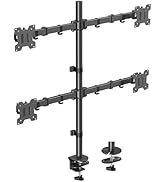
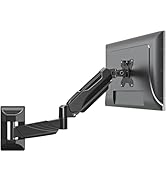
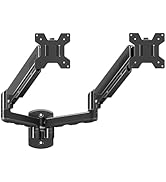
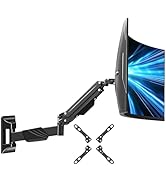
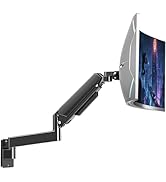
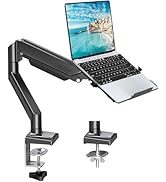
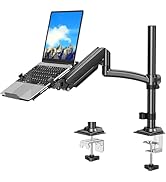
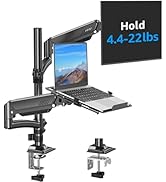
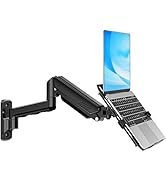
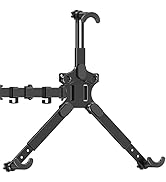
MOUNTUP monitor arm for 22 24 27 32 inch monitors
Merchant VideoWhy MOUNTUP?
MOUNTUP focuses on delivering stylish mounts & stands, such as kinds of ergonomic monitor arms and laptop mounts that eliminate the distractions and discomfort of outdated workspaces and increase efficiency and productivity. Backed by MOUNTUP's 10yr support for added peace of mind.


Choose the right one
Additional Checklist For Special Desks
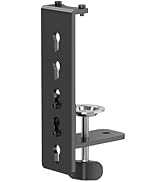
1. Desk with underframe: Ensure the contact surface width between the clip plate and metal rim is greater than or equal to 50mm(1.97").
2. Desk with side panel: Ensure the distance between the desktop edge and the side panel is greater than or equal to 60mm(2.37").
3. Desk with back panel: Ensure the depth between the desktop and back panel is greater than or equal to 100mm( 3.94").
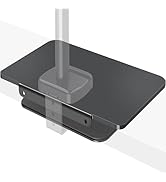
For tempered glass desks, we recommend MU1003 or MU0023.

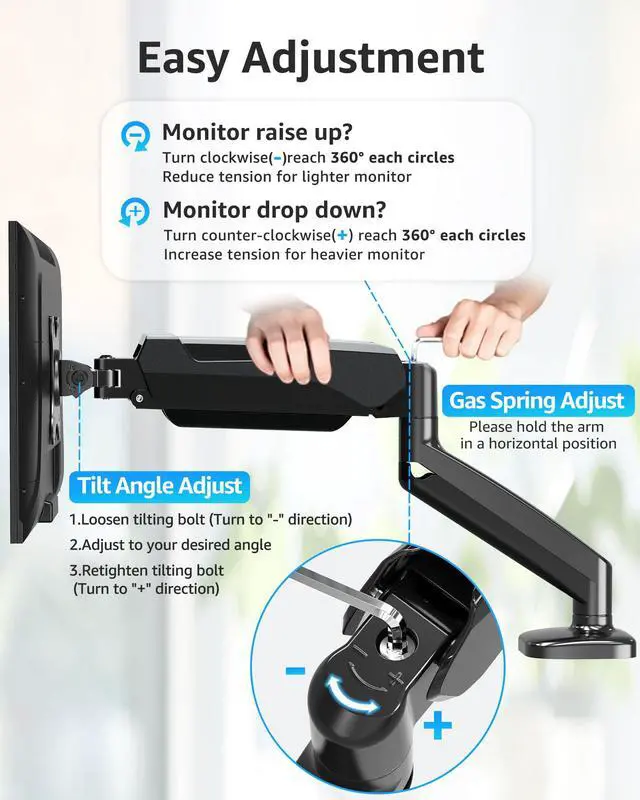
How to Adjust Gas Spring Tension Arm?

- Adjust tension WITH monitor mounted. Then, Find tension bolt under yellow sticker.
- Turn counterclockwise to increase tension.
- For heavier monitors (12–17.6 lbs), may need 11+ full rotations.
- Test every 2–3 turns until arm holds desired height.
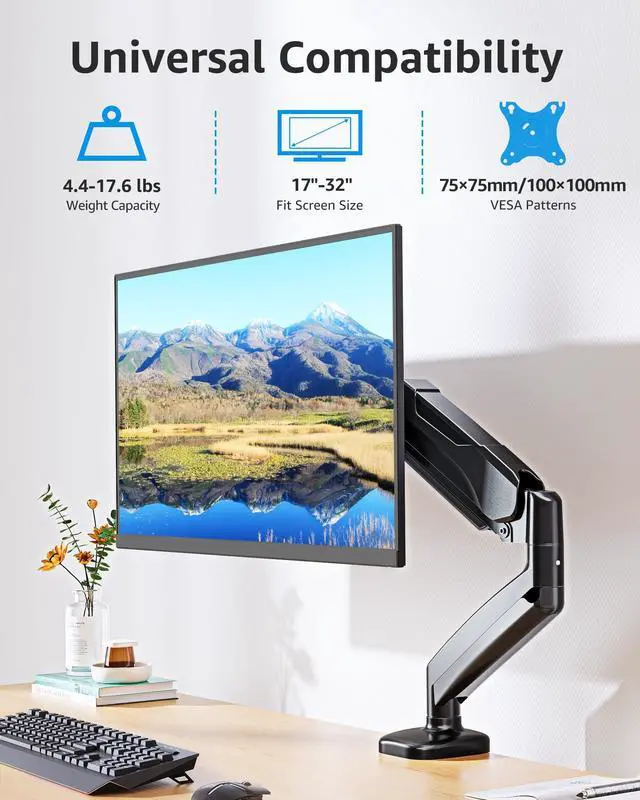
Will this work with my 32 inch monitor?
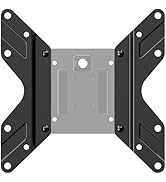
Yes, the MOUNTUP Single Monitor Desk Mount is officially compatible with 32-inch monitors up to 17.6 lbs with VESA 75x75mm or 100x100mm mounting patterns.
How to adjust the tilt angle?
1. Loosen the tilt bolt on the right side of the arm using the included hex key;
2. Tilt your monitor to your desired angle;
3.Tighten the bolt firmly while the monitor is in position;
4.Test the angle by gently moving it—it should stay in place.
Does MOUNTUP monitor arm with full motion?
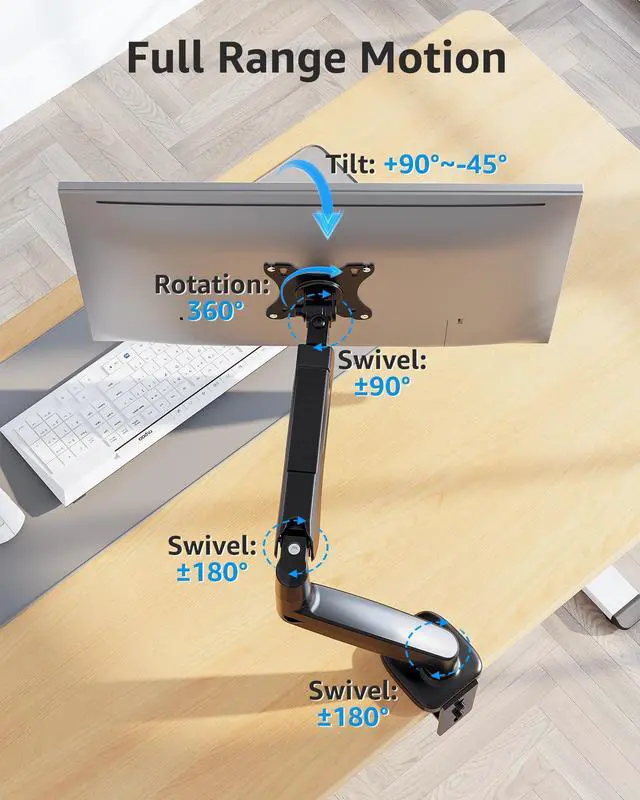
Yes, the MOUNTUP Monitor Mount is a full motion monitor arm! It offers complete articulation capabilities; 360° rotation landscape to portrait orientation, 180° swivel, -45° to +90° tilt, height adjustable up to 16.3" with 19.27" extension reach.
How high does this monitor arm go? Is it good for standing desks?
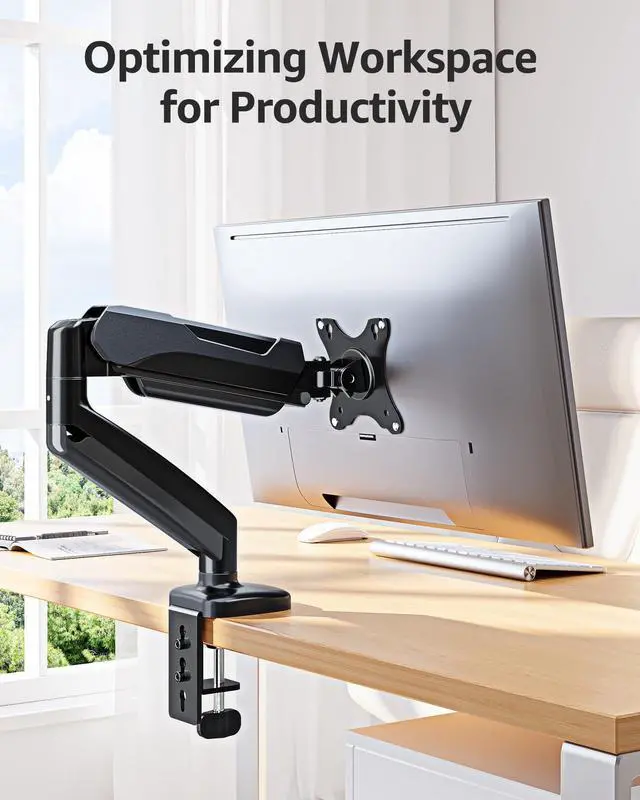
It lifts the monitor center up to 16.5 inch high, extending 19.6 inches forward. Great for standard desk and adds flexibility to height-adjustable standing desk. If you need over 16.5 inches height, consider a taller pole-style mount, Model MU6021B.
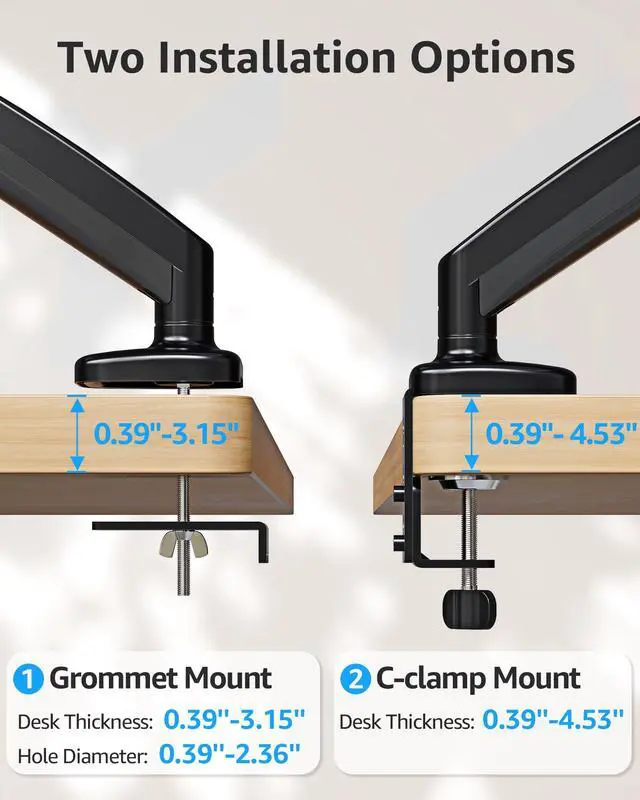
What if your desk is thicker than 4.53 inches?
If your desk thickness exceeds 4.53 inches, we recommend purchasing the MOUNTUP Extended C-Clamp 6 inches (Model: PA121).
Single vs Dual vs Triple
 MU0004 |  MU6021B | 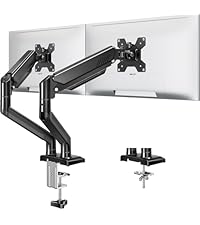 MU8014B |  MU0005 |  MU0006 |  MU8004 |  MU9010 | |
|---|---|---|---|---|---|---|---|
Customer Reviews | — | — | — | — | — | — | — |
Price | — | — | — | — | — | — | — |
Style | Single Monitor Arm | Tall Monitor Arm | Dual Monitor Stand | Dual Monitor Stand | Triple Monitor Stand | Triple Monitor Stand | VESA Extender Adapter |
Max Height | 16.5‘’ | 28.5'' | 17.3‘’ | 16.5'' | 15.5‘’ | 15.5'' | / |
Fit Screen Size | 17"-32" | 22"-32'' | 22"-32'' | 17"-32" | 17"-27" | 17"-32'' | 17"-35" |
Load Per Arm | 4.4-17.6lbs | 4.4-19.8lbs | 4.4-22lbs | 4.4-17.6lbs | 4.4-17.6lbs | 4.4-19.8lbs | / |
Fit VESA Pattern | 75x75mm&100x100mm | 75x75mm&100x100mm | 75x75mm&100x100mm | 75x75mm&100x100mm | 75x75mm&100x100mm | 75x75mm&100x100mm | 200x200mm&200x100mm |
Grommet Mount | ? | ? | ? | ? | ? | ? | ? |
C-Clamp Mount | ? | ? | ? | ? | ? | ? | ? |
MOUNTUP monitor arm for 22 24 27 32 inch monitors
Merchant VideoWhy MOUNTUP?
MOUNTUP focuses on delivering stylish mounts & stands, such as kinds of ergonomic monitor arms and laptop mounts that eliminate the distractions and discomfort of outdated workspaces and increase efficiency and productivity. Backed by MOUNTUP's 10yr support for added peace of mind.


Choose the right one
Additional Checklist For Special Desks
1. Desk with underframe: Ensure the contact surface width between the clip plate and metal rim is greater than or equal to 50mm(1.97").
2. Desk with side panel: Ensure the distance between the desktop edge and the side panel is greater than or equal to 60mm(2.37").
3. Desk with back panel: Ensure the depth between the desktop and back panel is greater than or equal to 100mm( 3.94").
For tempered glass desks, we recommend MU1003 or MU0023.
How to Adjust Gas Spring Tension Arm?

- Adjust tension WITH monitor mounted. Then, Find tension bolt under yellow sticker.
- Turn counterclockwise to increase tension.
- For heavier monitors (12–17.6 lbs), may need 11+ full rotations.
- Test every 2–3 turns until arm holds desired height.
Will this work with my 32 inch monitor?
Yes, the MOUNTUP Single Monitor Desk Mount is officially compatible with 32-inch monitors up to 17.6 lbs with VESA 75x75mm or 100x100mm mounting patterns.
How to adjust the tilt angle?
1. Loosen the tilt bolt on the right side of the arm using the included hex key;
2. Tilt your monitor to your desired angle;
3.Tighten the bolt firmly while the monitor is in position;
4.Test the angle by gently moving it—it should stay in place.
Does MOUNTUP monitor arm with full motion?
Yes, the MOUNTUP Monitor Mount is a full motion monitor arm! It offers complete articulation capabilities; 360° rotation landscape to portrait orientation, 180° swivel, -45° to +90° tilt, height adjustable up to 16.3" with 19.27" extension reach.
How high does this monitor arm go? Is it good for standing desks?
It lifts the monitor center up to 16.5 inch high, extending 19.6 inches forward. Great for standard desk and adds flexibility to height-adjustable standing desk. If you need over 16.5 inches height, consider a taller pole-style mount, Model MU6021B.
What if your desk is thicker than 4.53 inches?
If your desk thickness exceeds 4.53 inches, we recommend purchasing the MOUNTUP Extended C-Clamp 6 inches (Model: PA121).
Single vs Dual vs Triple
MU0004 | MU6021B | MU8014B | MU0005 | MU0006 | MU8004 | MU9010 |
|---|---|---|---|---|---|---|
| Customer Reviews | ||||||
| — | — | — | — | — | — | — |
| Price | ||||||
| — | — | — | — | — | — | — |
| Style | ||||||
| Single Monitor Arm | Tall Monitor Arm | Dual Monitor Stand | Dual Monitor Stand | Triple Monitor Stand | Triple Monitor Stand | VESA Extender Adapter |
| Max Height | ||||||
| 16.5‘’ | 28.5'' | 17.3‘’ | 16.5'' | 15.5‘’ | 15.5'' | / |
| Fit Screen Size | ||||||
| 17"-32" | 22"-32'' | 22"-32'' | 17"-32" | 17"-27" | 17"-32'' | 17"-35" |
| Load Per Arm | ||||||
| 4.4-17.6lbs | 4.4-19.8lbs | 4.4-22lbs | 4.4-17.6lbs | 4.4-17.6lbs | 4.4-19.8lbs | / |
| Fit VESA Pattern | ||||||
| 75x75mm&100x100mm | 75x75mm&100x100mm | 75x75mm&100x100mm | 75x75mm&100x100mm | 75x75mm&100x100mm | 75x75mm&100x100mm | 200x200mm&200x100mm |
| Grommet Mount | ||||||
| ? | ? | ? | ? | ? | ? | ? |
| C-Clamp Mount | ||||||
| ? | ? | ? | ? | ? | ? | ? |
Ergonomic Monitor Mount
Adjustable Monitor Arm
Triple Monitor Desk Mount
White Monitor Mount
Heavy Duty Single Monitor Arm
Heavy Duty Dual Monitor Arm
Freestanding Monitor Stand
Basic Monitor Arm
Monitor Wall Mount
Monitor & Laptop Mount
Monitor Accessories