



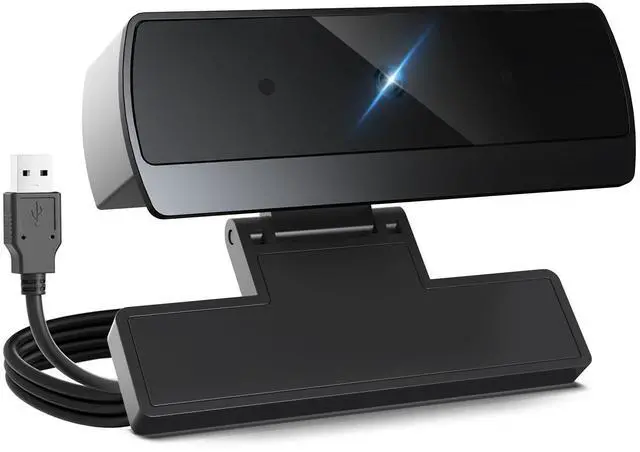

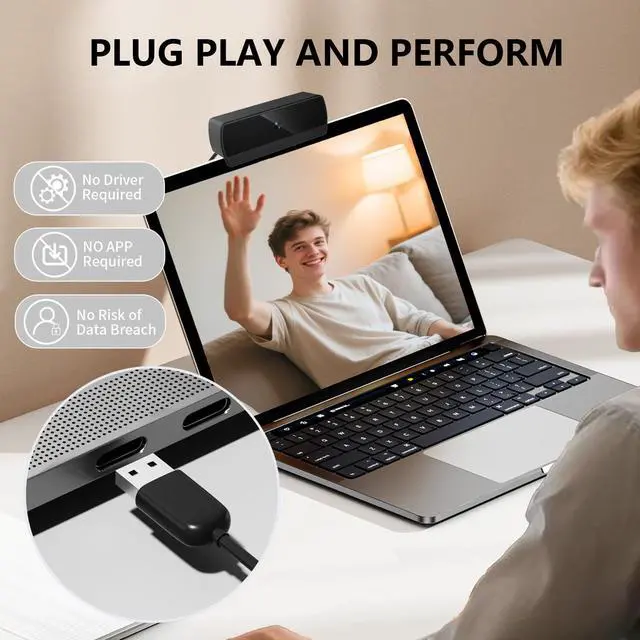


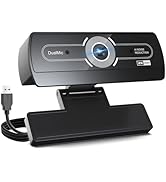
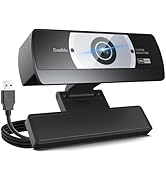



1. Connect the webcam:Connect the USB port to the computer port.Tips: When using a desktop computer, it is best to connect thewebcam to the USB port on the back of the computer, becauseit will be smoother to use.
2. After the installation is complete, you can start using it
3. No response after the USB head is inserted into the USB slot?Answer: This device is a driver-free plug-and-play product, and there wil be no response when connected.
4. No image or sound when the camera is turned on?Answer: The screen will not pop up automatically when connected,You need to open the software you need to use it.Secondly, please open the computer and check the "Device Manager to see if the camera driver is installed wel.
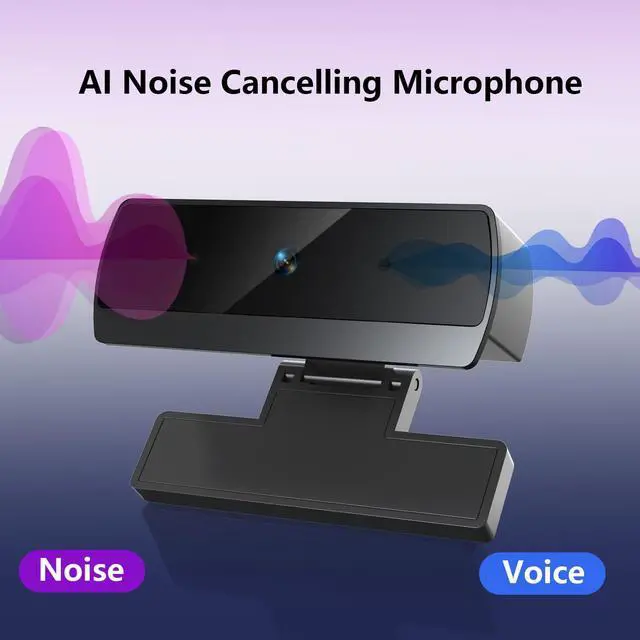
5. ls there a howling sound during the test call?Answer:lf vou are testing the product, there mav be a signa howling phenomenon in the near-field call.Please try to talk to a friend who is a certain distance away.
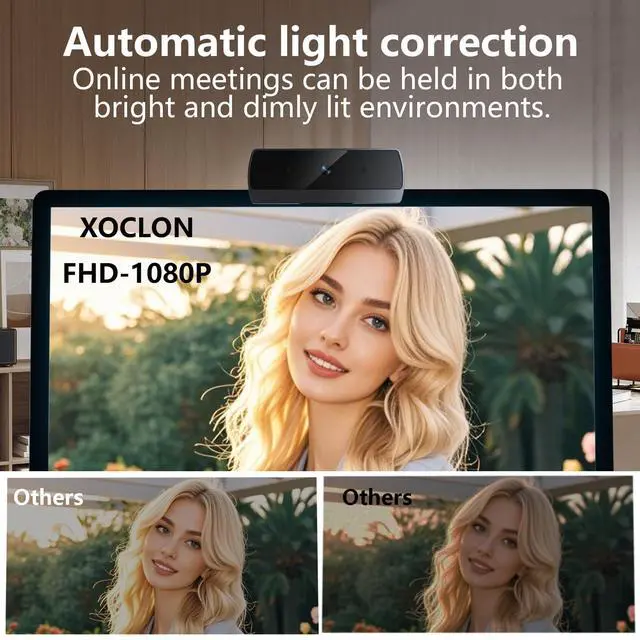
6. The relationship between the camera imaging effect and the on.site light environment?Answer: There is a relationship, especially in the case of backlightside light, and dim light, the video effect is not ideal.You can achieve the ideal effect by turning on the fill light or adiustingthe direction.
Discover Your Perfect xoclon Webcam
 XOCLON_1080P webcam |  XOCLON_1080P webcam |  XOCLON_2K Webcam |  XOCLON_4K Webcam | |
|---|---|---|---|---|
Customer Reviews | — | — | — | — |
Price | — | — | — | — |
Resolution | 2.4MP Full-HD (1920x1080) | 2.4MP Full-HD (1920x1080) | 4MP UHD (2560x1440) | 12MP 4K UHD (3840x2160) |
Field of View | 80° Wide View | 80° Wide View | 92° Wide View | 80° Wide View |
Sensor Size | 1/1.69-inch | 1/1.69-inch | 1/3-inch | 1/2.8-inch |
Aperture | F2.2(MM) | F2.2(MM) | F2.4(MM) | F2.0(MM) |
Sensor Model | 3P3 | IMX132 | OV4688 | S5K2L8 |
Focus | Fixed Focus | Fixed Focus | Autofocus | Autofocus |
Built-in Mics | ? | ? | ? | ? |


1. Connect the webcam:Connect the USB port to the computer port.Tips: When using a desktop computer, it is best to connect thewebcam to the USB port on the back of the computer, becauseit will be smoother to use.
2. After the installation is complete, you can start using it
3. No response after the USB head is inserted into the USB slot?Answer: This device is a driver-free plug-and-play product, and there wil be no response when connected.
4. No image or sound when the camera is turned on?Answer: The screen will not pop up automatically when connected,You need to open the software you need to use it.Secondly, please open the computer and check the "Device Manager to see if the camera driver is installed wel.
5. ls there a howling sound during the test call?Answer:lf vou are testing the product, there mav be a signa howling phenomenon in the near-field call.Please try to talk to a friend who is a certain distance away.
6. The relationship between the camera imaging effect and the on.site light environment?Answer: There is a relationship, especially in the case of backlightside light, and dim light, the video effect is not ideal.You can achieve the ideal effect by turning on the fill light or adiustingthe direction.
Discover Your Perfect xoclon Webcam
XOCLON_1080P webcam | XOCLON_1080P webcam | XOCLON_2K Webcam | XOCLON_4K Webcam |
|---|---|---|---|
| Customer Reviews | |||
| — | — | — | — |
| Price | |||
| — | — | — | — |
| Resolution | |||
| 2.4MP Full-HD (1920x1080) | 2.4MP Full-HD (1920x1080) | 4MP UHD (2560x1440) | 12MP 4K UHD (3840x2160) |
| Field of View | |||
| 80° Wide View | 80° Wide View | 92° Wide View | 80° Wide View |
| Sensor Size | |||
| 1/1.69-inch | 1/1.69-inch | 1/3-inch | 1/2.8-inch |
| Aperture | |||
| F2.2(MM) | F2.2(MM) | F2.4(MM) | F2.0(MM) |
| Sensor Model | |||
| 3P3 | IMX132 | OV4688 | S5K2L8 |
| Focus | |||
| Fixed Focus | Fixed Focus | Autofocus | Autofocus |
| Built-in Mics | |||
| ? | ? | ? | ? |
xoclon webcam
- XOCLON, by photographers & security tech engineers, makes easy, secure webcams for effortless life moment capture.
- Mission: Boost communication for a better world.
- We develop AI - driven audio - video solutions for smart mobile collaboration.