





Can I control the volume and mute on my TV, receiver, or soundbar — not just Apple TV?
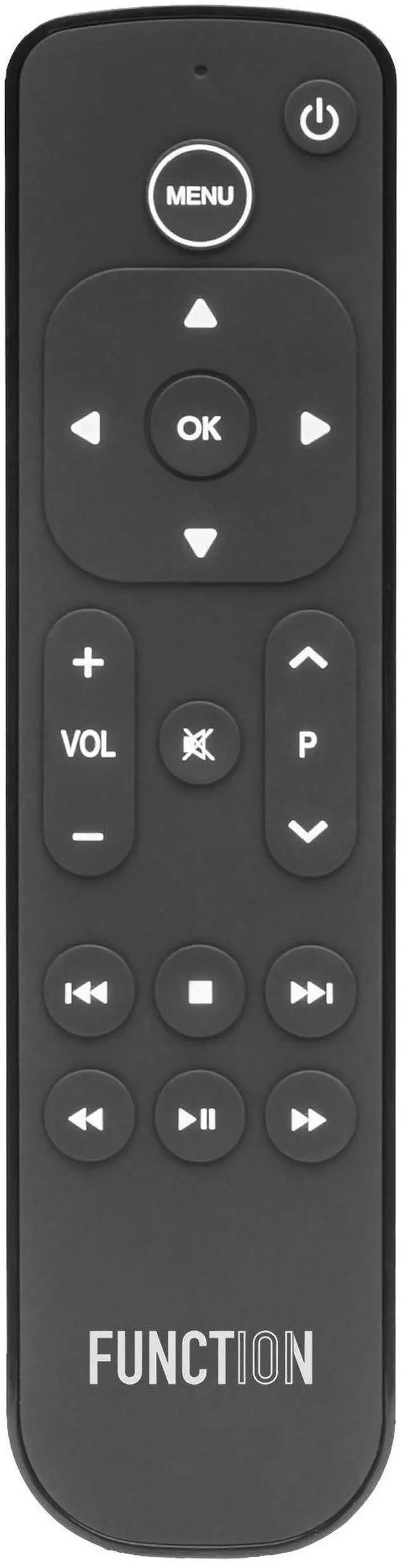
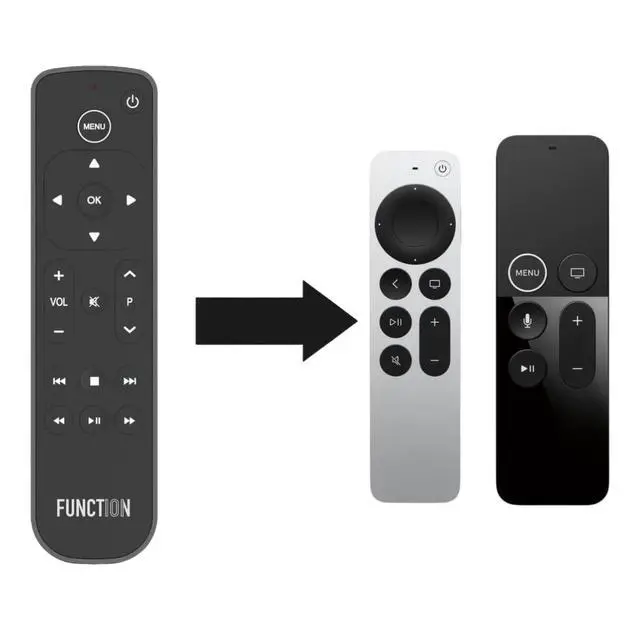
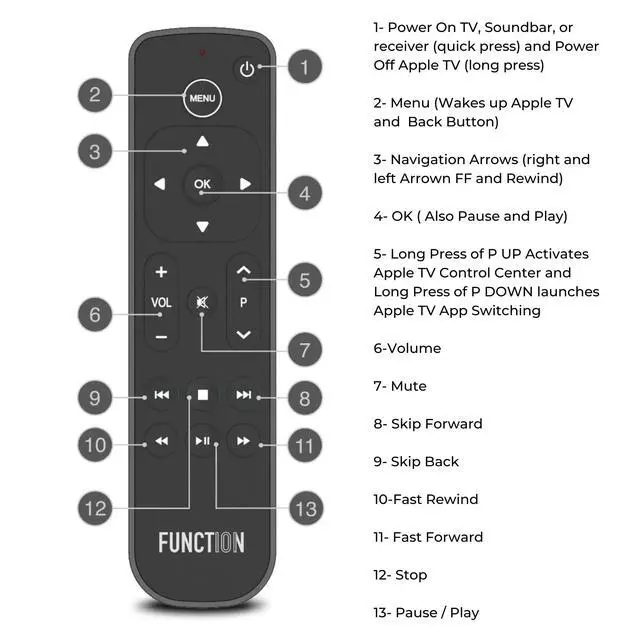
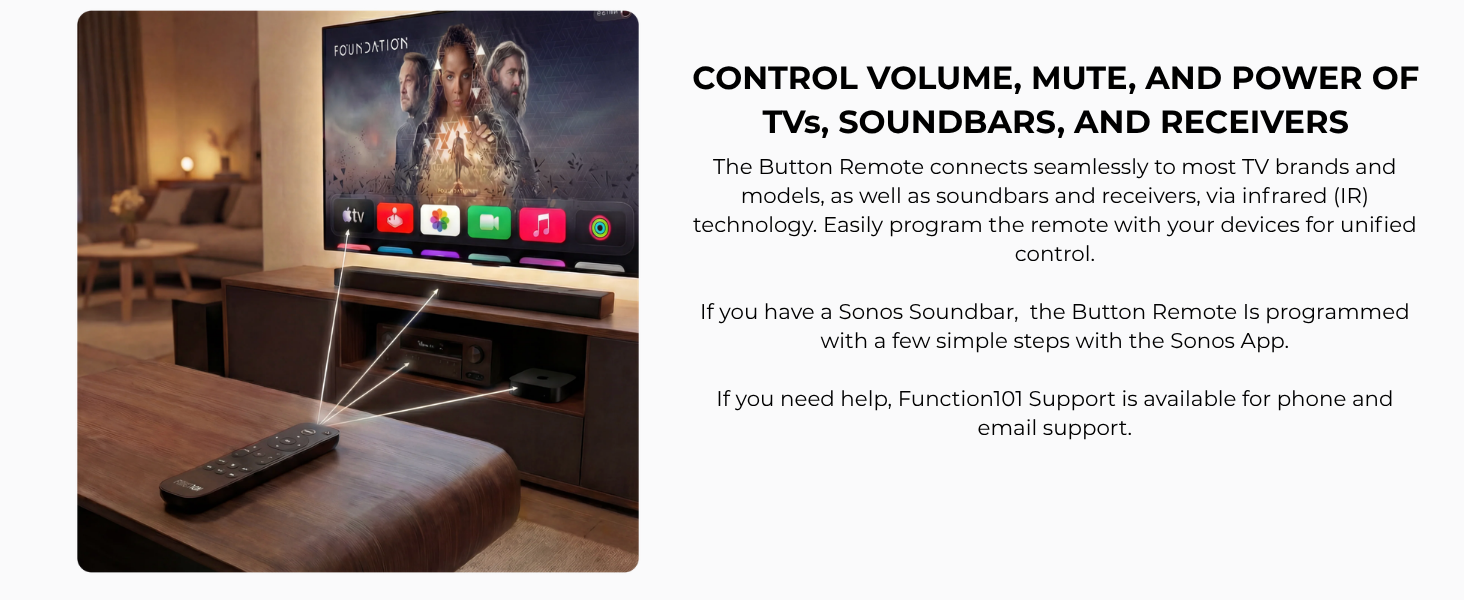
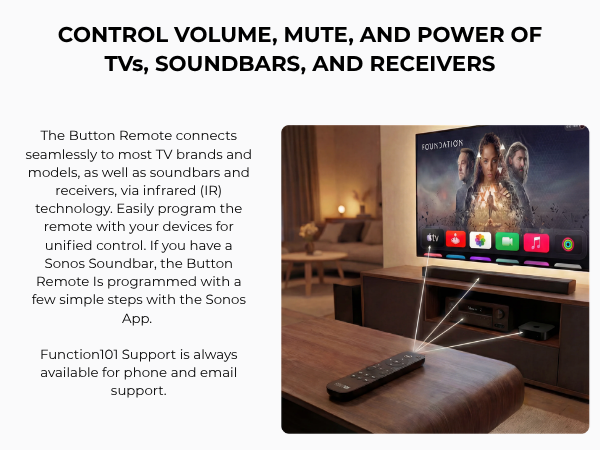
Yes. Button Remote sends volume and mute commands directly to your TV or audio system via IR — One remote. Real control.
How do I program Button Remote to work with my specific TV, soundbar, or receiver brand?
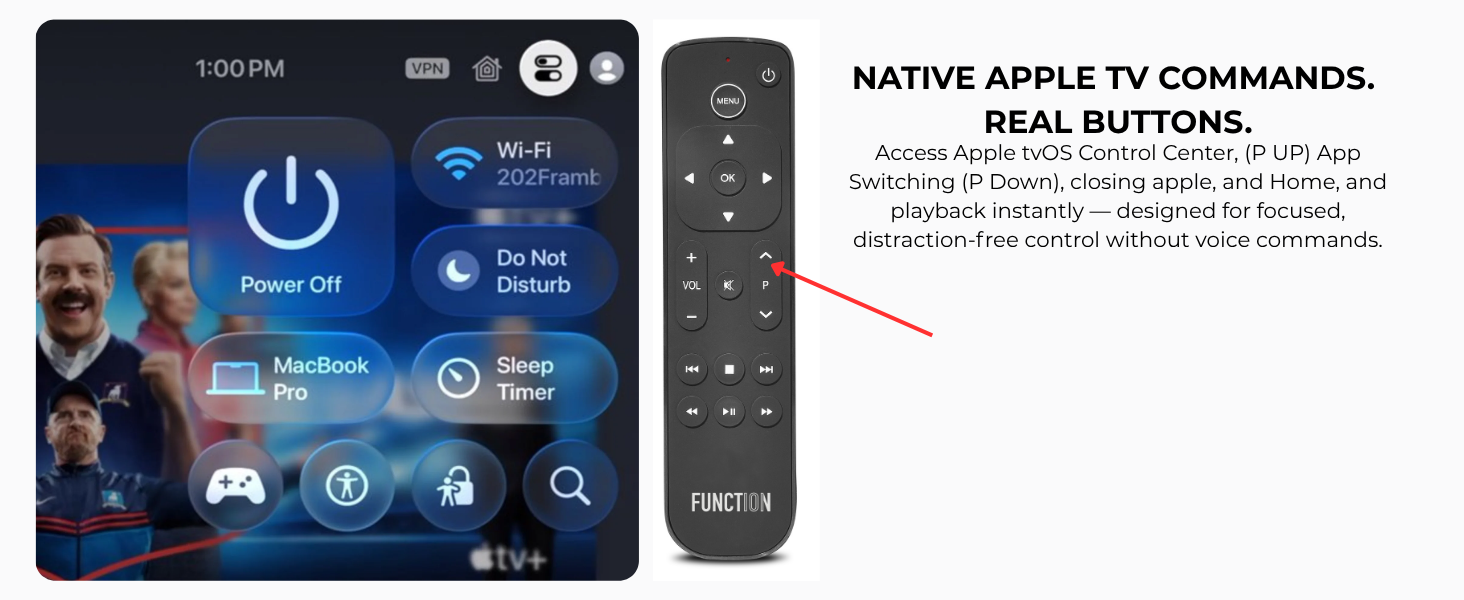
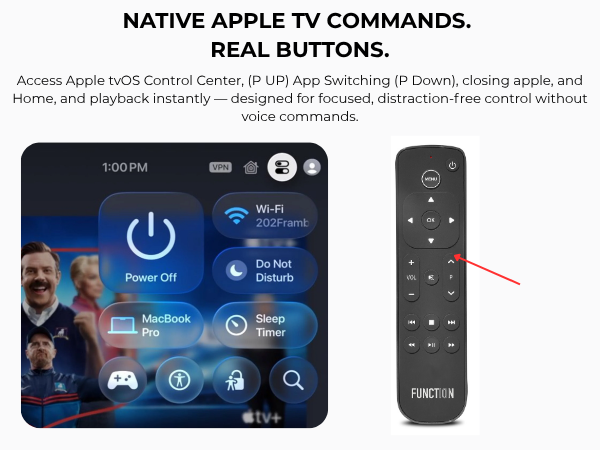
Under two minutes. Press Menu + OK to enter setup mode. For TVs, press the P Up arrow until volume responds on your screen. For soundbars and receivers, press the Up arrow until volume responds on your device. Press OK to confirm.
Will Button Remote turn my TV on and off, or just Apple TV?
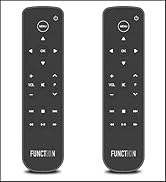
Both. Quick-press the top-right power button to control your TV, receiver, or soundbar. Press and hold to power Apple TV on or off. One remote handles everything.
Do I have to point the remote directly at the TV for it to work?
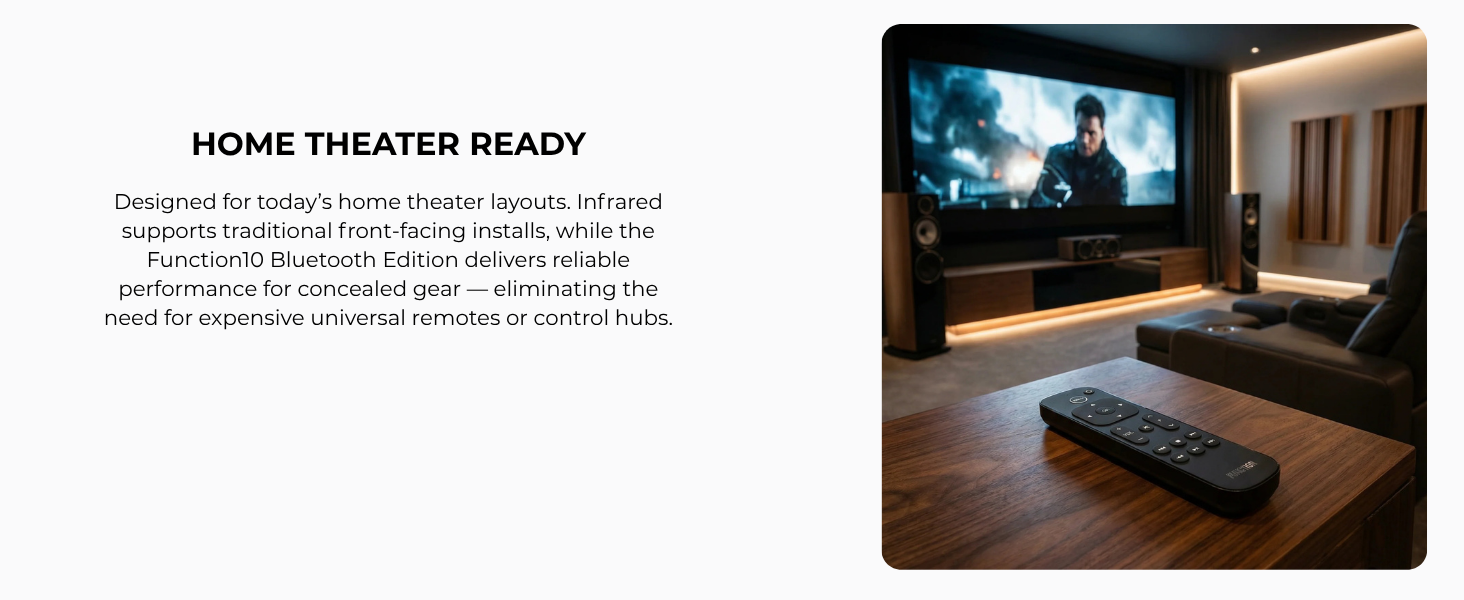
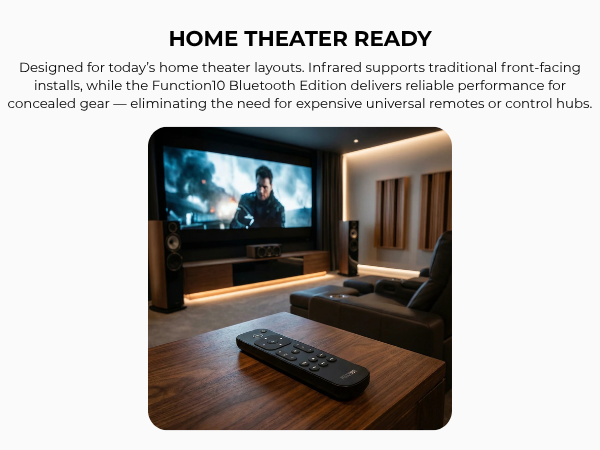
IR requires line of sight, just like a standard TV remote. The Bluetooth Edition needs no pointing — it works through walls, cabinets, and from anywhere in the room.
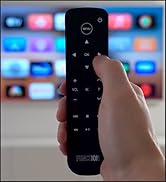
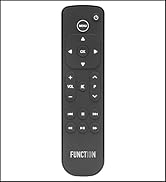
Can I control the volume and mute on my TV, receiver, or soundbar — not just Apple TV?
Yes. Button Remote sends volume and mute commands directly to your TV or audio system via IR — One remote. Real control.
How do I program Button Remote to work with my specific TV, soundbar, or receiver brand?
Under two minutes. Press Menu + OK to enter setup mode. For TVs, press the P Up arrow until volume responds on your screen. For soundbars and receivers, press the Up arrow until volume responds on your device. Press OK to confirm.
Will Button Remote turn my TV on and off, or just Apple TV?
Both. Quick-press the top-right power button to control your TV, receiver, or soundbar. Press and hold to power Apple TV on or off. One remote handles everything.
Do I have to point the remote directly at the TV for it to work?
IR requires line of sight, just like a standard TV remote. The Bluetooth Edition needs no pointing — it works through walls, cabinets, and from anywhere in the room.
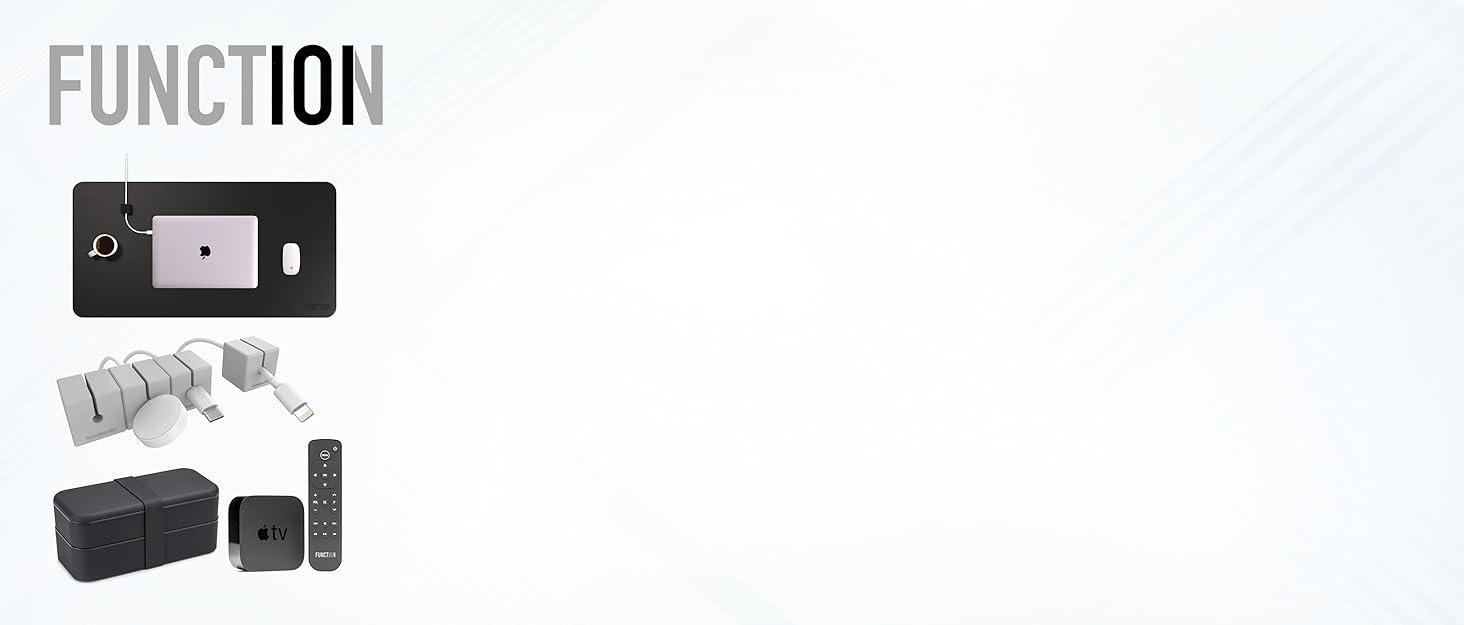
Organize Your Apple Experience
Smart, user-friendly accessories to organize your Apple devices, creating a seamless and clutter-free experience.
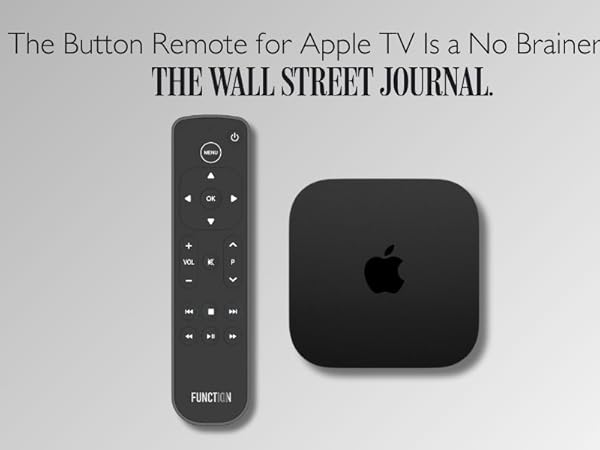
Bluetooth Remote for Apple TV
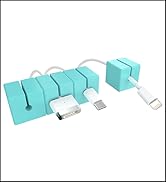
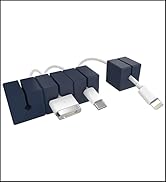
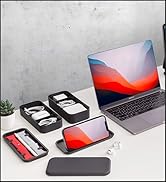
Cable Blocks
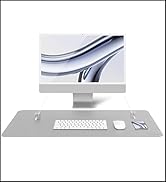
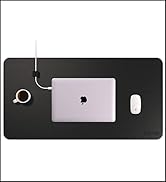
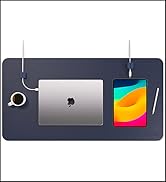
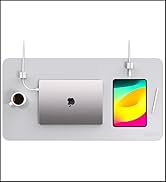
Desk Mat Pro + Magnetic
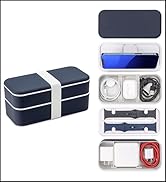
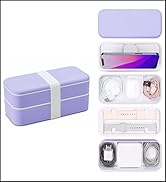
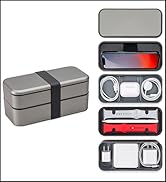
BentoStack Tech