







About SSK Brand
Founded in 2001, SSK is a professional IT peripherals brand with 25 years of experience, focusing on quality, innovation and creativity.
We design, develop and manufacture. With ISO9001 certification, we provide efficient connectivity solutions to simplify digital life and enable seamless connection.
Each SSK product ensures premium quality, steady performance and sound reliability, bringing trusted storage peripherals to global users worldwide.
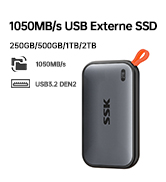
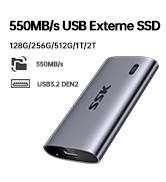
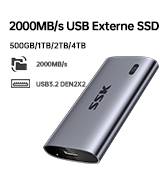
External Portable SSD
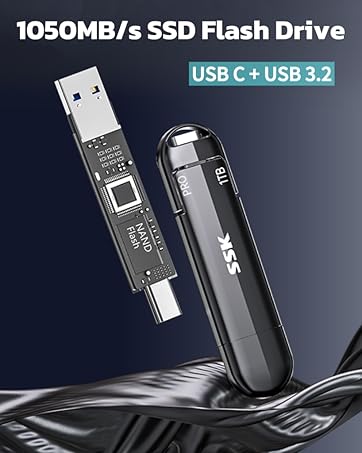
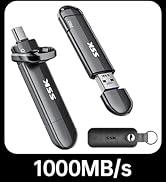
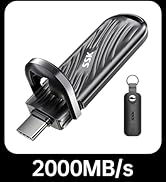
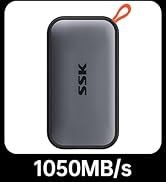
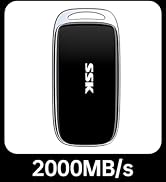
USB SSD Flash Drive
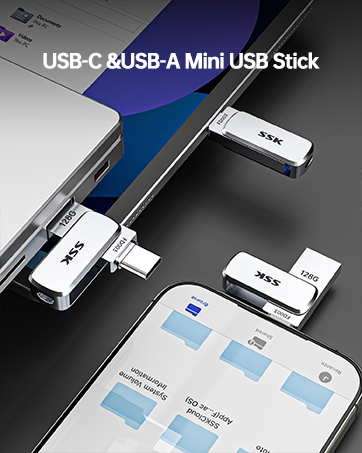
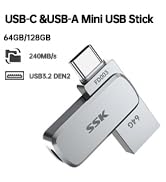
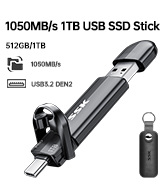
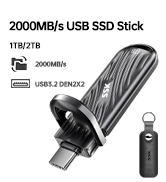
SSK USB Drive
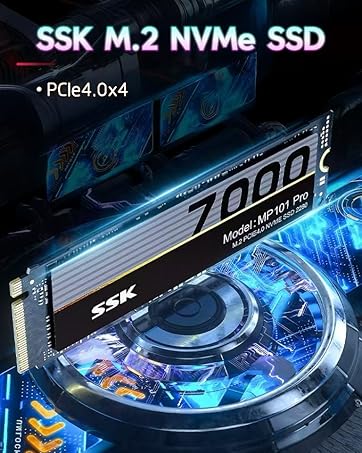
M.2 SSD Enclosure
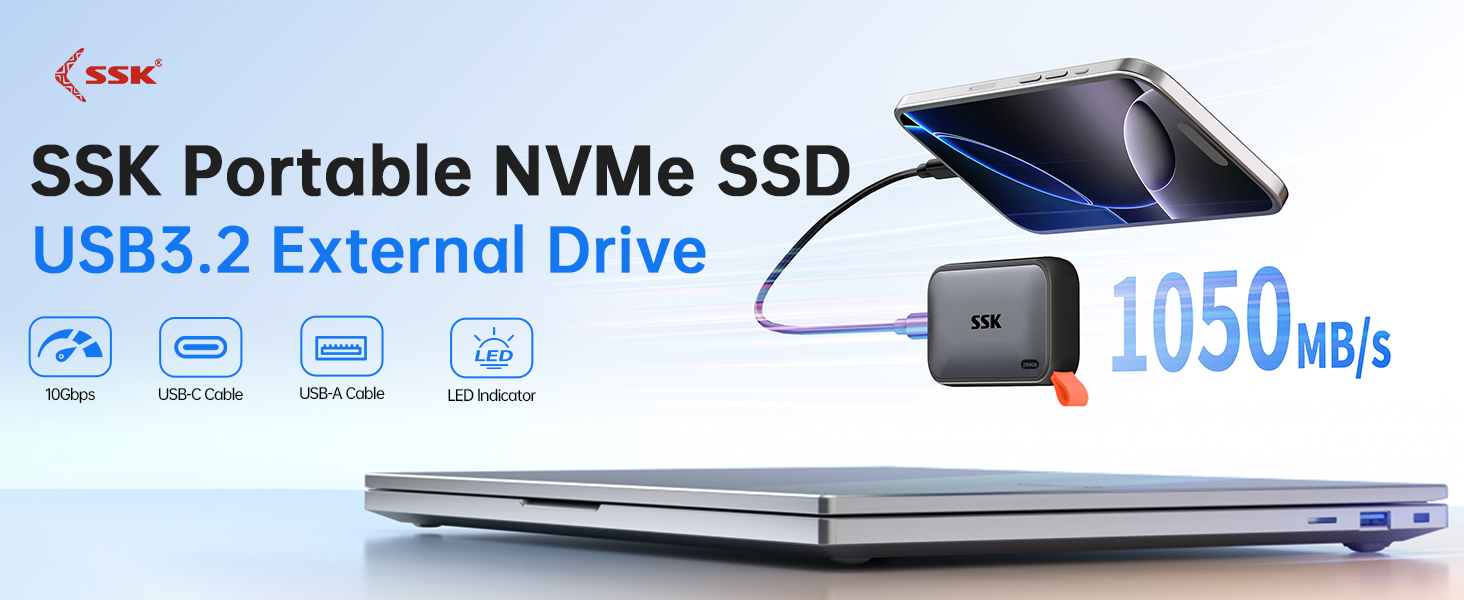
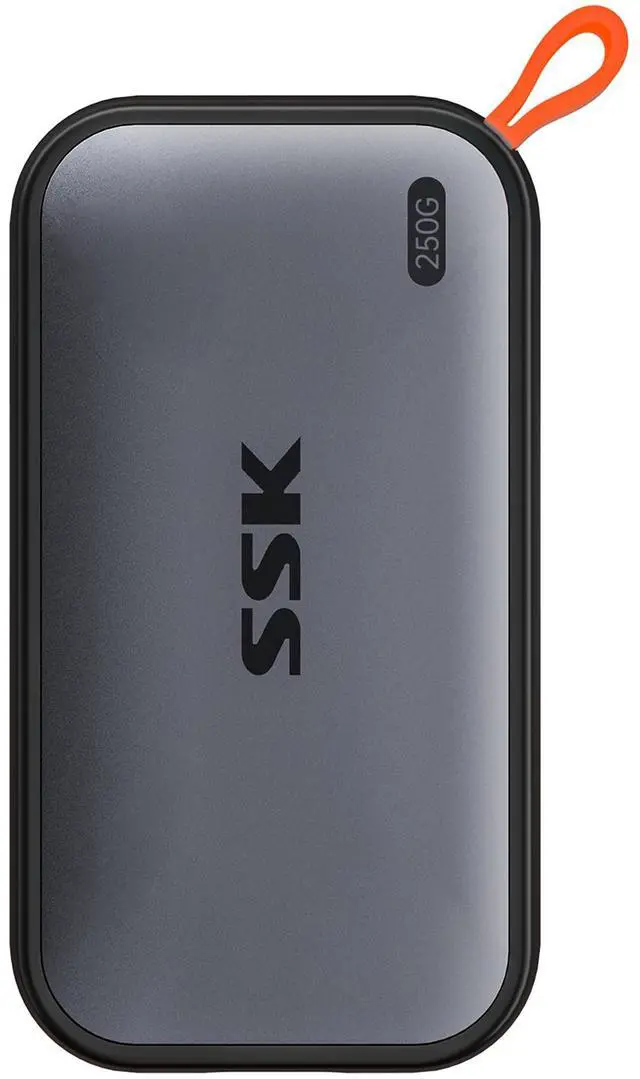
Full 250GB Massive Storage: 250GB external hard drive may display as 232GB on Windows? but ?250GB on macOS? due to measurement differences. The capacity reduction from hard drive actual capacity stems from ?algorithmic differences, where 1GB is calculated as ?1024MB on Windows? versus ?1000MB on SSD
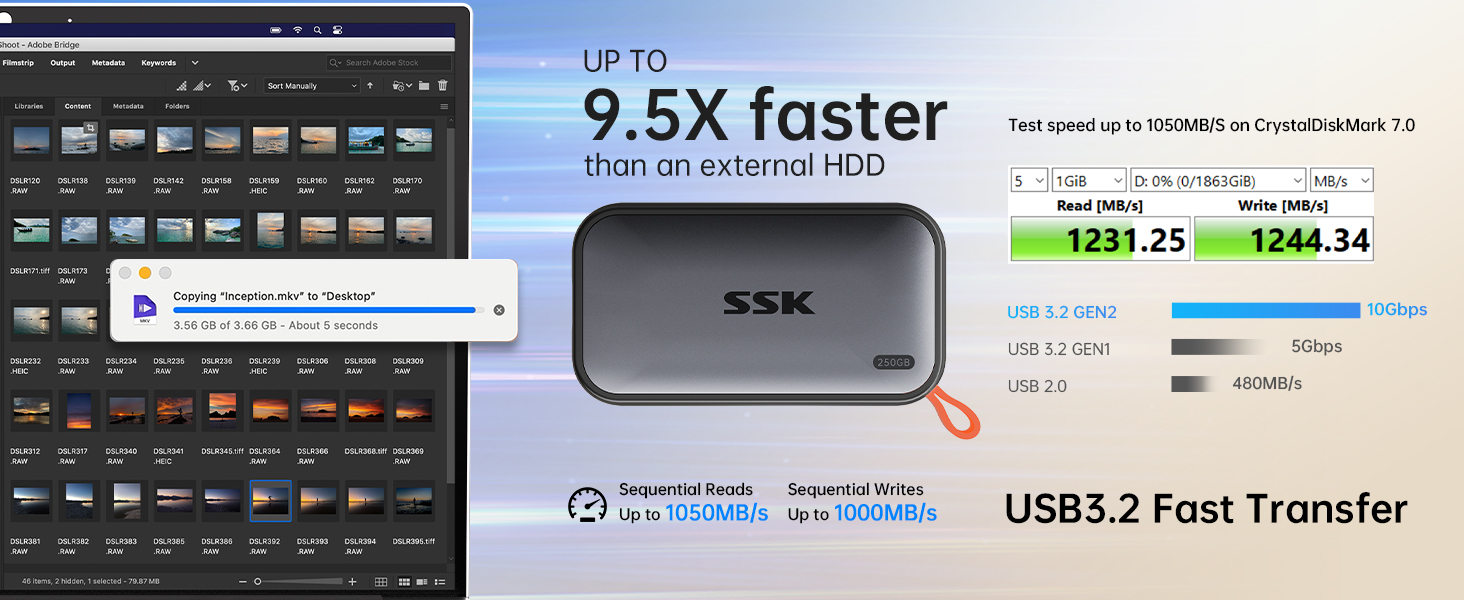
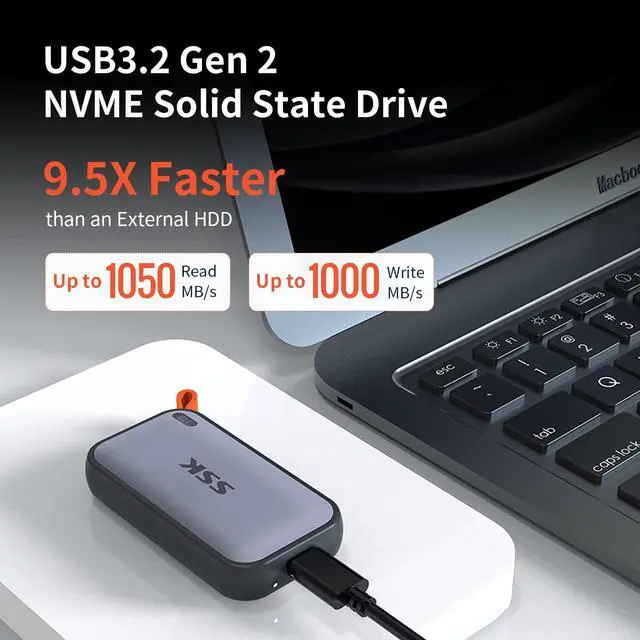
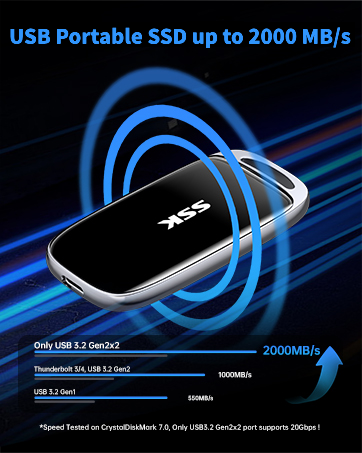
SSD Hard Drive speed up to 1050MB/s, 9.5X faster than traditional HDD (Tested on CrystalDiskMark 7.0)
File transfer speed varies on host performance, interface, protocol, usage condition, file size, number of files in the folder. Transfer many small files reduce speed
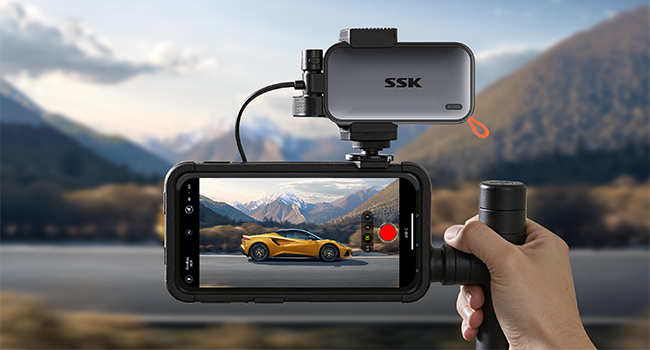
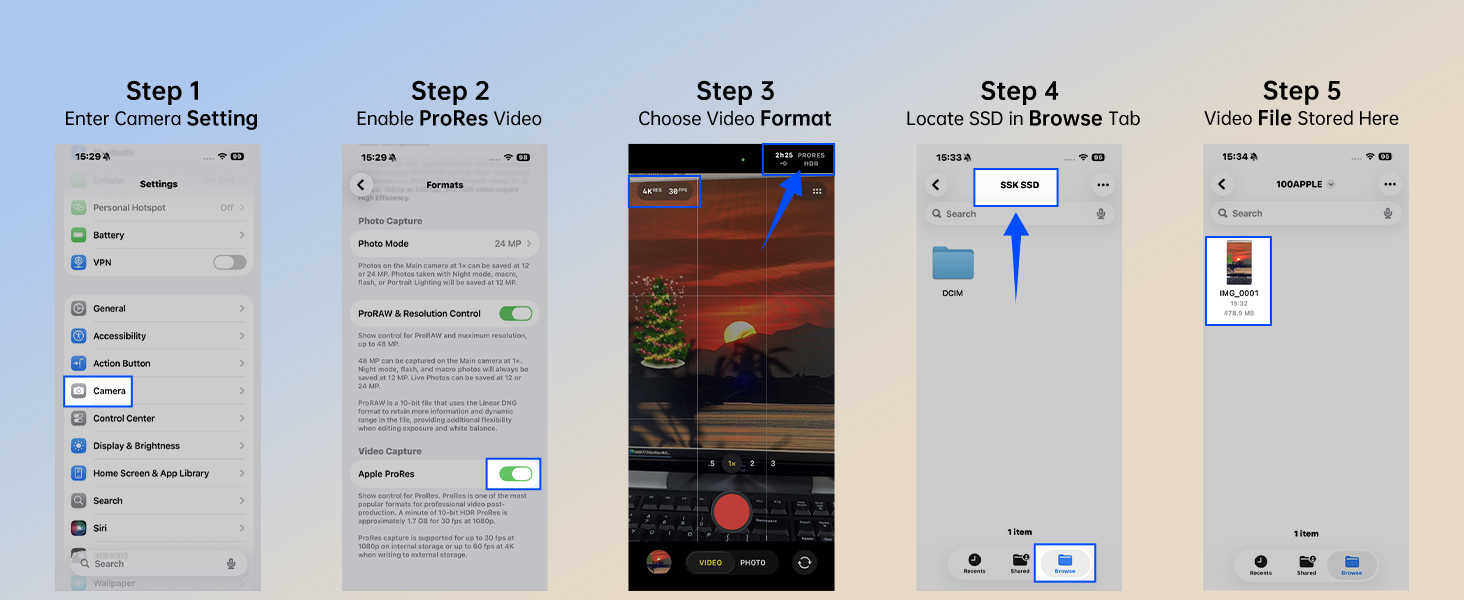
USB3.2 GEN2 SSD for iphone ProRes
Ultra Fast External SSD Drive ensures rapid transfers for RAW files, and creative projects editing.
—ideal for Apple ProRes 4K HDR recording without phone storage drain. Record and store into theSSD Drive Directly
Supports iPhone 15/16/17 or newer with USB-C port, not support Lightning port
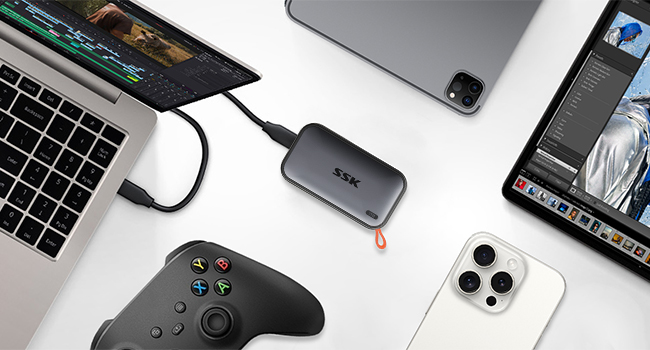
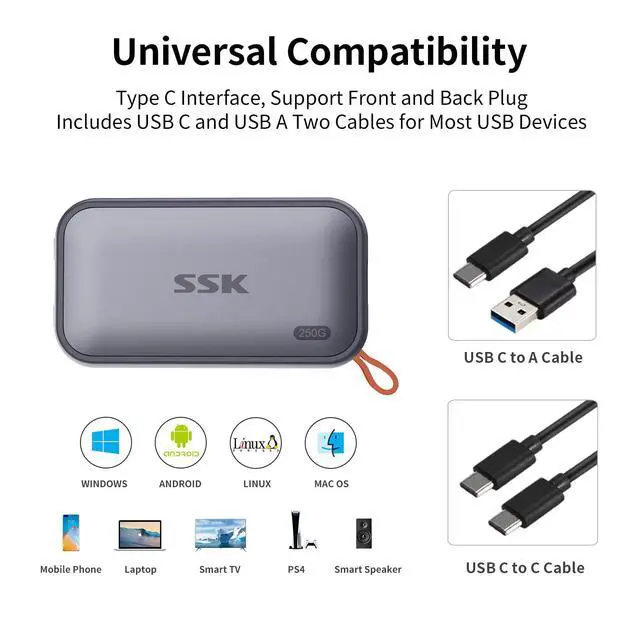
Multi-Device Plug and Play Compatibility
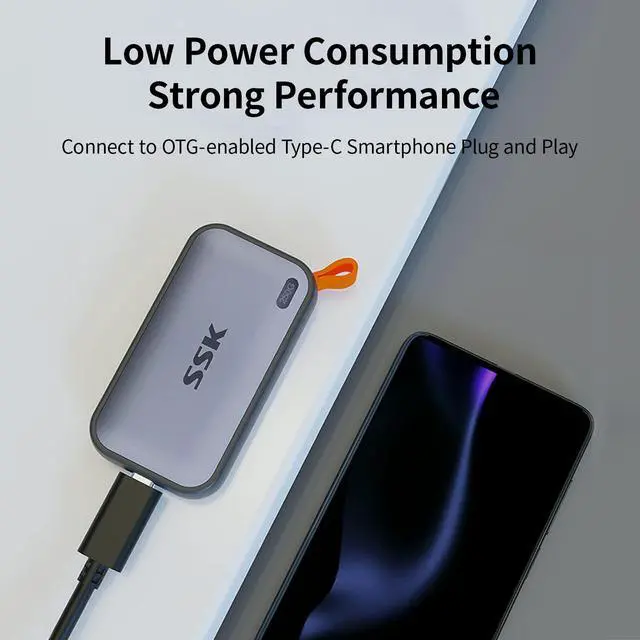
External SSD redefines efficiency with low power consumption—under 5W for seamless operation across various portable USB devices OTG function.
SSD Drive ships in exFAT format for universal Plug and Play. Can be reformatted to other formats as needed. Please backup data before Re-formatting
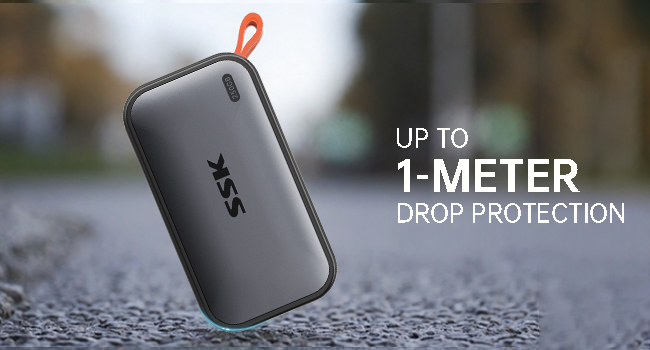
1 Meter Drop Protection
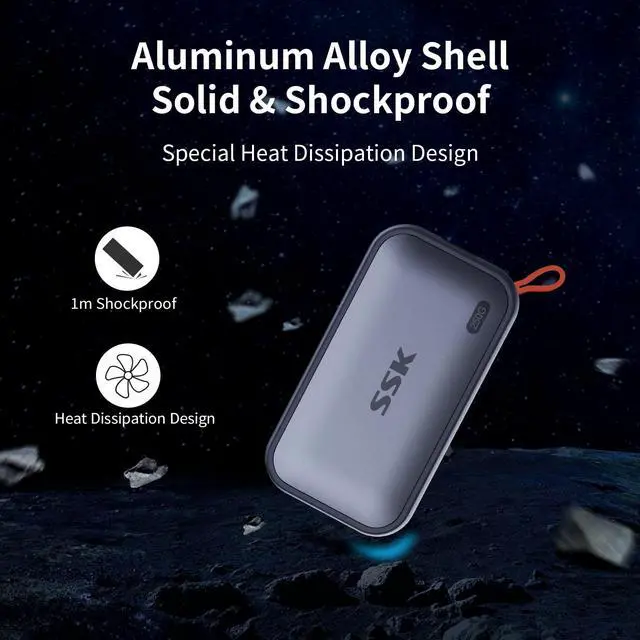
External SSD Thick Aluminum Case withstands drops from up to 1 meter. Can also quickly dissipates heat to ensure stable and consistent performance, delivering reliable protection for your valuable data.
All SSD naturally generate heat, our metal casing effectively conduct and dissipate heat outward
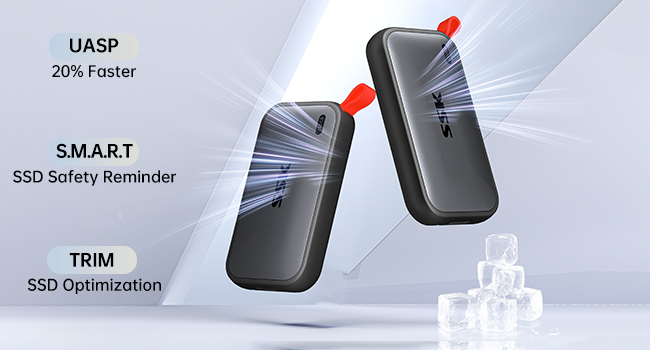
Solid State Drive Data Guard
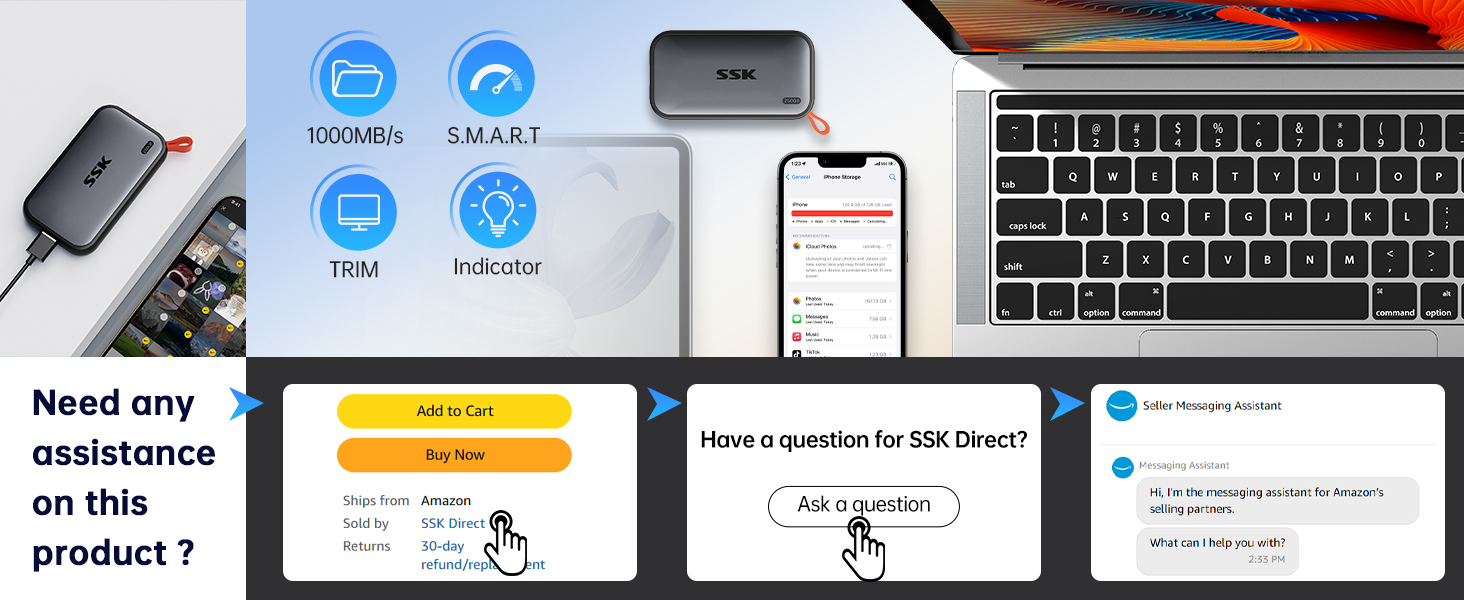
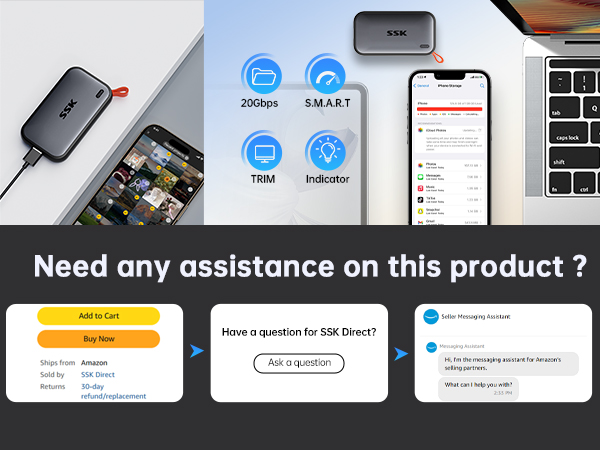
External solid state drive integrates S.M.A.R.T. health diagnostics? and adaptive TRIM optimizing data block management—it sustains peak write speeds and extends the SSD longevity
External SSD LED shows real-time data transfer activity, helping prevent accidental disconnections and data loss.
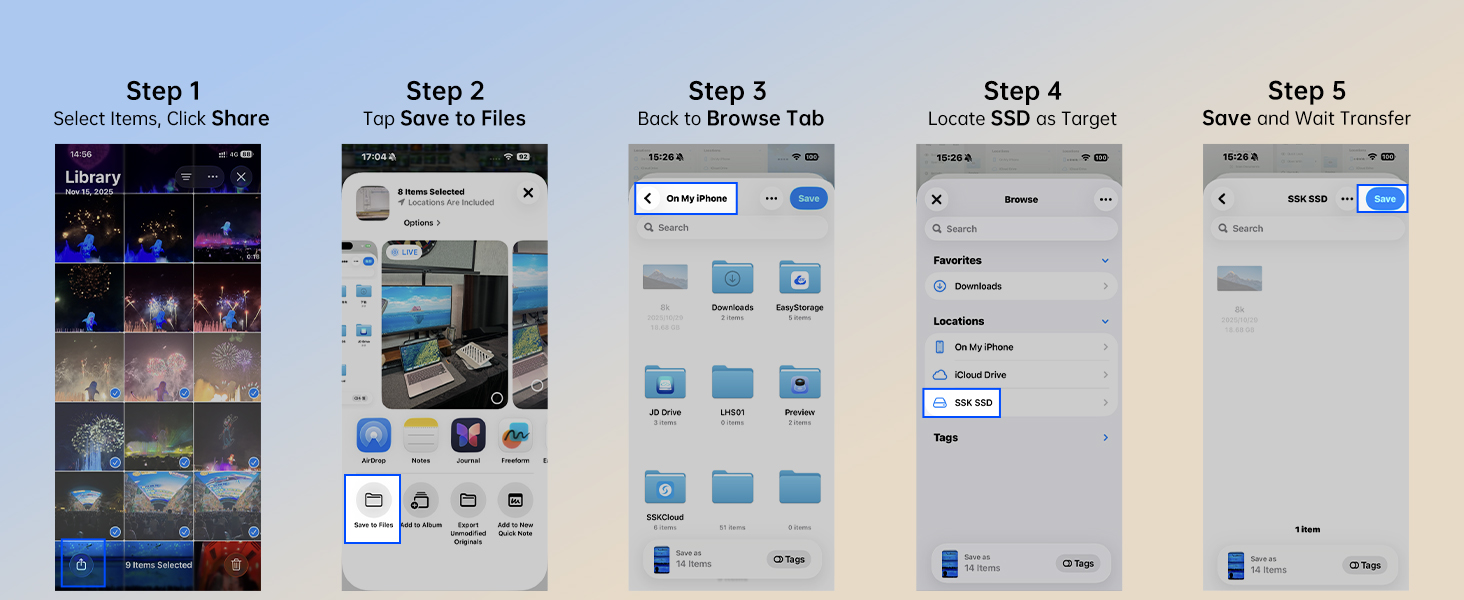
Important Notes & Usage Instructions
Based on our analysis of returned units, over 98% of defects are caused by improper unplugging. Therefore, Never unplug the drive during data transfers, and avoid sudden power loss.
Due to the inherent properties of hard drives, and in order to protect your data, please strictly follow these guidelines:
- 1. Back up any important data promptly.
- 2. Always use your system’s Safely Remove Hardware function (Windows) or Eject (macOS/Android) before unplugging the SSD drive. Never unplug the drive during data transfers, and avoid any sudden power loss.
How to use with Apple:
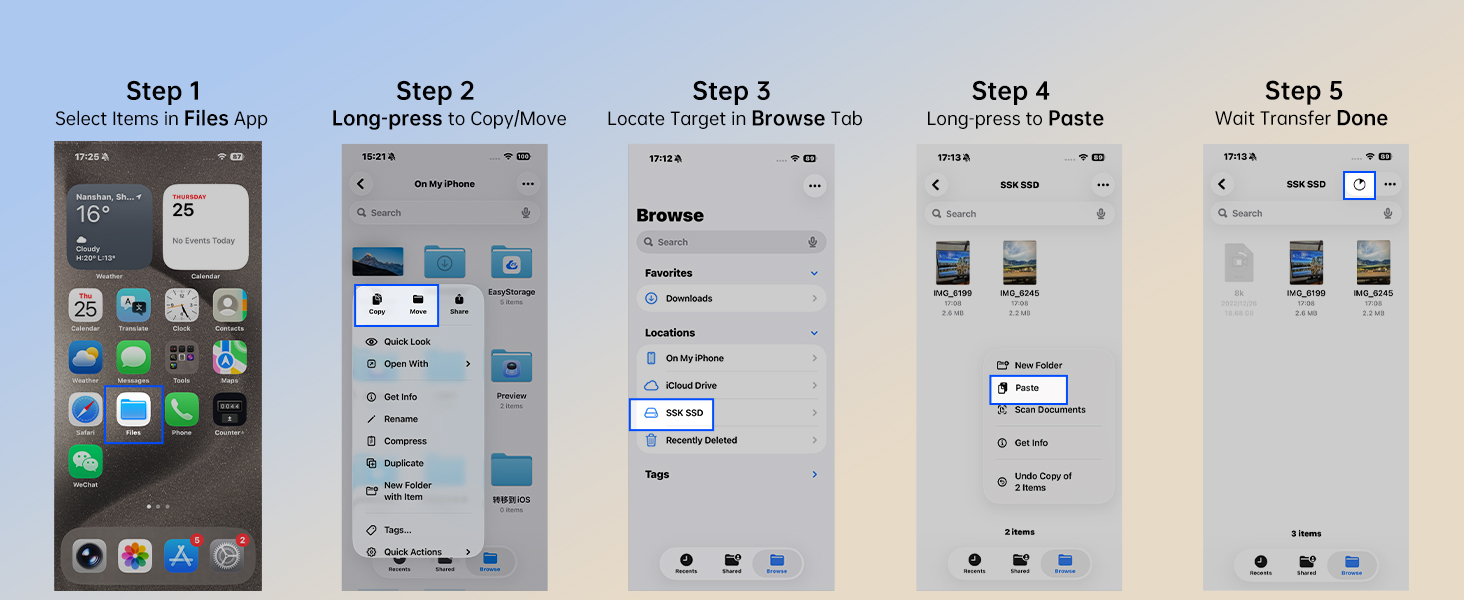
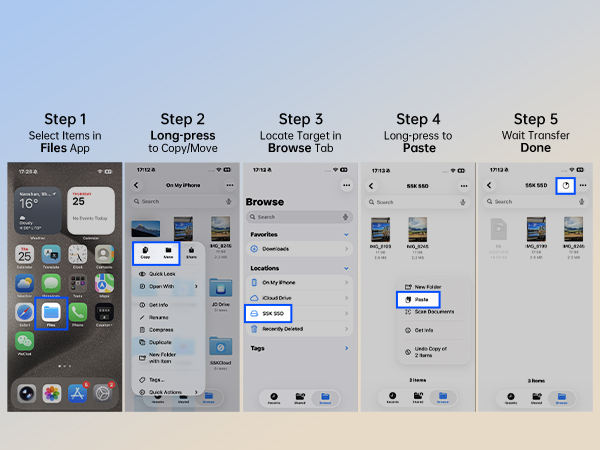
- 1. Open the "Files" app on your iphone, and click "Browse". Connect the drive to your iphone/macbook/ipad through the USB-C cable, and you will see a new drive folder in the "Files" app.
- 2. Due to iOS limitations, certain files cannot be directly opened on iPhones or iPads. Our product is merely a hard drive for file storage. Our hard drive is widely compatible and allows file access on most USB-enabled devices. However, like any other hard drive, this product does not include software. Some specific file types require corresponding apps or software to open or edit. Files that cannot be opened on your device cannot be opened by any hard drive either. You need software compatible with the file format to open or edit them.
How to use with Android:
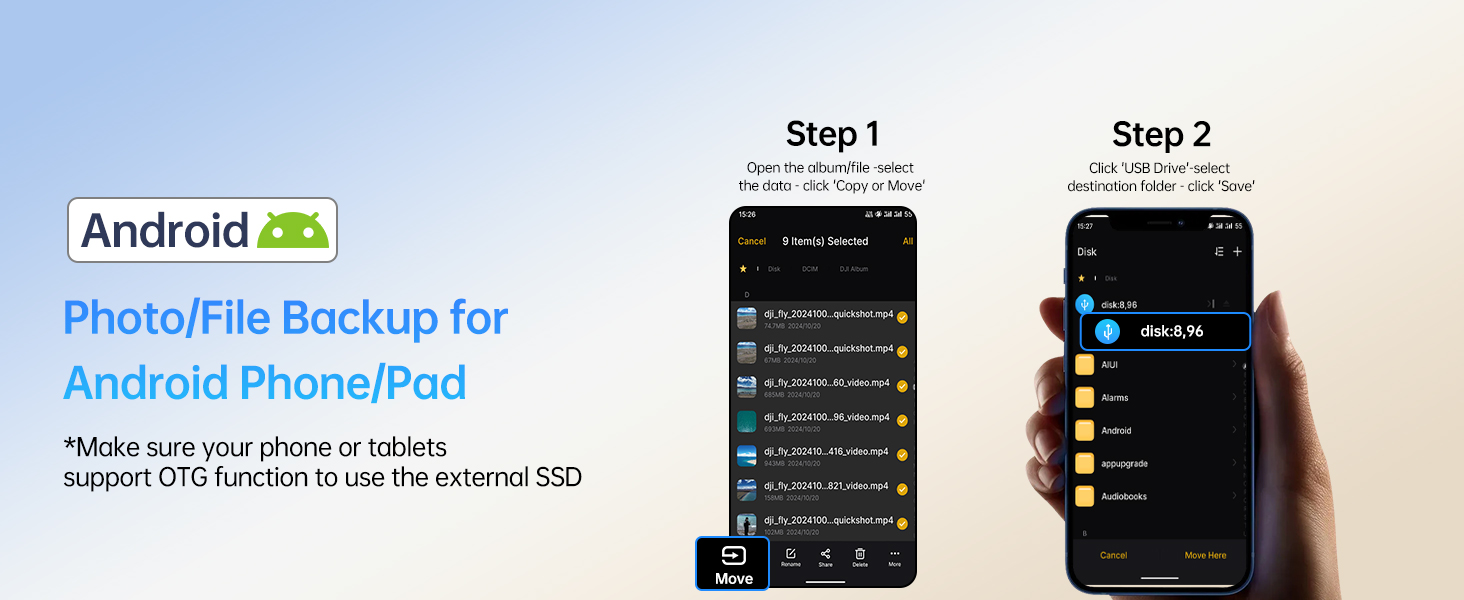
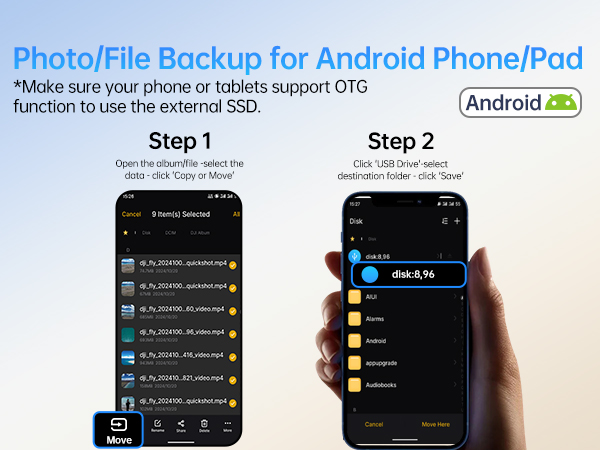
- Android devices like Samsung must support and turn on OTG (On-The-Go) functionality to recognize and access external drives or devices. The method for enabling OTG varies by manufacturer; please refer to your phone's manual for specific guidance.
- About 1/4 of the current available capacity is allocated for high-speed caching. The Writing Speed remains stable when the file size of each transfer is less than 1/4 of the remaining usuable capacity. For example, when the USB SSD drive has 600GB available capacity left, you can transfer data less than 150GB at a time, the speed will not drop.
- Our drive follows USB 3.2 Gen2 10Gbps protocol. In order to get the read and write speed 1050MB/s &1000 MB/s, please connect the drive to a compatible port. If connected to a USB 2.0 port, transfer speeds will be limited to 40–50 MB/s due to the inherent limitations of the older USB 2.0 standard. The 1050MB/s speed, tested via CrystalDiskMark, represents the drive's peak capability. Actual file transfer speeds are subject to various factors, including the USB specification of your computer or phone port, the USB standard of any adapters used, the size and number of files being transferred, and the current state of the drive.
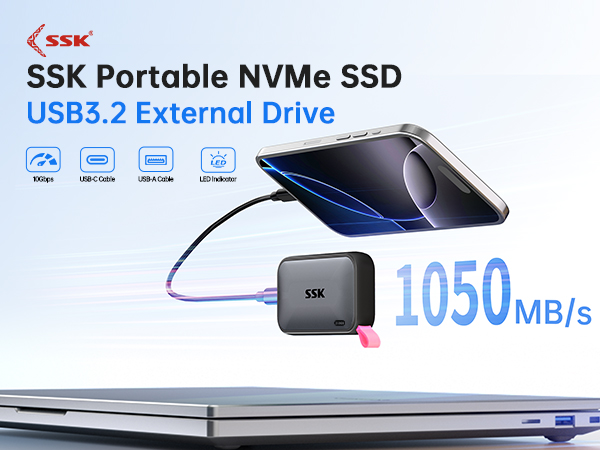
Full 250GB Massive Storage: 250GB external hard drive may display as 232GB on Windows? but ?250GB on macOS? due to measurement differences. The capacity reduction from hard drive actual capacity stems from ?algorithmic differences, where 1GB is calculated as ?1024MB on Windows? versus ?1000MB on SSD
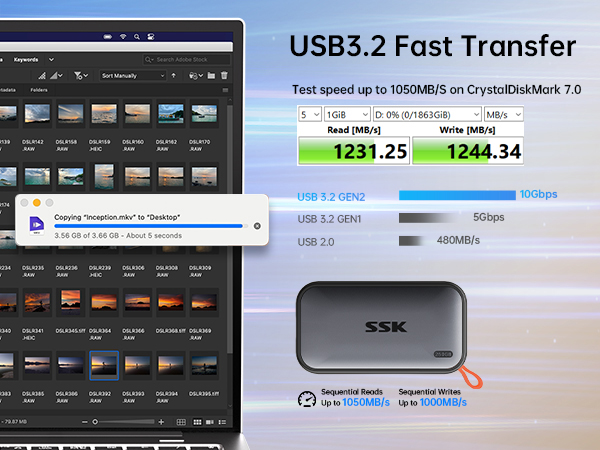
SSD Hard Drive speed up to 1050MB/s, 9.5X faster than traditional HDD (Tested on CrystalDiskMark 7.0)
File transfer speed varies on host performance, interface, protocol, usage condition, file size, number of files in the folder. Transfer many small files reduce speed
USB3.2 GEN2 SSD for iphone ProRes
Ultra Fast External SSD Drive ensures rapid transfers for RAW files, and creative projects editing.
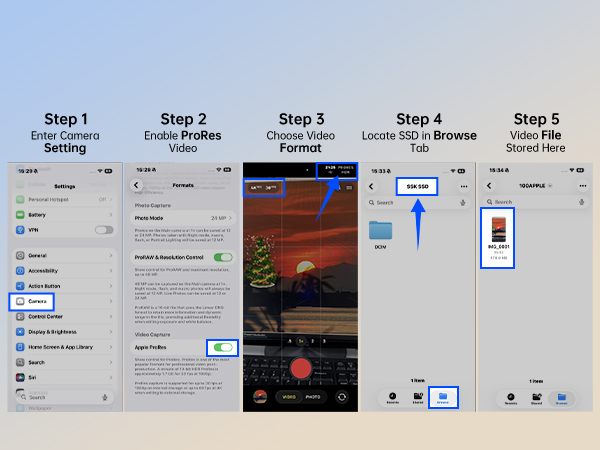
—ideal for Apple ProRes 4K HDR recording without phone storage drain. Record and store into theSSD Drive Directly
Supports iPhone 15/16/17 or newer with USB-C port, not support Lightning port
Multi-Device Plug and Play Compatibility
External SSD redefines efficiency with low power consumption—under 5W for seamless operation across various portable USB devices OTG function.
SSD Drive ships in exFAT format for universal Plug and Play. Can be reformatted to other formats as needed. Please backup data before Re-formatting
1 Meter Drop Protection
External SSD Thick Aluminum Case withstands drops from up to 1 meter. Can also quickly dissipates heat to ensure stable and consistent performance, delivering reliable protection for your valuable data.
All SSD naturally generate heat, our metal casing effectively conduct and dissipate heat outward
Solid State Drive Data Guard
External solid state drive integrates S.M.A.R.T. health diagnostics? and adaptive TRIM optimizing data block management—it sustains peak write speeds and extends the SSD longevity
External SSD LED shows real-time data transfer activity, helping prevent accidental disconnections and data loss.

Important Notes & Usage Instructions
Based on our analysis of returned units, over 98% of defects are caused by improper unplugging. Therefore, Never unplug the drive during data transfers, and avoid sudden power loss.
Due to the inherent properties of hard drives, and in order to protect your data, please strictly follow these guidelines:
- 1. Back up any important data promptly.
- 2. Always use your system’s Safely Remove Hardware function (Windows) or Eject (macOS/Android) before unplugging the SSD drive. Never unplug the drive during data transfers, and avoid any sudden power loss.
How to use with Apple:
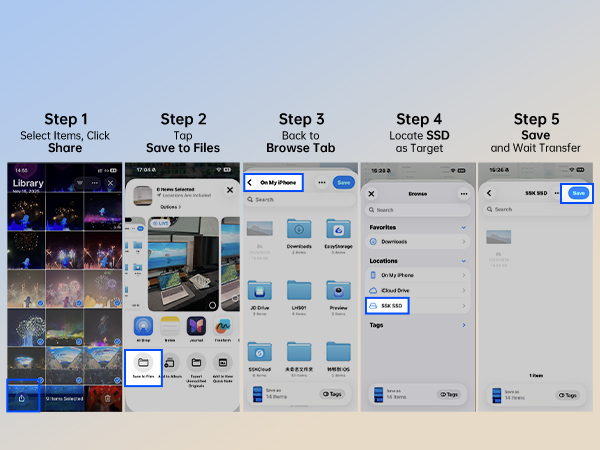
- 1. Open the "Files" app on your iphone, and click "Browse". Connect the drive to your iphone/macbook/ipad through the USB-C cable, and you will see a new drive folder in the "Files" app.
- 2. Due to iOS limitations, certain files cannot be directly opened on iPhones or iPads. Our product is merely a hard drive for file storage. Our hard drive is widely compatible and allows file access on most USB-enabled devices. However, like any other hard drive, this product does not include software. Some specific file types require corresponding apps or software to open or edit. Files that cannot be opened on your device cannot be opened by any hard drive either. You need software compatible with the file format to open or edit them.
How to use with Android:
- Android devices like Samsung must support and turn on OTG (On-The-Go) functionality to recognize and access external drives or devices. The method for enabling OTG varies by manufacturer; please refer to your phone's manual for specific guidance.
- About 1/4 of the current available capacity is allocated for high-speed caching. The Writing Speed remains stable when the file size of each transfer is less than 1/4 of the remaining usuable capacity. For example, when the USB SSD drive has 600GB available capacity left, you can transfer data less than 150GB at a time, the speed will not drop.
- Our drive follows USB 3.2 Gen2 10Gbps protocol. In order to get the read and write speed 1050MB/s &1000 MB/s, please connect the drive to a compatible port. If connected to a USB 2.0 port, transfer speeds will be limited to 40–50 MB/s due to the inherent limitations of the older USB 2.0 standard. The 1050MB/s speed, tested via CrystalDiskMark, represents the drive's peak capability. Actual file transfer speeds are subject to various factors, including the USB specification of your computer or phone port, the USB standard of any adapters used, the size and number of files being transferred, and the current state of the drive.
About SSK Brand
Founded in 2001, SSK is a professional IT peripherals brand with 25 years of experience, focusing on quality, innovation and creativity.
We design, develop and manufacture. With ISO9001 certification, we provide efficient connectivity solutions to simplify digital life and enable seamless connection.
Each SSK product ensures premium quality, steady performance and sound reliability, bringing trusted storage peripherals to global users worldwide.
External Portable SSD
USB SSD Flash Drive
SSK USB Drive
M.2 SSD Enclosure